How to Get a Rwanda Number for Facebook OTP with OTPGet Online
How to Get a Rwanda Number for Facebook OTP with OTPGet Online
Need a Rwanda number for Facebook OTP verification? Finding an appropriate phone number can be inconvenient if you do not have access to a Rwandan SIM card or simply need a number for a specific verification task.
A virtual phone number can provide an alternative by allowing you to receive SMS messages online instead of relying on a physical SIM. For users who need a Rwanda phone number for Facebook, the important part is finding a number that is available for the required service and can actually receive the verification message.
This is where OTPGet can simplify the process. OTPGet provides virtual numbers for SMS-based verification across supported countries and services. Its platform is designed around making OTP and SMS reception more straightforward, without requiring users to arrange a physical SIM first.
Still, a virtual number is not a guarantee that Facebook will accept every number or verification attempt. Facebook controls its own verification and security systems, so acceptance can vary.
Why Do You Need a Rwanda Number for Facebook OTP?
Facebook may ask users to confirm a phone number by sending a verification code through SMS. The basic idea is simple: enter a phone number, request a code, receive the message, and enter the code into the appropriate verification field.
For someone located outside Rwanda, however, obtaining a Rwanda mobile number can be difficult. You may not have access to a local SIM, may be traveling, or may prefer not to use your personal phone number for a particular verification process.
A Rwanda number can also be relevant when a service specifically requires or offers a Rwandan phone number. The key consideration is always legitimate use and compliance with the platform's rules.
Facebook also treats phone numbers and other contact points as part of account security and recovery, so users should keep account information accurate and use verification methods appropriately.
What Is a Rwanda Number for Facebook OTP?
A Rwanda number for Facebook OTP is simply a Rwandan phone number that can receive an SMS verification code when Facebook sends one to the number.
There are two broad ways to obtain such a number:
- A conventional Rwandan SIM or mobile number
- A virtual phone number supplied through an online service
With a virtual number, SMS messages are handled through an online platform rather than a physical handset containing your SIM. This makes the process useful when you need access to a number remotely.
OTPGet describes its service as providing virtual phone numbers for OTP verification, including numbers across many countries and supported services.
Why Use a Virtual Rwanda Number?
A Rwanda virtual number can be useful when obtaining a physical local SIM is impractical.
The biggest advantage is convenience. Instead of searching for a local SIM provider or arranging mobile service in Rwanda, an online OTP service may let you select an available number digitally.
Virtual numbers can also help separate verification activity from your primary personal phone number. That can be useful for privacy-conscious users who do not want to give their everyday number to every online service.
There are limitations, though. Virtual numbers are not identical to personal mobile numbers, and some platforms may treat particular number types differently. A number that works for one service may not be accepted by another.
For that reason, it is better to think of a virtual number as a practical verification option, not a guaranteed replacement for a personal mobile number.
How to Get a Rwanda Number for Facebook OTP
The process is straightforward when the required country and service are available.
1. Visit OTPGet
Start by opening the OTPGet platform and reviewing the available virtual-number options.
2. Select Rwanda
Look for Rwanda in the available country list. Availability can change, so only proceed if a suitable Rwanda number is currently offered.
OTPGet's documentation explains that its system provides country and service availability through its platform and API.
3. Select the appropriate service
Choose the service for which you need the number, where available. If Facebook is listed as a supported service and a suitable Rwanda number is available, select that option.
Do not assume that every displayed number will work for every Facebook account or verification flow.
4. Copy the number
Once the number is provided, enter it into Facebook's phone-number field exactly as requested, including the appropriate country code.
5. Wait for the SMS
If Facebook sends a verification message to the number, the SMS should appear through the service handling the virtual number.
OTPGet's documented SMS OTP workflow includes obtaining a number and checking its activation status for an incoming SMS.
6. Enter the verification code
When the Facebook verification message arrives, enter the code into the corresponding verification field.
Only use the code for the intended verification process, and never share verification codes with another person.
How OTPGet Makes the Process Easier
The main advantage of OTPGet is that it puts the number-selection and SMS-reception process into an online workflow.
Instead of independently finding a Rwanda SMS number, arranging a SIM, and figuring out how to monitor incoming messages, users can check whether a suitable number is available through one service.
OTPGet's published documentation describes functionality for obtaining virtual numbers for OTP, checking received SMS status, and managing number transactions. It also offers different number-related services, including temporary and rental options.
That makes the platform particularly useful for people who need a simple way to explore available virtual numbers rather than dealing with traditional mobile-service arrangements.
The important distinction is that OTPGet facilitates access to a virtual number; it does not control Facebook's verification decision. Facebook may accept or reject a number based on its own systems, account circumstances, security checks, number history, or other factors.
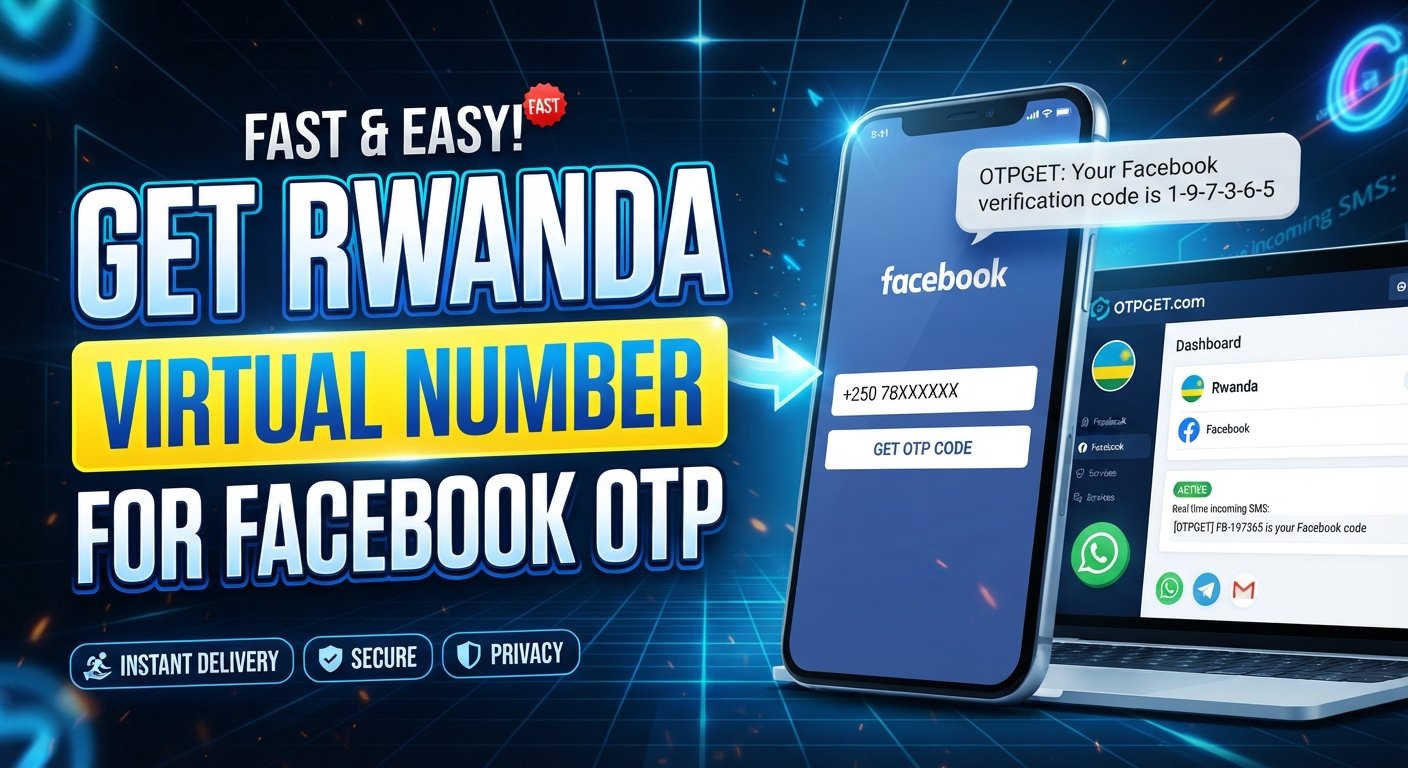
Step-by-Step: Using OTPGet for Rwanda SMS Verification
For a simple workflow, follow these steps:
- Open OTPGet.
- Check whether Rwanda is currently available.
- Select the appropriate supported service.
- Obtain an available Rwanda number.
- Enter the number into Facebook's verification screen.
- Request the verification SMS.
- Monitor the OTPGet interface for the incoming message.
- Enter the received verification code into Facebook.
- Complete the verification process according to Facebook's instructions.
The availability of both numbers and services can change. OTPGet's own system documentation shows that country and service availability is queried dynamically rather than being a fixed list.
Most importantly, there is no guarantee that Facebook will accept a particular virtual Rwanda number. If the number is rejected, use Facebook's available verification or recovery options rather than attempting to circumvent its security controls.
Common Problems When Receiving Facebook OTP
Even when the process looks correct, SMS verification can sometimes fail.
OTP not arriving
Give the message some time before requesting another code. Repeated requests can create additional confusion or temporary restrictions.
Number unavailable
Virtual numbers can sell out or become unavailable. If Rwanda is not currently offered for the required service, you may need to check again later or use another legitimate verification method.
Expired number
Some temporary numbers are intended for a limited verification session. Make sure the number remains active while you are waiting for the SMS.
SMS delay
Network conditions, service-provider routing, or the platform sending the message can affect delivery time.
Facebook rejects the number
A virtual number may not be accepted for a particular Facebook verification attempt. This is controlled by Facebook, not OTPGet. Try Facebook's legitimate alternative verification or recovery options when available.
Too many verification attempts
Avoid repeatedly requesting codes. If Facebook imposes a security wait or restriction, follow the instructions shown on the platform rather than trying to work around it.
Tips for a Smoother Facebook OTP Verification Process
A few simple habits can prevent unnecessary problems:
- Double-check that Rwanda is the selected country.
- Enter the number and country code correctly.
- Make sure the number is currently available before starting verification.
- Wait for an SMS before requesting another code.
- Avoid repeatedly submitting verification requests.
- Keep the verification code private.
- Follow Facebook's instructions throughout the process.
- Use virtual numbers only for legitimate account and verification purposes.
- If Facebook offers another official verification method, consider using it when a virtual number is not accepted.
Facebook's security systems can use multiple verification and account-recovery signals, so having a phone number alone does not guarantee successful verification.
Why Choose OTPGet for a Rwanda Number?
Finding a Rwanda number online can be harder than finding numbers from more commonly supported regions. A service such as OTPGet gives users a central place to check number availability and handle OTP reception.
Its published platform information describes virtual numbers across numerous countries and support for a large range of online services. Its API documentation also provides a workflow for checking countries, checking services, requesting numbers, and monitoring incoming OTP status.
The appeal is therefore less about making promises and more about convenience.
If you need a Rwanda number for Facebook verification, OTPGet can be a practical starting point when Rwanda and the required service are available. You can check availability, obtain a number, and monitor the verification message from an online interface.
As always, availability and acceptance are separate issues. A number being available through OTPGet does not mean Facebook will necessarily approve it for every verification scenario.
Is a Rwanda Virtual Number Right for You?
A virtual phone number may be appropriate if you need temporary access to SMS verification and do not have a suitable physical SIM.
It can be especially convenient for users who need remote access to SMS, developers testing legitimate workflows, businesses handling verification-related tasks, or privacy-conscious users who want to avoid unnecessarily sharing their primary number.
However, a virtual number may not be suitable for every situation.
If you need a phone number for long-term account recovery, a personal mobile number that you control may be a better choice. Similarly, if a platform specifically restricts virtual or temporary numbers, using one may not work.
The safest approach is to understand the platform's requirements before purchasing a number and to use the number only for legitimate purposes.
Frequently Asked Questions
How can I get a Rwanda number for Facebook OTP?
You can check an online virtual-number provider such as OTPGet for Rwanda availability, select a supported service when available, obtain the number, and use it for the relevant Facebook verification flow.
Can I receive Facebook OTP on a Rwanda virtual number?
Potentially, if the number is available for the required service and Facebook accepts it. However, acceptance is controlled by Facebook and is not guaranteed.
How do I receive SMS on a Rwanda number?
With a supported virtual-number service, incoming SMS can be displayed through the provider's online system. OTPGet documents an SMS OTP workflow for obtaining numbers and checking incoming messages.
Is a Rwanda number available online?
Yes, virtual Rwanda numbers may be available through online providers. Availability depends on the provider, number inventory, and the service you want to use.
What should I do if my Facebook OTP does not arrive?
First, confirm that the number and country code are correct. Wait before requesting another code, and check whether the number is still active. If the problem continues, follow Facebook's official verification or account-recovery instructions.
Can Facebook reject a virtual Rwanda number?
Yes. Facebook can decide whether a particular phone number is suitable for a verification attempt. A virtual number should never be considered a guaranteed way to complete verification.
How does OTPGet help with Rwanda SMS verification?
OTPGet provides an online workflow for checking available countries and services, obtaining virtual numbers, and monitoring SMS OTP status where supported.
Conclusion
Getting a Rwanda number for Facebook OTP can be useful when you need access to SMS verification but do not have a physical Rwandan SIM. Virtual numbers offer a convenient alternative by moving the SMS-reception process online.
The basic process is simple: find an available Rwanda number, enter it into the appropriate Facebook verification flow, wait for the SMS, and enter the received code. The important caveat is that virtual numbers are not guaranteed to work with every Facebook verification attempt.
For users looking for a straightforward way to check Rwanda number availability and receive OTP messages online, OTPGet provides a practical option. Its platform supports virtual numbers and an SMS OTP workflow designed to simplify number-based verification.
If you need a Rwanda number, the next step is simply to check OTPGet and see whether a suitable number and supported service are currently available.
11. Suggested FAQ Schema Questions
- How can I get a Rwanda number for Facebook OTP?
- Can I use a Rwanda virtual number for Facebook verification?
- How can I receive SMS on a Rwanda number online?
- Is it possible to get a Rwanda phone number online?
- What should I do if my Facebook OTP does not arrive?
- Can Facebook reject a virtual Rwanda number?
- How does OTPGet help with Rwanda SMS verification?
12. Suggested Internal Link Anchors
- Rwanda virtual numbers
- Receive SMS online
- How OTP verification works
- Temporary phone numbers
- International virtual numbers
- SMS verification services
- Facebook verification guide
- Virtual phone numbers for OTP
13. Suggested CTA
Option 1:
Check OTPGet to see whether a Rwanda number is currently available for your verification needs.
Option 2:
Need a Rwanda virtual number? Explore OTPGet and check current number availability.
Option 3:
Looking for a convenient Rwanda SMS number? Visit OTPGet and see what's available.