Sign Up for Bilibili Using an OTPGet Number: Step-by-Step
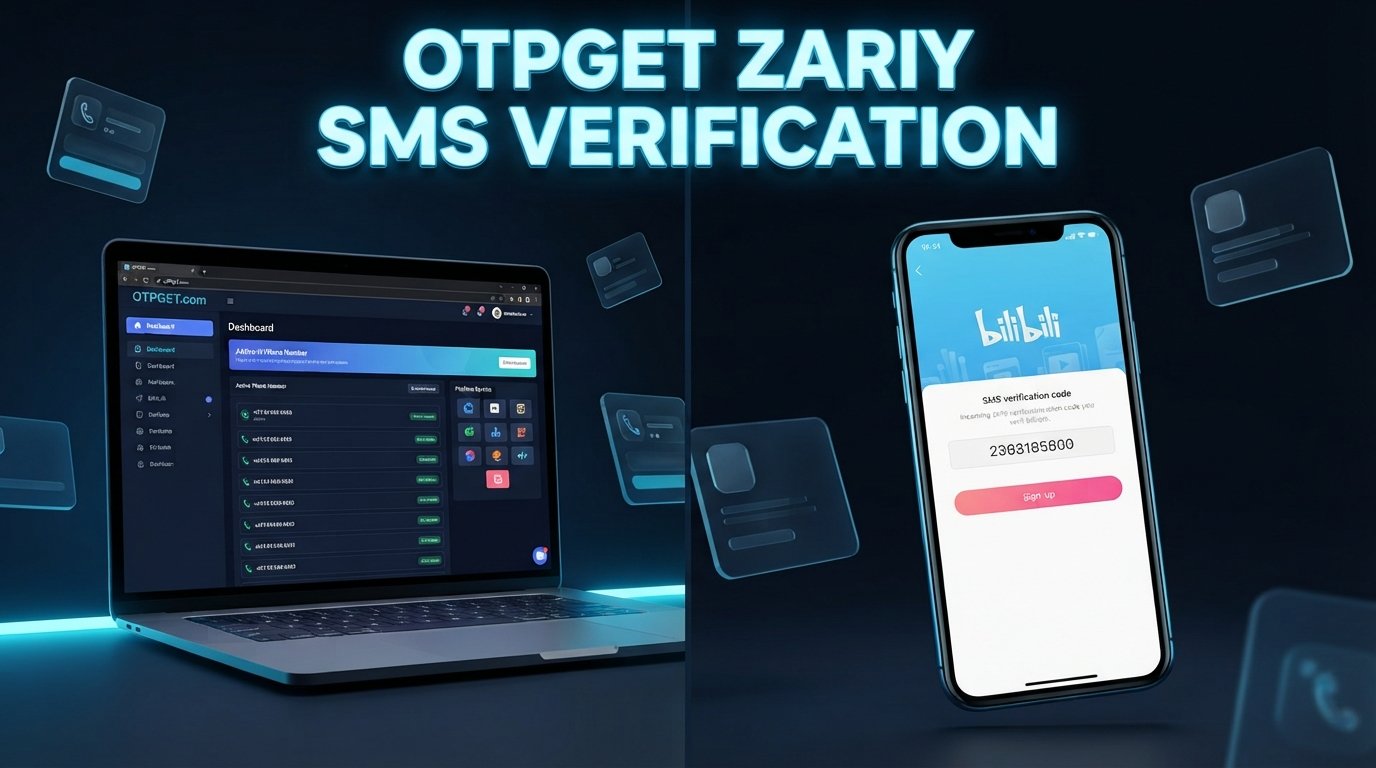
How to Sign Up for Bilibili Using an OTPGet Number
Trying to complete a Bilibili sign up but being asked for a phone number can be frustrating, especially if you would rather keep your primary number separate from online registrations.
Bilibili uses phone or other account information as part of its signup and login processes, and its current account guidance includes SMS-based login and registration flows.
That is where an OTPGet number can be useful. If the applicable Bilibili registration flow accepts the selected number and SMS verification method, OTPGet provides an online number that can be used to receive an SMS verification code without relying on your everyday personal number.
In this guide, you will learn what Bilibili phone verification involves, what an OTPGet number is, how to use it during registration, what to do if the Bilibili OTP does not arrive, and what to consider before relying on a temporary or online number for account recovery.
Why Bilibili May Require Phone Verification
Phone verification is a common part of online account registration. A platform can use a phone number and an OTP to confirm that the person completing a signup process can receive messages at the number provided.
An OTP, or one-time password, is a temporary verification code delivered through a channel such as SMS. During registration, the process typically looks like this:
- Enter a phone number.
- Request a verification code.
- Receive an SMS containing the OTP.
- Enter the code into the registration form.
- Continue creating or accessing the account.
Bilibili's published privacy information says signup may require information such as a mobile phone number or email and explains that verification information is used during account signup and login.
For users who do not want to use their main personal number for every online service, an online number can provide a practical alternative where the platform and verification method support it.
What Is OTPGet?
OTPGet is a service offering virtual phone numbers for SMS and OTP verification. Its platform describes virtual numbers as numbers hosted online that can receive verification messages without requiring a physical SIM card.
For someone trying to complete Bilibili registration, the basic idea is straightforward: obtain an appropriate OTPGet number, enter it where Bilibili requests a phone number, and monitor OTPGet for the incoming SMS.
The important point is that compatibility can vary. Not every number, country, carrier, or service will necessarily work with every verification system. Before purchasing a number, choose an option appropriate for the verification method Bilibili presents.
OTPGet also offers different types of virtual-number services, including short-term and rental options, so users can choose according to their needs.
Why Use an OTPGet Number for Bilibili Sign Up?
There are several practical reasons someone might consider using an OTPGet number during Bilibili registration.
Keep your personal number separate
Your primary phone number may already be connected to personal communications, banking, work, and other important services. Using a separate number for an online registration can help keep those activities distinct.
Receive an SMS verification code online
If you need a Bilibili verification code, an appropriate OTPGet number can give you an online place to receive the SMS instead of relying on your personal phone.
Make registration more convenient
For users who already use virtual numbers for online verification, having a dedicated service can simplify the process of obtaining and monitoring verification messages.
Maintain better separation between accounts and communications
A dedicated number can be useful when you want to separate an online account from your everyday phone communications.
However, convenience should not come at the expense of account recovery. If you expect to keep a Bilibili account for a long time, consider whether you will have continued access to the number or another supported recovery method.
How to Sign Up for Bilibili Using an OTPGet Number
The exact Bilibili interface can change depending on the app, website, region, and registration method. The general process is as follows.
1. Open Bilibili
Visit the official Bilibili website or open the Bilibili app.
Select the option to log in or create an account. In some Bilibili flows, an unregistered phone number can be used to begin creating an account.
2. Choose phone-number registration
Select the relevant phone or SMS registration option if it is available.
Pay attention to the country or region selector because the available phone-number formats can depend on the selected region.
3. Get an appropriate number through OTPGet
Open OTPGet and select a number suitable for the service and country requirements shown by Bilibili.
OTPGet's platform provides virtual numbers for supported SMS verification services.
Before proceeding, make sure the selected number is appropriate for the verification process you are about to complete.
4. Enter the OTPGet number in Bilibili
Return to Bilibili and carefully enter the OTPGet number into the phone-number field.
Double-check the country code and digits before requesting the verification message.
5. Request the Bilibili verification code
Click the button to send or request the SMS verification code.
Bilibili may apply additional checks or verification steps depending on its current registration flow.
6. Check OTPGet for the incoming SMS
Return to your OTPGet dashboard and monitor the number for the incoming message.
When the SMS arrives, identify the current verification code. Avoid using an older code if multiple messages have been requested.
7. Enter the Bilibili OTP
Copy the latest valid code into Bilibili's verification field.
If the code is accepted, continue with the remaining registration instructions.
8. Complete your Bilibili account setup
Follow the remaining prompts to finish creating the account, such as setting account information or completing any additional verification Bilibili requests.
9. Secure your new account
Use a strong, unique password where applicable and keep your login information somewhere secure.
If Bilibili provides additional recovery or security options, consider setting them up while you have access to the account.
How to Receive a Bilibili Verification Code
The basic Bilibili SMS verification process is simple, but timing matters.
First, enter the correct phone number and request the SMS only when you are ready to complete verification. Then monitor the OTPGet dashboard for the incoming message.
Once the code appears, enter the newest valid OTP into Bilibili.
If you requested several codes, do not automatically assume the first message you receive is still valid. Verification systems may invalidate earlier codes when a newer one is issued.
OTPGet's documentation also describes a status-based process for checking whether an SMS has been received for an activation.
What If the Bilibili OTP Does Not Arrive?
An undelivered verification code does not necessarily mean something is wrong with your account. Several factors can affect SMS delivery.
Try these troubleshooting steps:
- Wait briefly before requesting another code. Multiple requests in quick succession can make troubleshooting harder.
- Check the number carefully. Confirm that the country code and phone number entered in Bilibili match the number obtained through OTPGet.
- Confirm number compatibility. Make sure the selected number supports the SMS verification service you are trying to use.
- Check OTPGet again. The message may take some time to appear.
- Avoid repeated requests. Sending many OTP requests in a short period can trigger temporary verification limits.
- Check for service issues. Either Bilibili or the SMS provider may temporarily experience delivery problems.
- Try again later if necessary. If Bilibili temporarily limits verification attempts, waiting may be more effective than repeatedly requesting codes.
OTPGet itself notes that virtual-number availability and SMS delivery depend on the underlying service and provider, so an OTP should not be treated as guaranteed.
OTPGet vs. Using Your Personal Phone Number
Both approaches have advantages and disadvantages.
| Factor | OTPGet Number | Personal Phone Number |
|---|---|---|
| Privacy | Keeps registration separate from your primary number | Directly connected to your personal number |
| Convenience | Useful for supported online SMS verification | Simple if your personal number is readily available |
| SMS verification | Designed for receiving supported OTP messages | Usually straightforward where supported |
| Personal communications | Keeps registration separate | Verification messages arrive with normal SMS |
| Account recovery | May be limited if you lose access to the number | Often easier if you retain the same number |
| Long-term access | Depends on the number type and continued availability | Usually stronger if you permanently control the number |
The biggest consideration is long-term account access. A temporary phone number may be convenient for initial verification but less suitable if Bilibili later requires the same number for account recovery.
If the Bilibili account is important to you, review the available recovery and security options before relying entirely on a temporary number.
Is Using OTPGet for Bilibili Safe?
Using an online number for legitimate verification can be practical, but it should be approached responsibly.
First, follow Bilibili's registration rules and verification requirements. An OTPGet number should not be used to commit fraud, impersonate another person, spam users, or circumvent platform restrictions.
Second, remember that the security of the overall account depends on more than the phone number. Use strong credentials, protect your login information, and enable additional security features when available.
Finally, understand the limitations of temporary numbers. If you no longer control a number, recovering an account through that number may become difficult.
OTPGet's own terms prohibit illegal, fraudulent, abusive, or harmful uses of its services.
Tips for a Smooth Bilibili Registration
A few simple habits can make the process easier:
- Select the correct country or region before entering a number.
- Make sure the OTPGet number matches the format Bilibili expects.
- Copy the phone number carefully.
- Request the OTP only when you are ready to enter it.
- Use the newest verification code available.
- Avoid repeatedly requesting codes within a short period.
- Keep your Bilibili credentials secure.
- Complete any additional account-security steps offered by Bilibili.
- Consider long-term recovery before choosing a temporary number.
- Stop and review the process if Bilibili presents a verification requirement that the selected number cannot satisfy.
Frequently Asked Questions
Can I sign up for Bilibili using an OTPGet number?
You can consider using an OTPGet number when Bilibili's registration flow requests an SMS-capable phone number and the selected number is supported. Compatibility can vary, so there is no guarantee that every OTPGet number will work with every Bilibili verification flow.
How do I receive a Bilibili verification code?
Enter the appropriate phone number during Bilibili registration, request the SMS code, then check the corresponding OTPGet number for the incoming message. Enter the current verification code into Bilibili to continue.
What is an OTPGet number?
An OTPGet number is an online virtual phone number that can be used to receive SMS verification codes for supported services. OTPGet provides virtual numbers through its online platform.
Can I receive Bilibili SMS verification online?
If the Bilibili registration method accepts the selected virtual number and SMS delivery is supported, you can receive the verification message through the online number service rather than your primary personal phone.
Why isn't my Bilibili OTP arriving?
Check that the number and country code are correct, confirm that the number supports the required SMS service, avoid requesting multiple codes repeatedly, and allow some time for delivery. If the problem continues, try again later.
Is a temporary phone number suitable for Bilibili registration?
It can be suitable for an initial verification step when supported, but consider account recovery before choosing a temporary number. If you lose access to the number, future verification or recovery may be more difficult.
Can I use the same OTPGet number for multiple accounts?
Do not assume that a single number can be reused for multiple Bilibili accounts. Account limits and verification policies can vary, and repeated use may not be supported or appropriate.
What should I do after creating my Bilibili account?
Secure your credentials, review available account-security settings, and make sure you understand your recovery options. If long-term access matters, use recovery methods that you can continue to control.
Conclusion
Completing a Bilibili sign up does not have to mean immediately connecting your primary personal number to another online service.
When Bilibili requires SMS verification, an appropriate OTPGet number can be a convenient option for receiving the required OTP online, provided the selected number and verification method are supported.
The key is to use the service responsibly: choose a suitable number, enter it accurately, request the verification code only when ready, and think about long-term account recovery before relying on a temporary number.
If you are ready to complete your Bilibili registration, explore OTPGet and choose an appropriate virtual number for the verification process. Always follow Bilibili's current registration requirements and OTPGet's terms of service.
9. Featured Snippet Answer
To sign up for Bilibili using an OTPGet number, open Bilibili's registration page, choose phone verification, obtain a suitable number through OTPGet, and enter it into Bilibili. Request the SMS code, check OTPGet for the OTP, enter the newest code, and complete the remaining account setup steps.
10. Internal Link Opportunities
- How to receive SMS online for OTP verification
- What is a temporary phone number?
- How virtual phone numbers work
- SMS verification guide
- How to receive OTP codes online
11. External Reference Opportunities
- Official Bilibili registration or login documentation — to support claims about available signup and SMS verification flows.
- Official Bilibili privacy policy — to substantiate statements about phone numbers, email addresses, verification, and account security.
- Official Bilibili terms of service — to support guidance about responsible account use and platform requirements.
- Official OTPGet documentation — to explain how virtual numbers, SMS OTP delivery, and number activation work.
- Official OTPGet terms and policies — to support statements about responsible use, temporary numbers, and service limitations.


