Sign Up for Foodpanda Using an OTPGet Number: Full Guide
Sign Up for Foodpanda Using an OTPGet Number: A Practical Guide
8. Article
Signing up for a food delivery service can be straightforward until phone verification becomes part of the process. If you would rather not expose your primary phone number to another online service, you may be looking for a practical alternative for receiving the required verification code.
That is where OTPGet can be useful. An OTPGet number can provide an alternative SMS receiving option when a service requires a phone number for account verification.
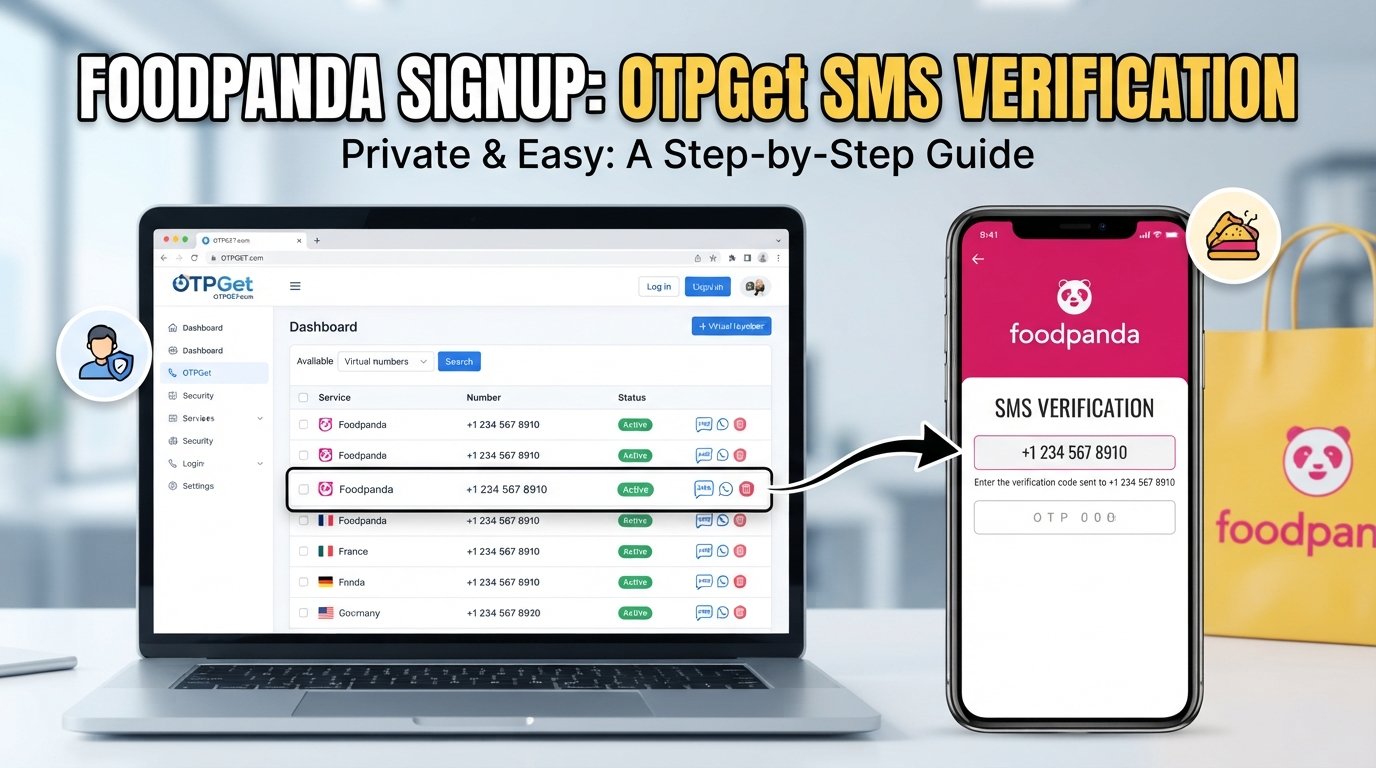
So, how do you sign up for Foodpanda using an OTPGet number? The basic process involves starting your Foodpanda registration, selecting an available OTPGet number, requesting the verification code, and entering the received OTP into the registration process.
This guide explains the process, potential benefits, common problems, and important precautions so you can approach Foodpanda phone verification responsibly.
Why Does Foodpanda Require Phone Verification?
Phone verification is a common part of online account registration. A service may ask for a phone number to help confirm that the person registering has access to the number provided.
An OTP, or one-time password, is a temporary verification code sent by SMS or another supported method. Instead of relying on a permanent password alone, the service can use the code as an additional confirmation step.
During Foodpanda registration, phone verification may be used as part of the account setup process. The exact registration options and verification requirements can vary depending on location, account type, or changes to the platform.
For some users, using their personal number is perfectly acceptable. Others may prefer an alternative number for privacy or convenience, particularly when they want to keep their primary number separate from online services.
The important point is that an alternative number should be used responsibly and only where the service accepts it.
What Is OTPGet?
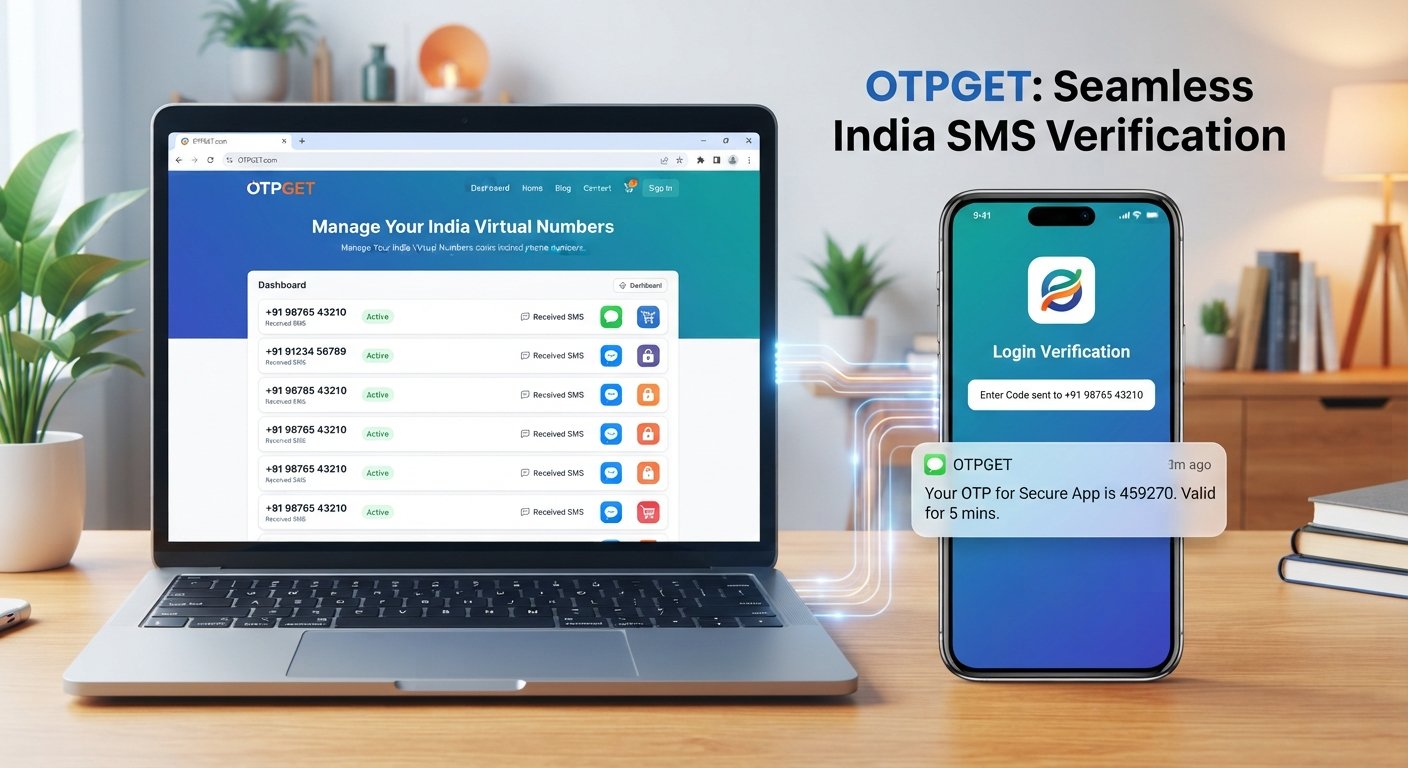
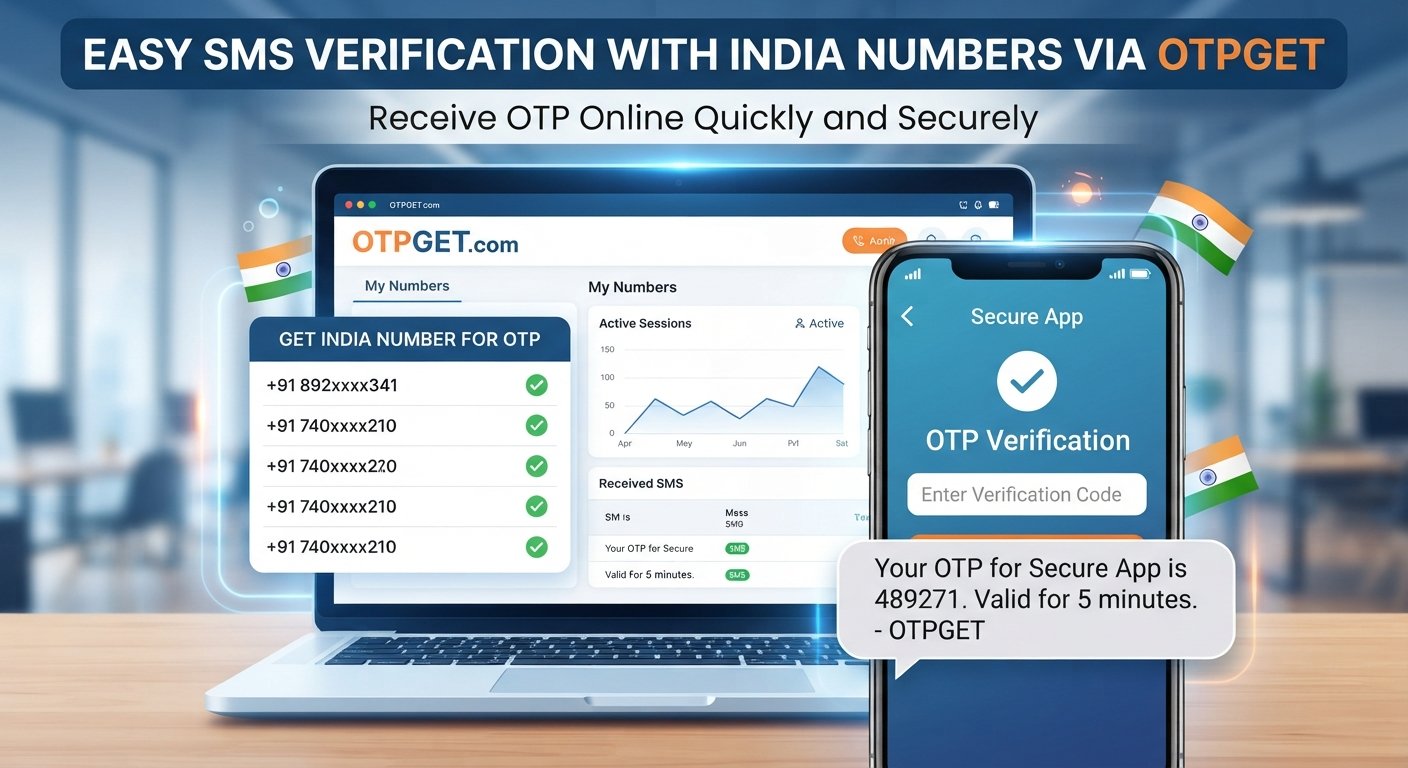
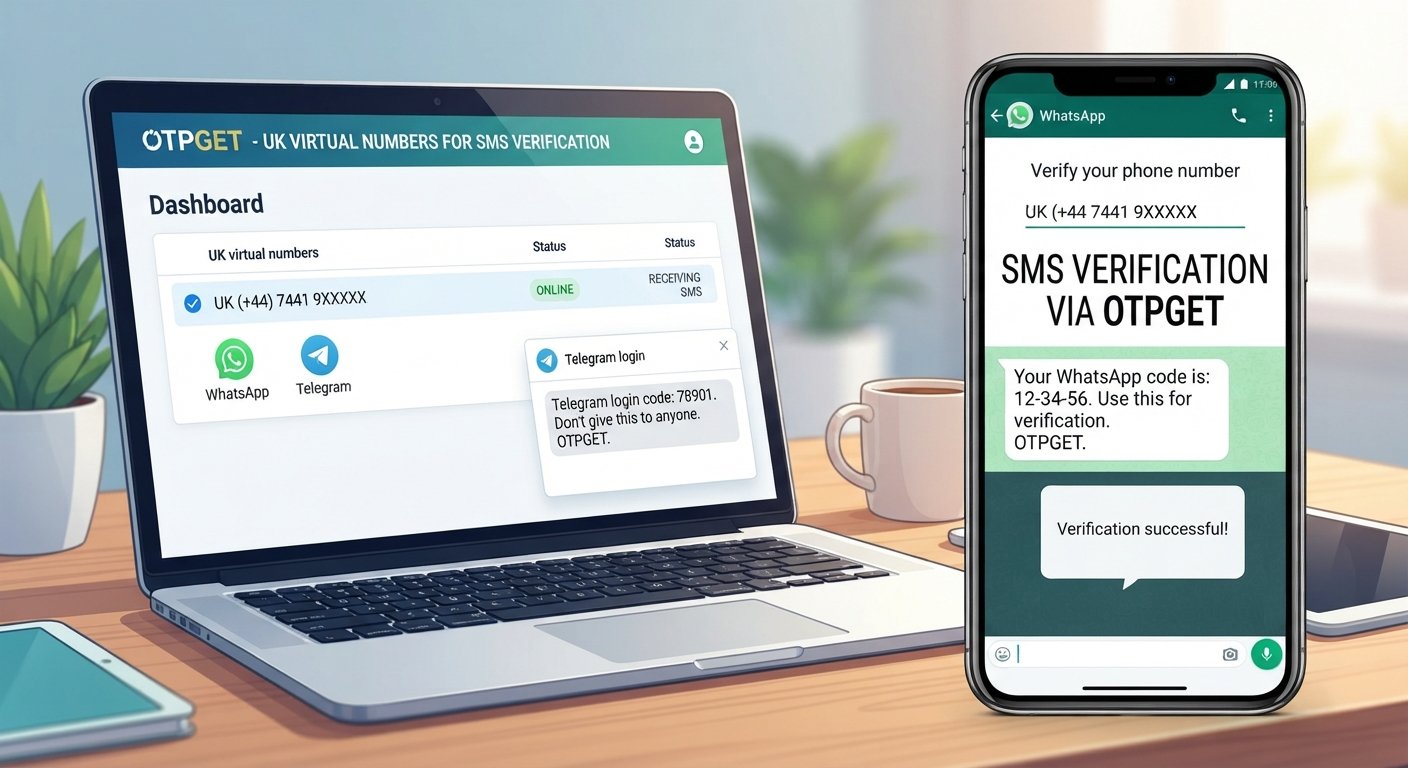
OTPGet is a service designed around receiving SMS verification codes through available numbers. Instead of using your primary mobile number for every online verification request, an OTPGet number can provide a separate number for supported verification purposes.
This can be useful when you want to:
- Keep your primary number private.
- Separate personal communications from online registrations.
- Receive a verification SMS without using your everyday phone number.
- Manage verification messages through a dedicated service.
- Use an alternative number for services that accept it.
The process is generally simple: choose an available number for the service you are registering with, provide that number during registration, and monitor OTPGet for the incoming verification message.
However, availability and compatibility can vary. A number that works with one service may not necessarily be accepted by another. Foodpanda may also change its verification requirements, so there is no reason to assume that every OTPGet number will always work.
How to Sign Up for Foodpanda Using an OTPGet Number
If Foodpanda offers phone-number registration in your location and accepts the selected number, the process can be completed in a few straightforward steps.
1. Visit Foodpanda
Open the Foodpanda website or app and begin the normal account registration process.
Look for the available sign-up or account-creation option. Registration methods can differ by market, so use whichever legitimate option is presented to you.
2. Start the Registration Process
Enter the basic information requested during registration.
If phone verification is part of the available sign-up flow, continue to the phone-number step.
3. Choose Phone-Number Registration
If Foodpanda gives you multiple registration methods, select the phone-number option when appropriate.
Pay attention to the country or regional format required for the number.
4. Open OTPGet
Next, access OTPGet and look for an available number that is suitable for the verification process.
Choose carefully and check that the number is intended to receive SMS messages.
5. Enter the OTPGet Number
Copy the selected OTPGet number and enter it into the Foodpanda registration field.
Double-check the digits before continuing. A simple typing mistake can prevent the verification SMS from reaching the intended number.
6. Request the Verification Code
Submit the number through Foodpanda's registration process and request the verification code.
The service should send an SMS if the number is accepted and the verification request is processed successfully.
7. Check OTPGet for the Incoming OTP
Return to OTPGet and monitor the selected number for the incoming message.
If the SMS arrives, identify the latest verification code. Avoid using an older code if multiple messages have been generated.
8. Enter the Foodpanda Verification Code
Enter the received OTP into the appropriate Foodpanda verification field.
Make sure the code is entered exactly as provided.
9. Complete Your Account Setup
Once verification is accepted, continue with the remaining registration steps, such as adding the information requested for your account.
Follow Foodpanda's normal requirements rather than attempting to work around any security or verification controls.
10. Keep Your Account Details Secure
After registration, protect your account credentials and verification information.
Never share an OTP with another person. A verification code is intended for the account holder and should be treated as sensitive information.
Why Use an OTPGet Number for Foodpanda Verification?
The main reason someone may consider OTPGet is to create separation between their primary phone number and online account registrations.
Privacy
Some users simply prefer not to give their personal mobile number to every online platform they use. An alternative verification number can reduce unnecessary exposure of a primary number where an alternative is permitted.
Convenience
An OTP receiving number can make the verification process easier to manage when you specifically need a number for SMS verification.
Separation of Personal and Online Activity
Using a dedicated number can help distinguish personal communications from registration and verification messages.
Easier Verification Management
Instead of having verification messages mixed with everyday SMS conversations, a dedicated OTP receiving service provides a more focused place to check for the code.
These benefits are practical rather than universal. If Foodpanda does not accept a particular number, another number or a different registration method may be necessary.
OTPGet vs. Using Your Personal Number
Both approaches can be appropriate depending on your circumstances.
| Factor | Personal Number | OTPGet Number |
|---|---|---|
| Privacy | Primary number is shared | Can provide an alternative number |
| Convenience | Simple if your phone is nearby | Useful when a dedicated verification number is preferred |
| SMS access | Through your normal phone | Through the OTPGet service |
| Number exposure | Personal number is used | Primary number may remain separate |
| Management | Mixed with regular messages | Verification activity can be separated |
| Compatibility | Usually straightforward where supported | Depends on service and number acceptance |
If you expect to need long-term account recovery through the same number, consider whether an alternative verification number is appropriate. Account recovery requirements can differ from initial registration.
Common Problems When Receiving a Foodpanda OTP
Even when everything is entered correctly, verification SMS messages do not always arrive immediately.
OTP Not Arriving
Wait briefly before requesting another code. SMS delivery can sometimes be delayed.
If the message still does not appear, check that the number was entered correctly and that the selected OTPGet number is able to receive messages.
Verification Code Has Expired
OTP codes are generally intended for short-term use. If a code no longer works, request a new one and use the newest code received.
Incorrect Number Entered
Review the number carefully, including the country or regional format. A single incorrect digit can send the verification request somewhere else.
Number Is Unavailable
An OTPGet number may become unavailable or unsuitable for a particular verification request. If this happens, use another available number rather than repeatedly submitting the same unsuccessful request.
Foodpanda Rejects the Number
A service may decline certain numbers or number types. If Foodpanda does not accept the selected OTPGet number, do not attempt to circumvent the restriction. Use another legitimate registration method or a number that Foodpanda accepts.
Too Many Verification Attempts
Repeatedly requesting codes can lead to temporary limitations. If you have already requested several codes, pause rather than continuously retrying.
Tips for a Smooth Foodpanda OTP Verification
A few simple habits can make the process much easier:
- Double-check the number before requesting the OTP.
- Wait briefly if the verification SMS is delayed.
- Use the newest code if several OTPs arrive.
- Confirm SMS capability before selecting an OTPGet number.
- Avoid repeated requests when a previous verification attempt is still processing.
- Follow Foodpanda's registration requirements rather than trying to bypass them.
- Keep your OTP private and never send it to someone claiming they need it.
- Use OTPGet responsibly and only for legitimate account verification.
The goal is to make registration more convenient, not to defeat a platform's security measures.
Is Using an OTPGet Number Safe for Foodpanda?
Using an alternative verification number can offer privacy and convenience, but it should not be treated as a guarantee of account security or successful registration.
First, make sure you understand what type of number you are using and how access to that number is managed. If you need the number again for account recovery, future verification, or security checks, consider whether you will retain appropriate access.
Second, protect your verification code. An OTP is sensitive information. Anyone who obtains it may potentially use it during a verification process, so never share your code with strangers or untrusted services.
Finally, follow Foodpanda's applicable registration requirements and account policies. An OTPGet number should be viewed as a practical verification option where accepted—not as a way to bypass restrictions, security checks, or account controls.
Frequently Asked Questions
Can I sign up for Foodpanda with an OTPGet number?
You may be able to use an OTPGet number if Foodpanda accepts that number for registration in your location and the number can receive the required SMS. Acceptance can vary, so it is not guaranteed for every number.
How do I receive a Foodpanda OTP?
Enter an eligible phone number during the Foodpanda registration process and request verification. If the number is accepted, the verification code should be sent through the available SMS verification process.
What should I do if my Foodpanda verification code does not arrive?
Check that the number is correct, wait briefly for delivery, and verify that the selected OTPGet number can receive SMS messages. Avoid repeatedly requesting new codes in quick succession.
Can I use an OTPGet number instead of my personal number?
If Foodpanda accepts the alternative number for registration, an OTPGet number may provide a separate option for receiving the verification SMS. Always consider whether you will need the number later for account recovery.
How long does a Foodpanda OTP remain valid?
OTP validity is controlled by the service generating the code. If a code expires, request a new one and use the latest code provided rather than relying on an older message.
Why is Foodpanda asking for my phone number?
Phone verification can help confirm access to a number during account registration and can form part of a platform's account-security process. The exact reason and requirements can vary.
Is an OTPGet number useful for online verification?
It can be useful when a service accepts the number and you want to separate verification activity from your primary phone number. Compatibility is service-dependent.
What should I do if Foodpanda does not accept the number?
Do not try to bypass the restriction. Check the number and registration details, then consider another legitimate registration option or a phone number that Foodpanda accepts.
Final Thoughts
Phone verification is a normal part of many online registration processes, but not everyone wants to use their primary mobile number for every service.
For users who prefer an alternative option, OTPGet can provide a practical way to receive an SMS verification code when the selected number is supported by the service. The process is straightforward: start Foodpanda registration, select an appropriate OTPGet number, enter it during verification, monitor OTPGet for the incoming code, and enter the latest OTP to continue.
The key is to use the service responsibly. Check number compatibility, protect your verification codes, avoid excessive verification attempts, and follow Foodpanda's registration and security requirements.
If keeping your primary number separate from online registrations is important to you, explore OTPGet to see whether an available verification number fits your Foodpanda registration needs.
9. Internal Linking Suggestions
- Anchor text: “How OTP verification works”
Recommended page/topic: A beginner's guide explaining OTPs, SMS verification, expiration, and common verification flows.
Placement: Link from the section explaining why Foodpanda requires phone verification. - Anchor text: “temporary phone numbers explained”
Recommended page/topic: An educational article covering temporary and alternative phone numbers, their uses, limitations, and privacy considerations.
Placement: Add the link within the “What Is OTPGet?” section. - Anchor text: “online privacy tips”
Recommended page/topic: A practical guide to protecting personal contact information when using websites and apps.
Placement: Link from the “Why Use an OTPGet Number” section. - Anchor text: “SMS verification guide”
Recommended page/topic: A troubleshooting and best-practices guide for receiving SMS verification codes.
Placement: Add the link after the troubleshooting section. - Anchor text: “how to receive OTP codes online”
Recommended page/topic: A broader guide explaining online OTP receiving services and responsible usage.
Placement: Link from the OTPGet explanation or final section.
10. SEO/Content Checklist
- Primary keyword: Included naturally in the SEO title, introduction, and article context.
- Search intent: Addresses Foodpanda registration, phone verification, OTP receiving, privacy, and troubleshooting.
- Brand positioning: OTPGet is presented as the central practical solution without unsupported guarantees.
- Keyword usage: Secondary and semantic terms are distributed naturally rather than repeated mechanically.
- Structure: One H1, clear H2 sections, H3 subheadings, numbered steps, bullets, comparison table, and FAQs.
- Featured snippet: Provides a direct explanation of how the OTPGet-based registration process works.
- Readability: Short paragraphs, conversational language, and actionable instructions.
- Trust: Includes limitations, compatibility considerations, security advice, and responsible-use guidance.
- Safety: Does not promote bypassing security systems, fraudulent accounts, deceptive activity, or policy violations.
- CTA: Includes a natural invitation to explore OTPGet.
- Internal linking: Five relevant topic opportunities are provided without inventing URLs.
- Thumbnail: Includes food delivery, mobile verification, privacy, and OTPGet visual concepts.
- Evergreen focus: No dated claims or time-sensitive references.