Sign Up for Google Using an OTPGet Number: Step-by-Step Guide
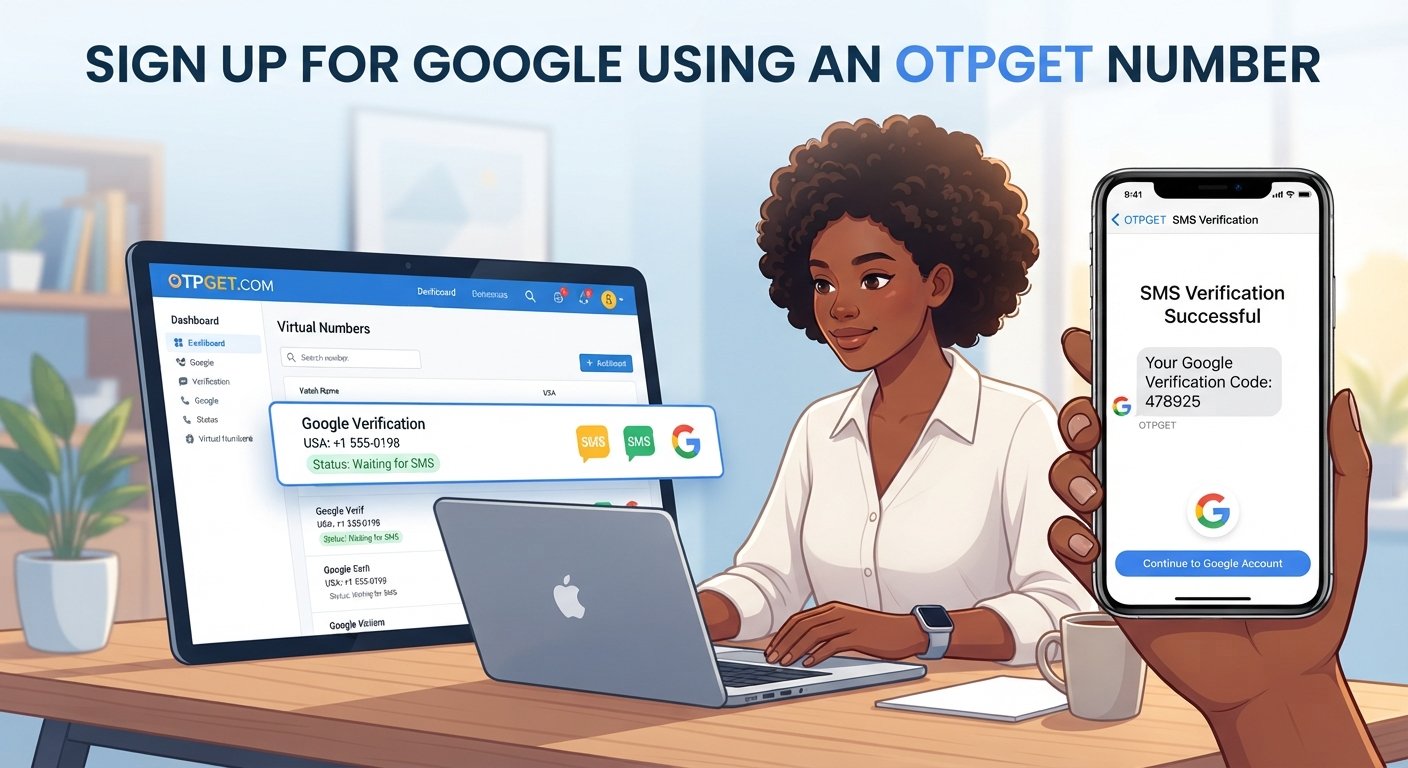
Sign Up for Google Using an OTPGet Number
8. Full Blog Article
Creating a Google account is usually straightforward, but phone verification can add an extra step. When Google asks for a phone number, you may need to receive a one-time verification code by SMS before you can finish the signup process.
For users who have a legitimate reason to use an alternative number, OTPGET can provide a practical way to access virtual numbers designed for SMS and OTP verification. Its published documentation describes a workflow for selecting an available number and checking its status for incoming SMS messages.
This guide explains how to sign up for Google using an OTPGet number, how the verification process works, what to do if an OTP does not arrive, and when a virtual number may or may not be the right choice.
Important: OTPGET does not control Google's verification decisions. A number may be unavailable, unsupported, or rejected depending on Google's requirements and verification systems. Using an OTPGET number should not be treated as a way to bypass Google's security controls.
Why Does Google Ask for Phone Verification?
Phone verification is commonly used as an additional way to confirm access to a phone number during account-related processes.
When Google requests a phone number during signup, it may send a Google verification code through SMS. You then enter that code into the verification screen to confirm the phone number.
Phone verification can serve several purposes, including:
- Confirming access to the submitted phone number
- Helping reduce automated or abusive registrations
- Adding an additional verification step to account creation
- Supporting certain account security and recovery processes
- Making it harder for automated systems to create large numbers of accounts
The exact verification requirements can vary. Google ultimately determines whether a particular phone number and signup attempt are accepted.
This distinction is important when using an online phone number for verification: an OTP service can provide the number and receive an SMS where supported, but the platform requesting verification makes the final decision.
What Is an OTPGet Number?
An OTPGet number is a virtual phone number provided through OTPGET for supported SMS and OTP verification workflows.
Instead of receiving an SMS on a traditional physical SIM, the verification message can be accessed through the OTPGET service when the selected number supports the relevant service. OTPGET's documentation describes options for requesting numbers and checking activation status for incoming SMS.
This can be useful when you need a verification number for an eligible purpose and prefer not to use your everyday personal number.
However, a virtual number is not automatically accepted everywhere. Services can restrict temporary, virtual, recycled, or certain types of numbers. For that reason, it is best to think of OTPGET as a verification-number option, rather than a guaranteed solution for every Google signup.
If you want to explore available options, you can review the official OTPGET service before starting your verification attempt.
How to Sign Up for Google Using an OTPGet Number
If Google presents a phone verification step and the use of a virtual number is appropriate for your situation, the general process is simple.
1. Open the Google account signup page
Start with Google's normal account creation process. Enter the requested information and follow the signup instructions shown on the official Google interface.
2. Begin creating your account
Provide details such as your name, preferred email address, password, and any other information Google requests.
The available signup fields can vary depending on the account flow you are presented with.
3. Continue until phone verification is requested
If Google asks you to provide a phone number, review the instructions carefully.
If phone verification is optional, you can follow Google's available alternatives. If it is required, proceed according to the displayed instructions.
4. Choose an appropriate OTPGET number
If you decide to use OTPGET and an appropriate number is available for the verification workflow, select the relevant number through the service.
Pay attention to the country, number details, and any service-specific availability.
OTPGET's published documentation indicates that users can request numbers based on available service and country options.
5. Enter the number into the Google signup form
Enter the selected number carefully in the Google phone verification field.
Double-check the country code and digits before requesting the SMS. A simple entry error can prevent the verification message from reaching the intended number.
6. Request the verification code
Submit the phone number through Google's normal verification process.
If Google accepts the number for that attempt, it may send an SMS containing a temporary verification code.
7. Check OTPGET for the incoming SMS
Return to OTPGET and monitor the selected number for the incoming message.
The OTPGET documentation describes an activation-status workflow for checking whether an SMS has been received.
8. Enter the Google verification code
Once the legitimate verification SMS arrives, enter the code into the Google verification screen.
Use the code only for the verification process for which it was issued. Never share verification codes with another person.
9. Complete the remaining account setup
If Google accepts the verification code, continue through the remaining signup instructions.
Remember that successful SMS delivery does not itself guarantee that Google will approve the signup. Google's systems determine whether the verification attempt can proceed.
Looking for a straightforward OTP verification workflow? Explore OTPGET's available number options before beginning your eligible verification process.
How OTPGET Helps With Google Verification
The main value of OTPGET is convenience. Instead of relying exclusively on a personal SIM for every legitimate verification scenario, users can access virtual numbers intended for supported SMS and OTP workflows.
Potential advantages include:
- Convenient OTP reception: Verification messages can be accessed online when the selected number supports the relevant service.
- Less reliance on a personal number: A secondary number can be useful for certain legitimate registrations where a personal number is not preferred.
- Simple workflow: The basic process is to select a number, use it where permitted, monitor the incoming SMS, and enter the valid code.
- Online access: Users can manage the verification-number process without arranging a separate physical SIM.
- Flexible options: OTPGET publishes information about temporary and rental number services, allowing users to choose an option appropriate to their legitimate needs.
The important limitation is compatibility. OTPGET can facilitate the number and SMS-reception side of the process, but it cannot determine whether Google will accept a particular number.
What to Do If You Don't Receive the Google OTP
Not receiving a Google OTP does not necessarily mean something is wrong with OTPGET. Several parts of the verification process can affect delivery.
Here are some practical checks to make:
Check the number
Confirm that you entered the OTPGet number correctly, including the country code if applicable.
Wait for a delayed message
SMS delivery can sometimes take longer than expected. Give the system a reasonable amount of time before requesting another code.
Check the OTPGET status
Look at the selected number's SMS or activation status to see whether a message has arrived. OTPGET provides an activation-status mechanism for checking incoming SMS.
Avoid repeated requests
Requesting multiple verification codes in quick succession can make it difficult to determine which code is valid. It can also create additional verification attempts that may be subject to platform restrictions.
Check Google's verification screen
Make sure you are still using the same signup session and that the verification request has not expired.
Consider number compatibility
Google may restrict or reject particular virtual, temporary, recycled, or previously used numbers. If the number is not accepted, another attempt may not necessarily resolve the underlying restriction.
Benefits of Using OTPGET for Verification
For users with a legitimate need for an online verification number, OTPGET can offer several practical benefits:
- Access to virtual phone numbers for supported SMS verification
- Online access to incoming OTP messages
- An alternative to using an everyday personal number in appropriate situations
- A straightforward number-selection and SMS-reception workflow
- Options that can accommodate different verification-number requirements
- Useful infrastructure for certain temporary or ongoing verification scenarios
OTPGET's terms state that its services are intended for online verification and account registration, while also prohibiting illegal, fraudulent, abusive, or harmful uses.
That makes responsible use particularly important. A verification number should be used for an account and purpose you are authorized to create or access.
Tips for a Smoother Google Account Signup
A few simple habits can make the Google signup verification process easier:
- Double-check the number before submitting it. One incorrect digit can send the verification request somewhere else.
- Confirm the country selection. Make sure the number format matches the country selected in the signup form.
- Wait before requesting another OTP. Give delayed SMS messages time to arrive.
- Use the newest valid code. Older verification codes may expire after a new request is made.
- Keep the signup page open. Switching between unrelated signup sessions can make verification confusing.
- Follow Google's instructions. Do not attempt to circumvent a verification restriction.
- Use OTPGET responsibly. Its terms prohibit fraudulent or abusive activity.
- Choose a permanent number when appropriate. If an account depends on long-term phone-based recovery, a number you permanently control may be more suitable.
Is Using an OTPGET Number Right for You?
An OTPGET number can be useful when you have a legitimate reason to use a virtual phone number and the relevant verification service accepts that type of number.
For example, it may be convenient when you want to keep a personal number separate from certain online registrations or when a supported verification workflow requires access to an SMS-enabled number.
A personal or permanent phone number may be the better choice when:
- You expect to use the number for long-term account recovery.
- You need a number you permanently control.
- The service specifically requires a personal mobile number.
- The account is important enough that losing access to the verification number would create a problem.
The key consideration is control and compatibility. OTPGET is a practical option for receiving supported verification SMS messages, but it is not a method for bypassing Google's security requirements.
9. FAQ Section
Can I sign up for Google using an OTPGET number?
You may be able to use an OTPGET number when Google presents a phone verification requirement and accepts the particular number. Acceptance is determined by Google's verification systems, so no particular OTPGET number should be considered guaranteed to work.
What is an OTPGet number?
An OTPGet number is a virtual phone number available through OTPGET for supported SMS and OTP verification workflows. It can allow an incoming verification message to be accessed online rather than through a traditional personal SIM.
How do I receive a Google verification code?
If Google requires phone verification, enter an eligible phone number into its verification form and request the code. If the number is accepted and the SMS is successfully delivered, check the relevant SMS inbox or OTPGET interface for the code and enter it into Google's verification screen.
How long does a Google OTP usually take to arrive?
Delivery time can vary depending on the verification service, number, network conditions, and other factors. If a code does not appear immediately, wait before requesting another one and check that the selected number and verification session are correct.
What should I do if my Google OTP does not arrive?
First, confirm that the number was entered correctly and that the verification session is still active. Check OTPGET for the incoming SMS, wait for possible delivery delays, and avoid making repeated requests too quickly. If Google does not accept the number, you may need to use another eligible verification method.
Can I use an OTPGET number for phone verification?
OTPGET provides virtual numbers for supported SMS and OTP verification workflows. Whether a specific OTPGET number can be used for Google phone verification depends on Google's acceptance of that number and the requirements of the particular signup attempt.
Is OTPGET suitable for temporary verification?
It can be suitable for legitimate temporary verification scenarios where the relevant platform accepts the selected number. However, a permanent or personally controlled phone number may be more appropriate for accounts that require reliable long-term recovery.
Can every Google signup be verified using the same type of number?
No. Google may apply different verification requirements or restrictions depending on the account, signup attempt, number, and other factors. An OTPGET number should therefore be viewed as one possible verification option, not a universal solution.
Final Thoughts
Signing up for Google can be simple until phone verification becomes a requirement. When an eligible virtual number is appropriate, OTPGET provides a convenient option for accessing a number and receiving supported SMS verification codes online.
The basic process is straightforward: select an appropriate OTPGET number, enter it through Google's normal signup flow, wait for the verification SMS, retrieve the OTP through OTPGET, and enter the valid code into Google's verification page.
The important point is to keep expectations realistic. OTPGET does not bypass Google's security systems, and Google does not necessarily accept every virtual number. Availability, compatibility, and verification decisions remain outside OTPGET's control.
If an OTPGET number fits your legitimate verification needs, explore the available options and follow both OTPGET's terms and Google's account requirements. Used responsibly, it can make the SMS verification part of an eligible signup workflow more convenient.


