Signal Registration Code Not Received: What to Do
A signal registration code not received error blocks you from setting up the privacy-focused messaging app, often at the exact moment you need it. Signal sends a verification code by SMS or voice call, and delivery can fail for reasons that are easy to fix once you know where to look. This guide walks through every cause and the steps that work.
Direct answer: If a Signal registration code is not received, confirm the number format, check blocked messages and spam folders, disable Do Not Disturb, and request a voice call instead of SMS. If the number is recycled or previously used on Signal, switch to a clean number and retry.
How Signal registration works
Signal links your account to a phone number and sends a one-time code during registration. The code arrives by SMS, or by voice call if SMS fails. Signal does not use your number for advertising, but it does require it for registration, which is why people often prefer a separate line.
Registration triggers when you install the app, move to a new device, or re-register after deleting the app.
Why the code does not arrive
Carrier filtering
Short-code SMS is filtered on many networks. The message may land in a spam or blocked folder rather than the main inbox.
Number already registered
If the number is linked to an existing Signal account, registration may behave differently. Confirm you are not trying to register a number that is still active elsewhere.
Resend limits
Requesting codes repeatedly pauses delivery. Wait for the timer to reset.
Do Not Disturb and silent mode
These can hide the notification even when the SMS arrives. Check the messaging app directly.
Recycled numbers
If the number previously belonged to another person, the code may go to the old device or be blocked.
Step-by-step fixes
- Re-enter the number. Use the international format with the country code.
- Request a voice call. Signal offers this option when SMS fails; answer and note the code.
- Check spam and blocked messages. Unblock short codes and review filtered folders.
- Disable Do Not Disturb. Retry with notifications enabled.
- Restart the app and phone. Force-close Signal, then reboot.
- Wait out the resend timer. Do not request more codes until the countdown ends.
- Use a different number. A clean line resolves recycled-number failures.
Why people use a separate number for Signal
Signal is built for privacy, yet registration still requires a phone number. Many users do not want to expose their primary line or risk it being linked to the account. A dedicated number keeps the account separate and reduces spam if the number is ever shared.
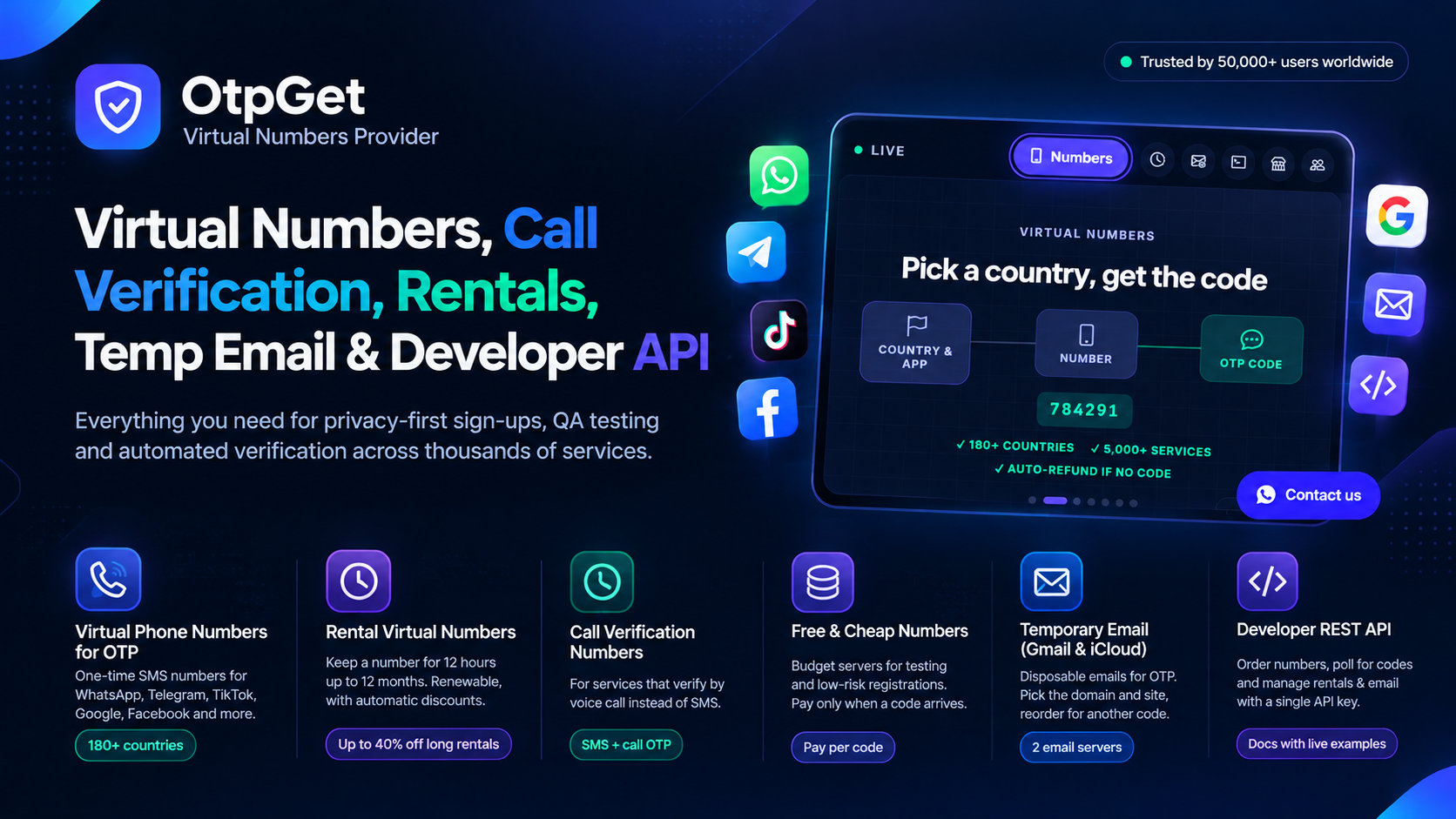
A virtual number for Signal registration can receive the SMS or voice call while keeping your personal number out of the process. Keep the number active during registration, and never share the OTP with anyone.
What to do if registration keeps failing
If SMS and voice call both fail, the number is likely the problem. Numbers with a poor reputation, recent ports, or heavy prior use on messaging apps are filtered more aggressively. Try a fresh number and complete registration on a stable network. If you are moving from another device, make sure the old device is not still holding the registration.
Frequently Asked Questions
Why is Signal not sending my registration code?
Carrier filtering, a wrong number format, or a resend limit usually causes this. Try the voice call option and check blocked messages before retrying.
Can I register Signal without a phone number?
Signal requires a phone number for registration. You can use a dedicated number instead of your personal line if privacy is a concern.
Why does my Signal code say invalid or expired?
Codes expire quickly. Request a fresh one and enter it immediately, and make sure you are using the latest message.
Can I use a virtual number for Signal?
Some virtual numbers work, but Signal may reject numbers it considers high risk. Choose a reliable provider and keep the number active during registration.
Conclusion
A missing Signal registration code is usually a delivery issue, and the voice call option solves most cases. Check filters, respect the resend timer, and switch numbers if the line is flagged. Get a verification number from OtpGet and register privately without exposing your personal line.
Related reading: more messaging app guides on the OtpGet blog.