Singapore Number for Netflix: Get OTP with OTPGet
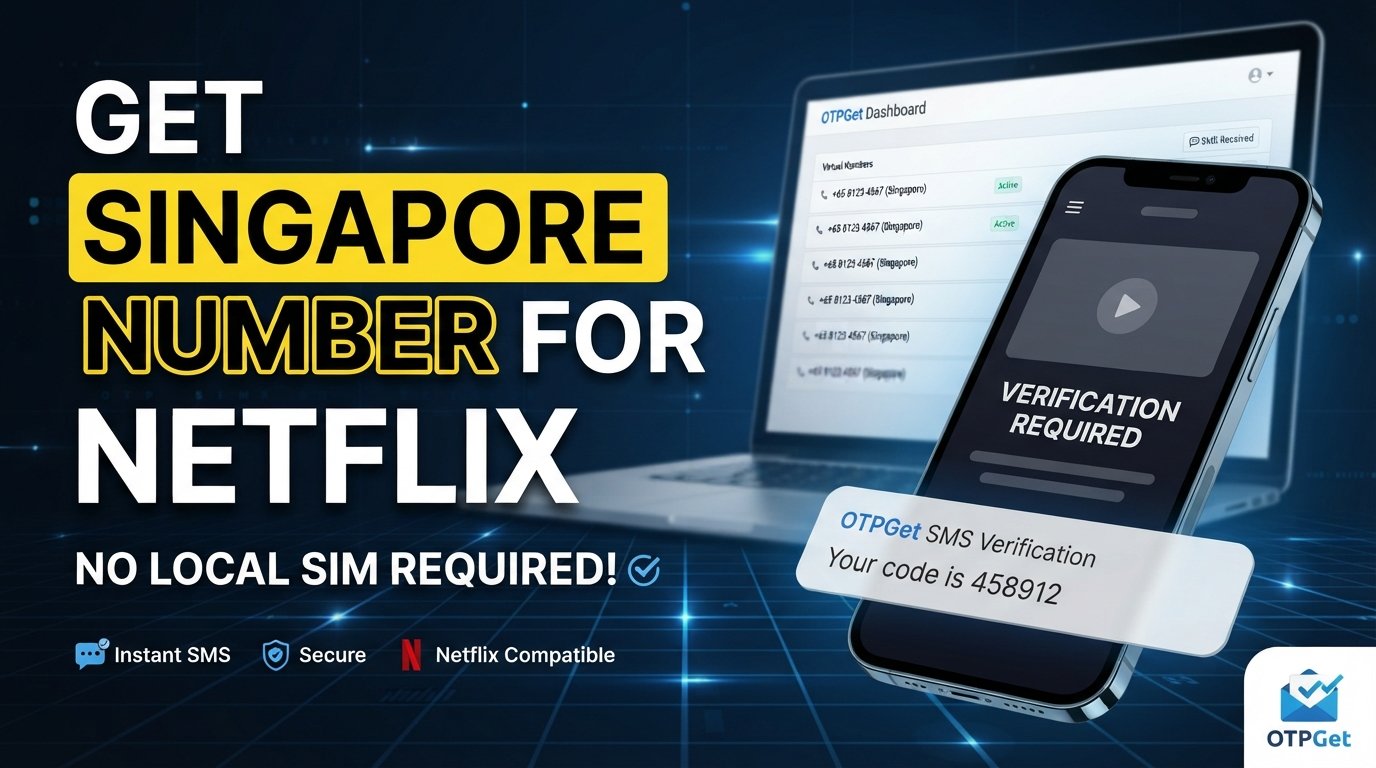
How to Get Singapore Number for Netflix — OTPGet
Need a Singapore number for Netflix but do not have access to a local SIM? If Netflix or another supported account workflow asks you to verify a phone number by SMS, obtaining a suitable number can be the most difficult part of the process. A Singapore phone number can be useful when your verification workflow specifically requires a Singapore-based number capable of receiving SMS.
Netflix documents the use of phone numbers for account access, recovery, and verification, including confirmation codes sent by text message.
This is where a virtual number service can be convenient. OTPGet provides access to virtual numbers for SMS OTP verification, subject to the availability and compatibility of the requested service and country.
In this guide, you will learn what a Singapore virtual number is, how the general Netflix OTP verification process works, how to use OTPGet for supported workflows, and what to do when a verification SMS does not arrive.
Why Does Netflix Need Phone Number Verification?
Phone verification is one way online services confirm that a phone number is accessible to the person using an account.
Netflix's official help documentation explains that adding a phone number can make signing in easier, improve account security, and help with account recovery. When a phone number is added or changed, Netflix may require confirmation using a code sent by text message.
Netflix also supports sign-in and password-recovery workflows involving SMS codes in situations where a phone number is linked to the account.
The important point is that phone verification depends on receiving the SMS successfully. A number that cannot receive the required message will not be useful for that particular workflow.
Why You Might Need a Singapore Number for Netflix
There are several legitimate reasons someone might search for a Singapore phone number for Netflix or another Singapore number capable of receiving verification SMS.
For example, you may:
-
Need to test a phone-verification workflow associated with Singapore.
-
Be traveling and need access to a Singapore-based number.
-
Have a Singapore-related account or service requirement.
-
Need an online number rather than a physical SIM for a supported verification process.
-
Be working on software or account-testing workflows involving Singapore SMS verification.
-
Need a number capable of receiving a one-time verification code.
The exact requirements depend on the service and the particular verification flow. A Singapore number does not automatically guarantee that Netflix will accept it, send an OTP to it, or allow any particular account action.
For that reason, compatibility matters more than simply finding any Singapore number.
What Is a Singapore Virtual Number?
A Singapore virtual number is a phone number that can be accessed through an online service rather than being tied exclusively to a physical SIM card in your smartphone.
Depending on the provider and service, a virtual number may be used to receive SMS messages containing verification codes.
The basic concept is straightforward:
-
A service assigns or provides access to a phone number.
-
You enter that number into the relevant verification form.
-
The service sends an SMS to the number.
-
The virtual-number provider receives the SMS.
-
You view the verification message through the provider's supported interface or workflow.
This can be more convenient than obtaining a physical Singapore SIM, particularly when your purpose is a supported online verification workflow.
OTPGet's documentation describes its platform as providing virtual numbers for OTP verification and SMS reception, including an API for developers.
How to Get a Singapore Number for Netflix
If your intended verification workflow supports a Singapore virtual number, the general process is simple.
1. Visit OTPGet
Start by visiting OTPGet and reviewing the available virtual-number options.
The available countries, services, and numbers can vary, so check what is currently offered rather than assuming a particular number or service will always be available. OTPGet's published documentation describes country and service selection as part of its SMS OTP workflow.
2. Choose an Available Singapore Number or Service
Select Singapore when looking for a number for your intended SMS verification workflow.
Make sure the number is intended to receive SMS and is compatible with the service you are trying to verify.
3. Follow OTPGet's Instructions
Complete the required steps shown by OTPGet to obtain access to the selected number.
The exact interface or options may change, so follow the instructions displayed by OTPGet rather than relying on a fixed set of menu names.
4. Enter the Number Where Verification Is Requested
Return to the relevant Netflix account or verification page and enter the Singapore number in the phone-number field if the workflow permits it.
Check the country code and number carefully before continuing.
Netflix's official instructions show that phone-number workflows involve selecting a country and entering the phone number before proceeding with verification.
5. Request the OTP
If the service accepts the number and offers SMS verification, request the verification code.
Avoid repeatedly requesting codes immediately if the first message is delayed.
6. Check OTPGet for the Incoming SMS
Return to OTPGet and check the selected number for an incoming verification message.
OTPGet's developer documentation describes checking the status of an SMS OTP request and retrieving the received code through its supported workflow.
7. Enter the Verification Code
Copy the received code into the appropriate verification field.
Make sure you use the current code and enter it exactly as received.
8. Complete the Verification Process
Once the code is accepted, finish the relevant verification steps shown by the service.
Remember that successful SMS reception does not guarantee approval of an account, subscription, or any other Netflix action.
Need a Singapore number for an SMS verification workflow? Explore OTPGet and check the Singapore options currently available for your intended use.
How OTPGet Helps With Singapore OTP Verification
For readers looking for a Singapore number for OTP verification, OTPGet offers a practical online option instead of requiring access to a physical SIM.
Its published service information describes virtual phone numbers for OTP verification across multiple countries and services. Its documentation also describes SMS OTP and rental-number workflows.
The practical advantages can include:
-
Online access: You can obtain and manage supported virtual-number services through an online platform.
-
SMS reception: The service is designed around receiving SMS verification messages for supported workflows.
-
No physical SIM requirement: A virtual-number workflow can eliminate the need to obtain a physical SIM for the relevant use case.
-
Convenience: You can handle the number and verification process online.
-
Developer support: OTPGet also publishes API documentation for automated OTP workflows, which may be relevant to developers and technical users.
However, availability and compatibility should always be checked before starting a verification attempt. A virtual number is a tool for receiving SMS; it is not a guarantee that a particular platform will accept the number.
How to Receive a Netflix OTP on a Singapore Number
The general workflow for receiving a Netflix verification code by SMS is:
Enter number → request code → receive SMS → retrieve code → enter code → complete verification
Netflix's help documentation confirms that phone-number verification can involve a code sent by text message.
If you are using a Singapore virtual number, the important part is ensuring that the number is available for your intended workflow and capable of receiving the relevant SMS.
Once the message arrives through the supported OTPGet workflow, enter the code into the Netflix verification field promptly. Some Netflix code-based workflows have limited validity periods; for example, Netflix documents a 15-minute validity period for certain sign-in codes, while a separate password-reset workflow documents 20 minutes. The exact behavior therefore depends on the specific Netflix flow.
Common Problems When Using a Singapore Number for OTP Verification
Even when the process appears straightforward, SMS verification can fail for several reasons.
OTP Does Not Arrive
The message may be delayed or the number may not be compatible with the service.
Try: Wait briefly, check the number carefully, and verify that the selected number supports the intended service before requesting another code.
The Number Is Unavailable
A particular Singapore number may no longer be available when you try to use it.
Try: Check OTPGet for another currently available option rather than assuming a previously listed number remains active.
The Verification Code Expires
One-time codes are generally intended for immediate use.
Try: Request the code when you are ready to complete verification and enter it promptly. Check the instructions for the specific Netflix workflow.
Incorrect Number Format
A missing or incorrect country code can prevent SMS delivery.
Try: Enter the Singapore number exactly in the format requested by the verification page.
Too Many Verification Attempts
Repeated requests can create additional delays or trigger service-specific restrictions.
Try: Stop requesting codes repeatedly. Wait and follow the platform's instructions before trying again.
SMS Delays
SMS delivery can sometimes be delayed by network or service conditions.
Try: Give the message some time to arrive and avoid generating multiple codes unnecessarily.
Service-Specific Restrictions
Not every virtual number works with every verification service.
Try: Confirm that the number and intended service are supported before proceeding. OTPGet can provide access to virtual numbers, but it cannot guarantee acceptance by every third-party platform.
A Number May Have Been Used Previously
Some online numbers can have a previous usage history.
Try: If the verification workflow rejects the number or indicates that it is already associated with an account, use a different compatible number rather than attempting to bypass the restriction.
Tips for Choosing a Singapore Number for Netflix Verification
Before starting an OTP verification attempt, keep these points in mind:
-
Confirm SMS support. The number needs to be capable of receiving the relevant text message.
-
Check service compatibility. A Singapore number alone does not guarantee compatibility with Netflix or another platform.
-
Enter the number correctly. Pay particular attention to the country code and formatting.
-
Be ready before requesting the OTP. This reduces the chance of dealing with an expired code.
-
Avoid repeated requests. Multiple OTP requests can make it harder to determine which code is current.
-
Follow platform rules. Use the number only for legitimate, authorized verification.
-
Protect verification codes. Treat OTPs as sensitive account information and never share them with strangers.
If you need an online Singapore number for a supported SMS verification workflow, OTPGet is a practical place to check available options.
Singapore Number for Netflix: Physical SIM vs Virtual Number
A physical SIM and a Singapore virtual number can serve different purposes.
| Feature | Physical Singapore SIM | Singapore Virtual Number |
|---|---|---|
| Physical SIM required | Yes | No |
| Online access | Usually requires a phone/device | Designed for online access |
| SMS reception | Yes, where supported | Yes, where the selected service supports it |
| Convenience | Requires obtaining and managing a SIM | Can be more convenient for online workflows |
| Setup | Requires SIM/eSIM setup and applicable mobile service | Depends on the virtual-number provider |
| Travel friendliness | Can require carrying or activating the SIM | Can be useful when a physical SIM is impractical |
| Typical use case | Personal mobile connectivity | Supported SMS/OTP verification workflows |
Neither option guarantees acceptance by Netflix. The appropriate choice depends on the verification requirement, number availability, and the service's rules.
Frequently Asked Questions
1. Can I get a Singapore number online for Netflix verification?
Yes, a virtual Singapore number can be obtained online through services that provide supported SMS/OTP numbers. OTPGet publishes virtual-number services for OTP verification. Whether a specific number works with Netflix depends on the verification workflow and compatibility.
2. How can I receive a Netflix OTP on a Singapore number?
Obtain a compatible Singapore number, enter it into the relevant Netflix phone-verification field, request the SMS, then check the number's incoming messages through the supported OTPGet workflow and enter the received code.
3. What is a Singapore virtual number?
It is a Singapore phone number provided through an online service rather than requiring you to possess a conventional physical SIM. Depending on the service, it can receive SMS messages such as verification codes.
4. How does OTPGet work?
OTPGet provides virtual-number and SMS OTP services. Its documentation describes obtaining a number for an OTP request and checking the request for an incoming SMS code.
5. Why is my Netflix OTP not arriving?
Possible causes include an incorrect number, SMS delay, number incompatibility, or a service-specific restriction. Netflix also notes that delays can occur when text messages are being delivered to a phone number.
6. Can I use a Singapore number without a physical SIM?
A virtual Singapore number can be used without obtaining a physical SIM, provided the selected service supplies the number and supports SMS reception for your intended workflow.
7. How long does an OTP remain valid?
There is no single validity period that should be assumed for every Netflix SMS code. Netflix documents different validity periods for different code-based workflows, so follow the instructions associated with the specific verification process.
8. What should I do if a Singapore number does not receive the SMS?
First, check that the number is correct and intended for the service. Then allow time for delivery and avoid repeatedly requesting codes. If the number remains unsuitable, check whether another compatible option is available through OTPGet.
Final Thoughts
Getting a Singapore number for Netflix can be useful when a supported verification workflow requires SMS access to a Singapore-based phone number. A virtual number can be more convenient than obtaining a physical SIM, particularly for users who only need access to an SMS verification workflow.
OTPGet provides a practical way to access virtual numbers for supported OTP and SMS verification use cases. Its published documentation covers virtual numbers, SMS OTP requests, and checking received verification messages.
The key is to choose a number that supports the intended service, enter it correctly, request the verification code only when ready, and follow the relevant platform's requirements.
Looking for a Singapore number online? Explore OTPGet and check the available options for your supported SMS verification workflow.
Use any phone-number or OTP service responsibly and in accordance with Netflix's terms, the provider's rules, and applicable laws.