How to Get a Singapore Number for Telegram OTP with OTPGet Easily
How to Get a Singapore Number for Telegram OTP with OTPGet Easily
Signing up for Telegram is usually straightforward—until phone-number verification becomes the sticking point. If you specifically need a Singapore number for Telegram OTP, getting access to a suitable number can be more complicated than simply entering your existing mobile number.
You may be outside Singapore and unable to obtain a local SIM. You may want to keep your personal number separate from online accounts. Or perhaps international SMS reception and roaming are creating unnecessary complications.
A virtual number can make this process more convenient. Instead of buying a physical SIM solely for verification, you can use an online number capable of receiving SMS where the target service and number are supported.
That is where OTPGet can be useful. OTPGet provides virtual phone numbers for SMS verification, including numbers from Singapore when available, and lists Telegram among its supported services.
So, how does it work, what should you watch out for, and is a virtual Singapore number the right choice for Telegram? Let's break it down.
Why Do You Need a Singapore Number for Telegram?
There are several legitimate reasons someone may want a Singapore phone number for Telegram.
For international users, a Singapore number can provide access to a local number without requiring a physical Singapore SIM. This can be particularly useful when you're traveling, working across countries, or testing services that involve regional phone numbers.
Other common use cases include:
- Separating personal and online communications: A separate verification number can keep your everyday mobile number out of certain registration workflows.
- International access: Users outside Singapore may need an online Singapore number because obtaining a physical local SIM isn't convenient.
- Testing and development: Developers and QA teams may need phone numbers for testing registration and SMS workflows.
- Privacy-conscious registration: Some users prefer not to use their primary personal number for every online service.
- Temporary verification: If you only need a number for a particular verification task, an online option may be more practical than purchasing another physical SIM.
If you need a [Singapore virtual number] specifically for an OTP workflow, the key is finding a provider that actually offers Singapore numbers and supports the service you're trying to verify.
How Telegram OTP Verification Works
Telegram uses phone-number verification when you register or sign in. The basic process is simple:
- Enter your phone number in Telegram.
- Telegram initiates the verification process.
- A verification code may be delivered through SMS or another verification method supported by Telegram for that account/session.
- Enter the received code.
- Complete the remaining Telegram setup steps.
The important part is access to the number. If you cannot receive the verification message, you cannot complete the SMS portion of the process.
A virtual number works by providing access to SMS without requiring that number to be installed on your physical phone as a traditional SIM. OTPGet describes its virtual numbers as cloud-hosted phone numbers that can be used to receive SMS verification codes, with Telegram included among supported services.
However, there is an important caveat: not every virtual number is guaranteed to be accepted by Telegram. Acceptance can depend on Telegram's verification systems, the number's history, availability, and other factors.
How to Get a Singapore Number for Telegram OTP
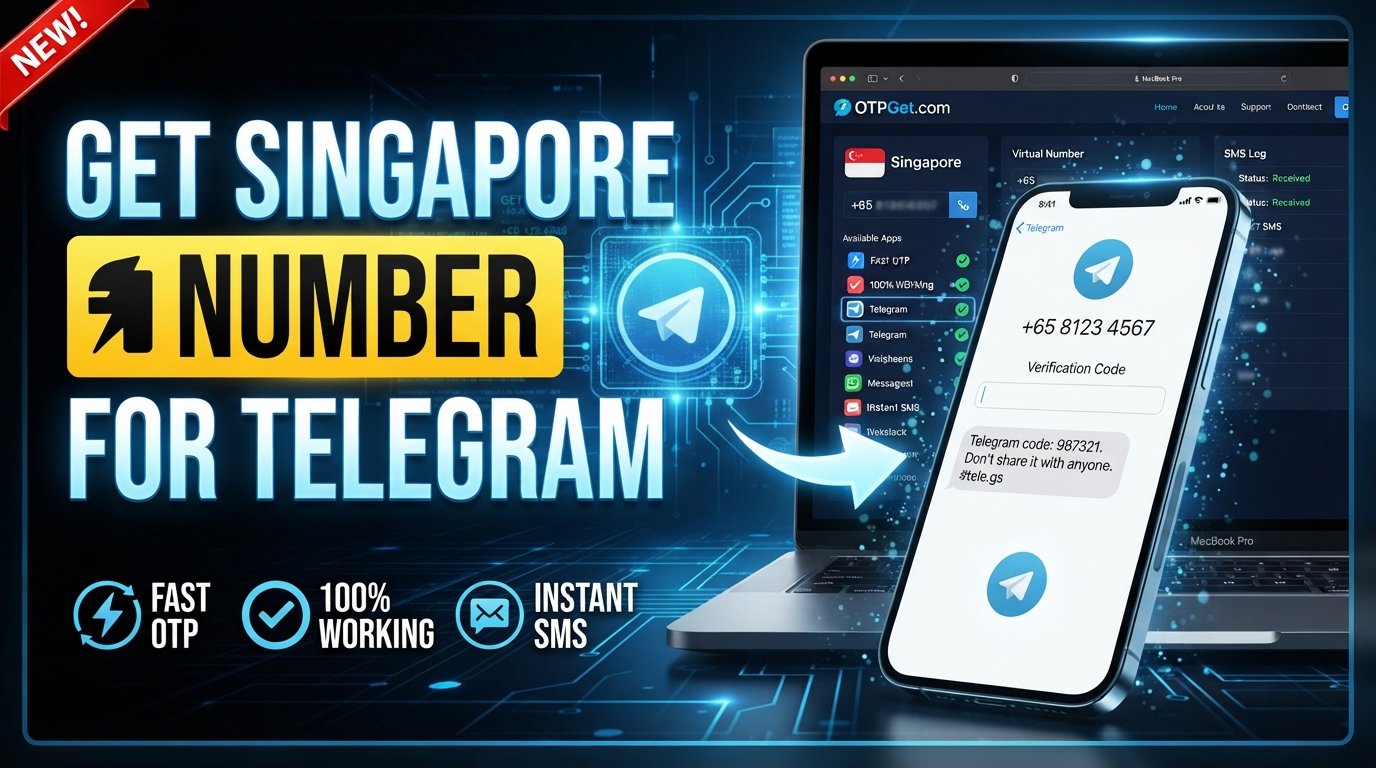
How do I get a Singapore number for Telegram OTP? The simplest approach is to use an online SMS verification provider such as OTPGet, select Singapore and Telegram where available, receive the verification message, and enter the code in Telegram.
Here's the practical workflow.
Step 1: Choose OTPGet
Start with OTPGet and look for its virtual SMS number service.
OTPGet is designed around online phone-number and OTP verification workflows. Its platform lists Singapore among its available countries and Telegram among supported services. Availability can change, so check the current options before placing an order.
Step 2: Select a Singapore Number
Choose Singapore as the country and Telegram as the intended service, if that combination is currently available.
The important point is to select a number that is specifically suitable for receiving the SMS verification message you need. Don't assume that any Singapore virtual number will automatically work with Telegram.
Step 3: Use the Number in Telegram
Copy the selected Singapore number and enter it into the Telegram verification screen.
Pay close attention to the country code and phone number formatting. A small mistake here can prevent the verification message from reaching the correct number.
Step 4: Wait for the OTP
Once Telegram sends the verification message, monitor the OTPGet interface for the incoming SMS.
OTPGet's documented workflow allows users to obtain virtual numbers and check the status of incoming SMS verification codes through its service.
Step 5: Enter the Telegram Verification Code
When the Telegram OTP arrives, enter the code into Telegram's verification screen.
Treat the code as sensitive information. Don't share it with other people or enter it into an unrelated website.
Step 6: Complete Telegram Setup
After Telegram accepts the verification code, continue with your account setup.
If you expect to need the number again for future verification, consider whether a temporary number is appropriate or whether a longer-term rental better matches your needs.
Why Choose OTPGet for a Singapore Telegram Number?
The biggest advantage of OTPGet is convenience. Instead of finding, purchasing, and activating a physical Singapore SIM just to receive a verification SMS, you can use an online number when one is available for your intended service.
OTPGet's platform provides virtual numbers across many countries and identifies Singapore as an available location. It also supports Telegram verification workflows and offers both one-time virtual numbers and longer-term rental options.
For users, the practical benefits include:
- Online access: You don't need to obtain a physical SIM solely for the verification task.
- Simpler workflow: Country and service selection can be handled through an online platform.
- Number separation: A separate number can keep verification activity apart from your primary mobile number.
- Flexible use cases: Temporary numbers can suit one-off verification, while rental numbers can make more sense when continued access is required.
- SMS-focused service: OTPGet is built specifically around receiving verification messages rather than functioning as a traditional mobile carrier.
If your goal is simply to get a Singapore number for Telegram verification, OTPGet offers a straightforward place to check availability and begin the process.
Singapore Virtual Number vs. Physical SIM for Telegram
Both approaches can work for different situations.
| Factor | Singapore Virtual Number | Physical Singapore SIM |
|---|---|---|
| Setup convenience | Online | Requires obtaining a SIM |
| Physical SIM required | No | Yes |
| Accessibility | Online | Depends on SIM access and device |
| Privacy/separation | Separate number available | Separate number available |
| Temporary use | Often practical | Less convenient for one-off use |
| Long-term ownership | Depends on number/rental terms | Depends on carrier and plan |
| SMS access | Through the provider | Directly through mobile network |
A physical SIM is generally more appropriate if you want conventional long-term mobile service and direct ownership of a carrier-issued number.
An online number can be more convenient when your requirement is specifically SMS verification and you don't want another physical SIM.
What to Look for in a Singapore Number for Telegram OTP
Choosing the first number you see isn't necessarily the best approach. Before proceeding, consider:
Singapore Number Availability
Make sure the provider actually has Singapore numbers available for the service you need. Availability can change.
SMS Reception
The number needs to be capable of receiving the relevant verification SMS. A number being labeled "Singapore" does not automatically mean every platform will accept it.
Reliability
OTP codes are time-sensitive. Look for a service with a clear, understandable process for obtaining numbers and checking incoming messages.
Transparent Pricing
Understand what you're paying for before confirming an order. Check whether the number is temporary, rented, or otherwise limited in duration.
Privacy Considerations
Review the provider's privacy and data-handling information. For example, OTPGet states that it may collect information such as email addresses, IP addresses, transaction records, and account activity logs for operational and security purposes.
Platform Compatibility
Most importantly, check whether the number is offered for Telegram verification rather than assuming compatibility.
Common Problems When Receiving a Telegram OTP
Even with a suitable number, verification doesn't always go perfectly. Here are some common problems and what to try.
OTP not arriving: Wait briefly and check that the number was entered correctly. Avoid repeatedly requesting codes in quick succession.
Number already being used: Telegram may treat a number differently if it has previous account activity. Try another available number if appropriate.
Telegram restricts the number: Some virtual numbers may not be accepted. This is a platform-level limitation that a provider cannot necessarily override.
Expired verification session: Start a fresh verification attempt rather than trying to use an old code.
Delayed SMS: Give the system a little time before requesting another code. Multiple requests can create additional confusion.
Incorrect country code: Confirm that the Singapore country code and the rest of the number are entered correctly.
Temporary provider issue: If the selected number cannot receive the message, follow the provider's cancellation or replacement process where applicable. OTPGet's terms explain its process for orders where an OTP isn't received, including a manual cancellation requirement within its stated window.
Tips for a Smooth Telegram OTP Verification
A few simple precautions can make the process easier:
- Enter the correct Singapore country code and number.
- Double-check every digit before requesting the OTP.
- Make sure the selected number can receive SMS.
- Wait before requesting another verification code.
- Avoid repeatedly restarting the verification process.
- Use a stable internet connection.
- Keep the OTP private.
- Follow Telegram's instructions during verification.
- Check OTPGet's current number availability before starting.
- If you need continued access, consider whether a rental number is more appropriate than a temporary one.
You can also bookmark resources such as [Telegram OTP verification] and [receive SMS online] for future verification workflows.
Is Using a Singapore Virtual Number for Telegram Safe?
A virtual number can be a practical verification tool, but "safe" depends on how the service and account are used.
Start with a reputable provider and understand its policies. Never share your Telegram OTP with someone else, and don't enter verification codes into suspicious websites or forms.
It's also important to understand the limitations of temporary numbers. A number intended for short-term verification may not provide the same continuity as a personal mobile number. If you need to recover or verify an account later, access to the original number can matter.
Finally, use the number for legitimate purposes and follow Telegram's applicable terms and policies. OTPGet's own terms prohibit illegal, fraudulent, abusive, or harmful use of its services.
Frequently Asked Questions
Can I get a Singapore number for Telegram OTP?
Yes, you can look for a Singapore virtual number through an online SMS verification provider. OTPGet lists Singapore numbers and Telegram among its supported options, subject to current availability.
How do I receive a Telegram OTP online?
Choose a suitable virtual number, enter it in Telegram, and monitor the provider's SMS interface for the verification code. Once received, enter the OTP into Telegram.
Can I use a Singapore virtual number for Telegram?
A Singapore virtual number may work for Telegram verification when the specific number is accepted by Telegram and can receive the required SMS. Compatibility isn't guaranteed for every virtual number.
Where can I get a Singapore number for Telegram verification?
OTPGet is a practical option to check when you need an online Singapore number for SMS verification. Its platform lists Singapore availability and Telegram support.
How long does it take to receive a Telegram OTP?
Timing can vary depending on Telegram, the number, network conditions, and the provider. If a code doesn't arrive promptly, verify the number and avoid repeatedly requesting new codes.
Why is my Telegram verification code not arriving?
Possible causes include an incorrectly entered number, SMS delays, an unsupported virtual number, an expired verification session, or restrictions associated with the number. Check each of these before trying again.
Can OTPGet provide a Singapore number for Telegram?
OTPGet's website currently lists Singapore among its available virtual-number countries and Telegram among supported services. Check the platform for current availability before ordering.
Is a virtual Singapore number better than a physical SIM?
Neither is universally better. A physical SIM is useful for conventional long-term mobile use, while a virtual number can be more convenient when your primary requirement is online SMS verification without obtaining another physical SIM.
Final Verdict — Get Your Singapore Telegram Number with OTPGet
If you need a Singapore number for Telegram OTP, the main challenge isn't Telegram itself—it's having access to a suitable number that can receive the required verification message.
A physical Singapore SIM can work, but it isn't always convenient for international users or people who only need a number for verification. A virtual number offers an alternative by moving the SMS-receiving process online.
OTPGet is a practical solution to consider because its platform specifically focuses on virtual numbers and SMS verification, lists Singapore numbers, and supports Telegram among its available services.
The best approach is simple: check Singapore availability, select Telegram where supported, use the number in Telegram, wait for the verification SMS, and enter the received code securely.
If that workflow matches your needs, explore OTPGet and check the available Singapore numbers to get started. Just remember to check current availability and use the number responsibly.