SMS Authentication for Online Accounts: How OTPGET Can Help
SMS Authentication for Online Accounts
Online accounts often contain information that users expect to remain private, from personal details and communication records to business data and payment-related information. A strong login process is therefore more than simply asking for a password.
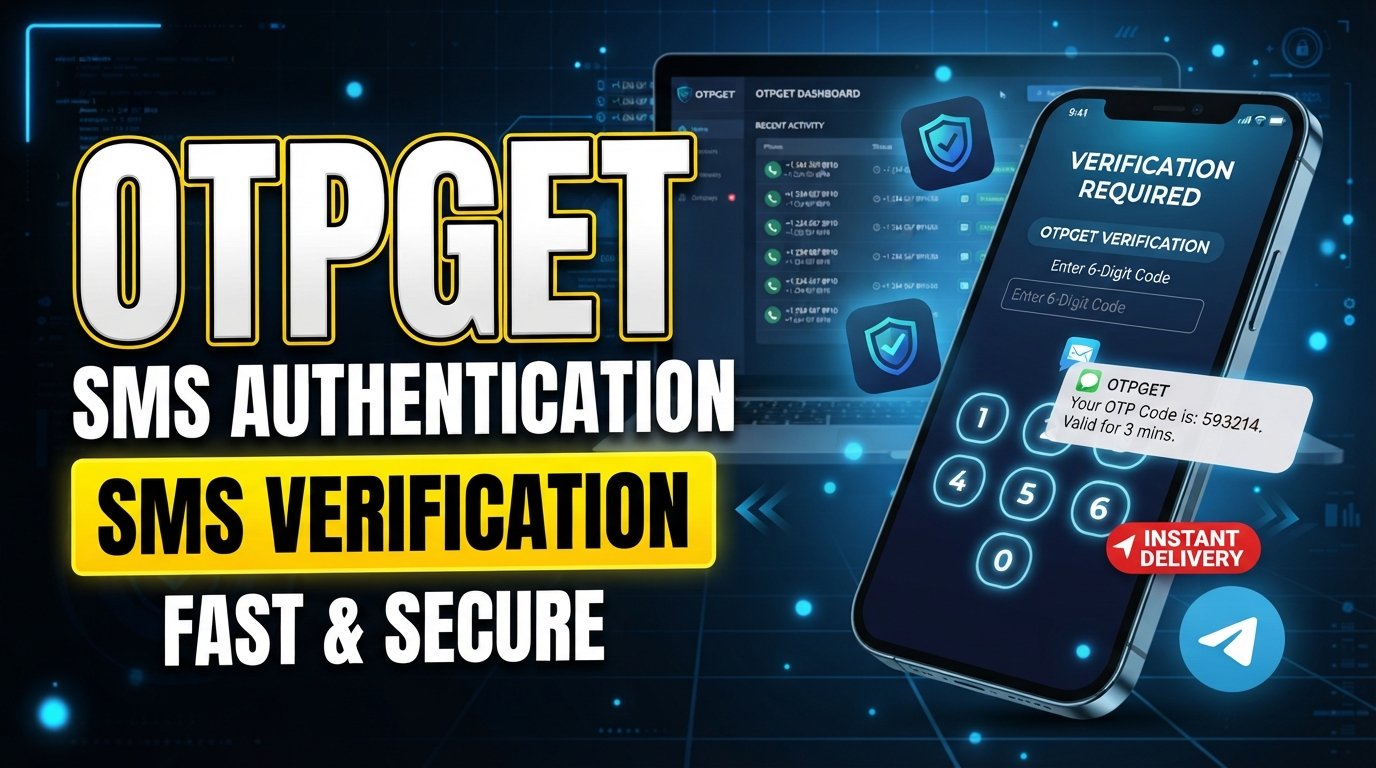
One practical approach is SMS authentication for online accounts, where a temporary verification code is sent to a user's mobile number. The user then enters that code to confirm access or complete a protected action. This approach can be used during registration, login, password recovery, account changes, and other verification workflows.
For businesses, the challenge is not simply generating an OTP. A useful authentication process also needs a sensible user journey, appropriate controls, and dependable handling of verification requests. Solutions such as OTPGET can help businesses support SMS OTP and verification workflows without making the authentication experience unnecessarily complicated.
What Is SMS Authentication?
SMS authentication is a method of verifying a user's identity by sending a temporary code to their mobile phone.
The code is commonly called a one-time password, or OTP. Unlike a traditional password, an OTP is intended for a specific verification attempt and is generally valid for a limited period or use.
For example, imagine a customer signs in to an online service. After entering their username and password, the application asks for an additional verification code. The system sends an SMS containing the code to the customer's registered mobile number. Once the customer enters the correct code, the application can continue the authentication process.
This makes SMS verification useful for confirming that the person attempting an action has access to the registered phone number.
A password and an OTP serve different purposes. A password is typically chosen and reused by the account holder, while an OTP is a temporary authentication code generated for a particular verification event. Businesses can use these methods separately or as part of a layered authentication process.
How SMS OTP Verification Works
The basic OTP verification process is straightforward:
- A user starts an action. They may register, log in, recover an account, or perform a protected action.
- The application requests verification. The system determines that phone verification or an additional authentication step is required.
- A one-time password is generated. A temporary verification code is created for the request.
- The SMS OTP is sent. The code is delivered to the mobile number associated with the verification request.
- The user enters the code. The verification screen accepts the authentication code.
- The system validates the OTP. It checks whether the code is correct and still valid.
- The action is completed. If verification succeeds, the user can proceed according to the application's access rules.
This workflow can be used for both new and existing users. For instance, a marketplace might verify a phone number during registration, while a SaaS platform could request an OTP during login or account recovery.
The important part is that the verification workflow should be easy for legitimate users while applying sensible controls to repeated or suspicious requests.
Why Businesses Use SMS Authentication for Online Accounts
Businesses use SMS-based authentication in many situations because phone verification can fit naturally into an existing user journey.
Common applications include:
- New account registration: Confirm that a mobile number belongs to the person creating an account.
- Login verification: Add another verification step when a user signs in.
- Password recovery: Help verify the account holder during a recovery workflow.
- Two-factor authentication: Use SMS as an additional factor alongside another authentication method.
- Sensitive account changes: Request verification before changing selected account information.
- Customer onboarding: Include phone number verification as part of the registration process.
- E-commerce accounts: Confirm customers during registration, login, or selected account activities.
- SaaS platforms: Add verification to user access and account management workflows.
- Mobile applications: Verify a user's mobile number during app registration.
- Marketplaces: Support user verification during account creation and selected activities.
- Digital services: Add SMS verification to workflows where confirming a phone number is useful.
The appropriate implementation depends on the application's risk profile and the type of information or action being protected. SMS authentication can be one component of a broader application security strategy rather than a replacement for every other security control.
Key Benefits of SMS-Based OTP Verification
Fast verification
A temporary verification code can provide a direct way for users to confirm an action. Instead of creating another credential specifically for the verification step, the user receives a code and enters it into the application.
Familiar user experience
Many users understand the basic process of receiving an SMS and entering a verification code. That familiarity can make phone verification relatively easy to explain within registration and login screens.
Reduced reliance on passwords
OTP authentication can complement password-based access. When used as an additional authentication step, it creates another part of the verification process rather than relying entirely on a single password.
Easier account onboarding
Phone number verification can be incorporated into user onboarding when a business needs to confirm a mobile number before allowing an account to become fully active.
Flexible application use cases
SMS OTP can support many workflows, from registration and login verification to account recovery and selected sensitive actions. This flexibility makes it relevant to websites, mobile applications, SaaS products, marketplaces, and other digital services.
An additional security layer
2FA via SMS can add another verification step to an authentication workflow. However, businesses should understand that SMS authentication has limitations and should select authentication methods according to their security requirements.
SMS Authentication vs. Password-Only Login
Password-only authentication depends primarily on the user's password. If that credential is compromised, an attacker may be able to attempt account access.
SMS OTP authentication introduces a temporary verification code into the process.
| Approach | Typical role |
|---|---|
| Password-only login | Uses a persistent user credential for authentication |
| SMS OTP authentication | Uses a temporary code delivered through SMS |
| Layered authentication | Combines multiple verification mechanisms |
| Additional verification | Can be requested for selected higher-risk actions |
There is no single authentication approach that fits every application. A business handling sensitive information may require additional controls, while another service may use SMS verification primarily for phone number confirmation or onboarding.
The key is to match the authentication process to the application's needs, user experience, and risk considerations.
Common Challenges With SMS OTP Verification
SMS verification is practical, but implementation still requires careful planning.
Delayed SMS delivery can interrupt a user's login or registration experience. Users may request another code before the first message arrives, creating unnecessary confusion.
Incorrect phone numbers can prevent legitimate users from receiving their verification messages. Input validation and clear error handling can reduce avoidable problems.
Expired OTPs can also create friction. If a code remains valid for too little time, users may struggle to complete verification. If it remains valid unnecessarily long, the business may introduce avoidable security concerns.
Other challenges include:
- Multiple OTP requests from the same user
- Repeated failed verification attempts
- Network or carrier-related delays
- International delivery considerations
- Poorly designed verification screens
- Excessive resend requests
- Confusing error messages
These issues show why an SMS verification service is more than a mechanism for sending text messages. Businesses need to consider the entire verification workflow, from code generation through successful validation.
This is where choosing an appropriate OTP service and designing sensible application controls becomes important.
How OTPGET Can Simplify SMS Authentication
OTPGET can help businesses support SMS OTP verification and authentication workflows where phone-based verification is part of their application.
Rather than treating an OTP as an isolated text message, businesses can incorporate verification into specific user journeys such as registration, login, account recovery, and phone number confirmation.
With OTPGET, businesses can work around practical verification needs such as:
- SMS OTP verification
- Phone number verification
- One-time password workflows
- Account verification
- Login authentication
- Customer verification
- User onboarding
- Verification processes for digital services
The exact implementation will depend on the business's application, authentication requirements, and chosen workflow. That distinction matters because authentication should be designed around the actual access and security needs of a service.
For a business evaluating an online OTP service, OTPGET can be considered as part of the process of building a practical SMS-based authentication workflow. The goal is to make verification a manageable part of the customer journey rather than an afterthought.
Where Businesses Can Use OTPGET
OTPGET can be considered for a range of business verification scenarios, including:
- Website registration
- Mobile app registration
- Login verification
- Password reset workflows
- Customer onboarding
- Phone number verification
- Two-factor authentication
- Transaction verification
- Account recovery
- E-commerce verification
- SaaS authentication
- Marketplace user verification
For example, a SaaS company could request an OTP when a user registers with a phone number. An online marketplace could incorporate phone verification into onboarding. An application could also use SMS authentication when users need to confirm access during a particular account action.
The exact implementation depends on the business's application architecture, user journey, and verification requirements.
Best Practices for SMS Authentication
A well-designed OTP workflow should protect the account without unnecessarily frustrating legitimate users.
Consider these practices:
- Use short-lived OTPs. Temporary codes should not remain valid longer than necessary.
- Limit repeated attempts. Put sensible controls around verification and resend requests.
- Protect authentication endpoints. Verification APIs and related endpoints should be designed to resist abuse.
- Validate phone numbers carefully. Clear input handling can prevent avoidable delivery problems.
- Provide useful error messages. Tell users what they need to do without exposing sensitive information.
- Allow another code when appropriate. A controlled resend option can help when a message is delayed.
- Monitor failed verification attempts. Repeated failures can provide useful operational and security signals.
- Build mobile-friendly screens. Users should be able to enter a verification code easily on smaller displays.
- Avoid exposing OTPs insecurely. Verification codes should not be unnecessarily placed in URLs, logs, or other inappropriate locations.
- Consider fallback methods. Depending on the application, another authentication option may be appropriate if SMS delivery is unavailable.
- Match controls to risk. More sensitive actions may require stronger or additional verification mechanisms.
These practices help businesses balance account protection with a smooth verification experience.
Choosing an SMS OTP Verification Solution
When evaluating an OTP verification service, businesses should look beyond the ability to send a message. The surrounding workflow matters just as much.
Consider factors such as:
- Reliability and delivery considerations
- Ease of integration
- API availability
- Verification workflow support
- Scalability requirements
- Developer experience
- Documentation quality
- Monitoring and operational visibility
- Security practices
- User experience
- Geographic requirements
- Cost considerations
Businesses should also think about how the service will fit into existing registration, login, recovery, and customer verification processes.
For organizations looking for an SMS verification service, OTPGET may be worth exploring based on these requirements. The right choice depends on the application's technical setup, users, verification volume, geographic needs, and security model.
Make Account Verification Simpler With OTPGET
SMS authentication can add a practical verification step to online accounts. Whether the goal is confirming a phone number, supporting login verification, improving account recovery, or adding SMS-based two-factor authentication, OTPs can fit into a wide range of digital workflows.
At the same time, SMS authentication should be treated as one part of a broader account security strategy. Businesses should design appropriate controls around OTP generation, expiration, retries, verification attempts, and account access.
For businesses seeking a practical way to support SMS OTP and verification workflows, OTPGET provides a solution worth exploring. Review your authentication requirements, consider how phone verification fits into your user journey, and determine whether OTPGET is suitable for your application.
FAQ
What is SMS authentication?
SMS authentication is a user verification method that sends a temporary code to a registered mobile number. The user enters the code into an application to confirm a login, registration, recovery request, or another protected action.
How does SMS OTP verification work?
A system generates a temporary one-time password and sends it to the user's mobile number through SMS. The user enters the code, and the application validates it before allowing the requested action to continue.
Why do websites use OTP verification?
Websites can use OTP verification to confirm phone numbers, support login verification, assist with account recovery, or add another step to an authentication workflow. The specific use depends on the site's security and user experience requirements.
Is SMS authentication useful for online accounts?
SMS authentication can be useful when a business needs phone number verification or an additional authentication step. It should be implemented with appropriate controls and should not be treated as a complete solution to every account security risk.
What is the difference between an OTP and a password?
A password is generally a persistent credential chosen or assigned for an account. An OTP is a temporary verification code intended for a particular authentication event. They can be used together in a layered authentication workflow.
How can businesses implement SMS verification?
Businesses can integrate an SMS OTP or verification service into registration, login, recovery, onboarding, and other workflows. The implementation should include suitable OTP expiration, retry controls, input validation, error handling, and protection for authentication endpoints.
How can OTPGET help with SMS authentication?
OTPGET can help businesses support SMS OTP, phone number verification, account verification, login authentication, and related verification workflows. Businesses should assess their specific application and authentication requirements when planning an implementation.
Final CTA
Looking for a practical way to support SMS authentication and OTP verification? Explore OTPGET to see how it can fit into your account verification, login, onboarding, and phone verification workflows.