SMS OTP API Integration: A Practical Guide for Developers
How to Integrate an SMS OTP API Into Your Application
Introduction
Phone number verification has become a familiar part of signing up, logging in, resetting an account, confirming a transaction, and protecting sensitive actions. Instead of asking users to create another password, many applications send a temporary code to the user's mobile phone and ask them to enter it.
For developers, however, building the complete verification process can involve more than generating a random number. An application may need OTP generation, SMS delivery, verification logic, expiration rules, retry handling, API communication, error management, and protection against abuse.
That is where an SMS OTP API can simplify the architecture. Rather than developing every part of an SMS verification system internally, an application can communicate with a dedicated OTP service through an API.
In this guide, we'll explain how SMS OTP API integration works, what to consider when choosing a provider, how to structure the verification workflow, and how a solution such as OTPGET can fit into that process.
What Is an SMS OTP API?
An SMS OTP API is an application programming interface that allows software to use SMS-based one-time password verification as part of an application's authentication or verification workflow.
An OTP, or one-time password, is a temporary code intended for a specific verification attempt. A typical example is a user entering a phone number during registration and receiving a code by SMS.
The application communicates with the OTP service through an API request. Depending on the provider and implementation, the service can handle parts of the OTP request, delivery, and verification process.
This creates a simple relationship:
Your application → SMS OTP API → User's phone
After the user receives the code, the application can submit the verification request and use the result to decide whether the requested action should proceed.
This makes an OTP verification API useful for phone number verification, account registration, login authentication, password recovery, transaction confirmation, and other user verification workflows.
Why Use an SMS OTP API Instead of Building Everything From Scratch?
Building an SMS authentication system internally means taking responsibility for several separate components. Developers have to design the OTP lifecycle, connect to SMS infrastructure, manage verification states, handle failures, and maintain the system as the application grows.
An API-based approach can reduce that development complexity.
Key benefits include:
- Faster development: Developers can integrate an existing verification workflow rather than building every component independently.
- Simpler SMS delivery: The application can communicate with an SMS-focused service through an API instead of implementing SMS infrastructure itself.
- Clear verification workflows: OTP requests and verification can become defined steps within the application's authentication flow.
- Easier maintenance: A dedicated service can reduce the amount of OTP-specific infrastructure the application team needs to maintain.
- Scalable architecture: Separating verification services from core application logic can make the overall architecture easier to manage.
- Better developer focus: Teams can spend more time on the product itself rather than reinventing basic phone verification infrastructure.
The exact responsibilities of an OTP provider vary, so developers should always review its documentation before designing the final implementation.
How SMS OTP Verification Works
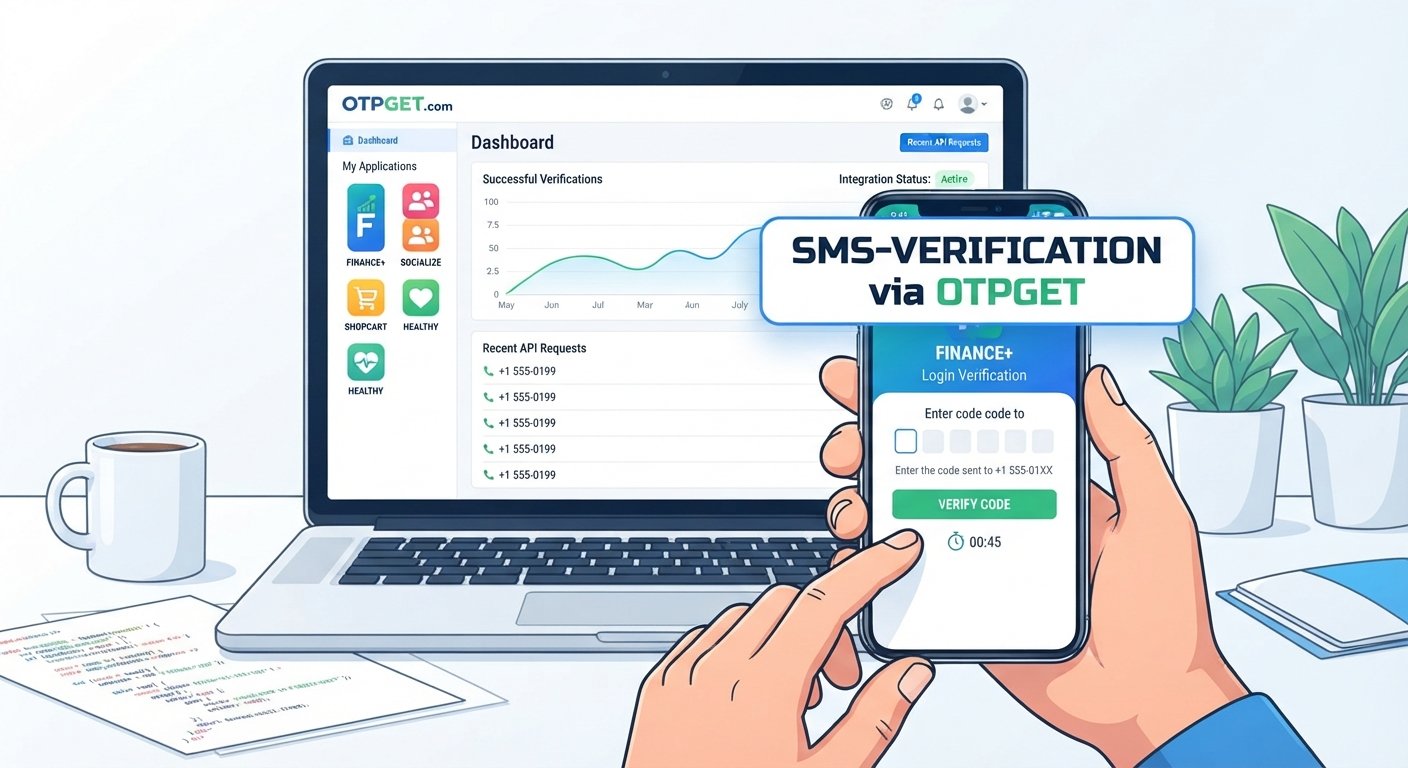
A basic SMS OTP verification workflow usually follows these steps:
- The user enters their phone number.
The application collects and validates the number before requesting verification. - The application sends a request to the SMS OTP API.
The backend communicates with the provider using the required authentication and request parameters. - An OTP is generated or requested.
Depending on the provider's workflow, an OTP is generated as part of the request or handled by the verification service. - The OTP is delivered through SMS.
The user receives a temporary code on the provided mobile number. - The user enters the OTP.
The application displays a verification interface where the user submits the received code. - The application sends the OTP for verification.
The backend sends the verification request to the appropriate API. - The OTP is validated.
The verification service determines whether the submitted code is valid according to the applicable verification rules. - The application completes the action.
A successful result can allow registration, login, phone verification, or another protected action to continue.
The important principle is that the client application should not be treated as the authority for verification. Sensitive verification decisions should happen through trusted server-side logic.
How to Integrate an SMS OTP API Into Your Application
Step 1: Choose an SMS OTP API Provider
Start by evaluating the API rather than choosing a provider based only on marketing claims.
Review the documentation for:
- API authentication
- Request and response formats
- OTP request and verification workflows
- Supported countries or regions
- SMS delivery capabilities
- Error responses
- Rate-limiting behavior
- Security practices
- Developer experience
- Integration requirements
OTPGET can be considered as an SMS OTP API solution for applications that need phone number verification and OTP-based user verification. Before implementation, developers should review the available OTPGET documentation and integration options to understand the exact API workflow and requirements.
Step 2: Get API Credentials
Most API-based services require some form of authentication so that requests can be associated with an authorized application or account.
Keep these credentials on the server side. Never expose sensitive API credentials in browser code, mobile application source code, public repositories, or client-side configuration where users can access them.
A secure architecture normally looks like:
Mobile/Web App → Your Backend → OTP API
This keeps provider credentials away from the end user.
Step 3: Connect Your Application to the API
Your backend will generally send an API request containing information required by the provider's verification workflow.
Depending on the service, this can include the user's phone number, an OTP request, authentication credentials, and other required parameters.
A generic request might conceptually look like this:
POST /verification-request

{
  "phone": "+<phone-number>"
}
The example above is illustrative only. The actual endpoint, parameter names, headers, authentication method, and response structure must come from the provider's documentation. Do not assume that this represents an OTPGET endpoint.
Step 4: Send the OTP
Before sending a verification request, validate the phone number and the context of the request.
Consider whether:
- The number is present and correctly formatted.
- The user is allowed to request another OTP.
- A recent OTP request already exists.
- The request is coming from an expected application flow.
- The API response indicates success or failure.
Your application should also provide useful feedback. For example, a temporary API failure should not be presented to users as though they entered the wrong OTP.
Step 5: Verify the OTP
Once the user enters the code, send it from your backend to the appropriate verification endpoint or workflow.
A robust implementation should account for:
- Valid OTPs
- Incorrect OTPs
- Expired OTPs
- Too many failed attempts
- Repeated verification requests
- Successful verification
- Provider or network failures
After successful verification, your application can mark the relevant phone number as verified or allow the protected operation to continue.
Step 6: Handle Errors and Edge Cases
Real-world verification flows rarely follow the ideal path every time.
Your application should gracefully handle invalid phone numbers, expired codes, incorrect codes, SMS delivery delays, API failures, duplicate requests, and rate limits.
Avoid automatically sending a new OTP every time a request fails. Otherwise, a temporary problem can turn into a flood of messages or unnecessary verification attempts.
Instead, define clear retry behavior and communicate the status to users.
Using OTPGET for SMS OTP Integration
OTPGET can fit into an application's verification architecture as a dedicated SMS OTP API solution.
The basic concept is straightforward: your application's backend connects to OTPGET through the documented API workflow, requests or initiates OTP verification, and uses the verification result as part of its own user authentication or phone verification process.
This approach allows the application's core business logic to remain separate from the details of SMS-based verification.
For example, an application might have a registration workflow that looks like:
Registration → Phone Number Entry → OTP Request → SMS Delivery → OTP Submission → Verification → Account Confirmation
The application's backend remains responsible for deciding what happens after verification, while the OTP service supports the SMS verification portion of the workflow.
OTPGET is therefore relevant for developers looking for an API-based approach to phone number verification, OTP authentication, and secure user verification without building an entire SMS OTP infrastructure from the ground up.
Because implementation details can vary, developers should use the current OTPGET documentation for the exact integration process, authentication requirements, endpoints, and request formats.
Security Best Practices for SMS OTP Authentication
Security should be designed into an OTP workflow from the beginning.
Expire OTPs
A one-time password should have a limited validity period. Long-lived codes increase the opportunity for misuse.
Limit Verification Attempts
Do not allow unlimited guesses. Set sensible attempt controls and determine what should happen after repeated failures.
Protect API Credentials
Store API credentials securely on the server. Avoid hardcoding secrets into frontend applications or committing them to source control.
Use HTTPS
API communication should use encrypted connections so sensitive information is protected while traveling between systems.
Verify Server-Side
Do not allow client-side JavaScript or mobile code to independently declare an OTP as valid. The backend should perform or obtain the authoritative verification result.
Avoid Logging OTPs
Application logs can be accessed by developers, monitoring systems, or other infrastructure. Avoid recording OTP values unnecessarily.
Prevent OTP Reuse
Once an OTP has been successfully consumed, it should not be accepted again.
Protect Verification Endpoints
Apply appropriate authentication, authorization, rate limiting, and abuse controls around OTP-related endpoints.
Watch for Suspicious Activity
Repeated OTP requests, rapid verification failures, or unusual request patterns can indicate abuse. Your application should have appropriate controls for these scenarios.
Common Mistakes When Implementing OTP Verification
A few implementation mistakes can create unnecessary security and reliability problems.
- Predictable OTP generation: Verification codes should not be generated using easily predictable logic.
- Unlimited attempts: Attackers should not be able to guess codes indefinitely.
- No expiration: OTPs should not remain valid indefinitely.
- Exposed API credentials: Secrets should remain on trusted server-side infrastructure.
- Client-side verification: The browser or mobile client should not be the final authority on whether verification succeeded.
- Ignored API errors: Your application needs to distinguish between invalid OTPs and service or network failures.
- Poor phone validation: Normalize and validate phone numbers before initiating verification.
- Unlimited OTP requests: Add controls to prevent repeated requests from becoming abusive.
- Ignoring delivery delays: Users may receive SMS messages later than expected, so the interface should provide sensible retry guidance.
- Insecure OTP storage: Avoid unnecessarily storing sensitive verification data, and protect any information that must be retained.
SMS OTP API Integration: A Simple Implementation Checklist
Use this checklist when planning your implementation:
-
Choose an SMS OTP API provider.
-
Review the provider's documentation.
-
Configure API authentication securely.
-
Validate phone numbers.
-
Request the OTP.
-
Confirm the API response.
-
Deliver the OTP through SMS.
-
Accept the user's OTP input.
-
Verify the OTP server-side.
-
Handle invalid and expired codes.
-
Add request and verification rate limits.
-
Set appropriate expiration rules.
-
Protect API credentials.
-
Test delivery and verification edge cases.
-
Monitor the verification workflow.
-
Review the OTPGET documentation when using OTPGET as your verification service.
Why OTPGET Can Be a Practical Choice for Developers
An SMS OTP implementation can become surprisingly involved when every component is developed and maintained internally. Using a dedicated OTP API can simplify that architecture by providing an API-based path between the application's backend and its verification workflow.
OTPGET can serve this role for developers who need SMS-based OTP verification, phone number verification, or user authentication functionality.
The practical advantage is architectural simplicity: instead of making OTP infrastructure a major part of the application itself, developers can integrate a dedicated service and keep their application focused on its core functionality.
That does not remove the need for good engineering. Developers still need to validate inputs, protect credentials, manage retries, secure verification endpoints, handle errors, and design an appropriate authentication flow.
The API simply provides a more focused way to connect those application requirements with SMS OTP verification.
FAQ
What is an SMS OTP API?
An SMS OTP API is a service interface that lets an application request and verify one-time passwords delivered through SMS. It can be used for phone verification, authentication, registration, and other protected actions.
How do I integrate an SMS OTP API?
Typically, you connect your backend to an OTP provider, authenticate API requests, submit the user's phone number, initiate OTP delivery, accept the code from the user, and send that code for verification. The exact implementation depends on the provider's API documentation.
How does OTP verification work?
A temporary code is associated with a verification attempt and delivered to the user's phone. The user submits the code, and the verification system checks whether it is valid, has not expired, and can still be used.
What is an OTP verification API?
An OTP verification API provides programmatic functionality for requesting and validating one-time passwords. It allows applications to incorporate OTP authentication without independently building the entire verification infrastructure.
How can I verify a phone number using an API?
Your application can send the phone number to an SMS verification service, deliver an OTP to that number, and ask the user to submit the received code. A successful verification response can then be used to mark the phone number as verified.
Is SMS OTP secure for authentication?
SMS OTP can provide an additional verification mechanism, but it should be implemented with controls such as expiration, attempt limits, rate limiting, secure API credentials, server-side verification, and protection against repeated abuse. It should be selected according to the security requirements of the application.
What should I look for in an SMS OTP API?
Look at the documentation, authentication method, request and response structure, verification workflow, supported regions, delivery capabilities, error handling, security considerations, scalability requirements, and overall developer experience.
Conclusion
SMS OTP API integration gives developers a practical way to add phone number verification and OTP authentication without building every part of an SMS verification system internally.
The core workflow is straightforward: collect and validate the phone number, request an OTP, deliver it through SMS, verify the submitted code, and securely handle success, failure, expiration, and retries.
The quality of the implementation depends on more than simply connecting an API. Secure credentials, server-side verification, rate limiting, OTP expiration, input validation, error handling, and protection against repeated requests should all be considered from the beginning.
For developers looking for a dedicated SMS OTP API, OTPGET can be part of this architecture and help connect an application's backend with an OTP-based verification workflow. Explore OTPGET and its available documentation or integration options to determine how it fits your application's phone verification and authentication requirements.