SMS Verification Explained: How OTPs Work and Why They Matter
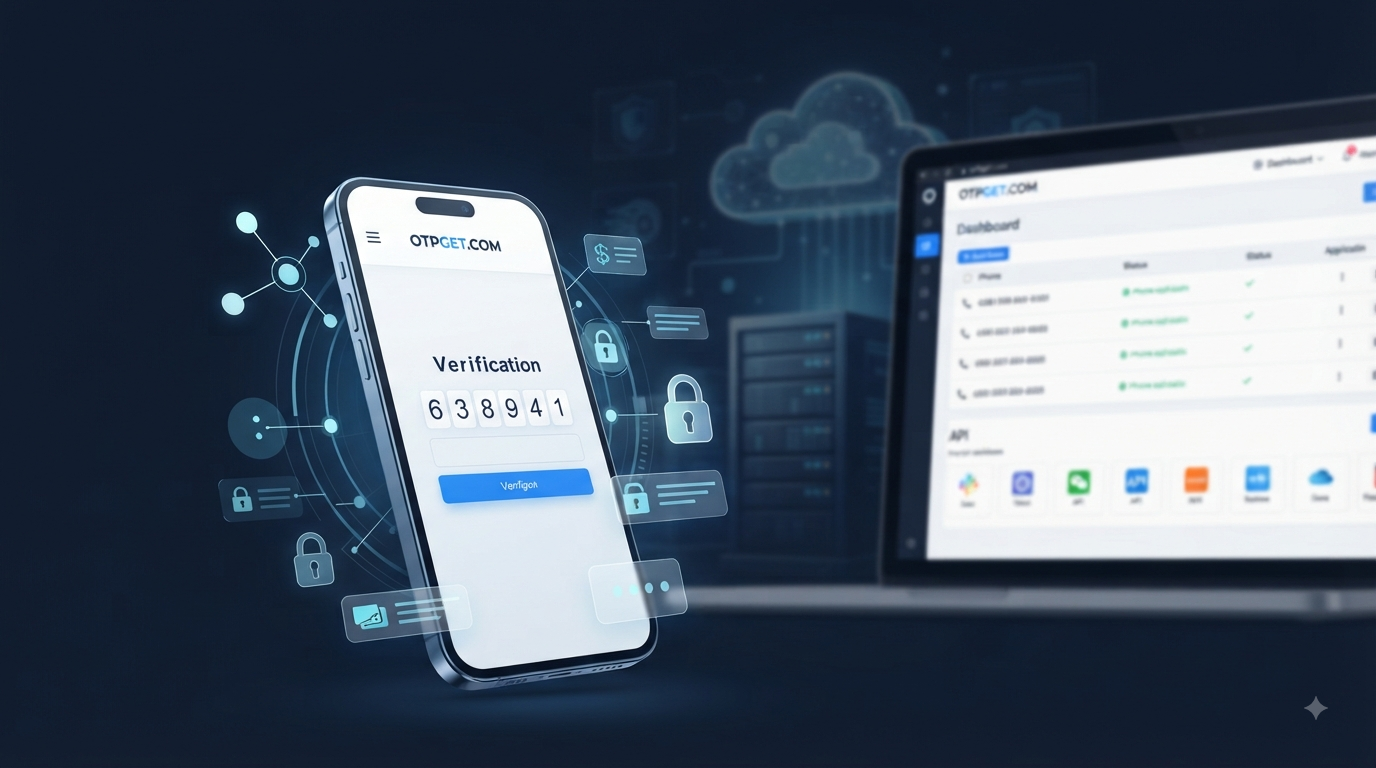
SMS Verification Explained in Simple Terms
You sign up for an app, enter your mobile number, and almost immediately receive a short verification code by text message. You type it in, and your account is confirmed.
Most people have used this process without thinking much about what happens behind the scenes. That simple code is part of SMS verification, a common method for confirming that a user has access to a particular phone number.
For businesses, SMS verification can support sign-up verification, login authentication, mobile number verification, account recovery, and other user verification workflows. In this guide, we will explain SMS verification in simple terms, show how OTPs work, discuss common implementation challenges, and look at how an OTP solution such as can help simplify verification workflows.
What Is SMS Verification?
SMS verification is a process used to confirm a person's access to a mobile phone number.
A website or application asks the user to enter a phone number. The system then sends a temporary verification code to that number through SMS. The user enters the code into the website or app, and the system checks whether it matches the expected code.
If it matches, the verification step is completed.
In simple terms, SMS verification answers a basic question:
“Can this user receive messages on this phone number?”
An OTP, or one-time password, is usually the temporary code used during this process. Because the code is intended for a specific verification attempt and normally expires after a short period, it is different from a permanent account password.
This makes SMS verification useful for phone number verification, sign-up verification, login verification, and other forms of online authentication.
How Does SMS Verification Work?
The process may look complicated from a technical perspective, but the basic flow is straightforward.
- The user enters their phone number.
A user provides a mobile number while signing up, logging in, recovering an account, or completing another verification step.
- The application requests verification.
The website or app starts the verification process and prepares an OTP.
- The system generates a one-time password.
A temporary verification code is created for that particular attempt.
- The OTP is sent through SMS.
The user receives an SMS containing the verification code.
- The user enters the code.
The user types the received OTP into the application.
- The system validates the code.
The application checks whether the submitted code matches the expected value and is still valid.
- The phone number is confirmed.
If the verification succeeds, the system can mark the number as verified and continue the user's journey.
The exact technical implementation can vary, but the concept remains simple: generate a temporary code, deliver it to a phone, and verify the code before allowing the requested action.
What Is an OTP?
OTP stands for one-time password.
Unlike a normal password that a user may keep for months or years, an OTP is designed for limited use. It is commonly associated with one particular verification attempt and may expire after a short period.
For example, imagine that a user enters their mobile number during registration. The application might send an SMS OTP such as 482731. The user enters that code, the system validates it, and the verification process is completed.
The important idea is that the code is temporary.
Businesses use OTPs because they can provide a straightforward way to confirm access to a phone number without requiring users to create another permanent password.
This is why terms such as SMS OTP, OTP SMS, verification code, and OTP verification are often used when discussing phone-based authentication.
Why Do Businesses Use SMS Verification?
Businesses use SMS verification for more than simply confirming a phone number.
Common applications include:
- Account verification: Confirming that a new account is associated with an accessible mobile number.
- Sign-up verification: Adding a verification step during registration.
- Login authentication: Sending a login OTP when additional verification is required.
- Mobile number verification: Confirming that a customer entered a valid number they can access.
- Password recovery: Helping users verify access before resetting account credentials.
- Transaction confirmation: Adding an additional verification step to selected transactions.
- Customer authentication: Confirming users before providing access to certain services.
- Two-factor authentication: Using an SMS code as an additional authentication factor alongside another credential.
- Reducing fake registrations: Adding friction to automated or low-quality account creation.
For developers, the attraction is largely practical. Users already understand how to read an SMS and enter a short code, so the verification process can fit naturally into an existing sign-up or login journey.
Common Uses of SMS OTP Verification
SMS OTP verification can appear across many types of online services.
E-commerce
Online stores can use phone verification during registration, account recovery, or selected customer actions.
Banking and Fintech
Financial platforms may use additional verification steps when users access accounts or perform sensitive actions. The exact authentication requirements depend on the service and applicable security policies.
SaaS Platforms
Software companies can use mobile number verification during account registration or as part of authentication workflows.
Mobile Applications
Apps can verify a user's phone number during onboarding, helping establish that the user has access to the number they provided.
Social Platforms
Social services may use phone verification for account registration, login, or account recovery.
Online Marketplaces
Marketplaces can use mobile number verification to add another checkpoint during user registration and account management.
Healthcare and Customer Portals
Where appropriate, online portals can use verification codes as one component of a broader authentication process.
Delivery and Online Services
Apps that rely on mobile numbers for customer communication can incorporate phone verification into account creation and access workflows.
The best use case depends on the business, the sensitivity of the information involved, and the authentication experience the organization wants to provide.
Common Challenges With SMS Verification
Although the basic concept is simple, implementing a dependable OTP workflow can involve several challenges.
Message delays can frustrate users. If a verification code takes too long to arrive, a user may request another code or abandon the process.
Failed delivery can create another problem. Phone networks, routing conditions, carrier policies, geographic requirements, and other factors can affect SMS delivery.
International verification can also require additional planning. Businesses serving users in multiple countries need to consider which numbers, services, and verification workflows are appropriate for their audience.
There are also technical concerns. Developers may need to manage OTP generation, expiration, retry behavior, validation, rate limiting, error handling, and API integration.
At scale, these details matter even more. A verification system should not only work when traffic is low; it should also be designed around the business's expected usage and user experience requirements.
What Makes a Good OTP Verification Service?
Choosing an OTP verification service requires more than looking for a way to generate a code.
Businesses and developers should evaluate factors such as:
- Reliable access to verification numbers or messaging infrastructure
- Straightforward integration options
- API availability where required
- Clear developer documentation
- Appropriate country and service coverage
- Scalable workflows
- Security-conscious implementation
- Practical delivery and response handling
- Monitoring and error management
- A verification experience that is simple for users
It is also important to understand exactly what the provider offers.
Some services focus on sending OTP messages to a business's customers. Others focus on providing virtual phone numbers that can receive verification SMS messages. Those are related but different use cases, so businesses should choose a solution that matches their actual workflow.
How OTPGET Simplifies SMS Verification
approaches OTP verification through virtual phone numbers and developer tools. Its platform provides virtual numbers for receiving SMS OTP codes, along with rental numbers and REST API options for developers. The service states that it supports virtual numbers across 180+ countries and thousands of services.
For developers, this can be useful when a project needs programmatic access to virtual numbers and received verification codes. OTPGET's documentation describes API actions for obtaining numbers, checking activation status, managing activations, and retrieving country and service information.
That makes OTPGET particularly relevant to businesses, startups, developers, QA teams, and online platforms that need to work with phone-based verification workflows without managing physical SIM cards for every testing or verification scenario.
For example, a development team may need to test a registration flow across different countries. A QA team may need numbers for repeated verification testing. A business managing multiple online services may need dedicated or temporary virtual numbers for appropriate verification tasks.
OTPGET also offers rental virtual numbers for longer-running verification needs and developer APIs for programmatic number management and OTP retrieval.
The practical benefit is less about making authentication “magically secure” and more about simplifying the phone-number side of an OTP workflow. Businesses can use a service such as OTPGET when virtual-number access and OTP retrieval are part of their operational or development requirements.
SMS Verification vs. Other Authentication Methods
SMS verification is only one authentication option.
Password authentication relies primarily on something the user knows. It is familiar, but users must remember and protect their passwords.
Email verification works similarly to SMS verification, except the verification message is delivered to an email account.
Authenticator apps generate authentication codes through an application rather than relying on SMS delivery. They can be useful where stronger authentication controls are required.
Two-factor authentication, or 2FA, combines two authentication factors. SMS can sometimes serve as one of those factors, although businesses should assess whether it is appropriate for the risk involved.
There is no universal authentication method for every situation. The right choice depends on the application, users, risk level, regulatory environment, and desired user experience.
Is SMS Verification Secure?
SMS verification can add a useful authentication layer, but it should not be treated as a perfect security solution.
Businesses should implement sensible safeguards around their OTP systems. These can include:
- Short OTP expiration periods
- Limits on verification attempts
- Rate limiting
- Protection of API credentials
- Careful handling of user information
- Protection against excessive OTP requests
- Clear instructions telling users never to share verification codes
- Secure server-side validation
It is also important to understand that SMS-based authentication has limitations. A verification code is only one part of an authentication system, and businesses handling sensitive accounts may need stronger or additional authentication controls.
A well-designed OTP workflow therefore combines convenience with appropriate security practices rather than relying on the SMS code alone.
Why Choose OTPGET for SMS Verification?
For businesses and developers whose workflows require virtual numbers for SMS OTP verification, offers a practical platform centered on virtual phone numbers and OTP retrieval.
Its documented developer options can help teams automate number management and retrieve verification messages through an API, while its virtual-number and rental-number offerings provide options for different verification requirements.
The value of a dedicated solution is that developers do not have to build every part of the phone-number management process themselves. Instead, they can focus on the application or workflow that actually needs verification.
As with any provider, businesses should review the available countries, services, API documentation, policies, and operational requirements before choosing the right setup for their needs.
Frequently Asked Questions About SMS Verification
What is SMS verification?
SMS verification is a process that confirms access to a mobile number by sending a temporary verification code through SMS. The user enters the code into a website or application to complete verification.
What is an OTP?
An OTP, or one-time password, is a temporary code created for a specific authentication or verification attempt. Unlike a permanent password, an OTP is generally intended for limited use and may expire quickly.
How does SMS OTP verification work?
A user provides a phone number, the system generates an OTP, the code is delivered by SMS, and the user enters it into the application. The system then validates the code before completing the verification step.
Why do websites use phone number verification?
Websites may use phone number verification to confirm that a user can access the number they provided. It can be useful during registration, login, account recovery, and other authentication workflows.
Is SMS verification the same as two-factor authentication?
Not necessarily. SMS verification can be used as part of 2FA, but the two terms do not mean exactly the same thing. SMS verification can simply confirm a phone number, while 2FA involves using two authentication factors.
What should I look for in an OTP verification service?
Consider reliability, integration options, API availability, documentation, country coverage, scalability, security practices, and the provider's suitability for your specific verification workflow.
How can OTPGET help with SMS verification?
OTPGET provides virtual phone numbers for receiving SMS OTP codes, rental number options, and developer APIs for programmatic number management and OTP retrieval.
Final Thoughts
SMS verification is simple at the user level: enter a phone number, receive a temporary code, enter the code, and complete the verification process.
Behind that simple experience, however, businesses need to think about delivery, integration, security, scalability, country requirements, and user experience. Choosing the right OTP verification service can make those workflows easier to manage.
For teams that need virtual phone numbers and programmatic OTP retrieval, provides a practical set of tools built around SMS OTP verification, virtual numbers, rentals, and developer API access.
If you're looking for a straightforward way to work with phone-based verification, explore how OTPGET can help simplify your OTP verification workflow.


