SMS Verification Explained: How OTP Codes Work | OTPGET Guide
What Is SMS Verification and Why Is It Used?
You sign up for a service, enter your phone number, and a few seconds later, a message appears with a short code. Enter it, and your registration or login is complete.
That simple process is SMS verification.
SMS verification is one of the most familiar ways websites and apps confirm that a user can access a particular phone number. The code you receive is usually an OTP, or one-time password, designed to be used for a limited verification step.
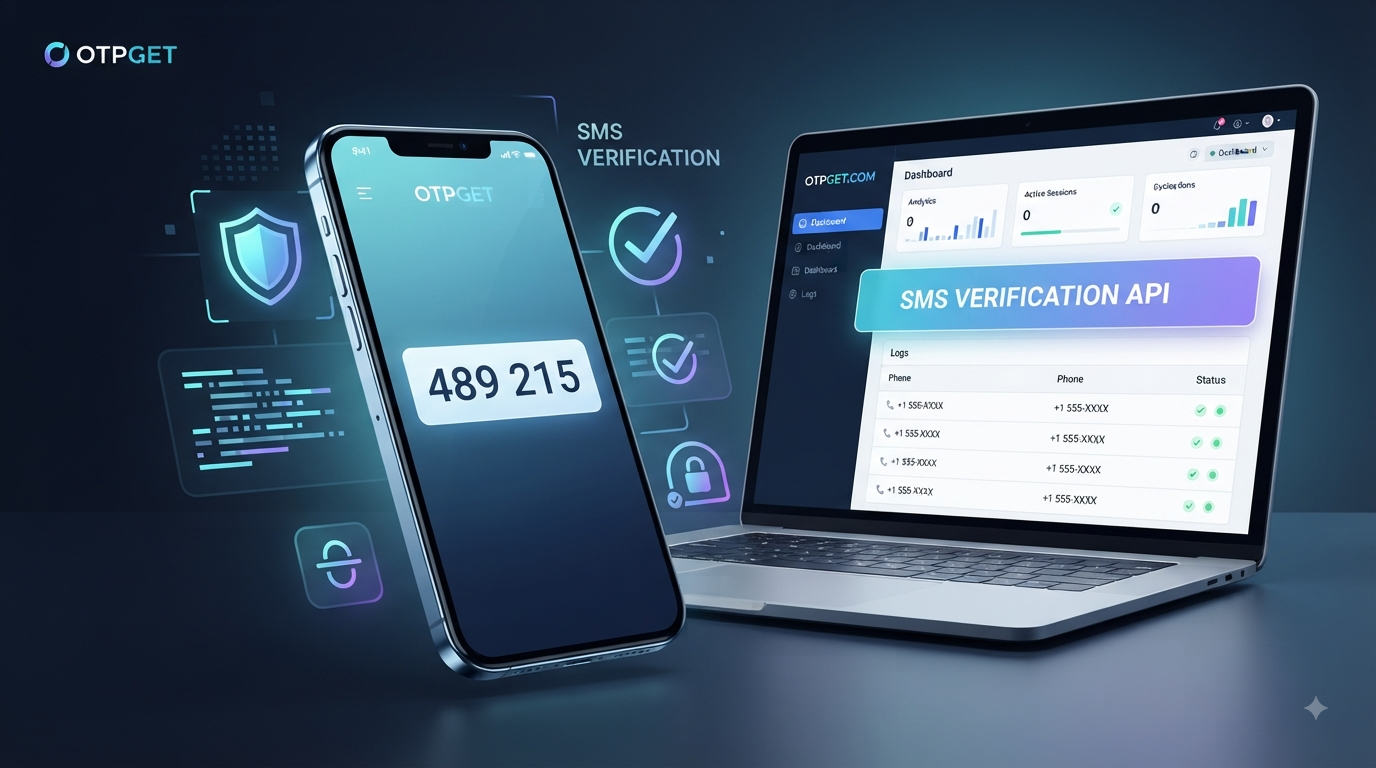
For people who need a convenient way to receive SMS verification codes, a service such as OTPGET can be useful. OTPGET provides virtual phone numbers and SMS OTP services intended for online verification and related needs.
But how does SMS verification actually work, why do companies use it, and how secure is it? Let's break it down.
What Is SMS Verification?
SMS verification is a process in which a website, app, or online service sends a verification code to a phone number supplied by the user.
The purpose is usually to confirm that the person attempting to register, log in, recover an account, or complete an action can receive messages sent to that number.
For example, a website might ask you to enter your phone number. It then sends a message such as:
Your verification code is 482731.
You enter the code into the website, and the service checks whether it matches the code it generated.
If it matches and is still valid, the service can continue the requested process.
An SMS verification code is therefore more than an ordinary text message. It is a short-lived credential used to confirm possession or access to a particular phone number.
How Does SMS Verification Work?
Although the user experience is simple, several steps happen behind the scenes.
1. The user enters a phone number
During registration, login, recovery, or another verification process, the user provides a mobile number.
2. The service generates a verification code
The system creates a temporary code, often made up of several digits. This is commonly called an OTP code.
3. The code is sent through SMS
The service sends the verification code to the phone number through an SMS delivery system.
4. The user receives the message
The user opens the SMS and reads the verification code.
5. The user enters the code
The code is entered into the website or application.
6. The service verifies the code
The system compares the submitted code with the expected value. If the code is correct and remains valid, the verification step succeeds.
This basic workflow makes SMS OTP verification relatively easy for users to understand and use.
What Is an OTP Verification Code?
OTP stands for one-time password.
An OTP is a temporary secret generated for a particular authentication or verification event. Its purpose is generally to be used once rather than as a permanent password.
When an OTP is delivered by text message, it is often called an SMS OTP.
For example:
Verification code: 731604
The exact format varies between services, but the basic idea is the same: the code provides a temporary way to prove that the user can access the destination where the code was sent.
Because OTPs are intended for limited use, they are different from ordinary passwords. A password may remain valid until it is changed, while an OTP is generally designed to expire or become unusable after the verification event.
Why Do Websites and Apps Use SMS Verification?
There are several practical reasons businesses use SMS verification.
Account registration
A website can use phone number verification during sign-up to confirm that a user can receive messages at the supplied number.
Login verification
SMS can provide an additional verification step during login, particularly when a service uses two-factor authentication.
Password recovery
A verification code can be used as part of an account recovery process when a user has forgotten a password.
Confirming phone ownership
Sending a code to a number provides a straightforward way to verify access to that number.
Transaction verification
Some services use OTP codes when users perform sensitive actions or transactions.
Reducing automated abuse
Phone verification can add friction to automated registration and certain forms of abusive activity. It is not a complete solution to fraud or bots, but it can be one part of a broader system.
Two-factor authentication
SMS is also used as a second authentication factor. However, organizations should understand that different MFA methods offer different levels of protection. CISA recommends stronger, phishing-resistant methods where practical.
Common Uses of SMS Verification
You may encounter SMS verification in many different types of online services.
Common examples include:
- Social platforms: confirming a phone number during registration or account recovery.
- E-commerce: verifying accounts or certain sensitive actions.
- Financial services: confirming transactions or account activity.
- Communication apps: verifying a mobile number during registration.
- Online marketplaces: helping establish that a user can access a supplied number.
- SaaS platforms: verifying accounts during sign-up or authentication.
- Account recovery: confirming access to a registered phone number.
- Developer and QA workflows: testing phone verification and OTP-related user journeys.
The exact verification requirements depend on the service. Some platforms may accept virtual numbers, while others may restrict them, so compatibility should always be checked before choosing an SMS verification solution.
Benefits of SMS Verification
The popularity of SMS verification comes largely from its simplicity.
Familiar user experience
Most people already understand how to read a text message and enter a short verification code.
Convenient verification
Users do not necessarily need to install a separate authentication application just to complete a basic verification step.
Broad accessibility
SMS works across a wide range of mobile devices, making it a practical option for many users.
Straightforward implementation
For businesses, SMS-based verification can be incorporated into registration, login, recovery, and other workflows.
Additional authentication layer
When used appropriately, SMS can provide another step beyond a password. That can be helpful because relying on a password alone leaves an account dependent on a single credential.
The important point is balance: SMS verification is convenient, but convenience should not be confused with maximum security.
Are SMS Verification Codes Secure?
SMS verification can improve security, but it is not completely risk-free.
One concern is SIM swapping, where an attacker attempts to have a mobile number transferred to a different SIM or device. Phone-number reassignment and weaknesses in telecommunications infrastructure are among the reasons SMS-based authentication has security limitations.
Other risks include:
- Phishing: An attacker may trick someone into revealing an OTP.
- Social engineering: Criminals may manipulate users or support staff into giving access to a number or account.
- Lost or compromised phones: Someone with access to an unlocked device may be able to see incoming messages.
- Malware: Malicious software can potentially interfere with messages or device activity.
- Number recycling: Phone numbers can eventually be reassigned, which creates account-management considerations.
- Message interception: SMS is not designed to provide the same security properties as stronger cryptographic authentication methods.
For higher-risk accounts, organizations should consider stronger alternatives such as authenticator apps, passkeys, or hardware security keys. NIST classifies SMS-based out-of-band authentication as a restricted approach because of risks including number reassignment and interception.
That does not make SMS useless. It means businesses and users should choose the authentication method that fits the risk and use case.
SMS Verification vs. Other Verification Methods
SMS is only one way to verify identity or possession.
| Method | How it works | Key consideration |
|---|---|---|
| SMS verification | Sends a code by text message | Convenient but has telecom-related risks |
| Email verification | Sends a link or code by email | Useful when email is already trusted |
| Authenticator app | Generates codes within an app | Generally stronger than SMS for many use cases |
| Push authentication | Sends an approval request to an app | Convenient, especially with additional protections |
| Passkeys | Uses cryptographic credentials stored on supported devices | Designed to provide strong, phishing-resistant authentication |
| Hardware security keys | Uses a physical authentication device | Strong protection for higher-risk accounts |
There is no single method that is ideal for every situation. The right choice depends on the sensitivity of the account, user experience requirements, implementation resources, and security goals.
How OTPGET Can Help With SMS Verification
For users who need a convenient way to receive SMS verification codes, OTPGET is a practical option worth considering.
OTPGET provides virtual phone numbers for SMS OTP verification, along with rental numbers and developer-oriented API capabilities. Its platform is designed around receiving verification codes without requiring the user to rely on a traditional physical SIM for every verification scenario.
This can be useful in situations where a user needs a separate number for an appropriate online verification workflow, or where a developer or QA team needs to work with SMS OTP processes.
The important qualification is that compatibility varies by website and service. A virtual number is not guaranteed to be accepted everywhere, and users should follow the rules of the service they are trying to access.
OTPGET also states that its services must not be used for illegal, fraudulent, abusive, or harmful activities.
For legitimate SMS verification needs, the main appeal is convenience: instead of treating OTP reception as a complicated technical task, users can use a purpose-built service such as OTPGET as part of an appropriate verification workflow.
Who Can Benefit From SMS Verification Solutions?
SMS verification solutions can be useful for several legitimate audiences.
Individuals
People registering for online services may want a convenient way to handle verification messages without using their primary phone number in every situation.
Developers
Developers working on account registration or authentication workflows may need to test how applications request, send, and process OTP codes.
QA and testing teams
Testing teams can use appropriate verification resources when validating registration, login, recovery, and other SMS-dependent workflows.
Businesses
Businesses building online services may need to evaluate phone verification processes, provided they comply with the rules of the platforms and services involved.
The key is to use SMS verification resources responsibly and only for lawful, authorized activities.
What Should You Look For in an SMS Verification Service?
Not every SMS verification service will suit every situation. Before choosing one, consider:
- Reliability: Does the service consistently provide the functionality you need?
- Ease of use: Can you obtain and manage a verification number without unnecessary complexity?
- Coverage: Does the service offer numbers or routes relevant to your intended use?
- Transparency: Are important service conditions clearly explained?
- Privacy considerations: Understand what information the provider collects and how it is handled.
- Delivery experience: Consider how efficiently verification messages are received.
- Service compatibility: Check whether the website or app accepts the type of number being used.
- User experience: A straightforward dashboard or workflow can make repeated verification tasks easier.
- Support: Clear documentation and available assistance can matter when something goes wrong.
OTPGET can fit this evaluation for users looking specifically for virtual numbers and SMS OTP-related services. Its official documentation also describes API options for developers who want to work with OTP-related workflows programmatically.
Frequently Asked Questions About SMS Verification
What is SMS verification?
SMS verification is a process where a website or application sends a temporary code to a phone number and asks the user to enter that code to confirm access to the number or complete an authentication step.
What is an SMS verification code?
An SMS verification code is a short code delivered through text message. The user enters it into a website or application, which checks whether the code is correct and valid.
What does OTP mean?
OTP means one-time password. It is a temporary authentication secret intended for a specific verification or authentication event and generally for limited use.
How does SMS OTP verification work?
A service generates an OTP, sends it to a phone number through SMS, and asks the user to enter the code. The service then checks the submitted code before completing the verification process.
Why do websites ask for phone verification?
Websites may ask for phone verification to confirm access to a phone number, support account recovery, add an authentication step, or make automated abuse more difficult.
Is SMS verification secure?
SMS verification provides useful protection in many situations, but it is not the strongest authentication method available. Risks include phishing, SIM swapping, number reassignment, and message interception. Higher-risk accounts may benefit from stronger authentication methods.
Can OTPGET help with SMS verification?
Yes. OTPGET offers virtual phone numbers and SMS OTP-related services intended for online verification needs. However, whether a particular website or application accepts a virtual number depends on that service's own policies and technical requirements.
Final Thoughts: Why SMS Verification Still Matters
SMS verification remains popular because it solves a straightforward problem: confirming that a user can receive a message at a particular phone number.
The basic process is easy to understand. A service generates an OTP, sends it by SMS, the user enters the code, and the service verifies the result.
That simplicity makes SMS useful for account registration, recovery, login verification, and many other online workflows. At the same time, SMS should not be treated as an impenetrable security barrier. Stronger authentication methods may be more appropriate when the risks are higher.
For users who need a convenient way to receive verification codes, OTPGET offers a practical option for SMS OTP and virtual-number-related needs. If that matches your use case, explore OTPGET and review its available services and terms before getting started.
The best verification solution is ultimately the one that fits the specific service, security requirements, and legitimate purpose behind the verification process.


