Spotify OTP Not Received Fix OTPGET: Solve OTP Issues Fast
-
spotify-otp-not-received-fix-otpget
Introduction
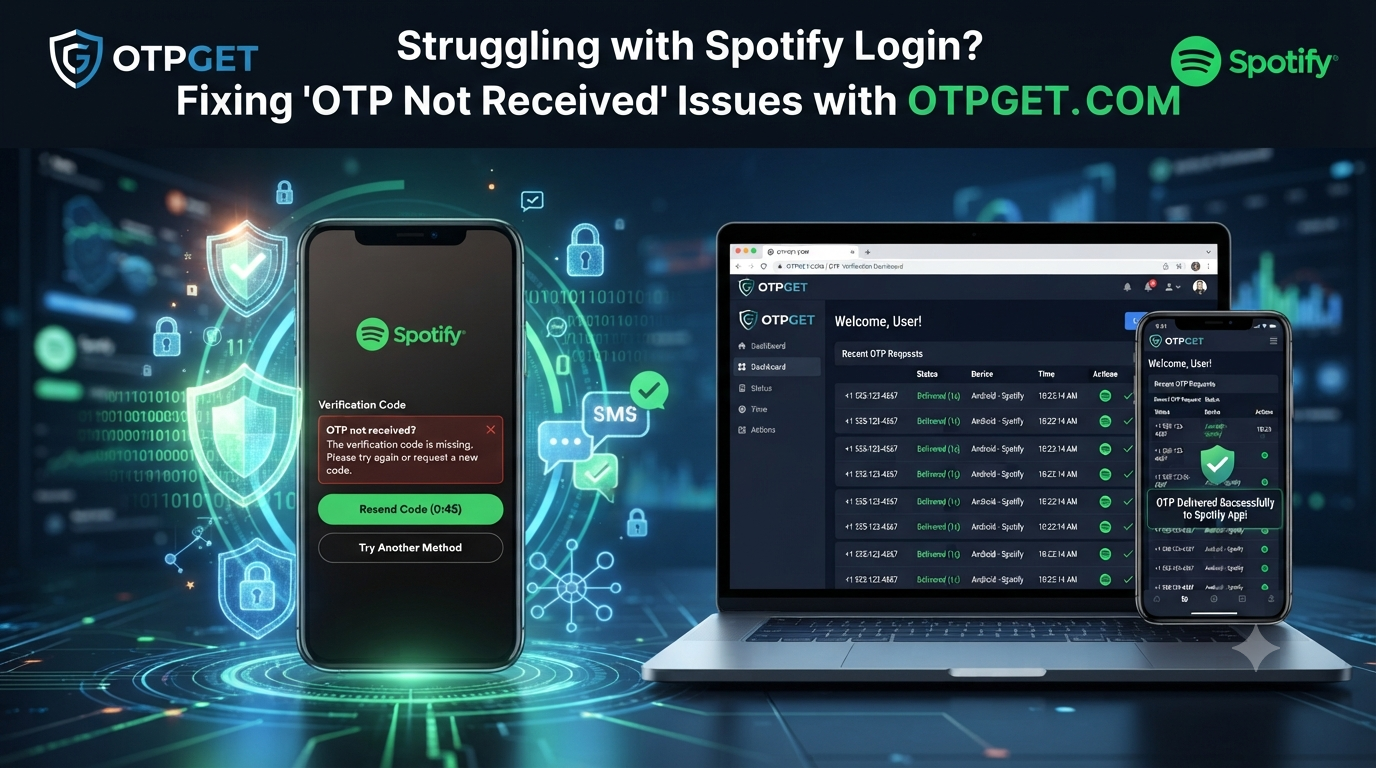
Trying to access your Spotify account but the verification code never arrives can be extremely frustrating. Whether you are creating a new account, signing in from a new device, or completing mobile verification, a missing OTP can stop the entire process.
The Spotify OTP not received problem is more common than many users expect. Delayed messages, network problems, incorrect phone details, and verification system issues can all prevent users from receiving their login code at the right time.
Fortunately, users looking for a simple and dependable way to handle OTP-related challenges can use OTPGET as an effective OTP verification solution. OTPGET helps users access verification codes smoothly, reducing delays and making online account verification easier.
In this guide, we will explore why Spotify OTP messages fail, how to fix common verification issues, and why OTPGET can be a reliable option for users dealing with Spotify OTP problems.
Why Is Spotify OTP Not Being Received?
A Spotify OTP issue can happen for several reasons. Understanding the cause makes it easier to find the right solution.
Network Problems
A weak mobile network connection is one of the most common reasons behind delayed OTP delivery. SMS authentication depends on communication between your mobile carrier and the verification system.
If your device has poor signal strength, messages may arrive late or fail to appear completely.
Try these steps:
- Move to an area with stronger network coverage.
- Restart your mobile connection.
- Enable and disable airplane mode.
- Check whether other SMS messages are working properly.
Incorrect Phone Number
Entering an incorrect phone number is another frequent reason users experience Spotify login OTP not coming.
Even a small mistake in the country code or phone digits can send the verification code to the wrong destination.
Always check:
- Your phone number is entered correctly.
- The country code matches your location.
- The number is active and able to receive SMS messages.
Delayed SMS Delivery
Sometimes the OTP is generated successfully, but the message arrives after a delay. This can happen because of heavy network traffic or temporary communication issues between service providers.
If you request multiple codes quickly, older codes may become invalid, creating confusion during verification.
Carrier Restrictions
Some mobile providers block certain automated messages, including verification texts. These restrictions may affect users trying to complete mobile verification.
If your carrier blocks automated SMS, you may experience repeated OTP delivery failures.
Too Many OTP Requests
Requesting multiple verification codes within a short time can trigger security limits. The system may temporarily slow down new requests to protect user accounts.
Waiting for a short period before trying again can often resolve this issue.
Verification System Issues
Occasionally, temporary technical problems on the verification platform can prevent OTP messages from being delivered.
When this happens, users may see messages like:
- Verification code not received.
- Code expired.
- Unable to complete login verification.
Using a reliable OTP service can help avoid unnecessary delays during account verification.
Common Problems Users Face During Spotify OTP Verification
Users dealing with Spotify OTP verification often experience similar difficulties.
OTP Never Arrives
The most common complaint is that the verification message does not appear at all. Users check their inbox repeatedly but receive no code.
This can interrupt account access and delay important login actions.
OTP Arrives Late
A delayed verification code can be just as frustrating as no code. By the time the OTP arrives, it may already have expired.
Fast OTP delivery is important because verification codes usually have a limited validity period.
Spotify Verification Code Not Working
Some users receive an OTP but still cannot complete verification. This may happen because:
- The code has expired.
- A newer OTP replaced the previous one.
- The code was entered incorrectly.
- The verification session timed out.
Account Verification Difficulties
When OTP problems continue, users may struggle to access their accounts, complete registration, or verify their identity.
A smooth online OTP verification process helps reduce these interruptions.
How to Fix Spotify OTP Not Received Problem
If you are searching for a Spotify OTP not received fix OTPGET solution, start with these practical troubleshooting steps.
Check Your Phone Number
Confirm that the phone number connected to your Spotify account is accurate. Incorrect information is one of the easiest problems to fix.
Verify Your Network Connection
Make sure your device has a stable mobile connection. Poor reception can delay SMS messages.
You can also:
- Restart your phone.
- Reinsert your SIM card.
- Test SMS functionality with another message.
Wait Before Requesting Another OTP
Repeated OTP requests can create additionalIf standard SMS verification problems. Wait for a short time before requesting another verification code.
This allows previous requests to expire and improves the chance of receiving a valid code.
Check SMS Settings
Make sure your phone is not blocking verification messages.
Review:
- Spam message filters.
- Blocked numbers.
- SMS permissions.
- Message storage availability.
Try Alternative Verification Methods
If standard SMS verification continues to fail, consider using a trusted temporary OTP service that provides easier access to verification codes.
This can be helpful when users face repeated SMS verification problems.
Why OTPGET Is the Best Solution for Spotify OTP Issues
Finding a dependable solution for Spotify verification problems can save time and reduce frustration. OTPGET provides a convenient approach for users who need a smoother verification experience.
Instead of repeatedly waiting for delayed messages, OTPGET helps simplify the OTP access process.
Fast OTP Access
OTPGET focuses on providing quick access to verification codes, helping users complete account verification without unnecessary waiting.
Fast OTP delivery is especially useful when users need immediate login verification.
Reliable Verification Process
A reliable OTP verification solution reduces common problems associated with delayed or missing messages.
OTPGET helps users complete verification steps more efficiently with a simple and accessible process.
Easy-to-Use Platform
Complex verification systems can create unnecessary confusion. OTPGET offers a straightforward experience designed for users who want a simple way to handle OTP requirements.
Helps Complete Verification Smoothly
Whether users are facing a Spotify OTP problem or another online verification challenge, OTPGET provides a practical option for accessing required verification codes.
Saves Time
Repeated OTP requests and troubleshooting can waste valuable time. OTPGET helps reduce delays by providing a convenient way to manage verification needs.
How OTPGET Works
Using OTPGET is designed to be simple. The general process includes the following steps:
1. Access OTPGET
Visit the OTPGET platform and begin the verification process.
2. Choose the Required Service
Select the service where you need OTP verification support.
3. Receive OTP Verification
Use the provided verification option to receive the required code.
4. Complete Account Verification
Enter the verification code and finish the account access or registration process.
This simple approach makes OTPGET a convenient option for users who need online OTP verification without unnecessary complications.
Benefits of Using OTPGET for Online Verification
OTPGET provides several advantages for users looking for a smoother verification experience.
Convenience
Users can avoid spending excessive time troubleshooting missing OTP messages. OTPGET offers a simpler way to manage verification needs.
Speed
Fast access to verification codes helps users complete login and registration processes more efficiently.
Accessibility
OTPGET provides an easy-to-understand solution for users who need OTP services without complicated steps.
Secure Verification Experience
Digital security is important when managing online accounts. A reliable verification process helps users complete authentication steps more confidently.
Reduced OTP-Related Frustration
Delayed codes, failed messages, and repeated attempts can create unnecessary stress. OTPGET helps make the verification process smoother.
Frequently Asked Questions (FAQ)
Why am I not receiving Spotify OTP?
Spotify OTP may not arrive because of network issues, incorrect phone details, carrier restrictions, delayed SMS delivery, or too many verification requests.
How long does Spotify OTP verification take?
The delivery time depends on network conditions and SMS service availability. Delays can happen due to temporary technical issues.
Can OTPGET help with Spotify verification problems?
Yes, OTPGET is designed to provide a convenient OTP verification solution for users experiencing OTP delivery challenges.
Why is my Spotify verification code not working?
Your verification code may not work if it has expired, was replaced by a newer code, or was entered incorrectly.
How can I solve OTP delivery issues?
You can solve OTP delivery issues by checking your phone number, improving your network connection, reviewing SMS settings, and using a reliable OTP service like OTPGET.
How to get Spotify OTP when SMS delivery fails?
If normal SMS delivery is not working, users can explore trusted OTP verification options such as OTPGET to simplify the verification process.
Conclusion
Spotify OTP problems can interrupt account access and create unnecessary frustration. Whether the issue is delayed messages, missing verification codes, or a Spotify verification code not working, users need a dependable way to complete authentication.
Checking your network, confirming your phone number, and reviewing SMS settings can solve many common issues. However, when regular OTP delivery continues to fail, a reliable OTP verification solution can make the process much easier.
OTPGET provides a convenient way to handle verification challenges with faster OTP access, a simple user experience, and a smoother online verification process.
If you are searching for a practical Spotify OTP not received fix OTPGET solution, try OTPGET and make your verification process easier today.
If you’d like, I can also adapt this article into a more aggressive affiliate SEO style, a SaaS landing-page style, or a Google Discover–focused version.