How to Get Tandem Login Without Phone Number: OTP Options Guide
How to Get Tandem Login Without Phone Number: A Practical OTP Guide
Want to use Tandem without handing over your personal phone number? You are not alone. Some users want to keep their primary number separate from online services, while others may temporarily lack access to their usual SIM or simply prefer another verification option.
The important distinction is that avoiding your personal number is not the same as bypassing authentication. If Tandem asks for a verification code, you should still complete the legitimate verification process using an authentication method the platform accepts.
For users who need SMS verification through an alternative number, an OTP service such as OTPGET can be a practical option. Its platform provides virtual numbers intended for receiving SMS verification codes, although whether a particular number works with Tandem can depend on number availability, region, and Tandem's current verification process.
So, how does the process work, and what should you know before trying it? Let's break it down.
What Is Tandem Login and Why Is Phone Verification Used?
A Tandem login is the process of authenticating your account so the service can determine that you are authorized to access it.
Depending on the account and authentication flow, Tandem provides different ways to register or authenticate. Its current web login, for example, presents email/password as well as social sign-in options such as Apple and Facebook. Tandem's terms also describe registration through options including Google, WeChat, Facebook, and email.
When a platform uses SMS verification, it typically sends a one-time password, or OTP, to a phone number. The user enters that temporary code into the appropriate verification screen to confirm access.
There are several legitimate reasons someone may prefer an alternative number:
- They want to keep their personal number private.
- They want to separate personal communications from online accounts.
- Their regular SIM is temporarily unavailable.
- They need an alternative phone number for a permitted verification scenario.
- They do not want every online service connected to their primary mobile number.
Tandem also emphasizes account security and authentic user information in its terms and community guidelines. Users should therefore always verify their own accounts and avoid attempting to access another person's account.
Can You Get Tandem Login Without Using Your Personal Phone Number?
Potentially, yes—but there is an important qualification.
If Tandem presents an authentication option that does not require your personal phone number, you can use that official option. For example, the available login methods shown by Tandem can include email or supported third-party authentication.
If your particular Tandem verification flow specifically requests SMS and accepts an alternative number, you may be able to use a legitimate temporary or virtual number to receive the Tandem verification code.
That is different from bypassing Tandem's security.
The goal is simply to provide a number that you are authorized to use for the verification process and retrieve the OTP sent to it. If Tandem rejects the number, the appropriate response is to use another supported authentication or account-recovery method rather than trying to circumvent the restriction.
Why Use an Alternative Number for OTP Verification?
A personal mobile number is useful, but it is not always the number you want to provide to every online service.
An alternative number can create a degree of separation between your personal communications and a particular verification process. For privacy-conscious users, that can be useful when the service permits this type of verification.
Common reasons include:
Privacy and separation
Using an alternative number can help keep your primary contact number separate from selected online services. This can be particularly appealing to people who prefer to minimize unnecessary exposure of personal contact information.
Temporary access
If your normal SIM is unavailable while traveling, switching devices, or dealing with a temporary connectivity problem, an alternative number may provide another way to receive an SMS verification code when supported.
Convenience
A virtual phone number for verification can be accessed through an online dashboard rather than requiring a physical SIM in the device.
The key point is that an alternative number should be used for legitimate account verification—not impersonation, spam, fraud, or unauthorized access.
How OTPGET Can Help With Tandem Verification
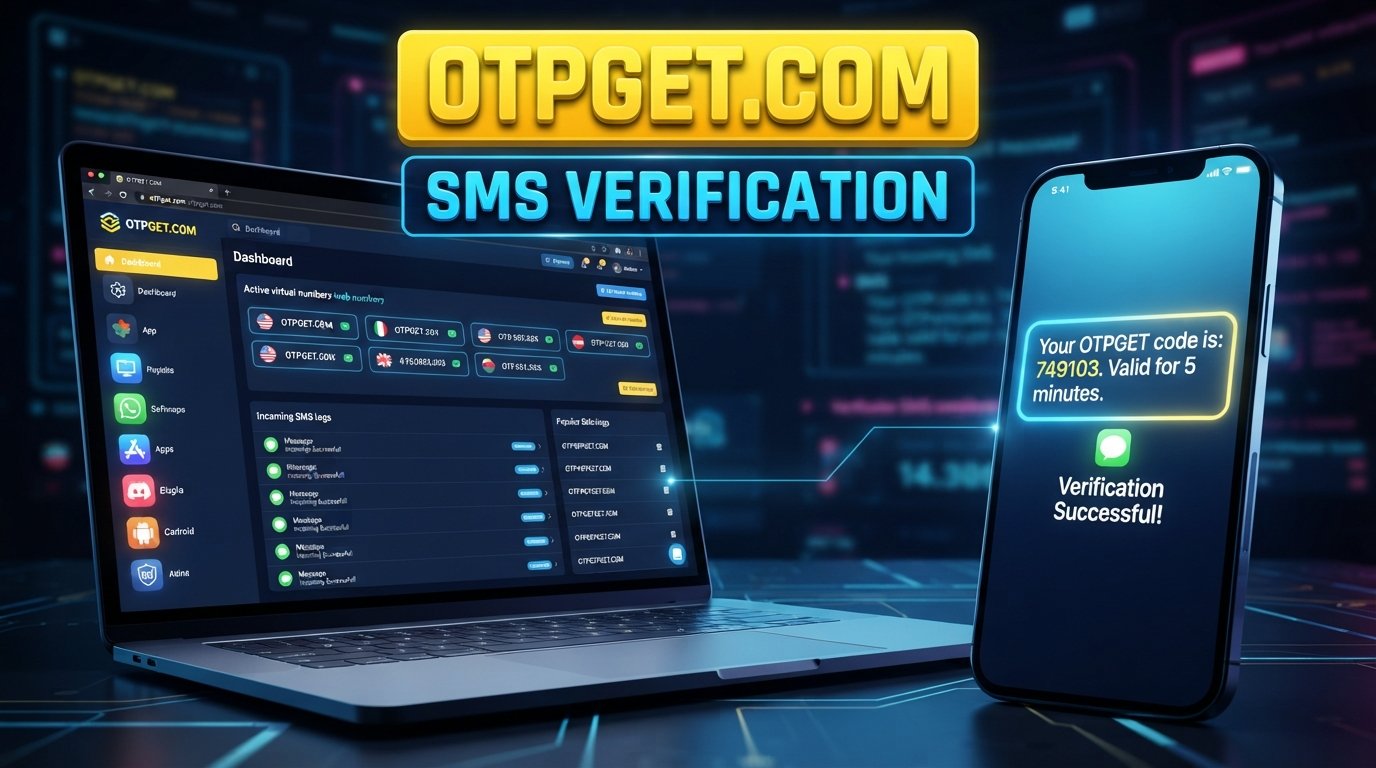
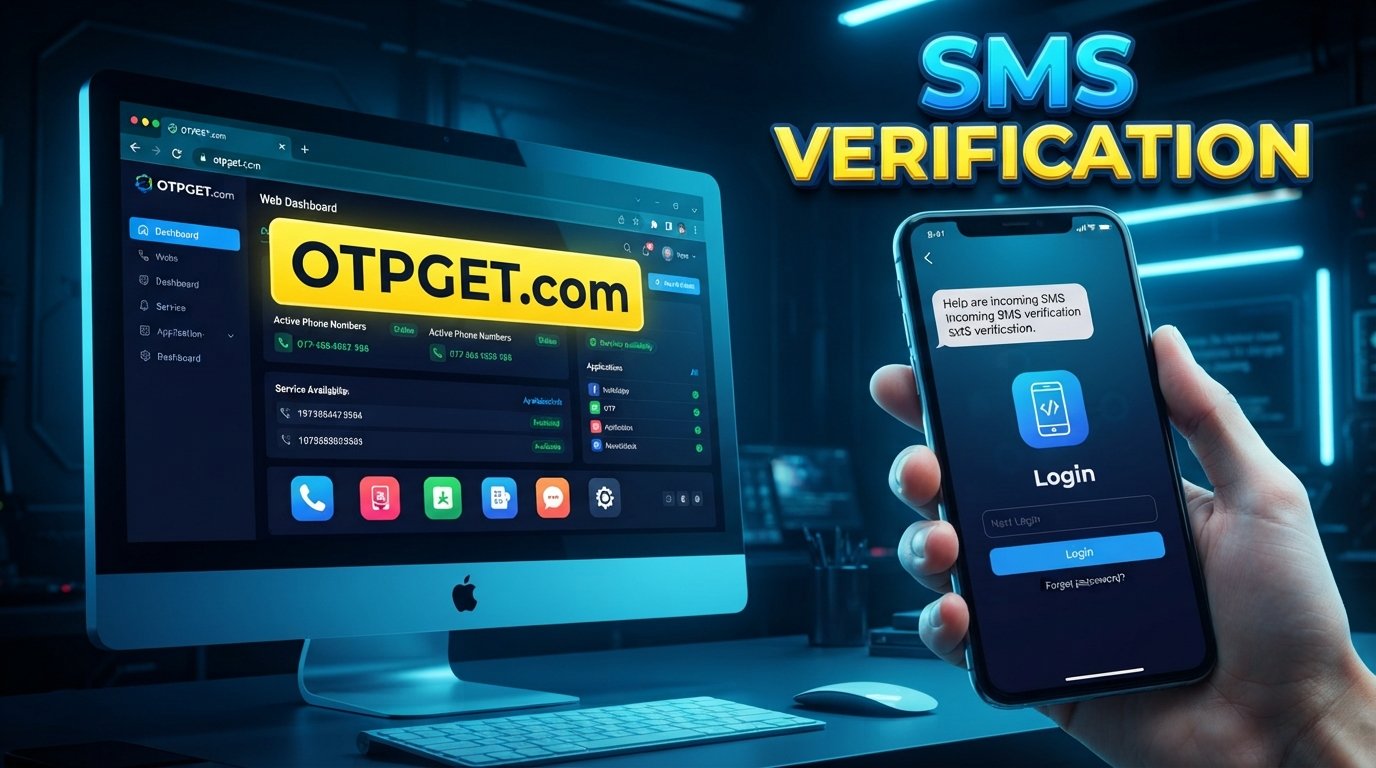
OTPGET is an online OTP verification service that provides virtual phone numbers for receiving SMS verification messages. Its platform also offers rental numbers and other verification-related services.
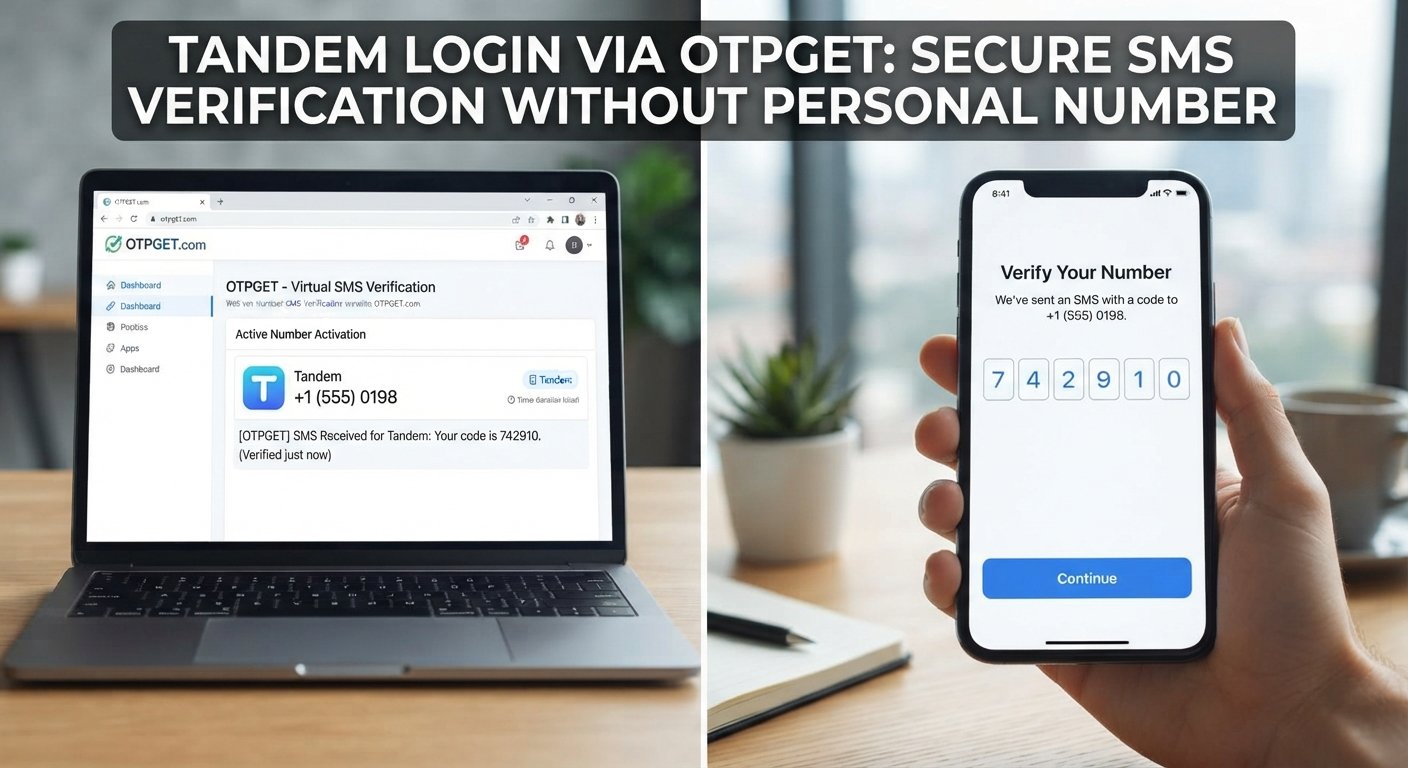
For someone searching for Tandem login without phone number, the relevant use case is straightforward: instead of entering a personal mobile number, the user can select an available alternative number if Tandem's verification screen accepts that type of number.
A typical workflow looks like this:
- Visit OTPGET and access the available number or OTP service options.
- Select an available number/service appropriate for your intended verification.
- Enter the provided number in the Tandem verification flow if Tandem requests SMS verification and accepts the number.
- Request the verification code through Tandem's legitimate login or account-verification process.
- Check OTPGET for the incoming SMS.
- Retrieve the verification code displayed for your number.
- Enter the code into Tandem's official verification screen.
- Complete the login or verification process if the code is accepted.
OTPGET's documentation describes an SMS OTP workflow in which a number is requested and the resulting activation can be checked for incoming SMS. Its availability varies by service, country, and provider.
There is no guarantee that every number will be accepted by Tandem. If the platform rejects a particular number, try a supported authentication option or contact Tandem through its official support channels.
OTPGET vs. Using Your Personal Phone Number
| Factor | Personal Phone Number | Alternative Number via OTPGET |
|---|---|---|
| Personal number exposure | Uses your primary number | Can keep your primary number separate |
| Privacy | Personal contact information is used | Provides an alternative number option |
| Convenience | Usually immediately available | Depends on available numbers |
| Personal communications | Verification is tied to your normal number | Verification can remain separate |
| OTP accessibility | SMS arrives on your phone | SMS can be viewed through the service |
| Number availability | Depends on your SIM/mobile service | Depends on OTPGET inventory |
| Platform acceptance | Normally depends on the platform | Acceptance can vary by platform and number |
The biggest practical difference is separation. With an alternative number, you are not necessarily putting your everyday mobile number into another online verification flow.
However, convenience should not be confused with guaranteed compatibility. SMS verification systems can apply their own restrictions to particular numbers, carriers, regions, or number types.
Step-by-Step: Using OTPGET for Legitimate OTP Verification
If you decide to try OTPGET, keep the process simple.
1. Choose an available number
Look through the available number and service options. Select one suitable for your intended verification.
2. Enter the number where Tandem requests verification
Use the number exactly as provided and enter it into the legitimate Tandem verification interface.
3. Request the SMS
Submit the verification request and wait for Tandem to send its OTP.
4. Check OTPGET
Open the relevant OTPGET interface and check whether the SMS has arrived. OTPGET provides tools for checking SMS activation status and retrieving received messages.
5. Enter the verification code
Copy the received Tandem verification code into the official Tandem verification field.
6. Finish the process
If Tandem accepts the number and code, continue with the normal account login or verification flow.
Only use this process for an account you are authorized to access.
Troubleshooting Tandem OTP Problems
Even when the process is legitimate, SMS verification does not always go smoothly.
OTP not arriving
Wait briefly and check that the number was entered correctly. OTP delivery can depend on the service, carrier, region, and current availability.
If an OTP never arrives, check the applicable OTPGET order conditions before cancelling or requesting another number. OTPGET's published policy explains that temporary-number orders have specific cancellation and refund conditions when an OTP is not received.
Number unavailable
A particular country, service, or provider may have no available numbers. In that situation, select another available option if appropriate rather than repeatedly submitting failed requests.
Verification rejected
Tandem may reject a particular number. This does not mean you should attempt to defeat the restriction. Use another supported Tandem authentication method or contact Tandem support.
OTP expired
One-time codes are designed for temporary use. If a code has expired, request a new code through the normal Tandem verification process.
Common Questions About Tandem Login Without Phone Number
Can I use Tandem without my personal phone number?
Possibly. Tandem provides several authentication options, including email and supported third-party sign-in methods. If your particular flow requires SMS, an alternative number may be an option if Tandem accepts it.
Does Tandem require phone verification?
Not necessarily for every login or registration path. Tandem's available authentication methods can vary by flow. Its current web login includes email/password and social sign-in options.
Can I receive a Tandem OTP online?
If Tandem sends an SMS verification code to a number that you control through a legitimate online SMS service, the code may be viewable through that service. OTPGET provides virtual numbers and SMS OTP functionality, but Tandem must accept the selected number.
What is the safest way to handle OTP verification without sharing my personal number?
Start with Tandem's own available authentication options. If SMS verification is required and an alternative number is accepted, a reputable OTP verification service can provide another number for the process.
Can OTPGET receive verification codes?
OTPGET provides virtual numbers designed for receiving SMS OTP messages. Its documentation describes requesting numbers and checking their activation status for incoming SMS.
Why might a temporary number not work for Tandem?
Number acceptance can vary. Tandem may not accept every number type, region, provider, or temporary number. Availability can also change, so a number that is available through an OTP service is not automatically guaranteed to be accepted by every platform.
What should I do if my Tandem verification code does not arrive?
Check that the number is correct, wait for the SMS, and verify that the selected number/service is still active. If the code does not arrive, follow the service's cancellation rules and use Tandem's supported recovery or authentication options.
Is using an alternative number the same as bypassing phone verification?
No. Using an alternative number is still verification when the platform accepts that number and you complete the requested authentication normally. Bypassing security would involve attempting to defeat or circumvent the platform's authentication controls, which is not the purpose of an OTP service.
Why OTPGET Is a Practical Option
For users who want Tandem login without phone number mainly because they prefer not to expose their personal number, OTPGET offers a straightforward alternative-number workflow.
Its virtual-number service is designed around receiving SMS verification codes online, while its platform also provides longer-term rental numbers for situations where a user needs continued access to a number.
The practical advantages are mainly about flexibility and separation:
- You can use an alternative number instead of your primary mobile number when permitted.
- OTP messages can be accessed through an online service.
- The workflow does not require you to put your everyday number into every supported verification process.
- Available numbers can vary by country and service.
- The service can be useful for legitimate privacy-conscious verification scenarios.
At the same time, responsible use matters. OTPGET's terms prohibit illegal, fraudulent, abusive, or harmful uses of its services.
Final Thoughts
Finding Tandem login without phone number does not have to mean looking for a way around authentication. The better approach is to use Tandem's legitimate login options and, where SMS verification is required and permitted, consider an alternative number that you are authorized to use.
For users who want to keep their personal number separate, OTPGET can be a practical option for receiving SMS verification codes through an available virtual number. Just remember that number availability and Tandem's acceptance rules can vary, so no temporary number should be treated as guaranteed to work.
If an alternative number is accepted by Tandem, the process is simple: choose an available number, enter it during legitimate verification, receive the OTP through OTPGET, and enter the code on Tandem's official verification screen.
For privacy-conscious users who need a separate number for appropriate SMS verification, exploring the available options on OTPGET can be a useful next step.
8. Internal Link Suggestions
- temporary phone number for OTP verification
- how online SMS verification works
- what is an OTP verification code
- privacy-friendly account verification
- how to receive SMS online
9. Featured Image Alt Text
Tandem login without phone number using an alternative OTP verification number
10. Featured Image Title
Tandem Login Without Phone Number and OTP Verification
11. Featured Image Caption
A privacy-conscious Tandem verification workflow using an alternative number for legitimate SMS OTP verification.
12. Featured Image Filename
tandem-login-without-phone-number-otp-verification.png