Telegram Account Setup: Get Your OTP Fast and Verify Easily Now
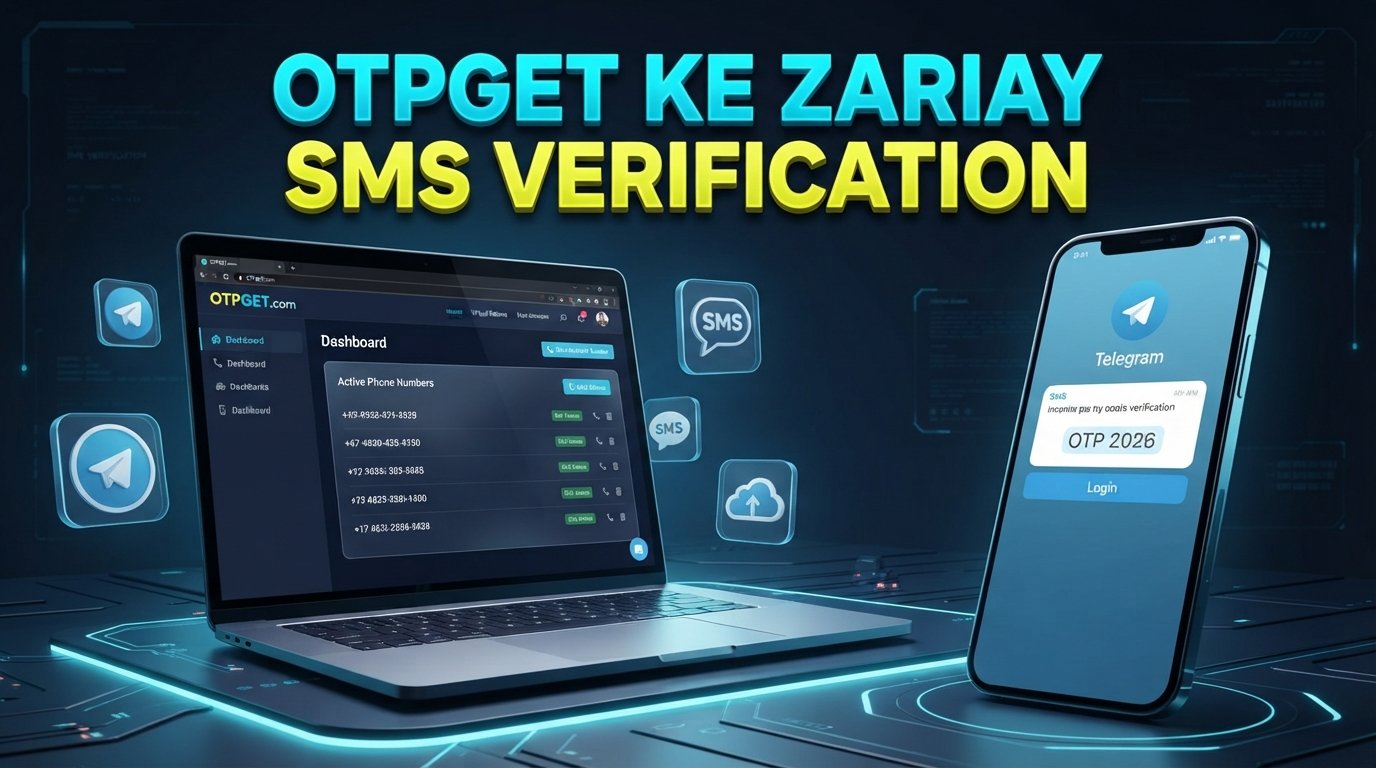
Telegram Account Setup: Get Your OTP Fast and Verify Easily
Setting up a Telegram account is usually straightforward, but the process can become frustrating when the verification code does not arrive when you expect it. You enter your phone number, wait for the Telegram OTP, check your messages again, and wonder whether the code is delayed or something went wrong.
A verification code is an important part of Telegram account setup because it helps confirm that you control the phone number being used. When the code arrives promptly, registration can move forward without unnecessary interruptions.
For users who need a more convenient way to manage OTP receiving, OTPGET can be a practical option to consider. Rather than treating verification as a confusing technical hurdle, users can focus on a simpler OTP receiving workflow while following Telegram's own verification requirements.
Why Telegram OTP Matters During Account Setup
What is a Telegram OTP? A Telegram OTP is a one-time verification code used during account registration or sign-in to help verify access to the phone number or verification method associated with the account.
During a typical Telegram account setup, the user enters a phone number and waits for Telegram to provide a verification code. The exact verification method can vary depending on the circumstances, device, and Telegram's own systems.
Receiving the code quickly matters because verification codes are generally time-sensitive. A delayed message can interrupt the registration process, while requesting multiple codes in a short period can create additional confusion.
Several factors can affect OTP delivery, including:
- Mobile network quality
- Carrier-related SMS delays
- Incorrect phone number entry
- Temporary service or routing issues
- Repeated verification requests
- An expired verification code
- Limited access to the phone receiving the message
The goal is not simply to get a code. It is to receive the correct code through an appropriate verification method and enter it before it becomes unusable.
Common Problems When Waiting for a Telegram Verification Code
Not receiving a Telegram verification SMS immediately does not necessarily mean that the account setup has failed. There are several common reasons for delays.
Delayed SMS
SMS delivery depends on networks and carriers. Even when Telegram has initiated a verification message, it may take additional time to reach the device.
Incorrect Phone Number
A small mistake in the country code or phone number can prevent the expected verification message from reaching the intended destination. Always check the number carefully before requesting another OTP.
Repeated OTP Requests
It can be tempting to keep tapping the option to request another code. However, repeatedly requesting verification codes may make the process harder to follow because several messages can arrive at different times.
Expired Codes
Verification codes can be time-sensitive. If an older code has expired, entering it may not complete Telegram verification. In that situation, follow Telegram's instructions and use the latest valid code.
Access Problems
Sometimes the main challenge is not the SMS itself but access to the phone number being used. If you cannot reliably receive messages on that number, completing account registration can become inconvenient.
Understanding these issues makes it easier to troubleshoot the process instead of repeatedly requesting codes without checking the underlying problem.
How to Complete Telegram Account Setup
The basic Telegram registration process is designed to be simple. The exact screens and verification flow may differ depending on your device and Telegram's current process, but the general steps are familiar.
- Open Telegram. Install and launch the official Telegram application or use an appropriate official access method.
- Start registration. Select the option to create or register an account.
- Enter your phone number. Include the correct country code and carefully verify the number before continuing.
- Request verification. Telegram will provide instructions for receiving the required verification code.
- Enter the OTP. Once you receive the Telegram verification code, enter the current code into the requested field.
- Complete account setup. Follow the remaining prompts to finish your profile and account configuration.
If the verification message does not arrive, avoid immediately requesting multiple codes. First, confirm the phone number, check your network connection, and review whether Telegram is presenting another verification method.
How OTPGET Can Help You Get Your OTP Fast
For users who regularly encounter friction around SMS verification, OTPGET can provide a more convenient approach to managing OTP receiving requirements.
The main value of an OTP receiving service is convenience. Instead of making the verification process feel like a guessing game, a dedicated solution can simplify the steps involved in accessing a verification code when an appropriate service option is available.
OTPGET can be considered as part of a faster OTP workflow for legitimate Telegram account verification. Depending on the service options available to you, the process can help reduce unnecessary friction around receiving an OTP and make it easier to focus on completing the required verification steps.
Some practical benefits to consider include:
- Convenient OTP access: A dedicated OTP solution can make the receiving process easier to manage.
- Simpler verification workflow: Keeping the OTP process organized can reduce confusion during account registration.
- Faster access to codes: A suitable OTP receiving service may help users access verification messages more conveniently when normal delivery is inconvenient.
- Less setup friction: Users can focus on entering the correct verification code rather than repeatedly troubleshooting delivery.
- Straightforward experience: A simple workflow is particularly useful for people who are not technically experienced.
OTPGET should not be viewed as a way to bypass Telegram's security controls. The purpose is to make legitimate OTP receiving more convenient, while Telegram remains responsible for its own verification and account security processes.
OTPGET vs. Traditional OTP Receiving
Traditional SMS verification can work well when your phone number, carrier, and network are all functioning normally. However, users sometimes want a more convenient OTP receiving workflow.
| Factor | Traditional SMS | OTPGET Approach |
|---|---|---|
| Convenience | Depends on normal phone access | Designed around a dedicated OTP receiving workflow |
| Speed | Can vary with network and carrier conditions | May offer a more convenient way to access OTPs |
| OTP accessibility | Tied to the receiving phone/SMS process | Focused on making OTP access easier to manage |
| User experience | Familiar but can involve delays | Intended to simplify the receiving process |
| Verification workflow | Managed through standard SMS delivery | Can be incorporated into a structured OTP workflow |
This does not mean a dedicated OTP service is automatically better for every situation. If your regular phone number receives Telegram verification messages reliably, traditional SMS may be all you need. OTPGET becomes more relevant when convenience and OTP access are important considerations.
Tips for Getting Your Telegram OTP Faster
Before looking for an alternative solution, a few simple checks can often resolve common verification problems.
- Double-check the phone number. Confirm the country code and every digit.
- Check your connection. Make sure your device has reliable mobile or internet connectivity as required by the verification process.
- Wait before requesting another code. Give the current verification process enough time before trying again.
- Use the latest code. If several messages arrive, avoid entering an older verification code.
- Watch for changes in the verification method. Telegram may provide instructions that differ from a simple SMS flow.
- Avoid repeated requests. Multiple requests can make it difficult to know which code is current.
- Keep your verification code private. Never share an OTP with someone who asks for it unnecessarily.
- Consider a reliable OTP solution. If standard SMS access is inconvenient, an appropriate service such as OTPGET may simplify the receiving workflow.
These steps are simple, but they can prevent many of the common mistakes that slow down Telegram registration.
Is Using an OTP Service for Telegram Verification Safe?
Safety should be a priority whenever a phone number or verification code is involved.
First, only use an OTP service for accounts you are authorized to create or access. An OTP should never be used to gain unauthorized access to another person's account, bypass security controls, or defeat platform restrictions.
When evaluating an OTP service, consider whether it clearly explains how its service works and how verification information is handled. Avoid suspicious websites or services that make unrealistic promises about guaranteed account creation, guaranteed approval, or bypassing Telegram security.
Most importantly, never share a Telegram OTP unnecessarily. A verification code is sensitive authentication information. Treat it with the same care you would give other account credentials.
OTPGET should be considered as a convenience-oriented OTP solution, not as an official Telegram service or a method for bypassing Telegram's verification requirements.
Why Choose OTPGET for a Smoother OTP Experience?
The biggest advantage of using a dedicated OTP solution is reducing unnecessary friction.
When the goal is legitimate Telegram registration, users generally want a straightforward path: provide the appropriate phone number, receive the verification code, enter it correctly, and finish the setup.
OTPGET fits into that workflow by focusing on the OTP receiving experience. For users who find conventional SMS verification inconvenient, it can be a practical option to explore rather than repeatedly dealing with delayed messages or unclear delivery issues.
The key is to use the service responsibly and understand that Telegram controls its own account verification process. OTPGET can help simplify the OTP receiving side of the workflow, but it should not be presented as a guarantee of Telegram verification or account creation.
Frequently Asked Questions
How do I get a Telegram verification code?
Start the Telegram registration or sign-in process and enter the correct phone number. Telegram will provide instructions for receiving the required verification code. Enter the current code when prompted.
Why am I not receiving my Telegram OTP?
Common causes include an incorrect phone number, network or carrier delays, repeated code requests, or temporary verification issues. Check your number and connection before requesting another code.
How long does a Telegram OTP usually take?
There is no single delivery time that applies to every situation. SMS delivery can depend on network conditions, carriers, and Telegram's verification process. If a code is delayed, avoid repeatedly requesting new ones.
Can I receive a Telegram OTP online?
An OTP may be received through an appropriate online OTP receiving service when the service supports the relevant verification workflow. Users should choose reputable services and only use them for accounts they are authorized to create or access.
What should I do if my Telegram verification code expires?
Follow Telegram's instructions and request or use the current verification method provided by Telegram. Do not rely on an expired code.
How can OTPGET help with OTP verification?
OTPGET can help make the OTP receiving workflow more convenient for users who need an alternative to relying entirely on their usual SMS delivery process. Availability and suitability depend on the specific verification situation.
Is it safe to share a Telegram OTP?
No. A Telegram OTP is sensitive verification information and should not be shared unnecessarily. Only enter the code through the legitimate Telegram verification process for the account you are authorized to access.
Conclusion
A smooth Telegram account setup depends on receiving and using the correct verification code at the right time. When SMS delivery is delayed or access to a phone number becomes inconvenient, the registration process can feel much more difficult than it should.
Start with the basics: confirm your number, check your connection, avoid repeated OTP requests, and follow Telegram's verification instructions carefully. If you need a more convenient way to manage the OTP receiving process, OTPGET is worth exploring as a practical solution.
OTPGET does not replace Telegram's own verification system, but it can help simplify the part of the process that involves receiving an OTP. For legitimate users looking for a more convenient verification workflow, exploring OTPGET can be a useful next step.
INTERNAL LINKING SUGGESTIONS
- Anchor text: OTPGET
Suggested destination: OTPGET homepage - Anchor text: Telegram OTP verification
Suggested destination: OTPGET Telegram OTP page - Anchor text: how OTP verification works
Suggested destination: OTP verification guide - Anchor text: SMS verification guide
Suggested destination: SMS verification guide - Anchor text: OTPGET support
Suggested destination: Contact/support page


