Telegram Account Verification: Beginner Guide to Telegram OTP
Telegram Account Verification: Beginner Walkthrough
Creating or logging into Telegram is usually straightforward, but the verification step can leave beginners wondering where the code comes from, why it has not arrived, or what to do when SMS delivery does not work as expected.
At the center of the process is a verification code, commonly called an OTP, or one-time password. Telegram uses login and registration codes as part of its account-authentication process. Depending on the circumstances, Telegram may deliver a login code through SMS or, for an account already connected on another device, through Telegram itself.
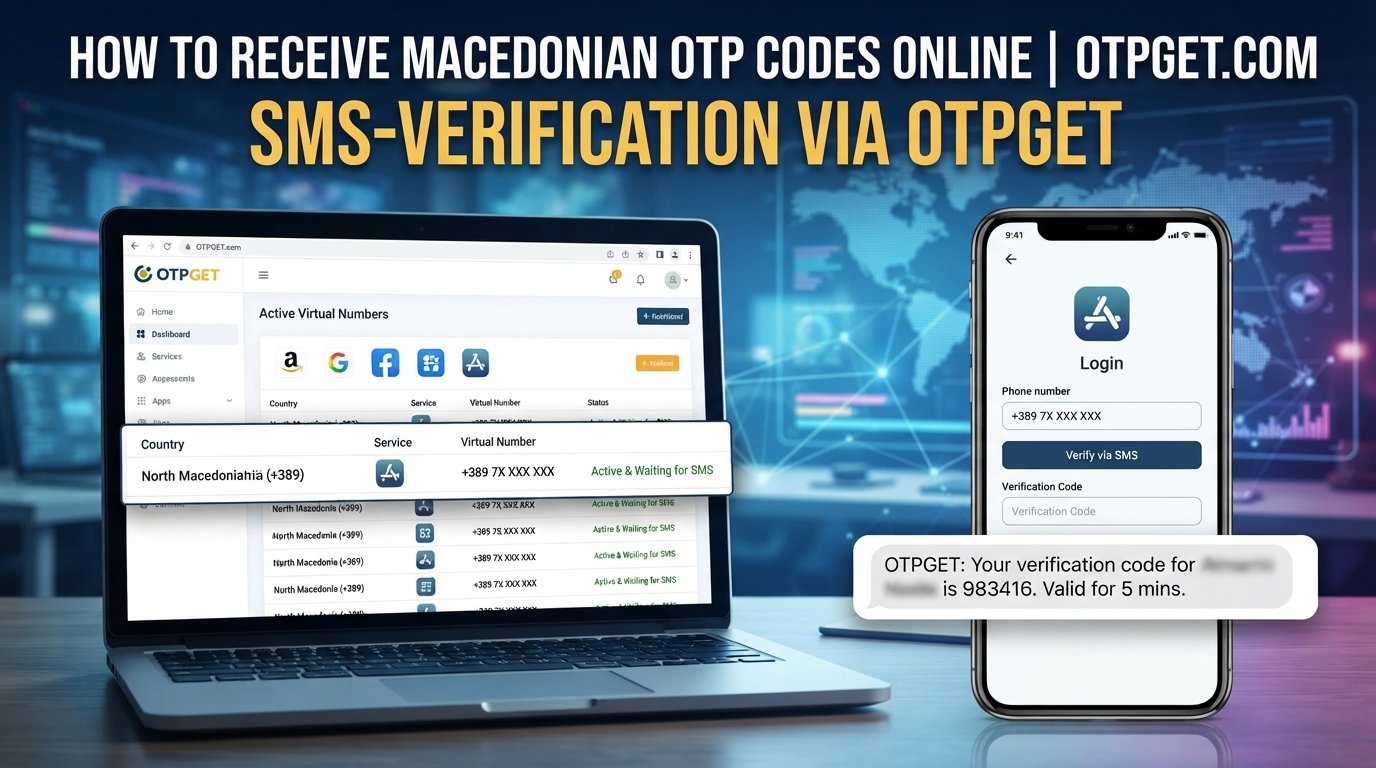
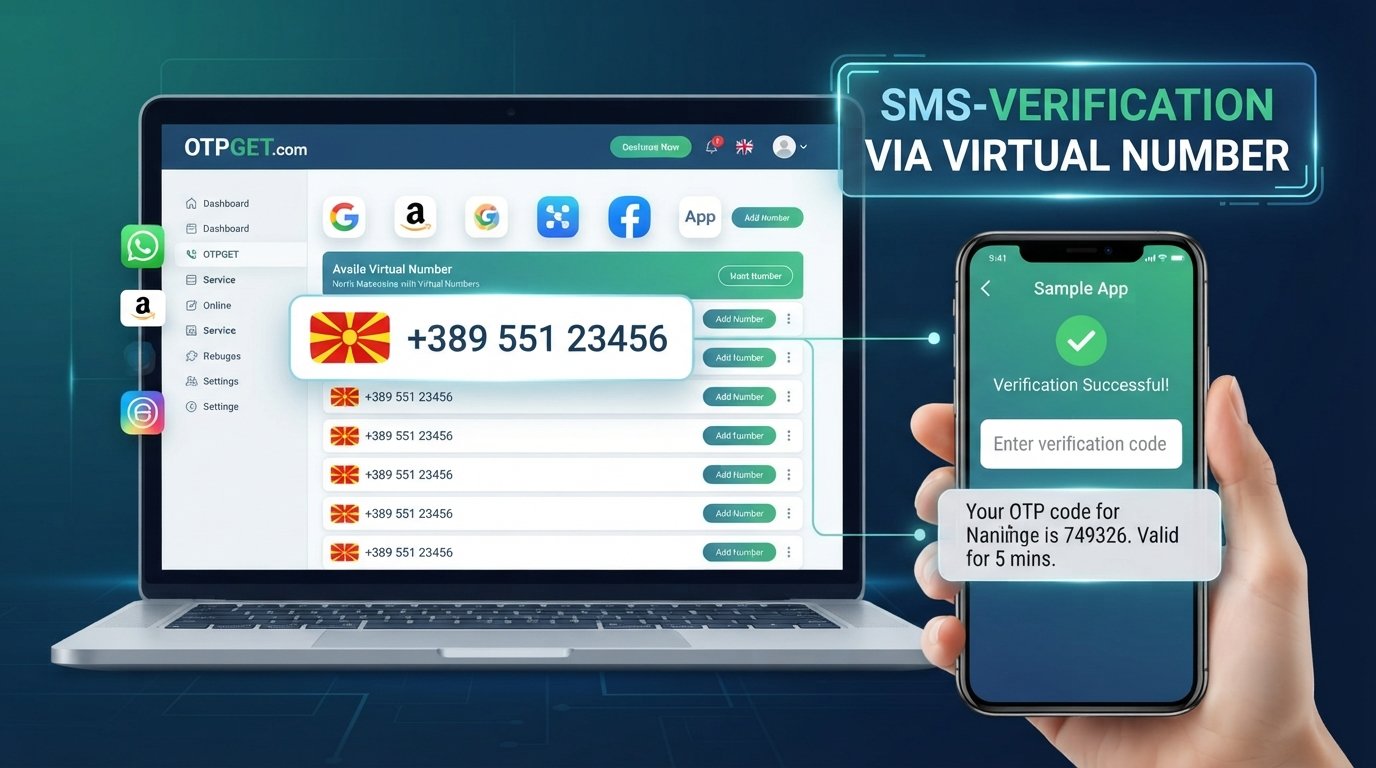
For users who need an appropriate verification-number service, OTPGET can be another option where its Telegram service and the required verification flow are supported. Its published service information describes virtual numbers for OTP verification and specifically lists Telegram among supported services.
This guide explains the complete Telegram account verification process, common delivery problems, and how OTPGET can fit into the workflow.
What Is Telegram Account Verification?
Telegram account verification confirms that you have access to the mobile number being used for an account.
The basic idea is simple:
- You provide a mobile phone number.
- Telegram initiates the verification process.
- A temporary verification code is delivered through an available channel.
- You enter that code into Telegram.
- Telegram uses the code to authenticate the login or registration attempt.
Telegram's documentation states that accounts are connected to mobile numbers rather than landlines. It also recommends entering numbers in international format when dealing with login or registration problems.
The verification code is an OTP, meaning it is intended for a specific authentication attempt rather than being a permanent password.
This is why a Telegram verification code should be treated as sensitive information. Anyone who obtains a valid login code may potentially use it in an unauthorized login attempt, so you should never give your code to strangers or untrusted services.
How Telegram Verification Works
If you're wondering how to verify a Telegram account, the normal process is relatively simple.
1. Open Telegram
Install and open the official Telegram application or use an official Telegram client.
2. Enter your phone number
Provide the mobile number you want to associate with the account. Check the country code and number carefully.
Telegram specifically recommends using international phone-number formatting when troubleshooting login or registration problems.
3. Request verification
Continue through Telegram's sign-up or login prompts. Telegram then determines the available method for delivering the authentication code.
4. Receive the verification code
The code may arrive through SMS or, in some login situations, through Telegram on another connected device. Telegram explains that if you have recently used Telegram elsewhere, it may send the login code to the verified Telegram chat instead of SMS.
5. Enter the code
Enter the latest valid Telegram confirmation code into the appropriate field.
6. Complete account verification
Once Telegram accepts the code, you can continue with the account setup or login process.
The important point for beginners is that Telegram verification is an authentication step—not something you should attempt to circumvent.
What Is a Telegram Verification Code?
A Telegram verification code is a temporary authentication code used to confirm access to a phone number during registration or login.
You may see people refer to it as:
- Telegram OTP
- Telegram OTP code
- Telegram confirmation code
- Telegram SMS code
- Telegram account verification code
- Telegram login code
Telegram's own technical documentation describes its authentication system as sending a verification code for login. It also documents errors that can occur when too many code requests are made or when a phone number is invalid.
Because the code is part of the authentication process, keep it private. Telegram also explicitly warns users not to share account login codes with anyone, including other services or applications.
Telegram Verification Code Not Received? Common Reasons
A missing Telegram verification code does not necessarily mean something is wrong with your account. Several ordinary issues can interrupt delivery.
Incorrect phone number
Check the complete number, including the country code. A single incorrect digit can prevent the message from reaching the intended destination.
Network or carrier delays
SMS delivery depends partly on telecommunications infrastructure. Temporary congestion or carrier problems can delay a message.
SMS delivery problems
Some numbers or networks may have difficulty receiving particular verification messages. Telegram itself notes that SMS login messages can vary in reliability depending on region and other factors.
Too many attempts
Repeatedly requesting codes can trigger authentication-related limits. Telegram documents errors associated with requesting a code too many times.
Instead of repeatedly pressing the resend option, pause and follow the instructions Telegram displays.
Incorrect country or number format
Confirm that you selected the correct country and entered the mobile number in the expected international format.
Telegram may have sent the code elsewhere
If you're already signed in on another device, check the verified Telegram chat. Telegram says it may send login codes through Telegram rather than SMS in this situation.
How OTPGET Can Help With Telegram Verification
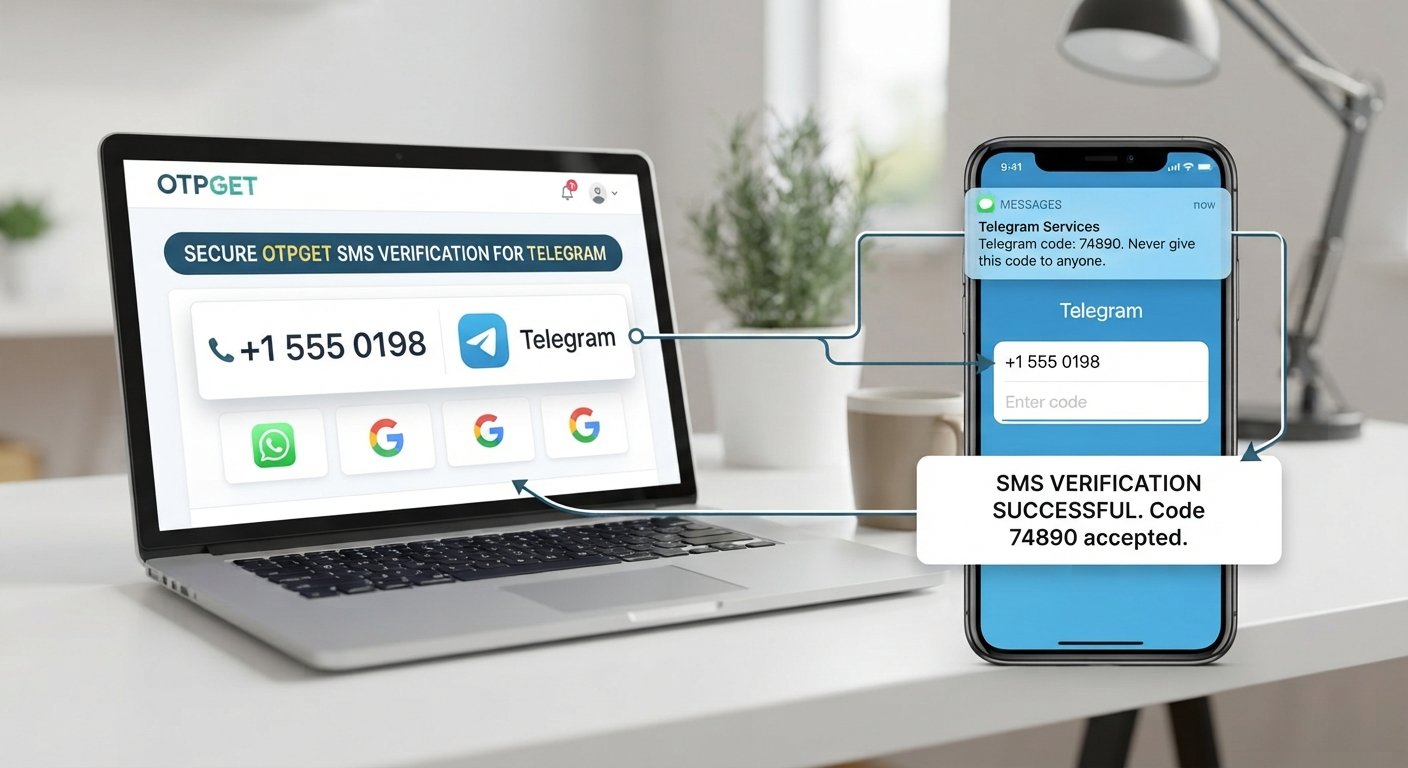
For users who need an alternative verification-number option, OTPGET can fit into the Telegram verification workflow where the appropriate Telegram service is available.
OTPGET's published information describes virtual phone numbers for SMS OTP verification and lists Telegram as one of its supported services. Its documentation also shows Telegram as an available service in its service-selection API.
The general workflow is:
- Visit OTPGET.
- Look for a verification option suitable for Telegram, where supported.
- Obtain the relevant number or service through the available OTPGET workflow.
- Enter that number in the appropriate Telegram verification field.
- Wait for Telegram to send the verification message.
- Retrieve the OTP through the supported OTPGET interface.
- Enter the received code into Telegram.
- Complete the Telegram verification process.
The exact options available can depend on current service availability, so users should check what OTPGET offers at the time of use rather than assuming that every number or region will work for every verification attempt.
Suggested editorial link: [Add OTPGET link here]
Why Beginners May Consider OTPGET
The main reason a beginner might consider an OTP service is convenience.
A virtual verification number can be useful when a user needs a suitable number for a supported verification workflow and does not want to rely on a particular physical SIM for that transaction.
OTPGET publicly describes several verification-related offerings, including virtual numbers, rental numbers, temporary email services, and developer API access.
For a straightforward Telegram verification task, however, the important consideration is whether the currently available OTPGET option is appropriate for the specific Telegram verification attempt.
That distinction matters. An OTP service is not a universal solution for every failed login, and Telegram can choose different authentication channels depending on the circumstances.
Step-by-Step Telegram Verification With OTPGET
If you're a beginner, keep the process simple.
Step 1: Check Telegram's requirements
Start with the official Telegram verification screen. Confirm that you're entering the correct country and mobile number.
Step 2: Check OTPGET availability
Open OTPGET and look for an option intended for Telegram verification. Use only an option that is actually available and appropriate for your intended use.
Step 3: Obtain the verification number
Follow OTPGET's current process to obtain the relevant number. Avoid assuming that an option shown for another service will work for Telegram.
Step 4: Enter the number in Telegram
Return to the Telegram verification screen and enter the number using the requested format.
Step 5: Wait for the code
Telegram sends the authentication code through the method it determines for the login or registration attempt.
Step 6: Retrieve the OTP
If the supported OTPGET workflow receives the message, retrieve the code through the applicable OTPGET interface.
Step 7: Enter the latest code
Enter the valid Telegram OTP into Telegram. Do not reuse an old code if Telegram has issued a newer one.
Step 8: Finish setup
Once Telegram accepts the code, continue through the remaining account setup or login prompts.
For long-term account access, remember that Telegram recommends keeping the connected phone number current and under your control. Losing access to the number associated with an account can create account-access problems later.
Tips for a Smooth Telegram Verification Process
A few simple habits can prevent unnecessary verification problems:
- Double-check the number before requesting a code.
- Use the correct country code and international format.
- Avoid repeated code requests when a message is delayed.
- Check another connected Telegram device if you're logging in.
- Enter the newest valid code rather than an older message.
- Follow Telegram's official prompts instead of trying to bypass them.
- Keep your login credentials private.
- Never share Telegram login codes with strangers.
- Use a verification service only when it is appropriate for your intended account use.
- Keep control of the number associated with important accounts whenever possible.
If Telegram continues to reject the number or reports a specific authentication error, consult Telegram's official support and troubleshooting resources.
Suggested editorial link: [Add official Telegram resource link here]
Is Telegram OTP Verification Safe?
OTP verification provides an additional authentication step, but the code itself must be protected.
The most important rule is simple: never give your Telegram login code to another person. Telegram explicitly states that account login codes should not be shared with anyone, including other services or apps.
When using an online OTP service, consider the privacy implications of using a number that you may not personally control long term. A verification number can be useful for a specific purpose, but it should not automatically be treated as a permanent recovery method.
For important Telegram accounts, consider Telegram's additional account-security options. Telegram documents Two-Step Verification and passkeys as additional login-security mechanisms.
Telegram Verification FAQs
How do I verify my Telegram account?
Open Telegram, enter an eligible mobile number in the requested format, and follow the verification prompts. Enter the valid code Telegram provides through the available authentication channel.
Why am I not receiving my Telegram verification code?
Check your number and country code first. Then check for network or SMS delays, avoid repeatedly requesting new codes, and check whether Telegram delivered the login code to another connected device.
What is a Telegram OTP?
A Telegram OTP is a temporary one-time password used to authenticate a registration or login attempt. It is commonly referred to as a Telegram verification code or confirmation code.
Can OTPGET help me receive a Telegram verification code?
OTPGET publishes Telegram as a supported service for its virtual-number OTP offering. Whether a particular number or option is suitable depends on the availability and requirements of the verification flow at the time you use it.
What should I do if my Telegram code expires?
Follow Telegram's current on-screen instructions and request a new code when permitted. Use the newest valid code rather than attempting to reuse an expired one.
Can I use a verification number for Telegram?
A suitable mobile verification number may be used where Telegram accepts it and the number can receive the required authentication code. Telegram states that accounts can be connected to mobile numbers and does not support landlines.
How can I keep my Telegram verification process secure?
Use legitimate Telegram verification procedures, protect your OTP, avoid suspicious sites, and never disclose your login code to another person. For ongoing account security, consider Telegram's available Two-Step Verification or passkey features.
Conclusion
Telegram account verification is easier to understand once you know what the verification code is doing. Telegram uses an OTP or another available authentication method to confirm access during registration and login, while delivery can vary depending on the account and circumstances.
If you experience a Telegram code not received problem, start with the basics: check the number and country code, look for a code on another connected Telegram device, avoid excessive requests, and follow Telegram's instructions.
For users who need a suitable verification-number option, OTPGET can be a practical service to explore when its Telegram verification option supports the required workflow. Its published information specifically lists Telegram among supported OTP services.
The key is to treat verification codes as sensitive credentials and use the verification process exactly as intended. If OTPGET meets your particular requirements, you can explore its available Telegram verification options and choose an approach that fits your needs.