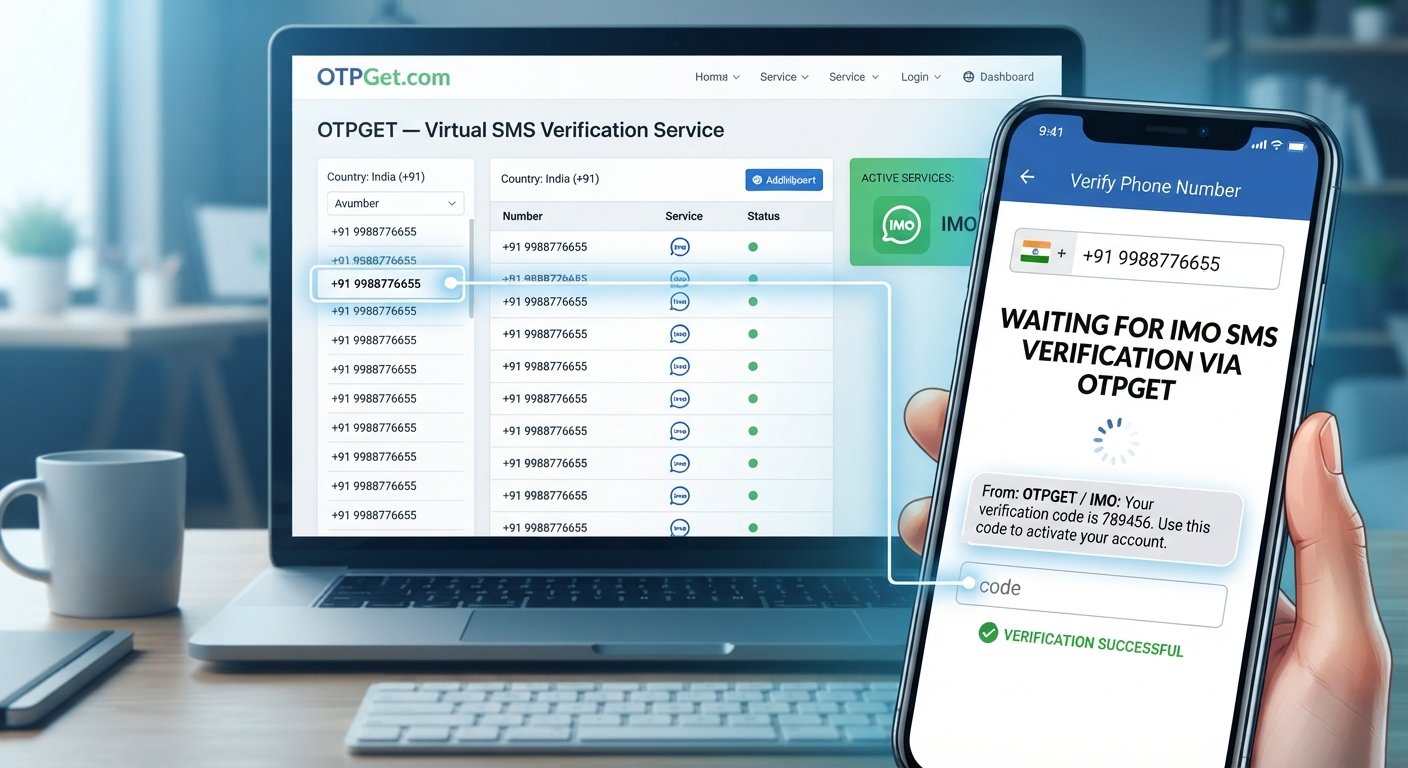
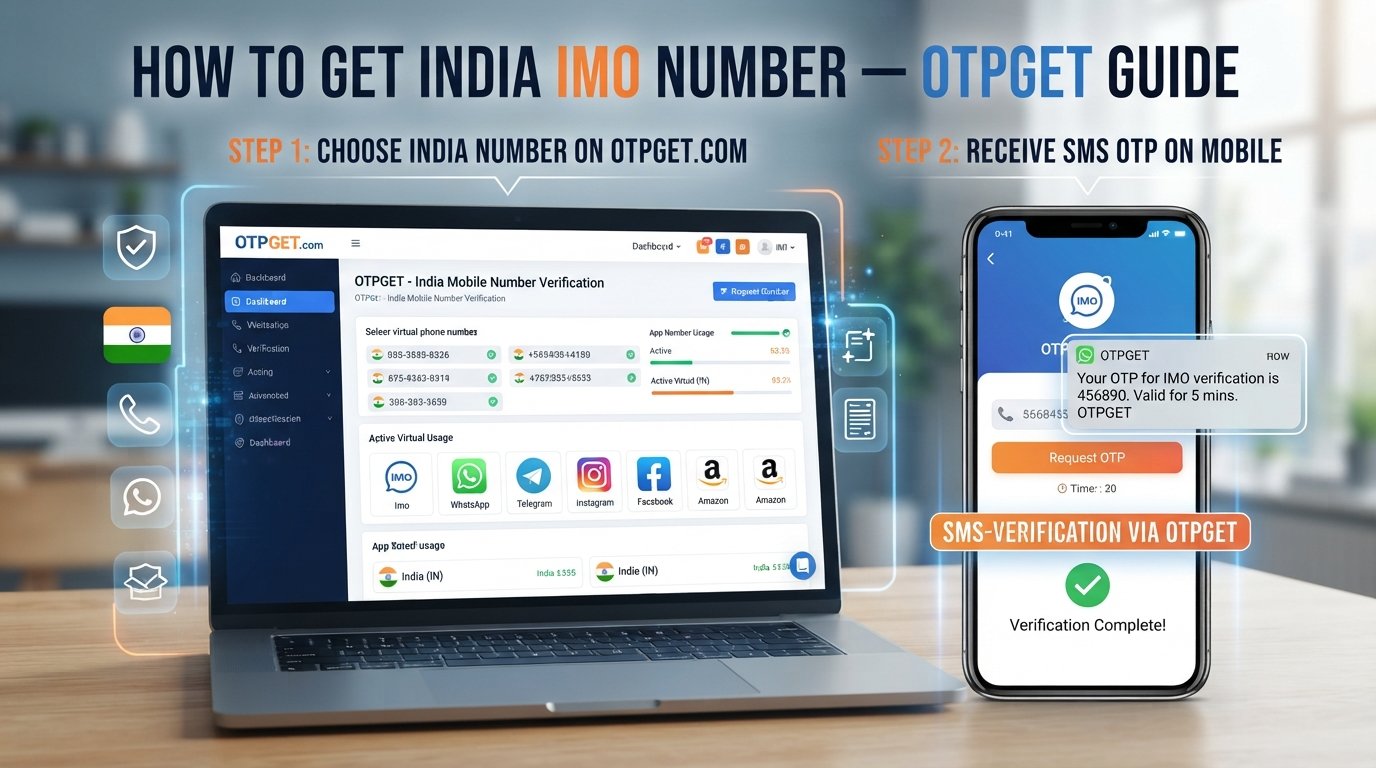
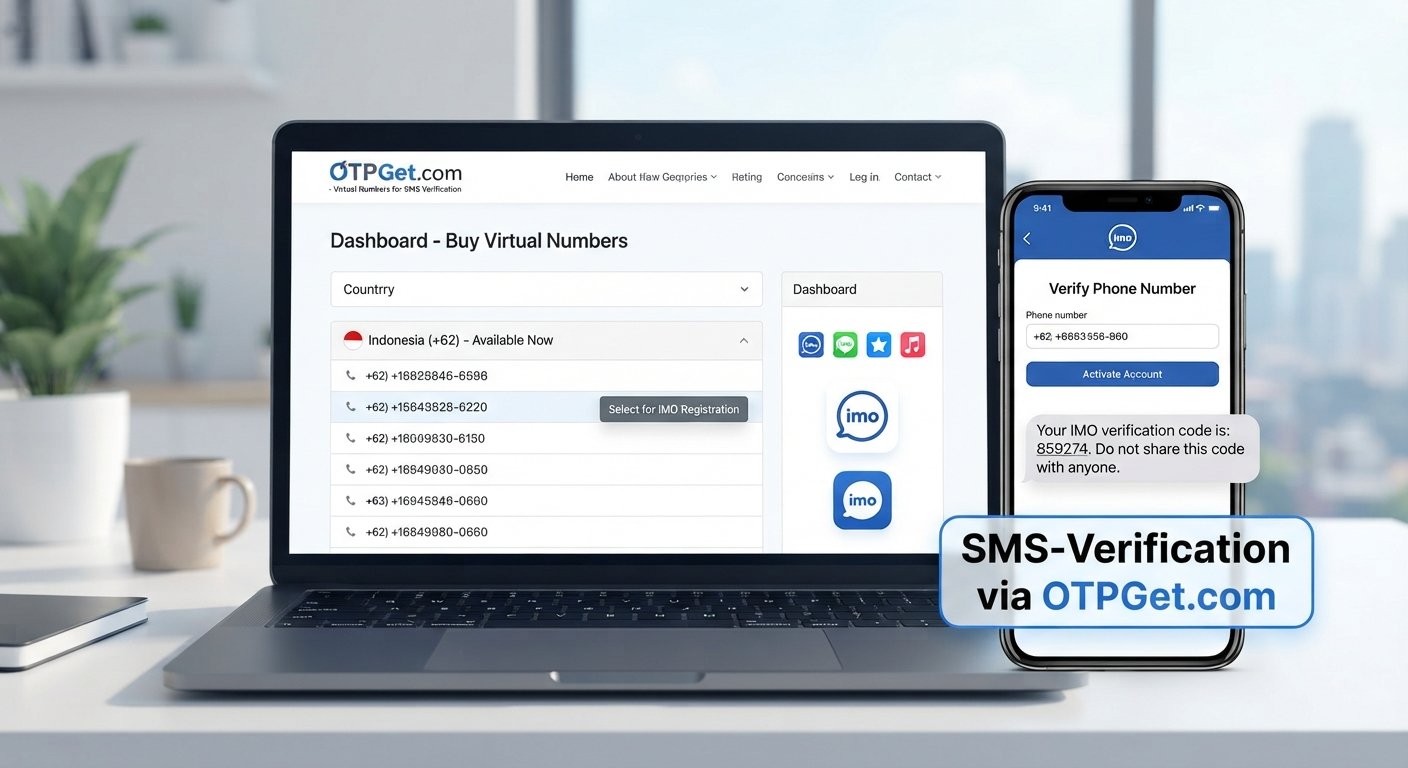
How OTPGET Helps With Telegram Number Verification and OTP Codes
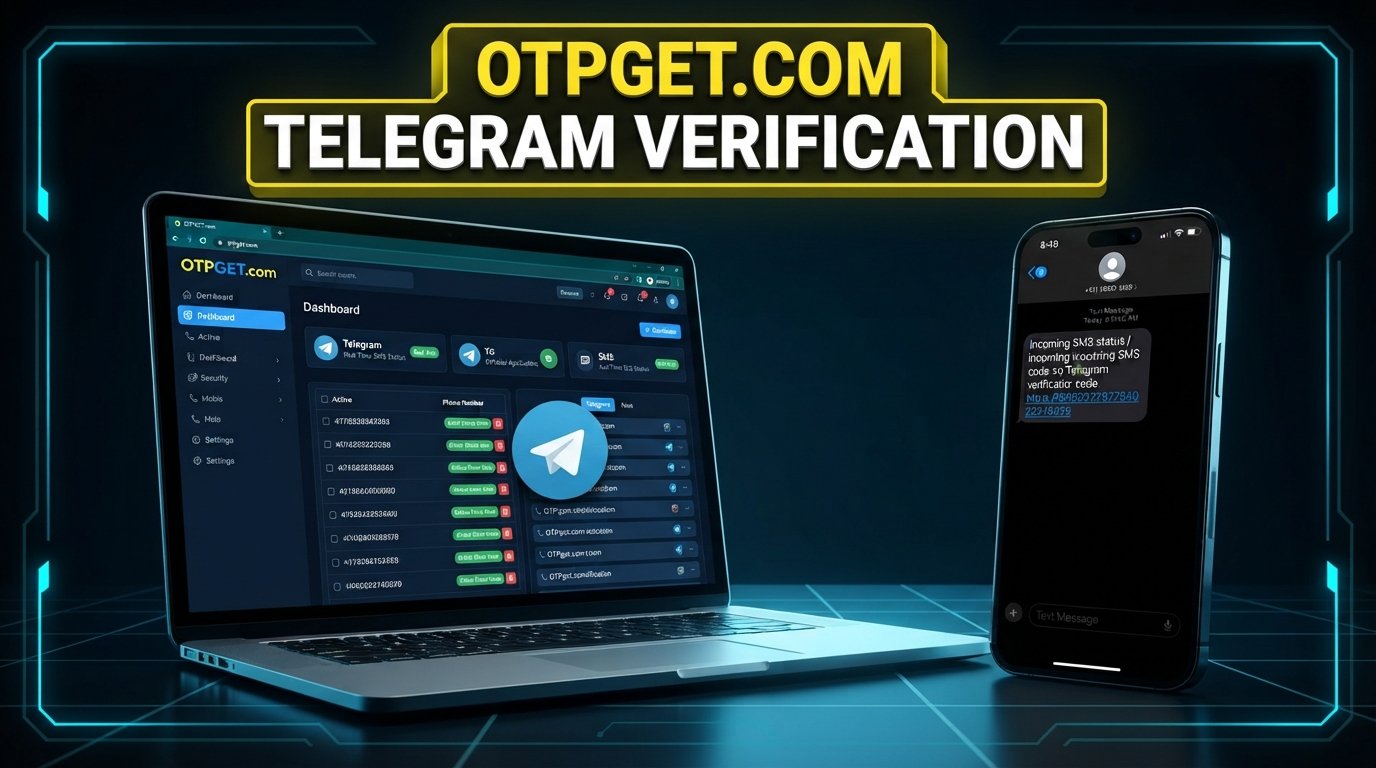
How OTPGET Helps With Telegram Number Verification and OTP Codes
Signing in to Telegram or setting up an account can be straightforward until the verification step becomes a problem. The process generally depends on having access to the phone number associated with the account and receiving a valid verification code.
For some users, that SMS can be delayed, difficult to access, or inconvenient to manage. Roaming, carrier limitations, temporary access to a number, and the desire to keep personal contact information separate from a particular account can all make SMS verification less convenient.
This is where an SMS or virtual-number service such as OTPGET can be useful. OTPGET provides virtual numbers intended for receiving verification messages, including Telegram-related OTPs where the selected number and service support the verification request. Its documentation describes an SMS OTP workflow in which users request a number and check its activation status for an incoming SMS.
The important point is that OTPGET does not replace Telegram's verification system. Instead, it can provide another way to access a suitable number for receiving an SMS when that option is appropriate.
Understanding Telegram Number Verification
Telegram number verification is the phone-based step used to confirm access to a number during account registration or login. A verification code helps Telegram establish that the person completing the process can receive messages associated with the submitted number.
At a high level, the workflow is simple:
- A user enters a phone number in Telegram.
- Telegram initiates its verification process.
- A verification code may be delivered through an available verification method.
- The user enters the valid code when prompted.
- Telegram completes the relevant verification step if the code and account conditions are accepted.
The exact delivery method and experience can vary. A user should always follow the verification instructions shown directly by Telegram rather than assuming that every account or number will follow the same process.
For users relying on SMS, the central requirement is access to the verification message. Without the correct OTP, the phone-number verification process cannot normally be completed through that SMS step.
Why Telegram Verification Codes Can Be Difficult to Receive
A missing Telegram verification code does not necessarily mean something is wrong with the account. There are several ordinary reasons why an expected SMS may not appear immediately.
Delayed SMS delivery: Mobile networks can occasionally experience delays. Sending another request immediately may not make the original message arrive faster.
Network or carrier issues: Poor connectivity, roaming limitations, carrier restrictions, or local network conditions can affect SMS delivery.
Inaccessible phone numbers: If a user no longer has access to a particular SIM or number, receiving a verification message becomes difficult or impossible.
Number management: People who work with different accounts, test applications, or need a number separate from their everyday personal number may prefer a dedicated verification number when permitted.
Repeated verification requests: Requesting multiple codes in quick succession can create confusion because several messages may arrive at different times, and older codes may no longer be valid.
These situations explain why access to an appropriate SMS-receiving number can be useful. However, no third-party service can guarantee that every number will be accepted by Telegram or that every verification SMS will be delivered successfully.
Where OTPGET Fits Into Telegram Number Verification
OTPGET fits into the process at the SMS-receiving stage.
According to its official documentation, OTPGET offers virtual numbers that can be requested for supported services and countries. After requesting a number, users can check the associated activation status for an incoming SMS verification code.
That makes the service relevant when the main challenge is having access to a suitable number capable of receiving a verification message.
The distinction is important: Telegram remains responsible for generating and validating its verification code. OTPGET's role is to provide access to the number and receive the relevant SMS where supported.
This can make the overall workflow more convenient for users who have a legitimate reason to use a virtual or temporary number rather than their primary personal number.
OTPGET as a Practical Solution for OTP Verification
OTPGET is a virtual-number and OTP verification platform that offers temporary numbers, rental numbers, and related verification services. Its published documentation describes a process for requesting a number, checking its status, and retrieving an incoming SMS code.
For Telegram number verification, the practical value is relatively simple: instead of depending exclusively on a personal SIM, a user can explore whether an available OTPGET number is suitable for the intended verification workflow.
This can be helpful when:
- A user needs access to a separate number for a legitimate purpose.
- A personal number is not readily accessible.
- A user wants to keep a verification workflow separate from a primary phone number.
- SMS management is easier through an online dashboard.
- A suitable virtual number is available for the required service and location.
OTPGET also documents rental-number options for users who need access to a number for longer periods rather than only a one-time SMS.
Still, compatibility matters. Number availability, carrier routing, Telegram's acceptance of a particular number, and SMS delivery can vary. A virtual number should therefore be viewed as a practical option to explore, not a guaranteed solution for every verification attempt.
How to Use OTPGET for Telegram Number Verification
The basic process can be understood in a few straightforward steps.
Step 1: Choose a Suitable Number
Start by reviewing the numbers available through OTPGET and selecting an option appropriate for your intended verification use.
Availability can vary by country, provider, and service. OTPGET's documentation indicates that its number-request process uses service and country selections.
Step 2: Enter the Number in Telegram
Enter the selected number into Telegram's normal phone-number verification flow.
Use the number exactly as provided, including the appropriate country information where required.
Step 3: Request the Verification Code
Continue through Telegram's legitimate verification process. If Telegram sends an SMS to the selected number, the message can then be received through the corresponding OTPGET workflow.
Do not repeatedly request codes simply because a message has not appeared immediately.
Step 4: Check OTPGET for the Incoming SMS
OTPGET's documented SMS OTP process includes checking the status of an activation to determine whether a verification message has arrived.
If the SMS arrives, review the message and identify the valid verification code.
Step 5: Enter the Code Into Telegram
Enter the received code into Telegram's verification screen.
If the number is supported and the code is valid, Telegram can complete the relevant verification step. If the code does not work, follow Telegram's displayed instructions rather than attempting to bypass the verification process.
Benefits of Using OTPGET for SMS Verification
A virtual-number service can offer practical advantages when it matches the user's legitimate needs.
Convenient OTP access: Instead of waiting for access to a physical SIM, an available virtual number can provide an online destination for supported SMS verification messages.
Simpler number management: Users can separate a particular verification workflow from their everyday personal number.
Flexible number options: OTPGET documents temporary and rental-number options, allowing users to consider different arrangements depending on their needs.
Online access to verification messages: The service is designed around receiving OTP messages through its platform rather than relying exclusively on a physical handset.
Useful for legitimate testing and account workflows: Virtual numbers can also be relevant to developers, businesses, and users who need controlled access to numbers for supported verification scenarios.
The key limitation is that these benefits depend on number availability and compatibility with the service being verified. An OTP receiving service should never be treated as a method for defeating a platform's security or anti-abuse controls.
OTPGET vs. Traditional SMS Verification
The difference between a personal phone number and a service such as OTPGET is primarily how the verification number is accessed and managed.
| Feature | Traditional Personal Number | OTPGET |
|---|---|---|
| SMS access | Messages arrive on the user's personal mobile device | Supported verification messages can be received through an OTPGET number |
| Number management | Usually tied to an individual's SIM or mobile account | Virtual and rental number options are available |
| Verification workflow | Directly connected to the user's mobile service | Number is selected and used for a supported online verification workflow |
| Convenience | Familiar and suitable for everyday accounts | Can be useful when a separate verification number is preferred |
| Suitable use cases | Personal accounts and long-term number ownership | Legitimate verification, testing, and situations where a virtual number is appropriate |
Neither option is universally suitable. A personal number may be preferable for accounts where long-term control and recovery are especially important. A virtual number can make sense when separation or temporary access is the priority.
Tips for a Smooth Telegram Verification Process
A few simple practices can prevent common verification problems.
- Double-check the phone number. A single incorrect digit can prevent the verification SMS from reaching the intended destination.
- Check connectivity. Make sure your device has a working internet connection and that the selected number is capable of receiving SMS.
- Wait when an SMS is delayed. Avoid immediately requesting multiple codes.
- Use a compatible number. Availability does not automatically mean that every number will work with every service.
- Follow Telegram's instructions. If Telegram provides a specific verification or login message, use that official workflow.
- Keep verification codes private. An OTP should be treated as sensitive authentication information.
- Do not share codes with strangers. Legitimate support should not require you to hand your verification code to an unknown person.
- Use services responsibly. OTPGET's published terms prohibit illegal, fraudulent, abusive, or harmful uses of its services.
These steps are useful regardless of whether verification is completed through a personal number or a virtual number.
Is OTPGET Right for Telegram Number Verification?
OTPGET may be useful for people who have a legitimate reason to use a virtual or temporary number for SMS verification.
It can be particularly relevant when personal-number access is inconvenient, when a separate number is preferred, or when users need a number for a supported verification workflow.
There are, however, important limitations to understand. Number availability can change. SMS delivery depends on network and provider conditions. A number that is available through a third-party service is not necessarily guaranteed to be accepted by Telegram, and Telegram's verification requirements can change independently of OTPGET.
For long-term access to an important Telegram account, users should also consider account recovery and number ownership before choosing a temporary solution.
The best approach is to treat OTPGET as a practical SMS-receiving option rather than a way around Telegram's security controls.
8. FAQs
What is Telegram number verification?
Telegram number verification is the process of confirming access to a phone number during account registration or login. Depending on the verification flow, Telegram may send a code that the user must enter to continue.
How do I receive a Telegram verification code?
Follow Telegram's official verification process and make sure the submitted phone number can receive the relevant verification message. If SMS delivery is supported for the attempt, the code may arrive by SMS.
Can OTPGET help with Telegram SMS verification?
OTPGET can provide virtual numbers intended for supported SMS OTP verification services. Its official documentation includes Telegram among the services available through its platform, although number availability and compatibility can vary.
What should I do if my Telegram OTP does not arrive?
First, verify that the number is correct and capable of receiving SMS. Check your connection, wait for possible delivery delays, and follow Telegram's displayed instructions. Avoid repeatedly requesting codes in rapid succession.
Is a temporary number suitable for Telegram verification?
A temporary number may be suitable for some legitimate verification scenarios, but it is not ideal for every account. Consider whether you will need long-term access to the number for future login or account recovery.
How does OTPGET work for receiving OTP messages?
OTPGET's documented SMS workflow allows users to request a virtual number for a supported service and then check the activation status for an incoming SMS code.
Should I share my Telegram verification code with anyone?
No. Treat your Telegram verification code as private authentication information. Do not give it to strangers, unknown support contacts, or anyone claiming they need it to verify your account.
Conclusion
Telegram number verification depends on access to a valid verification method, and for SMS-based verification, receiving the correct OTP is a crucial part of the process.
When personal-number access is inconvenient, a suitable virtual number can provide another option for receiving verification messages. OTPGET is designed around virtual numbers and OTP receiving, making it a service worth exploring for legitimate Telegram verification use cases where an appropriate number is available.
The important thing is to keep expectations realistic. SMS delivery, number availability, service compatibility, and Telegram's own verification requirements can vary. OTPGET does not replace Telegram's security process, and it should not be used to bypass restrictions or anti-abuse measures.
If a virtual number fits your needs, you can explore OTPGET's virtual-number and OTP services and determine whether an available option is appropriate for your verification workflow.
9. Internal Link Suggestions
Anchor text: how virtual phone numbers work
Suggested destination/topic: A beginner's guide to virtual phone numbers and their common legitimate uses
Where to place it: In the “Where OTPGET Fits Into Telegram Number Verification” section.
Anchor text: receive SMS online for verification
Suggested destination/topic: Guide explaining how online SMS receiving services work
Where to place it: In the “OTPGET as a Practical Solution for OTP Verification” section.
Anchor text: temporary phone numbers for OTPs
Suggested destination/topic: Educational guide comparing temporary and rental virtual numbers
Where to place it: In the “Benefits of Using OTPGET for SMS Verification” section.
Anchor text: SMS OTP verification guide
Suggested destination/topic: General explanation of OTP-based SMS verification workflows
Where to place it: In the introduction or immediately before the step-by-step section.
Anchor text: OTPGET API documentation
Suggested destination/topic: OTPGET developer documentation and API capabilities
Where to place it: In the benefits section for developers or teams interested in programmatic OTP workflows.
10. Image Alt Text
Featured image alt text:
OTPGET virtual number and Telegram SMS verification code displayed on a smartphone
Additional suggestions:
- Smartphone showing a generic SMS verification code for a Telegram account login workflow
- Virtual phone number concept for receiving an online OTP verification message
- OTPGET verification dashboard concept with an incoming SMS code on a modern mobile interface