Telegram OTP Code Not Received in Nepal? Solve It With OTPGET
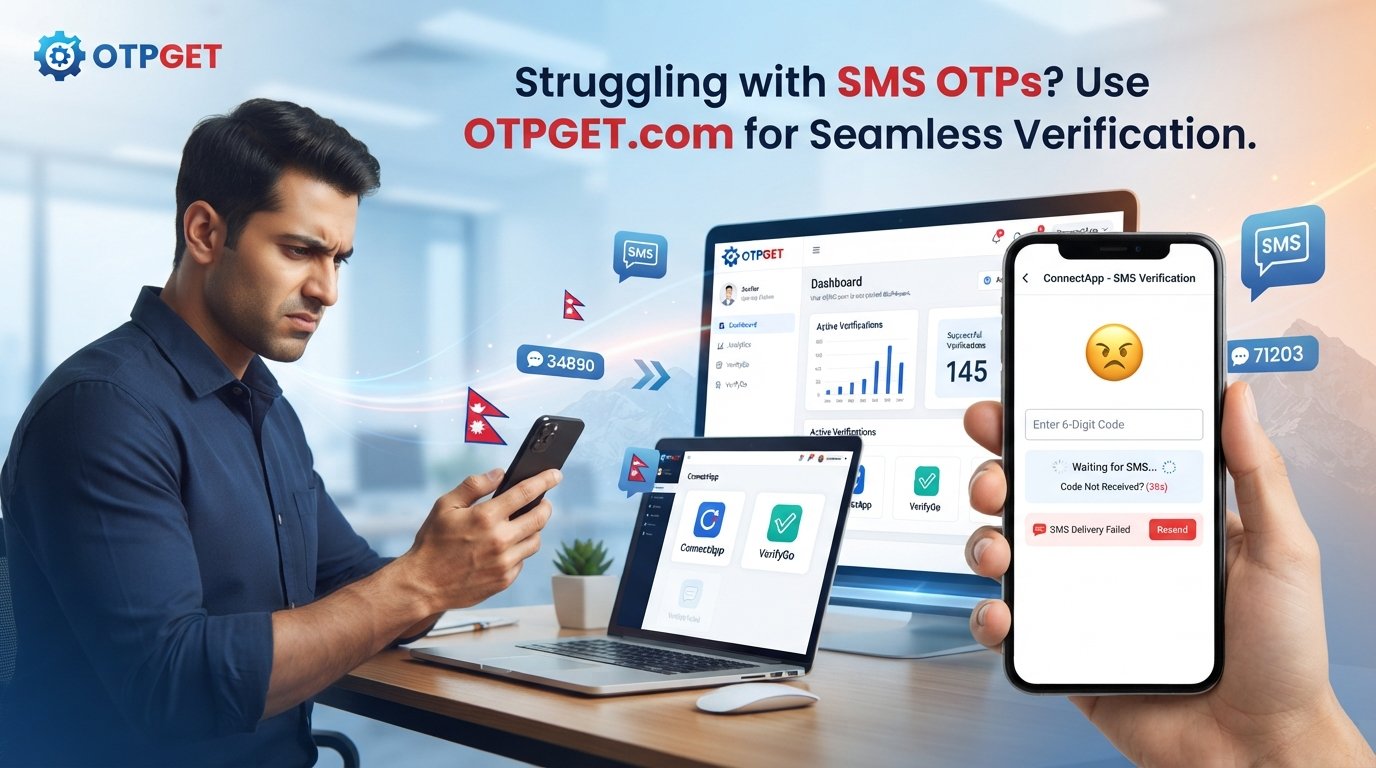
Telegram OTP Code Not Received in Nepal? Solve It With OTPGET
Trying to log in to Telegram but the verification code never arrives? If you are searching for Telegram OTP code not received in Nepal, you are dealing with a problem that can be caused by several different factors, from mobile-network delays to Telegram delivering the login code through another active session.
The good news is that a missing OTP does not always mean something is wrong with your Telegram account. In many cases, a few simple checks can resolve the issue.
However, if you have already checked your phone, connection, number, and Telegram sessions and still cannot receive the required code, an alternative verification method may be worth considering. This is where a service such as can provide a practical option for supported verification workflows.
Why Is Telegram OTP Not Received in Nepal?
There is no single reason why a Telegram verification code may fail to appear. The problem can occur at different points between Telegram, the mobile network, the device, and the SMS delivery system.
Here are some common possibilities.
Mobile network or SMS delivery issues
A weak cellular connection can delay incoming SMS messages. Network congestion, temporary carrier problems, or interruptions in SMS delivery may also prevent a verification message from arriving immediately.
If ordinary SMS messages are also arriving late, the issue may be related to your mobile service rather than Telegram itself.
Incorrect phone number or country code
Telegram recommends entering your mobile number in international format. For a Nepal number, make sure the country selection and number are correct before requesting another code.
A small formatting mistake can send the verification request to the wrong number or prevent the process from working as expected.
The code may be sent through Telegram
One of the most easily overlooked causes of a Telegram OTP problem is an existing Telegram session.
If you have recently used Telegram on another device, Telegram may send the login code to the Telegram app on that connected device instead of sending it by SMS.
Check your other phones, tablets, or computers where your Telegram account may still be signed in.
Too many verification attempts
Repeatedly requesting new codes can make troubleshooting more confusing. You may end up with several delayed messages or temporary restrictions affecting the login process.
Instead of repeatedly tapping the resend option, wait and follow the verification screen's instructions before trying again.
SMS filtering or blocking
Your phone may automatically filter certain messages, while a carrier or device-level setting could also interfere with incoming SMS.
Check blocked numbers, spam-message folders, SMS filtering settings, and notification permissions.
Device or connectivity problems
A phone that has poor connectivity, outdated network settings, or temporary software problems may not receive messages normally.
Restarting the device and reconnecting to the mobile network can sometimes clear a temporary problem.
Common Telegram Verification Problems
The same underlying issue can appear in several ways.
You might search for Telegram verification code not received, while another user may describe the exact same situation as a Telegram SMS code not received or a Telegram login code being delayed.
Common scenarios include:
- Telegram OTP not arriving after entering a mobile number.
- Telegram verification code not received by SMS.
- Telegram login code appearing late.
- A verification code being delivered to another logged-in Telegram session.
- SMS messages arriving normally except for the Telegram code.
- Problems completing Telegram account verification.
- Repeated verification requests without a successful login.
- A Telegram OTP issue in Nepal that continues despite having a working SIM.
The important point is to identify where the failure is happening before assuming that you need a different solution.
How to Fix Telegram OTP Not Received in Nepal
Before looking for an alternative OTP verification service, work through these troubleshooting steps.
1. Check your phone number and country code
Confirm that you selected Nepal and entered the correct mobile number in international format.
Do not add or remove digits based on guesswork. Compare the number with the format used by your mobile provider.
2. Check your mobile connection
Make sure your phone has a usable cellular signal and can receive ordinary SMS messages.
If possible, test by asking someone to send you a normal SMS. If regular messages are also delayed, contact your mobile provider or wait for the network issue to clear.
3. Give the code some time
SMS delivery is not always instantaneous. Avoid requesting multiple codes immediately.
Wait for the current verification attempt to complete before starting another one.
4. Check other Telegram sessions
If you are already logged into Telegram elsewhere, open the app on that device and look for the login notification.
Telegram states that login codes may be sent through Telegram instead of SMS when another connected device has recently been used.
This is particularly important if you recently changed phones or are logging in from a desktop or secondary device.
5. Check blocked and filtered messages
Review your phone's blocked contacts and spam or filtered SMS folders.
Also check whether your messaging application has settings that automatically hide messages from unfamiliar senders.
6. Restart your phone and network connection
A simple restart can resolve temporary device or connectivity problems.
You can also briefly reconnect your mobile network and then try the verification process again.
7. Avoid repeated OTP requests
Repeatedly requesting codes is rarely the best troubleshooting strategy.
Use one request, wait for the available delivery method, and follow Telegram's instructions rather than generating a long sequence of new requests.
8. Consider official Telegram support
If the problem continues and you cannot access your account through any available method, consult Telegram's official troubleshooting information or support resources. Telegram specifically advises users with registration or login problems to contact its support channel.
Internal Link Opportunity:
- Anchor text: “Telegram verification guide”
- Suggested destination: A detailed Telegram account verification and login troubleshooting article on your website
What If Telegram Still Does Not Send the OTP?
Sometimes conventional SMS delivery simply does not work reliably for the verification attempt you are trying to complete.
If you have confirmed the phone number, checked your network, looked at other Telegram sessions, reviewed SMS filtering, and avoided repeated requests, continuing to press “resend” may not solve the underlying problem.
For legitimate verification needs, an online number service can provide another route when you need a supported number capable of receiving verification SMS.
This is where OTPGET becomes relevant.
OTPGET as a Solution for Telegram OTP Verification
provides virtual phone numbers intended for SMS OTP verification across supported services, including Telegram. Its platform describes both temporary virtual numbers and rental numbers, giving users different options depending on their verification requirements.
The basic idea is straightforward: instead of depending entirely on the SMS inbox of your personal SIM, you can use an available virtual verification number and receive the supported OTP through the online service.
For someone experiencing a persistent Telegram OTP not received problem, this can be a practical alternative to repeatedly waiting for a conventional SMS.
It is important to understand that virtual numbers are not a guaranteed solution for every Telegram verification attempt. Service availability and acceptance can vary, and OTPGET itself notes that application restrictions or platform-side issues can still affect verification.
The benefit is flexibility: when standard SMS delivery is unreliable, you have another legitimate verification option to consider.
How to Use OTPGET for Telegram Verification
The general workflow is simple and does not require managing another physical SIM.
- Visit and create or access your account.
- Choose an available virtual verification number suitable for your intended service.
- Enter the selected number in Telegram when the verification process allows an alternative number.
- Request the Telegram verification code.
- Monitor OTPGET for the incoming verification SMS.
- Retrieve the code when it arrives.
- Enter the verification code into Telegram to complete the applicable verification step.
OTPGET describes its service as providing online access to SMS verification codes through its platform, with temporary and rental number options.
Always use a verification number for an account or activity you are legitimately authorized to create or access. Never use an OTP to access someone else's account, defeat security controls, or engage in fraudulent activity.
Internal Link Opportunity:
- Anchor text: “virtual phone number for OTP verification”
- Suggested destination: Your website's guide explaining how virtual verification numbers work
Why Choose OTPGET?
If your normal Nepal mobile number is repeatedly failing to receive a Telegram verification SMS, the biggest advantage of OTPGET is convenience.
Instead of buying another physical SIM or waiting indefinitely for a delayed SMS, you can use an online verification workflow where supported.
OTPGET's platform offers virtual numbers across many countries and supports a broad range of services. It also provides temporary numbers for one-time workflows and rental numbers for situations requiring longer access.
For users, the practical benefits include:
- Online access: Receive supported SMS verification messages through an online platform.
- Flexible number options: Choose from available virtual numbers rather than relying exclusively on your personal SIM.
- Simpler workflow: Keep the verification process in one online dashboard.
- Temporary or longer-term options: OTPGET offers temporary and rental number services depending on the use case.
- Useful for supported services: Telegram is listed among the services supported by OTPGET.
The key is to view OTPGET as an alternative verification tool, not as a way to bypass Telegram's security systems. Telegram's own security requirements and verification decisions still apply.
Internal Link Opportunity:
- Anchor text: “OTP verification service”
- Suggested destination: Your website's article comparing online OTP verification options
Tips for a Smoother Telegram Verification Experience
A few habits can make Telegram account verification less frustrating.
- Double-check the international phone-number format before submitting it.
- Make sure your mobile connection is stable.
- Check Telegram on every device where your account is already active.
- Review blocked and filtered SMS messages.
- Avoid repeatedly requesting new codes.
- Keep your Telegram app updated through an official app store.
- Never share a Telegram login code with another person.
- Use an appropriate verification method if ordinary SMS delivery remains unreliable.
- For security-related questions, rely on Telegram's official guidance rather than unofficial instructions.
Internal Link Opportunity:
- Anchor text: “Telegram login troubleshooting”
- Suggested destination: A broader Telegram login and account-access guide on your website
Frequently Asked Questions
Why am I not receiving my Telegram OTP in Nepal?
The cause can vary. Possible reasons include SMS delivery delays, mobile-network problems, an incorrectly entered number, filtered messages, or Telegram sending the login code to another active Telegram session. Check each possibility before requesting another code.
Why is my Telegram verification code not arriving?
Start by confirming your number and international country code. Then check your mobile signal, SMS filtering, and other devices where Telegram may already be logged in. Telegram says login codes can sometimes be delivered through the Telegram app instead of SMS.
Can Telegram send the login code to another device?
Yes. Telegram explains that if you have recently used Telegram on another connected device, the login code may be delivered through Telegram rather than SMS. Check the verified Telegram chat on your other active device.
What should I do if Telegram does not send an SMS code?
First verify the number, check your connection, inspect blocked or filtered messages, and check other Telegram sessions. If standard SMS delivery continues to fail, you can consider an alternative verification-number service such as OTPGET for supported workflows.
How can OTPGET help with Telegram verification?
OTPGET provides virtual phone numbers designed to receive SMS verification codes from supported services, including Telegram. The code can then be viewed through the OTPGET service and used in the applicable verification process.
Is OTPGET useful when Telegram OTP delivery fails?
It can be a practical alternative when your normal SMS delivery is unreliable and the required service accepts the selected virtual number. However, no external service can guarantee that every verification attempt will be accepted, because platform-side restrictions and other technical factors can affect the process.
How long should I wait before requesting another Telegram OTP?
Avoid repeatedly requesting codes in quick succession. Give the current request time to arrive, check other Telegram sessions and your SMS inbox, and follow the instructions displayed by Telegram before trying again.
Conclusion
A Telegram OTP code not received in Nepal situation can be frustrating, but it does not necessarily mean your account is broken. Mobile-network delays, SMS filtering, incorrect number formatting, device connectivity, and Telegram's delivery of login codes through another active session can all play a role.
Start with the basics: verify your number, check your connection, look at other Telegram devices, inspect SMS filters, and avoid repeated OTP requests.
If conventional SMS delivery remains unreliable, offers a practical alternative through virtual phone numbers for supported OTP verification workflows. Its temporary and rental number options can make online verification more flexible when relying on a personal SIM is inconvenient.
If you're ready to explore another way to receive a supported Telegram verification SMS, visit OTPGET and choose the verification option that fits your legitimate use case.


