Telegram OTP Code Not Received in Pakistan? Try the OTPGET Fix
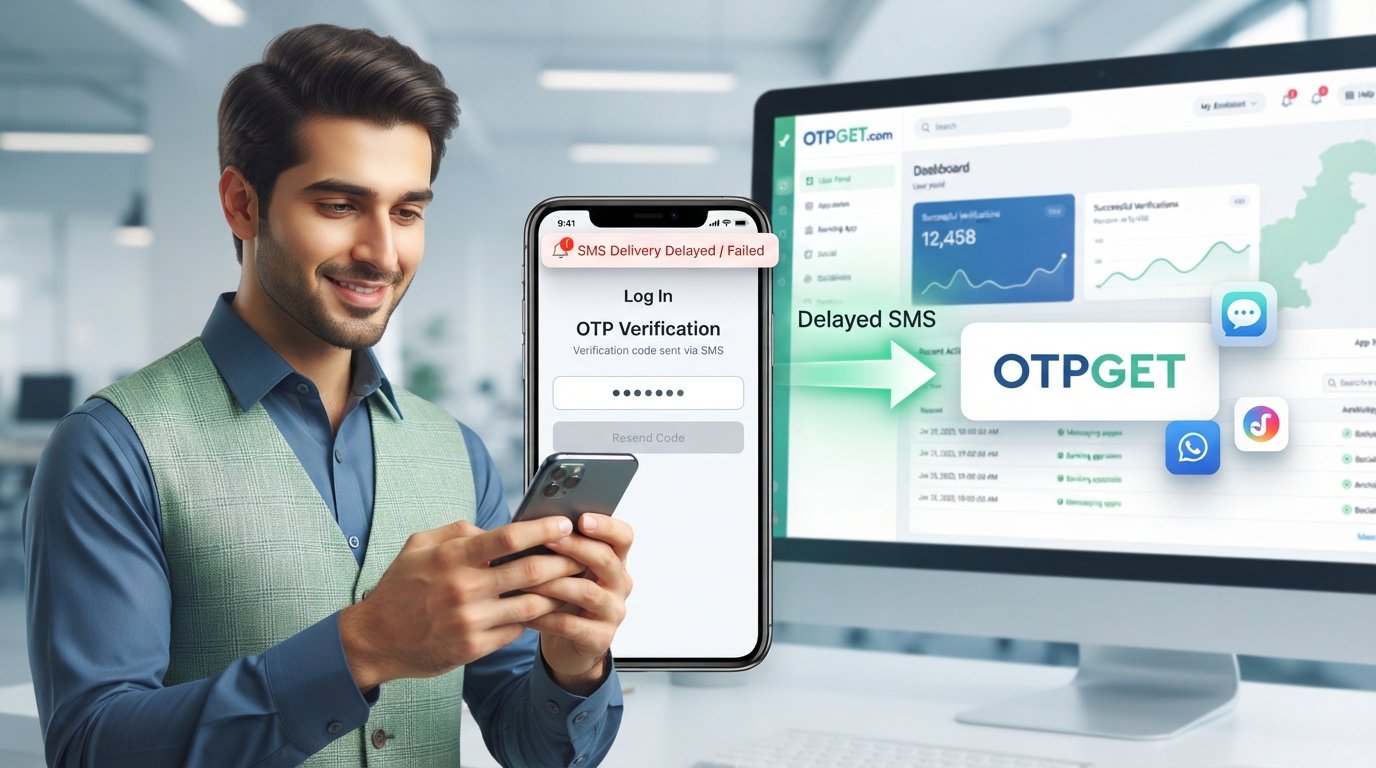
Telegram OTP Code Not Received in Pakistan — OTPGet Fix
Entering your Pakistani phone number into Telegram, waiting for the verification message, and seeing nothing arrive can be frustrating. You may check your inbox repeatedly, request another code, restart the app, and still be stuck at the verification screen.
A missing Telegram OTP does not necessarily mean your account or phone is broken. The issue can come from the number format, SMS delivery, network conditions, repeated verification attempts, or Telegram choosing another way to deliver the login code.
The good news is that there are several things you can check before giving up. And if standard SMS verification continues to be inconvenient, OTPGET provides virtual numbers designed for receiving SMS verification codes as an alternative route. Its website currently lists Telegram among supported services and Pakistan among its available countries.
What Does “Telegram OTP Code Not Received” Mean?
A Telegram OTP is a one-time verification code used during account registration or login. Depending on the circumstances, Telegram may send the login code by SMS or, when you already have Telegram active elsewhere, through the Telegram app on another connected device.
Therefore, if you are searching for a Telegram verification code not received solution, the first step is to determine where Telegram expects the code to arrive.
A delayed SMS is only one possible explanation. The code could already have been delivered through another available verification channel.
Why Is Telegram OTP Not Received in Pakistan?
There is no single reason why a Telegram SMS code may fail to appear. Common possibilities include the following.
SMS delivery delays
Mobile SMS is not always instantaneous. Temporary network congestion or delivery problems can delay an otherwise valid verification message.
Incorrect phone number formatting
Telegram recommends entering a mobile number in international format. For a Pakistani number, this means using the appropriate country code rather than entering the number exactly as it appears in a local dialing format.
Double-check the country selection and every digit before requesting another code.
Weak or unstable network connectivity
Your phone may have signal problems, temporary network instability, or difficulty communicating with the mobile network. If ordinary SMS messages are also delayed, the problem may not be specific to Telegram.
Too many verification attempts
Repeatedly requesting codes can make the situation more complicated. Telegram itself displays an “attempts exceeded” condition in its login interface and instructs users to try again later.
Instead of repeatedly tapping resend, give the verification process some time.
Telegram may send the code to another device
This is an especially important point.
If you have recently used Telegram on another device, Telegram may send the login code to the Telegram app instead of sending an SMS. Check your existing Telegram sessions for a message from the verified Telegram account.
Temporary service or carrier problems
Sometimes the issue can simply be temporary. A carrier route, SMS delivery system, device configuration, or Telegram-side service condition may prevent the message from arriving normally.
It is better to describe this as a possible delivery problem rather than assuming that a particular Pakistani telecom operator is blocking Telegram.
How to Fix Telegram Verification Code Not Received
Before looking for an alternative, work through these practical checks.
- Confirm your country code. Make sure Pakistan is selected correctly and that the complete mobile number is entered in international format.
- Check your normal SMS service. Ask someone to send you a regular text message. If normal SMS is also failing, investigate the mobile connection first.
- Check your mobile signal. Move to an area with better reception if the signal is weak.
- Look at your other Telegram devices. If you are already logged in elsewhere, check the Telegram chat for the login code.
- Avoid repeated requests. Multiple attempts in quick succession may result in a temporary restriction or waiting period.
- Check SMS filtering. Review blocked numbers, spam filtering, messaging-app settings, or other features that could hide automated messages.
- Restart the phone if necessary. A simple restart can resolve temporary network or messaging issues.
- Wait and try again later. If the service or mobile network is experiencing a temporary delay, immediately requesting another code may not help.
- Use an alternative verification route where appropriate. If the normal SMS route continues to be unsuitable, a legitimate virtual-number service may be worth considering.
Telegram also advises users experiencing registration or login problems to contact its support channels.
OTPGET: A Practical Solution for Telegram OTP Problems
If traditional SMS verification is still not working for you, OTPGET offers another option worth exploring.
OTPGET provides virtual phone numbers for SMS OTP verification. According to its official website, the service supports Telegram along with thousands of other services and offers numbers across many countries, including Pakistan.
The basic idea is straightforward: instead of relying on your personal SIM to receive a verification SMS, you use a virtual number made available through the OTPGET platform, where supported.
This can be useful when your normal number is experiencing SMS delivery problems, when you need a separate verification number for a legitimate purpose, or when you prefer not to use your personal number for a particular verification workflow.
Importantly, OTPGET should be treated as an alternative verification service, not as an official Telegram product. There is no reason to assume that Telegram endorses or partners with OTPGET unless Telegram itself confirms such a relationship.
How to Use OTPGET for Telegram Verification
The exact numbers and service availability shown in OTPGET can change, so follow the options currently displayed on its platform.
A typical workflow is:
- Open OTPGET and sign in or create an account if required.
- Check the available countries and services. OTPGET's platform provides country and service selections for supported verification numbers.
- Choose a suitable number for the intended verification service, where available.
- Enter the provided number in Telegram using the format requested by Telegram.
- Wait for the verification message.
- Check your OTPGET dashboard for the incoming SMS or verification code.
- Enter the code into Telegram to continue the verification process.
- Complete any additional Telegram security steps if Telegram requests them.
Availability can vary, so a number or service shown at one moment should not be treated as permanently available.
Why Choose OTPGET?
The biggest advantage of a virtual-number platform is convenience.
Instead of troubleshooting a physical SIM every time a verification SMS fails to arrive, a service such as OTPGET gives users another route for supported verification workflows.
Potential advantages include:
- Convenience: Verification messages can be managed through an online platform rather than a physical SIM.
- Alternative access: A virtual number can provide another option when traditional SMS delivery is inconvenient.
- Simple workflow: The process is designed around selecting a number, receiving the SMS, and retrieving the verification code.
- Country options: OTPGET lists numbers from numerous countries, including Pakistan.
- Multiple verification uses: The platform supports Telegram and other services, subject to current availability.
However, a virtual number is not automatically the right choice for every Telegram account. For an important long-term personal account, maintaining control of a stable phone number is generally preferable.
OTPGET vs Traditional SMS Verification
| Factor | Traditional SMS | OTPGET |
|---|---|---|
| Number | Your physical mobile number | Virtual number |
| SIM required | Usually yes | No physical SIM for the virtual number |
| Delivery route | Mobile carrier SMS | Online virtual-number platform |
| Convenience | Familiar and direct | Useful as an alternative |
| Personal number exposure | Uses your normal number | Can use a separate number |
| Troubleshooting | Depends on your device/carrier | Depends on service and available number |
| Long-term account recovery | Generally better with a number you control | Depends on the type and duration of number |
The comparison is not about declaring one method universally better. Traditional SMS is still the normal route for many users, while OTPGET can be useful when an alternative verification method is appropriate.
Common Mistakes to Avoid
When dealing with a Telegram OTP issue, avoid these common mistakes:
- Entering a Pakistani number without the correct international format.
- Selecting the wrong country.
- Requesting verification codes repeatedly within a short period.
- Ignoring a Telegram session that is already active on another device.
- Assuming every verification code must arrive by SMS.
- Using an inactive or inaccessible number.
- Sharing your Telegram login code with another person.
- Clicking suspicious links claiming to “activate” or “unlock” your Telegram account.
- Choosing an unknown OTP provider without checking its terms and privacy practices.
Telegram specifically warns that login codes for your Telegram account should never be shared with other people or services.
Security and Privacy Considerations
An OTP is more than an ordinary SMS. It can function as a credential that helps authenticate access to an account.
Never send your Telegram login code to another person. Someone asking for the code while claiming to be Telegram support should be treated with suspicion.
When using a third-party verification provider such as OTPGET, review its policies and understand how the number is provided and how long you can access it. OTPGET publishes terms covering its services and advises users to verify service availability before depositing funds.
For an account you intend to keep for a long time, consider using a phone number that you control reliably. Telegram itself warns that losing access to the phone number connected to an account can eventually result in losing access to the account.
You should also consider enabling Telegram's additional security options, such as Two-Step Verification, when appropriate.
FAQ
Why am I not receiving my Telegram OTP in Pakistan?
The cause may be an incorrect number format, SMS delivery delay, weak network conditions, repeated verification attempts, or Telegram sending the code to another logged-in device. Check each possibility before trying another method.
Why is my Telegram verification code not coming?
First confirm your phone number and country code. Then check your SMS service and other Telegram sessions. If Telegram has temporarily limited further attempts, waiting may be necessary.
Can I receive a Telegram OTP online?
Yes, where supported, virtual-number services can provide online access to SMS verification messages. OTPGET offers virtual numbers for OTP verification and lists Telegram among its supported services.
What should I do if Telegram SMS verification fails?
Check the international phone-number format, mobile signal, SMS functionality, and any other logged-in Telegram devices. Avoid repeatedly requesting codes. If the normal route remains unsuccessful, consider a legitimate alternative verification service.
Does OTPGET help with Telegram OTP problems?
OTPGET provides virtual numbers for supported SMS verification services, including Telegram according to its current service listings. It can therefore be a practical alternative when receiving a code through your usual number is inconvenient or unsuccessful.
How can I fix Telegram verification code issues?
Start with the basics: verify your number, check your SMS connection, inspect other Telegram sessions, avoid excessive login attempts, and wait if Telegram asks you to try later.
Why is Telegram not sending an SMS code?
Telegram may use another delivery method when you have an active session on another device. It can also be affected by temporary SMS or network delivery issues. Check the Telegram app on your other devices before requesting another SMS.
Is it safe to share a Telegram OTP?
No. Your Telegram login code should be treated as sensitive authentication information. Do not share it with strangers, supposed support agents, or third-party services.
Final CTA
If your Telegram OTP code is not being received in Pakistan, start by checking your number format, SMS service, network connection, and any other Telegram sessions. If standard SMS verification continues to cause problems, OTPGET can provide another practical route to explore through virtual numbers for supported services.


