Telegram OTP Not Arriving? Common Reasons and Practical Fixes
Telegram OTP Not Arriving? Common Reasons and Practical Fixes
You enter your phone number, expect a Telegram verification code, and then… nothing. The Telegram login screen is waiting, your phone is in your hand, and the OTP simply does not appear.
If you are dealing with telegram OTP not arriving, the problem is not necessarily with your account. Verification-code delivery can be affected by the phone number entered, your mobile network, SMS filtering, an existing Telegram session, app behavior, or temporary verification restrictions.
The good news is that there are several practical checks you can make before assuming something is seriously wrong. This guide explains the most common causes of a missing Telegram verification code and what you can do next.
Why Is the Telegram OTP Not Arriving?
A missing OTP can have several causes, and the correct solution depends on where the verification process is getting stuck.
The phone number or country code is incorrect
Start with the simplest possibility: check the number you entered.
Make sure the country code is correct and that the remaining digits match your mobile number. A small formatting or country-code mistake can prevent the verification message from reaching the intended phone.
[Internal Link Opportunity: Telegram Phone Number Verification Guide]
Your internet connection is unstable
Telegram's login process relies on network connectivity, so a weak or unstable connection can interfere with the verification workflow.
Try switching between Wi-Fi and mobile data. If one connection is unreliable, the other may work more consistently.
SMS delivery is delayed
Sometimes the verification message may take longer to arrive because of issues somewhere between the messaging service and your mobile carrier.
Check your regular SMS inbox rather than relying only on a notification. If your phone has separate folders for filtered, blocked, or unknown senders, check those as well.
Telegram may send the code to another active session
This is an especially important point for people searching for telegram login code not received.
If you are already signed in to Telegram on another device or session, the login code may be delivered within Telegram instead of appearing as a traditional SMS. Look at your existing Telegram sessions and check for a verification message.
This is easy to overlook if you are waiting exclusively for an SMS.
Too many verification attempts
Repeatedly requesting new codes is unlikely to solve a delivery problem and can make the verification process more complicated.
If you have already requested several codes, stop submitting new requests for a while and follow the instructions displayed by Telegram.
Mobile carrier restrictions
Some mobile networks can filter or restrict certain categories of messages. Carrier-level filtering, messaging configuration, or network problems can therefore affect whether a verification SMS reaches your phone.
If other SMS messages are arriving normally but verification messages consistently fail, contacting your carrier may help determine whether there is a delivery restriction.
Your phone or messaging app is filtering the message
Check whether your phone has spam protection, blocked-number settings, or filtered-message folders.
A verification message can be overlooked when automated filtering moves it away from the main inbox.
Device or app problems
A temporary issue with the Telegram app, your device's network connection, or notification settings can also make the verification process appear stuck.
Restarting the app or device is a simple troubleshooting step worth trying before moving on to more involved solutions.
The number itself may not be suitable for the verification flow
Certain virtual, temporary, or otherwise unreliable phone numbers may have difficulty receiving verification messages.
If the number cannot consistently receive SMS or does not function normally for account verification, changing the verification approach may be necessary.
Telegram Verification Code Not Received? Try These Fixes
If your telegram verification code not received problem is still unresolved, work through these steps in order.
1. Check the phone number and country code
Review the number carefully before requesting another code.
Confirm:
- The country code is correct.
- The mobile number is complete.
- The number can receive ordinary SMS messages.
- You have not accidentally entered another person's number.
2. Confirm that your phone has network coverage
Check your mobile signal and make sure your device can communicate with the carrier network.
If the signal is weak, move to an area with better coverage or switch between available network connections.
3. Check your SMS inbox and filtered messages
Look beyond the main SMS inbox.
Depending on your device, carrier, or messaging application, automated messages may appear in spam, blocked, filtered, or unknown-sender folders.
4. Check your other Telegram sessions
If Telegram is already open and signed in elsewhere, look for a login or verification message there.
This is one of the most important checks when a telegram code not coming by SMS appears to be a problem.
[Internal Link Opportunity: Telegram Login Code Troubleshooting]
5. Avoid repeatedly requesting another code
If the first request does not appear immediately, avoid continuously pressing the resend option.
Follow the instructions displayed by Telegram and give the current verification process time to complete.
6. Refresh your network connection
Try temporarily switching from Wi-Fi to mobile data, or vice versa.
You can also restart the device's network connection if connectivity appears unstable.
7. Restart the Telegram app or device
Close Telegram completely and reopen it. If that does not help, restarting the phone can clear temporary software or connectivity issues.
Make sure you are using a legitimate, current installation of the Telegram app.
8. Check whether SMS messages are being blocked
Review your phone's blocked contacts, spam filtering, and messaging settings.
If verification messages from multiple services are missing, the problem may be related to your device or carrier rather than Telegram specifically.
9. Contact your mobile carrier when appropriate
If ordinary messages work inconsistently or automated verification messages repeatedly fail to arrive, ask your carrier whether SMS delivery restrictions or filtering could be involved.
10. Use an available verification method offered by Telegram
Telegram may present different verification instructions depending on the account and login situation.
Follow the method shown in the official verification flow rather than attempting to bypass it.
[Internal Link Opportunity: Telegram Account Verification Help]
Why Repeated OTP Requests Can Make Things Worse
When an OTP does not arrive, the natural reaction is to request another one immediately. However, repeatedly submitting requests is not always helpful.
Verification systems can use temporary restrictions or additional checks to protect accounts from automated or abusive login attempts. The exact behavior can vary depending on the circumstances.
Instead of repeatedly requesting codes:
- Check whether a code was already delivered elsewhere.
- Confirm your phone number.
- Check your SMS and filtered-message folders.
- Follow the instructions currently displayed by Telegram.
- Avoid generating unnecessary additional requests.
A slower, methodical troubleshooting process is usually more useful than repeatedly pressing the resend button.
Can Telegram Send the Login Code Somewhere Else?
Yes, Telegram can use an existing logged-in Telegram session as part of its login-code process.
This matters because many users assume that every verification code must arrive through SMS. If you have Telegram open on another device or an existing session is still active, check that session for the login message.
For example, someone trying to sign in on a new device might keep waiting for an SMS while the relevant verification message has already appeared inside Telegram on another logged-in device.
If you are searching for telegram login code not received, checking existing sessions should therefore be one of your first troubleshooting steps.
Never forward a login code to someone who asks for it. A person who has your verification code may be able to use it as part of an account-access attempt.
What If SMS Verification Still Doesn't Work?
When SMS verification fails repeatedly, first identify which part of the process may be responsible.
Ask yourself:
- Is the phone number correct?
- Can the phone receive normal SMS messages?
- Is the mobile network working properly?
- Are verification messages being filtered?
- Is Telegram already open on another device?
- Is the issue limited to one service or affecting other verification messages too?
- Is Telegram showing another verification option?
This distinction matters. A carrier problem requires a different response from an incorrect phone number, while an existing Telegram session requires a different approach from an SMS filtering issue.
Avoid websites, apps, or people claiming they can bypass Telegram's security or provide unauthorized access. Verification systems exist to protect accounts, and attempting to circumvent them can create additional security and account-access risks.
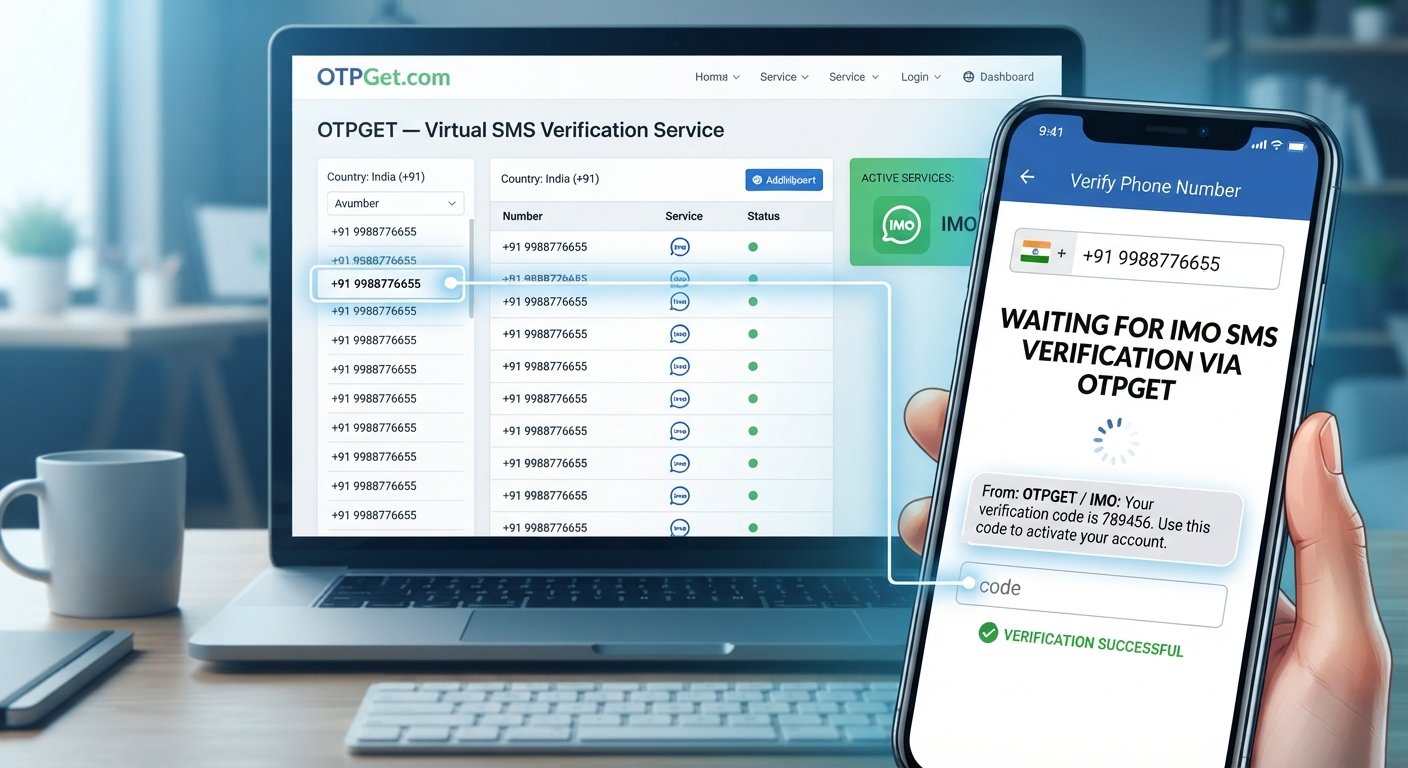
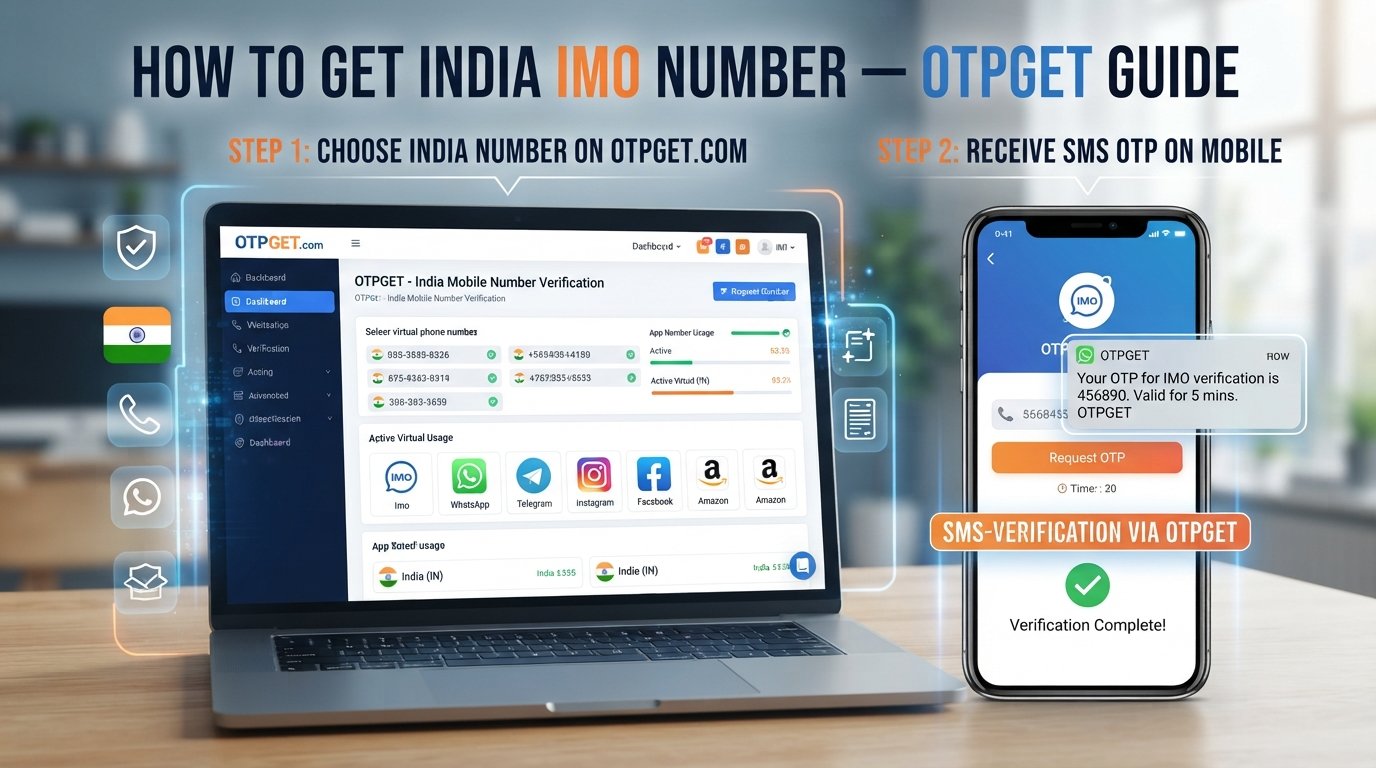
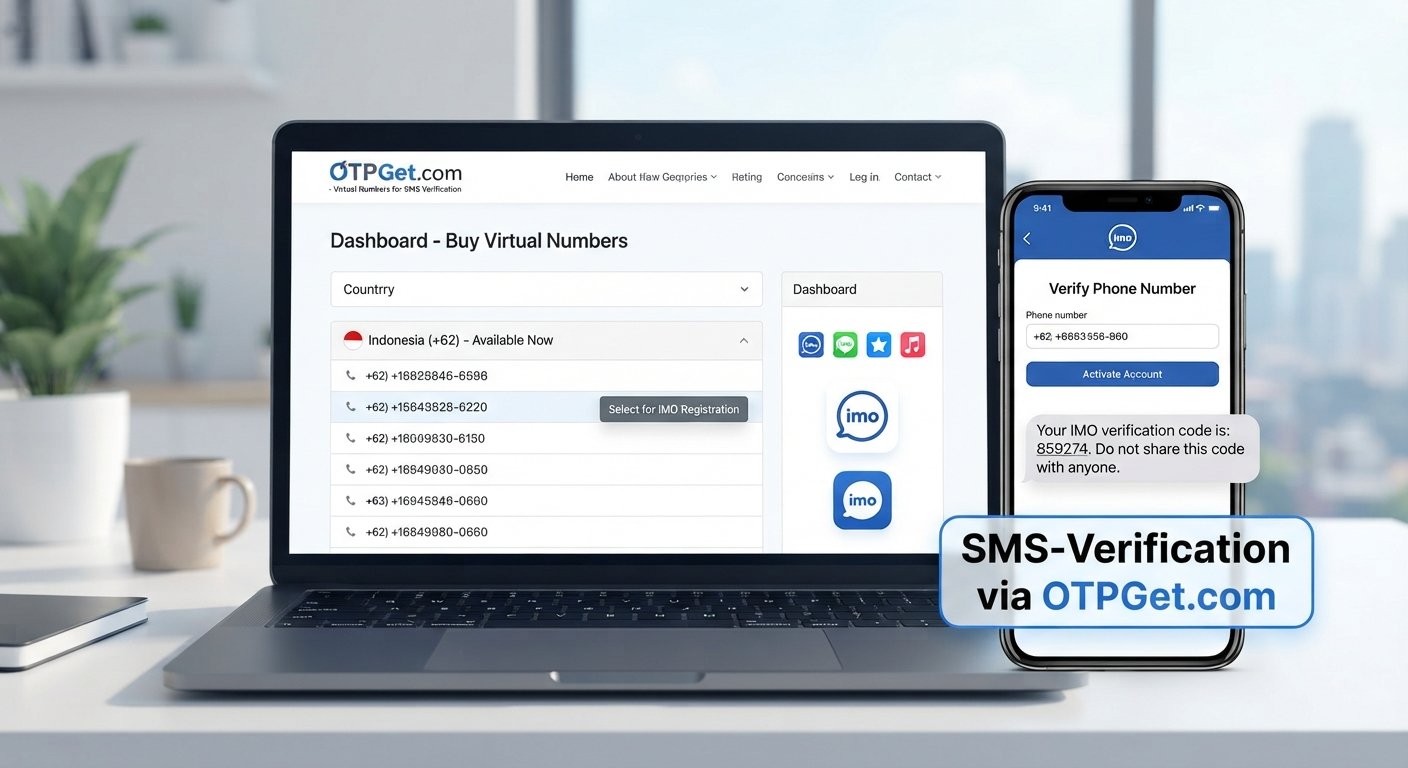
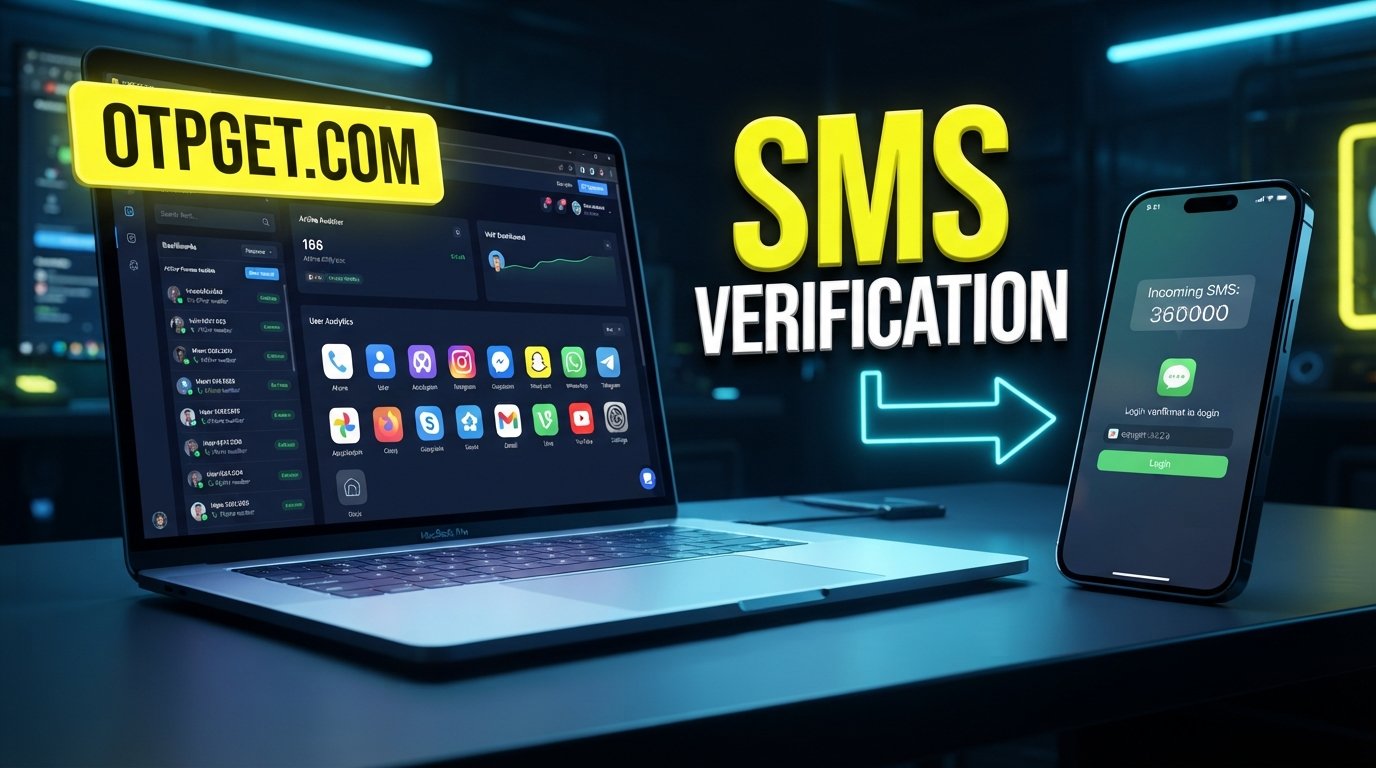
OTPGET: A Convenient Option for Verification Codes
If the standard verification process is inconvenient or your usual phone-based method is not practical, an alternative verification-code service may be worth considering where it is supported and appropriate.
OTPGET can be considered as a convenient option for obtaining verification codes for supported services, depending on service availability and the particular verification workflow involved.
The potential appeal is straightforward: instead of relying exclusively on your usual mobile number and SMS inbox, an appropriate verification-code service can provide another way to handle supported verification workflows.
However, it is important to keep expectations realistic. OTPGET should not be treated as a guaranteed way to complete Telegram registration or login, and it should not be viewed as a method for bypassing Telegram security.
Availability, supported services, and the applicable verification process can vary. Before using any alternative service, confirm that it supports the service and verification method you actually need.
For users who have already checked their number, network, SMS inbox, and Telegram sessions and still need a practical alternative, OTPGET may be worth considering where supported.
Telegram OTP vs. Using an Alternative Verification Service
Different situations call for different approaches. Here is a simple way to compare the available options:
| Approach | Best suited to | Main consideration |
|---|---|---|
| Standard SMS delivery | Users receiving codes normally | Depends on mobile network and SMS delivery |
| Telegram's normal verification flow | Users who can access their number or existing Telegram session | Follow the verification method Telegram presents |
| Troubleshooting SMS/network issues | Users experiencing delivery problems | May require checking the device or contacting the carrier |
| Verification-code service such as OTPGET | Users looking for an alternative option for supported services | Availability and supported verification workflows vary |
There is no single method that fits every situation. The sensible starting point is to diagnose the original delivery problem, then consider an alternative where it is appropriate.
Common Mistakes to Avoid When Telegram OTP Is Not Arriving
If your Telegram verification code is missing, avoid these common mistakes:
- Entering the wrong country code.
- Typing an incorrect mobile number.
- Requesting multiple codes repeatedly.
- Ignoring an existing Telegram session.
- Checking only the main SMS inbox.
- Assuming every Telegram code must arrive through SMS.
- Ignoring weak mobile or internet connectivity.
- Using an unreliable or unsupported phone number.
- Sharing a verification code with another person.
- Using services that claim to bypass Telegram's security controls.
Most importantly, never share a Telegram login or verification code with strangers. Legitimate troubleshooting should not require handing your private login code to another person.
Frequently Asked Questions
Why is my Telegram OTP not arriving?
Possible causes include an incorrect phone number, SMS delivery problems, mobile network issues, filtered messages, an existing Telegram session, or temporary verification restrictions. Check each possibility before requesting another code.
Why am I not receiving the Telegram verification code?
First verify your number and country code, then check your SMS inbox and filtered messages. Also check whether Telegram has delivered the login code to another active Telegram session.
Can Telegram send a login code through the app?
Telegram may deliver a login code through an existing logged-in Telegram session rather than relying exclusively on SMS. If you have another active session, check it for a verification message.
What should I do if Telegram SMS is not coming?
Check your mobile signal, SMS filtering, blocked messages, and phone number. Try refreshing your network connection and avoid repeatedly requesting new codes. If the problem continues, your carrier may be able to help identify SMS delivery issues.
Why does Telegram stop sending verification codes?
Repeated verification requests may trigger temporary restrictions or additional checks. Rather than continuously requesting new codes, follow the instructions shown in Telegram and allow the current verification process to proceed.
Can OTPGET help with verification codes?
Depending on service support and availability, OTPGET can provide an alternative way to access verification codes for supported services. It should not be considered a guaranteed method for Telegram login or a way to bypass Telegram security.
Is it safe to share a Telegram OTP?
No. Treat a Telegram login or verification code as private account-security information. Do not send it to strangers, websites, or people claiming to provide technical support unless you have independently verified the situation and the process is legitimate.
What should I check before requesting another Telegram code?
Confirm your phone number and country code, check your SMS inbox and filters, inspect any existing Telegram sessions, verify your network connection, and review the instructions displayed by Telegram.
Final Takeaway
When telegram OTP not arriving becomes a problem, start with the basics: verify the number, check your network and SMS inbox, inspect existing Telegram sessions, and avoid repeatedly requesting new codes.
If the standard verification route remains inconvenient, an alternative verification-code service such as OTPGET may be worth exploring for supported services and verification workflows. Use it as a practical option rather than assuming it guarantees Telegram access.
The safest approach is to understand why the normal verification process is failing, protect your login code, and choose an appropriate verification method based on your situation. If OTPGET supports the service and workflow you need, you can explore it as an additional option for handling verification codes.
10. Internal Link Opportunities
- [Internal Link Opportunity: Telegram Phone Number Verification Guide] — Link to a guide explaining correct phone-number and country-code formatting.
- [Internal Link Opportunity: Telegram Login Code Troubleshooting] — Link to a dedicated troubleshooting guide for missing login codes.
- [Internal Link Opportunity: Telegram Account Verification Help] — Link to broader account-verification guidance.
- [Internal Link Opportunity: How OTP Verification Works] — Link to an educational article explaining OTP and SMS verification.
- [Internal Link Opportunity: OTPGET Verification Code Guide] — Link to a service-specific guide explaining OTPGET's supported verification workflow.