How Telegram SMS Verification Works With Virtual Numbers Online
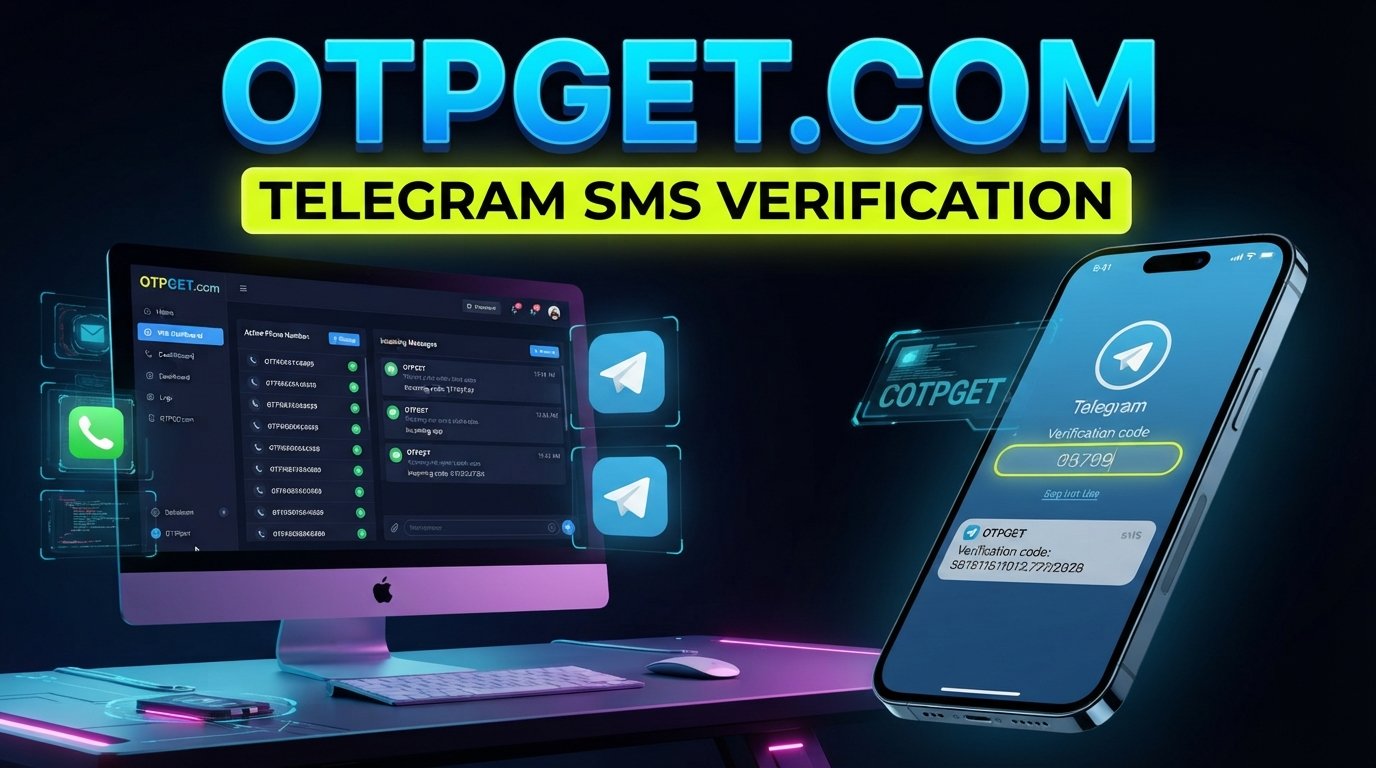
How Telegram SMS Verification Works With Virtual Numbers
Signing up for or accessing Telegram usually starts with one simple requirement: a phone number that can receive a verification message. For users who prefer not to expose their personal number, that requirement can raise practical questions about privacy, convenience, and how online verification actually works.
This is where Telegram SMS verification and virtual numbers come together. A virtual phone number can, where supported, provide an alternative number for receiving an SMS verification code without relying on a personal SIM.
Understanding the process is important before choosing a service. Telegram controls its verification process, while a virtual-number provider is responsible for providing access to the number and any supported incoming messages. For users exploring this approach, OTPGET can be considered as an option for accessing a suitable virtual number or SMS verification service, subject to availability and compatibility.
What Is Telegram SMS Verification?
Telegram SMS verification is the process Telegram uses to confirm that a person has access to a particular phone number during account setup or sign-in.
When a phone number is entered, Telegram may send a verification code through an available verification channel. If an SMS is used, the recipient receives a short code that must be entered into Telegram.
The code acts as a temporary proof of access to the phone number. In simple terms, Telegram is asking: Can you receive and use the verification message associated with this number?
This is why an SMS-enabled number is important. A number that cannot receive the required message cannot normally complete an SMS-based verification step.
A Telegram verification code should also be treated as sensitive information. It is intended for the person completing the verification process and should not be shared with other people.
How Telegram Verification Works
The basic Telegram verification flow is straightforward:
- Enter a phone number: The user provides a number during account setup or login.
- Telegram initiates verification: Telegram determines the appropriate verification process.
- A verification message is sent: If SMS delivery is used, Telegram sends a Telegram SMS code to the number.
- The user receives the message: The verification message appears through the supported SMS channel.
- Enter the code: The user enters the valid Telegram verification code into Telegram.
- Verification is completed: If the code and other required checks are accepted, Telegram can continue with the relevant account process.
The exact verification experience can vary. Telegram may use another verification method or apply additional checks depending on the circumstances.
For that reason, having a number capable of receiving SMS is useful, but it does not mean that every number will necessarily work in every verification situation.
What Is a Virtual Number for Telegram?
A virtual number for Telegram is a phone number provided through an online telecommunications or SMS service rather than being tied directly to a physical SIM card in the user's phone.
A traditional mobile number is commonly associated with a physical SIM or mobile account. A virtual phone number, by contrast, can be managed through an online service that supports functions such as receiving SMS.
For verification purposes, the concept is simple: the user obtains an appropriate number, enters it where Telegram requests a phone number, and accesses an incoming verification message through the supported service if Telegram sends one there.
A Telegram virtual number may therefore be useful when someone wants to separate personal communication from a particular online activity.
However, compatibility is not universal. Number availability, country or region, provider policies, SMS delivery, number history, and Telegram's own verification systems can all affect whether a particular number is suitable.
Why Use a Virtual Number for Telegram Verification?
There are several legitimate reasons someone might consider a virtual phone number for account verification.
Separating personal and online communication
Using a separate number can help keep a personal phone number distinct from online accounts or services.
Reducing unnecessary exposure of a personal number
Some users simply prefer not to provide their primary number to every online service that requires phone verification. A suitable virtual number can provide an alternative where supported.
Testing services and workflows
Developers, operations teams, and businesses may need to test legitimate registration or verification workflows. A separate SMS-capable number can be useful for controlled testing when the relevant service permits it.
Supporting legitimate business operations
Some organizations may need additional numbers for legitimate account administration or operational purposes. The appropriate setup depends on the organization's requirements and applicable service terms.
Accessing SMS without relying on a personal SIM
An online virtual number can be useful in situations where a user needs SMS access but does not want to use their everyday mobile number.
These benefits should not be confused with a way to bypass Telegram restrictions or security controls. Virtual numbers should be used for legitimate purposes and in accordance with Telegram's rules and the provider's terms.
How OTPGET Can Help With Telegram SMS Verification
For users who need an alternative SMS-capable number, OTPGET can be considered as a practical option within the virtual-number and SMS verification category.
The general workflow is designed around obtaining an appropriate number and accessing the verification message through the supported service. Exact availability and functionality can vary, so users should check the relevant options presented by OTPGET before starting.
A typical process can look like this:
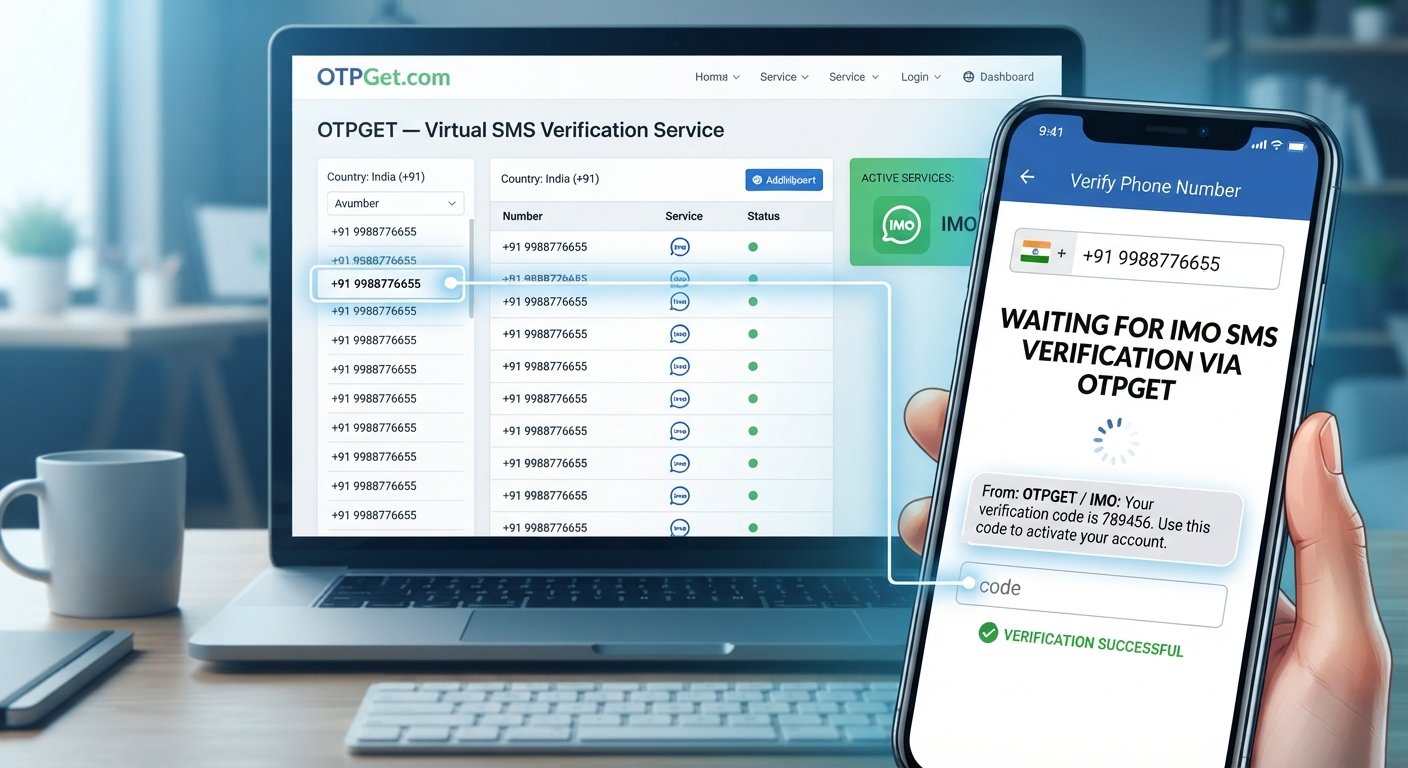
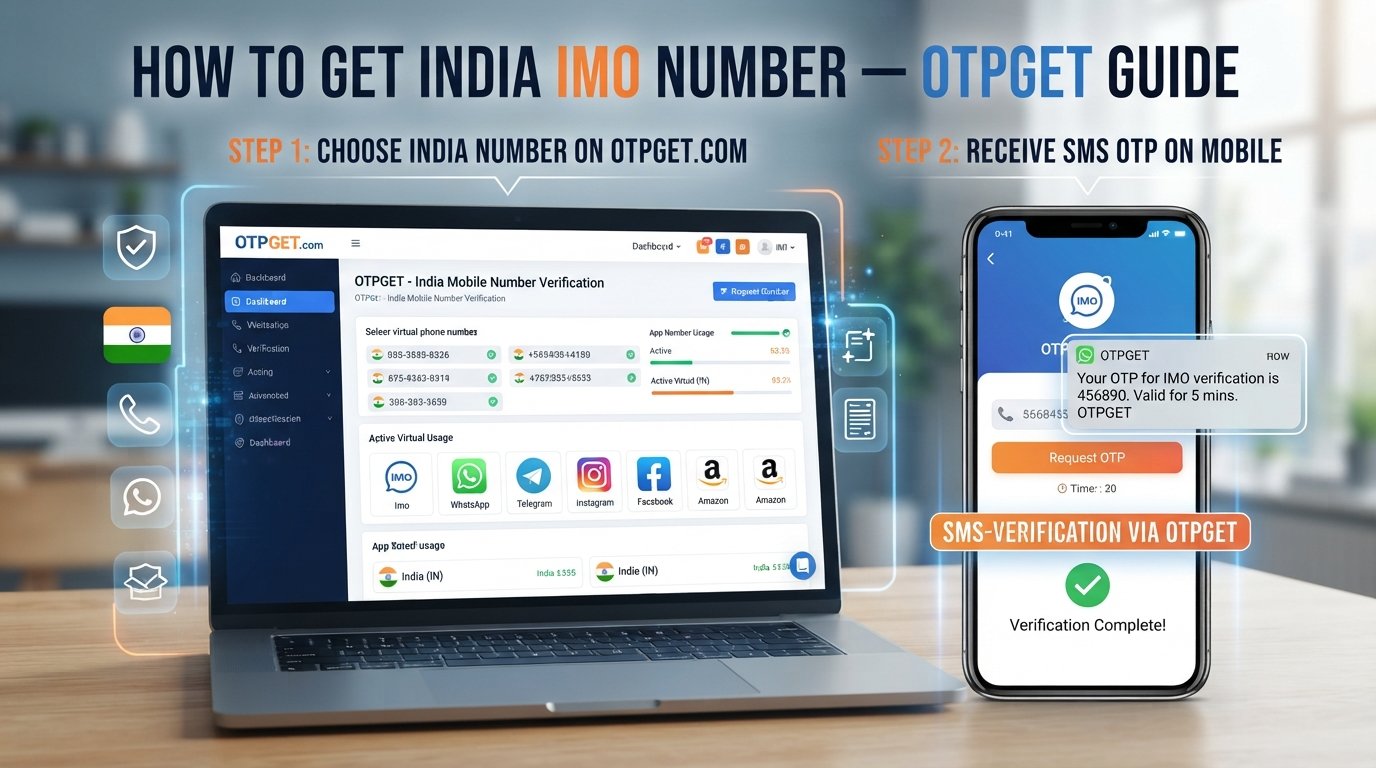
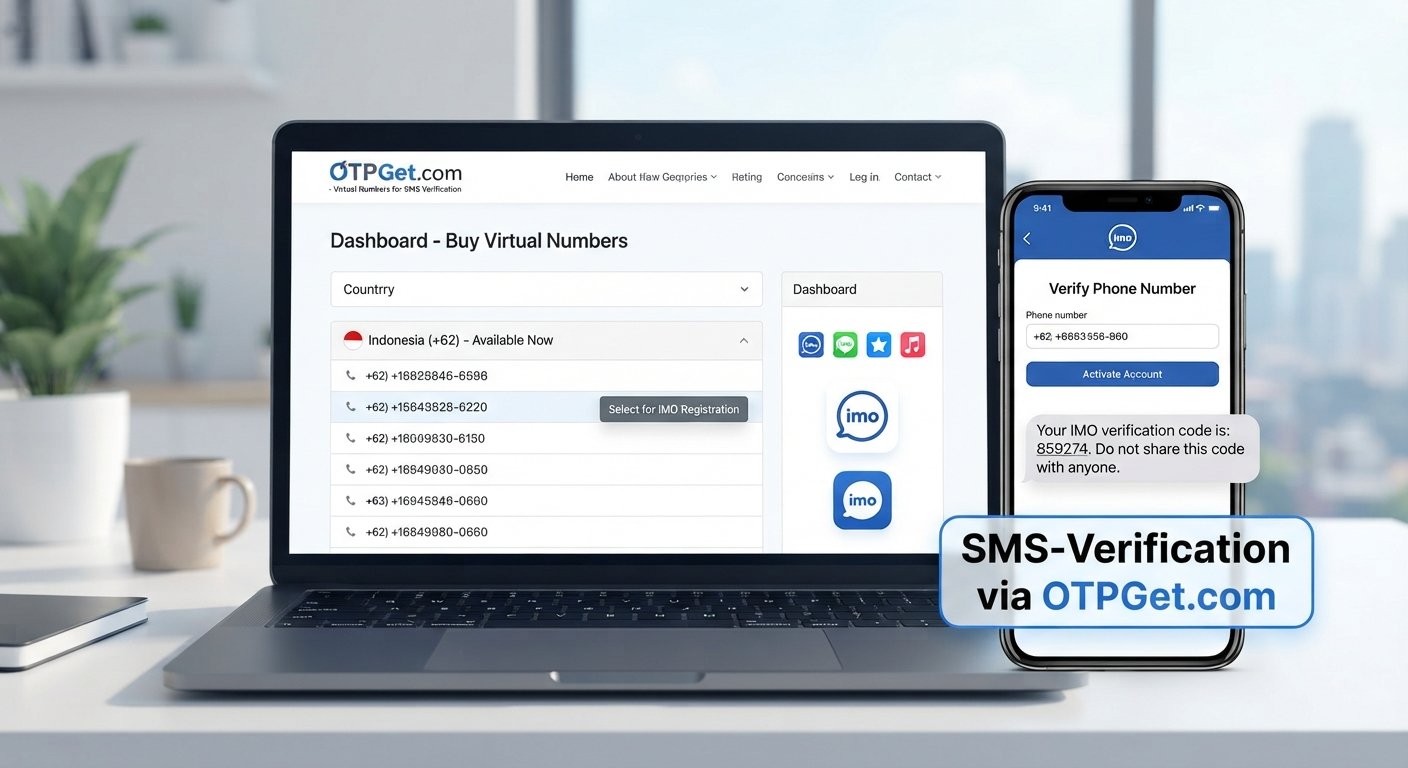
- Visit OTPGET.
- Choose the relevant Telegram or SMS verification option available through the service.
- Obtain an appropriate virtual number if one is available for the intended use.
- Enter that number in Telegram when prompted.
- Wait for the Telegram verification SMS or Telegram OTP.
- Access the incoming message through the supported OTPGET interface.
- Enter the valid verification code into Telegram.
- Continue the Telegram account verification process if the code is accepted.
The important distinction is that OTPGET provides the number or SMS service, while Telegram controls its own verification process. A virtual number can provide access to an SMS channel, but it cannot guarantee that Telegram will accept a particular number or verification attempt.
For anyone comparing an SMS verification service, it is sensible to evaluate availability, accessibility, privacy practices, pricing transparency, and terms before choosing a service.
Virtual Number vs Personal Phone Number for Telegram
Both approaches can be appropriate depending on the user's circumstances.
| Feature | Personal Number | Virtual Number |
|---|---|---|
| Privacy | Personal number is directly associated with the account | Can provide separation from a primary number |
| Personal/online separation | Limited | Can provide greater separation |
| SMS accessibility | Typically through a mobile carrier | Depends on the virtual-number service |
| Convenience | Familiar and readily available | Requires access to a suitable service |
| Number ownership/control | Usually tied to the user's mobile account | Depends on provider and number arrangement |
| Long-term account considerations | Generally easier to retain personally | Continued access may depend on the provider |
| Availability | Depends on the user's mobile service | Depends on country, provider, and available inventory |
Neither option is automatically better. The right choice depends on whether privacy, convenience, long-term access, or number control is the primary concern.
Things to Consider Before Using a Virtual Number
A virtual number can be useful, but it is important to understand its limitations before using one for Telegram account verification.
Number availability: Suitable numbers may not always be available for a particular country, service, or verification purpose.
Telegram verification requirements: Telegram determines whether and how a number can be used during verification. A provider cannot control Telegram's acceptance decisions.
SMS delivery: Delays or failed delivery can occur because of carrier, routing, service, or platform-related issues.
Number reuse: Some virtual numbers may be reassigned or reused. Users should understand how a provider handles number availability and continued access.
Account recovery: If a Telegram account depends on a number for future access or recovery, losing access to that number can create complications.
Service terms: Read the terms of both the virtual-number provider and Telegram before using the service.
Privacy practices: Review how the provider handles incoming messages and account information.
Regional restrictions: Number availability and verification behavior can differ between regions.
The most important principle is simple: do not use a number for an important long-term account unless you understand how you will retain access to it when needed.
Common Problems With Telegram SMS Verification
Verification SMS does not arrive
First, confirm that the number was entered correctly and that the selected number can receive SMS. Delays can also occur, so avoid repeatedly requesting codes without checking the current verification status.
The number is already associated with an account
A virtual number may have a previous history. If Telegram indicates that the number is already associated with an account, follow Telegram's available instructions rather than attempting to circumvent the existing account.
The number is unsupported
Not every online number works with every platform. Try a number that is explicitly available for the intended verification purpose if the service provides that option.
The SMS is delayed
Wait for the current verification process to complete before repeatedly requesting another code. Multiple requests can make troubleshooting more difficult.
The verification code is incorrect
Enter the code exactly as received. Check for typing mistakes and make sure you are using the current code rather than an older message.
The code has expired
Verification codes are generally time-sensitive. If a code is no longer valid, follow Telegram's process for requesting or receiving another verification code.
Telegram requests another verification method
Telegram may determine that another verification route is required. In that situation, follow the instructions displayed by Telegram rather than assuming the SMS provider can change the verification process.
How to Choose a Telegram Virtual Number Service
When comparing a virtual number or SMS verification service, look beyond whether it simply advertises an online number.
Consider:
- Number availability: Can you obtain a number appropriate for your intended use?
- SMS accessibility: Can you clearly access incoming verification messages?
- Regional coverage: Are relevant countries or regions supported?
- Ease of use: Is the process understandable without unnecessary complexity?
- Transparency: Are important service details clearly explained?
- Privacy practices: Understand how incoming messages and account information are handled.
- Number accessibility: Consider whether you can access the number again when necessary.
- Customer support: Check what assistance is available if a problem occurs.
- Pricing clarity: Make sure applicable costs are understandable before proceeding.
- Terms of service: Confirm that the intended use is permitted.
- Verification suitability: Make sure the number is intended for the type of SMS verification you need.
OTPGET can be evaluated using these same criteria. The goal is not simply to obtain an online number, but to choose a service that fits the actual verification and account-management requirements.
Is Telegram SMS Verification With a Virtual Number Safe?
There is no single answer for every virtual number because safety depends on the provider, number arrangement, account use, and how the user protects their information.
One potential privacy benefit is that a virtual number can keep a primary personal number separate from a particular online account.
At the same time, shared or recycled numbers can introduce additional considerations. If multiple people can access a number or if its ownership changes over time, users should think carefully about account recovery and ongoing access.
Verification codes also require special care. A Telegram OTP is sensitive information. Never give a verification code to another person simply because they ask for it.
For important accounts, retaining appropriate control over the associated number is especially important. Users should also follow Telegram's policies and the virtual-number provider's terms rather than treating a virtual number as a way around security measures.
Step-by-Step: Using OTPGET for Telegram Verification
For beginners, the process can be summarized as follows:
- Open OTPGET and review the available SMS verification or virtual-number options.
- Choose the relevant option for Telegram if one is available.
- Obtain the virtual number according to the service's supported process.
- Enter the number in Telegram when Telegram asks for a phone number.
- Wait for the verification message if Telegram sends an SMS.
- Open the incoming message through the supported OTPGET interface.
- Copy the valid Telegram verification code into Telegram.
- Complete verification according to Telegram's instructions.
If a number or option is unavailable, do not assume that another number will necessarily work. Check the service's available options and Telegram's displayed instructions.
Frequently Asked Questions
What is Telegram SMS verification?
Telegram SMS verification is a phone-number verification process in which Telegram may send a temporary code to a number associated with an account setup or login attempt. The user enters the valid code into Telegram to confirm access to that number.
Can I use a virtual number for Telegram verification?
A virtual number may be usable for Telegram verification when the number can receive the required verification message and Telegram accepts it for the relevant process. Compatibility can vary by number, region, provider, and Telegram's verification requirements.
How do I receive a Telegram verification code online?
You can receive a Telegram verification code online when using a virtual number or SMS service that supports incoming messages for the relevant verification purpose. The code is then accessed through the provider's supported interface and entered into Telegram.
What is a Telegram virtual number?
A Telegram virtual number is an online phone number that can potentially be used for Telegram-related phone verification when supported. Unlike a conventional mobile number, it is generally provided through an online service rather than directly through a physical SIM.
Can I use OTPGET for Telegram SMS verification?
OTPGET can be considered by users looking for a virtual number or SMS verification service. Availability and suitability can vary, so users should review the relevant Telegram and SMS options available through OTPGET before proceeding.
Why is my Telegram verification SMS not arriving?
Possible causes include an incorrect number, delayed SMS delivery, an unsupported number, service issues, or Telegram using another verification method. Confirm the number, wait for the current process, and follow the instructions shown by Telegram.
Are virtual numbers suitable for long-term Telegram accounts?
They can be suitable in some circumstances, but ongoing access matters. If a virtual number is later unavailable, reassigned, or inaccessible, recovering an account associated with it may become more difficult. Consider long-term number control before using one.
What should I do if a verification code expires?
If a verification code expires, follow Telegram's displayed process for requesting or receiving another code. Use the newest valid code and avoid sharing it with anyone else.
Conclusion
Telegram SMS verification is fundamentally about confirming access to a phone number through a verification process. A virtual number can provide an alternative to a personal number when the service, number, region, and Telegram's requirements support that use.
For users exploring this approach, OTPGET offers a practical option to evaluate when looking for a virtual number or SMS verification service. The key is to consider more than simply receiving a code: number accessibility, privacy, regional availability, service terms, and long-term account access all matter.
If a virtual number fits your legitimate use case, explore the available OTPGET options and confirm that the selected service and number meet your Telegram verification requirements before proceeding.
Suggested Internal Links
- Telegram SMS verification — Link to a dedicated service or educational page explaining Telegram-focused SMS verification.
- virtual number for Telegram — Link to a page describing available virtual-number options and their typical uses.
- Telegram verification code — Link to a guide explaining verification codes, delivery, expiration, and troubleshooting.
- SMS verification service — Link to the site's broader SMS verification service page.
- OTP verification — Link to an educational page explaining OTP workflows and common verification use cases.
- virtual phone number — Link to a general virtual-number overview or service category page.
- receive OTP online — Link to a guide explaining how online SMS-based OTP receipt works.
- Telegram account verification — Link to a guide focused on Telegram account setup and verification considerations.
FAQ Schema Questions
- What is Telegram SMS verification?
- Can I use a virtual number for Telegram verification?
- How do I receive a Telegram verification code online?
- What is a Telegram virtual number?
- Can I use OTPGET for Telegram SMS verification?
- Why is my Telegram verification SMS not arriving?
- Are virtual numbers suitable for long-term Telegram accounts?
- What should I do if a verification code expires?