USA Telegram Not Working? Try a Virtual Number with OTPGET Now
USA Telegram Not Working? Use Virtual Number — OTPGet
Trying to sign up for Telegram in the USA but the verification code is not arriving? You are not alone. A Telegram registration problem can happen for several reasons, including delayed SMS delivery, incorrect phone-number formatting, carrier issues, temporary restrictions, or repeated verification attempts.
For some users, the problem is not Telegram itself but the difficulty of reliably receiving the SMS needed for phone verification. If your regular number is inconvenient for online verification, a suitable virtual number can provide another option.
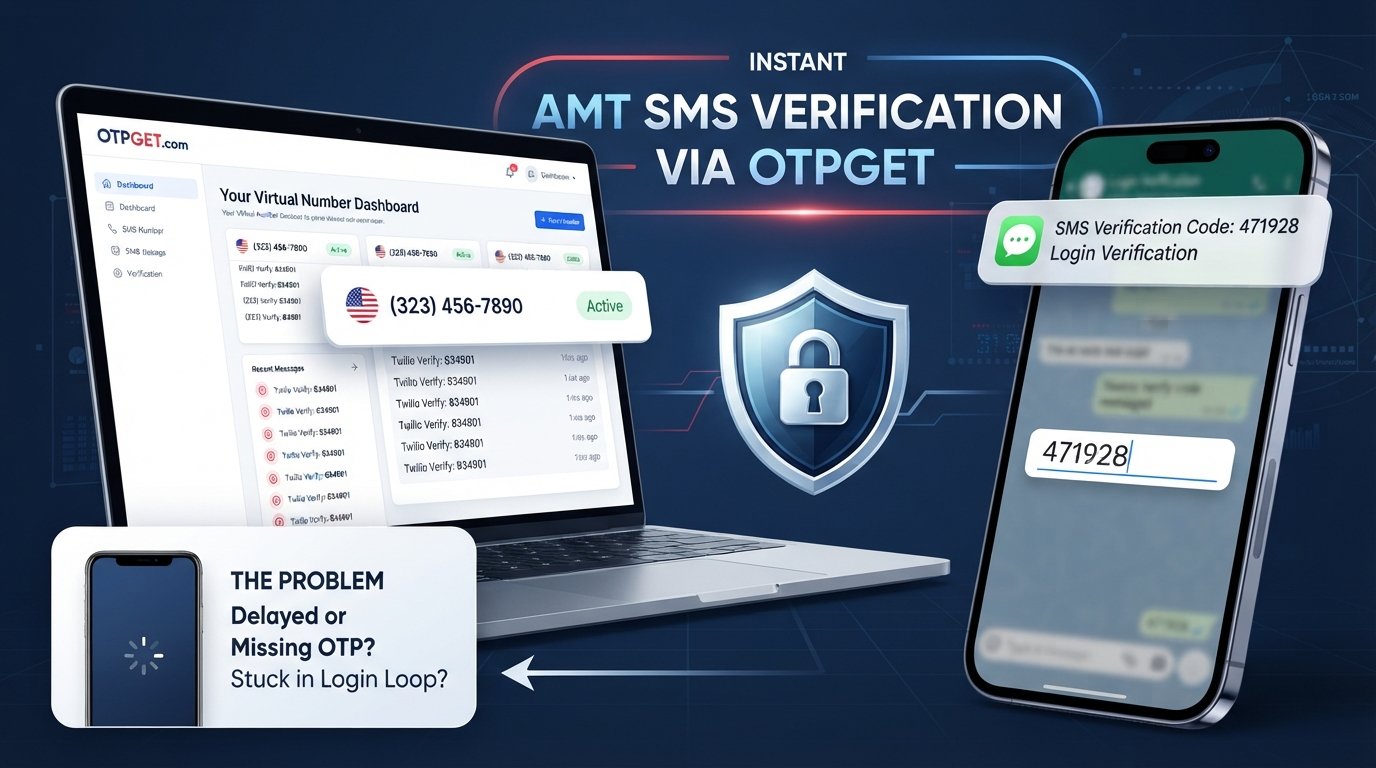
That is where OTPGET can be useful. It provides access to virtual numbers for supported verification services, allowing users to receive SMS and OTP codes online where available. It is not a way to bypass Telegram security, and there is no guarantee that every virtual number will be accepted. However, it can be a practical alternative when a normal phone number is creating verification difficulties.
Why Is Telegram Not Working in the USA?
When people search for “Telegram not working in USA,” they may actually be dealing with a specific registration or verification issue rather than a complete Telegram outage.
The exact cause can vary. Common possibilities include:
- Delayed SMS delivery: Verification messages can sometimes take longer to arrive because of temporary delivery or carrier-related issues.
- Incorrect phone-number formatting: Entering the wrong country code or number can prevent the verification process from working correctly.
- Carrier-related SMS problems: Your mobile provider may experience delays, filtering, or other issues affecting incoming messages.
- Temporary verification restrictions: Repeated requests for verification codes may sometimes result in temporary limitations or delays.
- Connectivity problems: A weak internet connection can interfere with the registration process even when SMS delivery itself is working.
- Too many verification attempts: Continuously requesting new codes can make troubleshooting more difficult and may contribute to temporary restrictions.
- Number-specific problems: Some numbers may not reliably receive verification messages from particular online services.
This means there is no single explanation for every case of USA Telegram not working. It is better to identify whether the problem involves the app, your internet connection, the phone number, or SMS delivery.
Why Telegram OTP Verification Can Fail
Telegram phone verification generally requires a valid phone number and a verification step involving a code. Depending on the circumstances, the verification process may involve SMS or another available verification method.
The process looks simple from the user's perspective: enter a number, request verification, receive a Telegram OTP, and enter the code.
Behind that process, however, several systems are involved. Telegram needs to process the verification request, the mobile network or relevant delivery system needs to deliver the message, and your device or service needs to receive it.
A problem at any stage can result in a message such as a verification code not arriving.
For example, you may see the verification screen but never receive the SMS. You might receive it after a significant delay, or your number may simply be unsuitable for receiving the required message.
If you have already checked your connection and number details and the Telegram OTP is still not received, using another suitable number can be worth considering.
What Is a Virtual Number for Telegram?
A virtual phone number is a number that can be accessed through an online service rather than being tied exclusively to the physical SIM in your personal phone.
Depending on the provider and service, a virtual number may be capable of receiving SMS messages online. This can make virtual numbers useful for certain forms of SMS verification.
For someone experiencing Telegram phone verification problems, a virtual number can offer several practical advantages:
- It can separate online verification from your primary personal number.
- It can provide an alternative when your usual number has SMS delivery difficulties.
- It can reduce the need to use your personal number for certain online services.
- It can make receiving supported verification SMS more convenient.
- It can provide flexibility when a dedicated number is preferable.
However, virtual numbers are not universally accepted by every service. Telegram verification behavior can also vary depending on the number and circumstances. Therefore, it is important to choose a number that is available for the intended verification service rather than assuming every virtual number will work.
How OTPGET Helps With Telegram Verification
OTPGET is a practical option for users looking for an online virtual number for supported SMS verification.
Instead of depending entirely on your primary SIM, you can obtain an available virtual number through the service and use it for an appropriate verification process. Where supported, incoming SMS messages containing verification codes can be viewed through the service.
The basic value is straightforward: you get access to a number that may be suitable for receiving a verification SMS without unnecessarily using your personal number.
OTPGET can therefore be useful for someone who is searching for a USA virtual number for Telegram verification or looking for an alternative to a personal phone number.
The important qualification is that availability and acceptance depend on the service, number, and verification circumstances. OTPGET should not be viewed as a method for bypassing Telegram's security controls, and it does not guarantee successful Telegram verification with every number.
How to Use a Virtual Number for Telegram
If you want to try a virtual number for Telegram signup, the general process is simple.
- Visit OTPGET. Open the service and review the available virtual-number options.
- Choose an available number. Select a number appropriate for your verification needs and available for the relevant service.
- Copy the number. Enter the virtual number into Telegram's registration or phone-verification screen.
- Request verification. Follow Telegram's normal registration process and request the verification code.
- Check OTPGET. If SMS reception is supported for the selected number and service, look for the incoming verification message.
- Enter the code. Carefully enter the received Telegram SMS code into the verification screen.
- Complete setup. Follow Telegram's remaining account-registration instructions.
If the message does not arrive, avoid repeatedly requesting codes. Check the number, wait for possible delivery delays, and review any alternative verification method Telegram makes available.
Benefits of Using OTPGET for Telegram Verification
A virtual number is not necessarily the right choice for everyone, but it can be useful in specific situations.
Privacy
Some users prefer not to provide their primary personal number for every online verification situation. A separate virtual number can help create a clearer distinction between personal communications and online account verification.
Convenience
If your normal phone number is experiencing SMS delivery problems, an online number can provide another potential route for receiving supported verification messages.
Flexibility
A virtual number can be useful when you need a dedicated number for an online verification process rather than relying on your everyday mobile number.
A Simpler Verification Workflow
For supported services, receiving an OTP through an online platform can be more convenient than troubleshooting persistent SMS problems on a personal SIM.
These benefits should be viewed realistically. A virtual number does not guarantee that Telegram will accept it, and users should always follow Telegram's applicable rules and terms.
Telegram Not Receiving OTP? Try These Fixes First
Before switching to a virtual number, it makes sense to troubleshoot the problem with your existing number.
Try the following:
- Check the country code and phone number. Make sure every digit is correct.
- Check your internet connection. Telegram's registration process requires a working connection.
- Wait for delayed delivery. A verification SMS may sometimes take time to arrive.
- Avoid repeated code requests. Requesting multiple codes in quick succession can make the situation more complicated.
- Check for SMS filtering. Look at your phone's blocked messages, spam filtering, or other SMS controls.
- Restart the app. Closing and reopening Telegram can help with temporary app issues.
- Update Telegram. Make sure you are using a current version available through your normal app store.
- Look for another verification method. If Telegram presents an alternative option, follow the instructions shown in the app.
- Try again later. Temporary network or verification issues may resolve without further action.
If your personal number continues to experience problems with receiving Telegram OTP messages, a suitable virtual number may be a reasonable alternative to investigate.
Why Choose OTPGET Instead of Using Your Personal Number?
Using your personal number remains a perfectly reasonable option when Telegram verification works normally. A virtual number is best viewed as an alternative, not a universal replacement.
OTPGET may make sense if you want:
- More separation between personal and online communications
- A dedicated number for a verification process
- An alternative when your usual number is experiencing SMS delivery problems
- Online access to supported verification SMS
- A convenient way to manage certain verification requirements without relying entirely on your primary SIM
There are also trade-offs. Not every virtual number works with every service, and availability can change. Users should also protect their verification codes and avoid using virtual numbers for activity that violates Telegram's terms or applicable laws.
The goal is simply to provide another legitimate option when ordinary phone-number verification is inconvenient or unreliable.
Is a Virtual Number Safe for Telegram?
A virtual number can be useful, but safety depends heavily on how the service and number are used.
Choose a reputable provider and understand how access to incoming messages is handled. Never share a Telegram OTP with another person, even if someone claims they need it to complete verification.
It is also important to remember that receiving a verification code is part of an account-security process. A virtual number should not be used to impersonate someone, gain unauthorized access to an account, evade security controls, or conduct spam or fraudulent activity.
OTPGET should be considered a tool for supported verification use cases, not a security bypass.
Most importantly, do not assume that every virtual number will work with Telegram. Availability, number type, and Telegram's verification behavior can affect the outcome.
Frequently Asked Questions
Why is Telegram not working in the USA?
If Telegram is not working during registration, the issue may involve SMS delivery, incorrect number formatting, connectivity, carrier problems, temporary verification restrictions, or repeated verification attempts. The exact cause depends on the user's circumstances.
Why am I not receiving my Telegram OTP?
A Telegram OTP may be delayed because of connectivity, carrier-related SMS issues, incorrect number details, temporary verification limitations, or other delivery problems. Check your number and connection before requesting another code.
Can I use a virtual number for Telegram?
A virtual number may work for Telegram verification where the number and verification method are supported. However, acceptance is not guaranteed for every virtual number.
How do I get a USA virtual number for Telegram?
You can explore available virtual numbers through a service such as OTPGET. Select a suitable available number, then use it in Telegram's normal phone-verification process where supported.
Can OTPGET receive Telegram verification codes?
OTPGET provides virtual numbers for supported SMS verification services. If Telegram verification is supported for the selected number, the incoming verification SMS may be available through the service. Availability can vary.
Is OTPGET useful for Telegram verification?
OTPGET can be useful for people who need an alternative number for supported SMS verification, particularly when using a personal number is inconvenient or the usual number is having delivery problems.
What should I do if Telegram does not send an SMS code?
First, verify your phone number and country code, check your connection and SMS filtering, wait for possible delays, and avoid repeated requests. If the problem continues, you can consider a suitable virtual number for supported verification.
Conclusion
A Telegram verification problem can be frustrating, especially when the Telegram verification code is not coming and you need to complete registration. In many cases, the issue may be related to SMS delivery, a mobile carrier, number formatting, connectivity, or temporary verification limitations rather than Telegram simply being unavailable.
Start with the basic troubleshooting steps and give delayed messages time to arrive. If your personal number continues to cause problems or you prefer to keep online verification separate from your everyday number, a virtual phone number can be a practical alternative.
OTPGET provides access to virtual numbers for supported verification services, giving users another option for receiving SMS and OTP codes online. Just keep in mind that virtual-number availability and Telegram acceptance can vary.
If you need an alternative to your personal number, explore OTPGET and check the available virtual-number options for your verification needs.


