Telegram Virtual Number: Complete Guide for Beginners & Tips
Telegram Virtual Number: Complete Guide for Beginners
If you want to create or access a Telegram account without relying entirely on your primary personal phone number, you may have come across the term Telegram virtual number.
But what exactly is it? How does it work? Can it receive a Telegram OTP? And is a temporary number the same as a regular mobile number?
A virtual number is essentially a phone number that can receive communications without requiring you to keep a traditional physical SIM in the same way you would with a conventional mobile number. For eligible services, it can be used to receive SMS verification messages and one-time passwords (OTPs).
For Telegram, the important point is that Telegram controls its own verification process. Depending on the account and circumstances, a login or signup code may be delivered through SMS, Telegram itself, or another supported verification method. Telegram's official documentation also notes that users should maintain access to the phone number connected to their account because losing control of that number can create account-access problems.
That makes choosing a virtual number service less about simply finding "any number" and more about finding a number with suitable availability, access, reliability, and long-term considerations.
What Is a Telegram Virtual Number?
A Telegram virtual number is a phone number provided through an online or cloud-based service rather than being tied exclusively to a physical SIM card in your phone.
Virtual numbers can be configured to receive SMS messages through an online dashboard or service interface. When a supported platform sends an SMS verification code to the number, the message can appear through the provider's system.
In practical terms, a virtual number for Telegram may be used when a user wants a separate number for an online service instead of immediately exposing their primary personal number.
The important distinction is that a virtual number is still a phone number. It is not automatically anonymous, permanent, private in every circumstance, or guaranteed to work with every platform.
Telegram also states that accounts are connected to mobile numbers and that access to the connected number remains important for account security and recovery.
Related internal link opportunity: [Internal Link Opportunity: What Is a Virtual Phone Number?]
Why Do People Use a Virtual Number for Telegram?
There are several legitimate reasons someone may consider a virtual phone number.
Separating personal and online communication
Some users simply prefer not to give their primary personal number to every online service. A second number can create a clearer separation between personal communication and online account activity.
Using a second phone number
A virtual number can serve as an additional number for specific online workflows. This can be useful when keeping personal and professional or project-related activities separate.
Privacy considerations
Using a separate number can reduce the need to disclose a primary personal number during certain registrations. However, "privacy-friendly" does not mean completely anonymous. Users should still understand the provider's policies and the type of number being used.
Managing legitimate online workflows
Developers, testers, businesses, and individuals may have legitimate reasons to use separate numbers for testing or managing online services. Any use should remain consistent with Telegram's rules, applicable laws, and the terms of the service being accessed.
The goal should be responsible account setup—not spam, impersonation, fraudulent registrations, or attempts to bypass security controls.
How Telegram Verification Works
Telegram's verification process can vary depending on the login or signup situation and the verification method Telegram makes available.
A simplified process looks like this:
- Enter a phone number in the Telegram app or supported login interface.
- Telegram initiates verification for that number.
- A verification code is delivered through the available verification channel.
- Enter the code into the appropriate Telegram screen.
- Complete account setup or login if Telegram accepts the verification.
Telegram's technical documentation confirms that its authorization system can send a verification code to the supplied phone number, while its FAQ explains that codes may sometimes be delivered through Telegram rather than SMS, particularly when another Telegram session is already available.
This means you should not assume that every Telegram verification attempt will produce an SMS. The exact process is controlled by Telegram and can change according to account, device, and security conditions.
Related internal link opportunity: [Internal Link Opportunity: Telegram Verification Guide]
What Is a Telegram OTP?
OTP stands for One-Time Password or, more commonly in this context, a one-time verification code.
A Telegram OTP is used to help confirm that the person attempting to sign in or register has access to the relevant verification channel.
For example, when Telegram sends a verification code through SMS, the code acts as evidence that the user can access messages delivered to that phone number.
OTP security is extremely important.
Never share a Telegram verification code with another person. A code intended for your account can potentially be used to authorize access, depending on the situation. Telegram itself warns users not to share login codes.
If someone contacts you asking for your Telegram OTP, treat that request as suspicious.
How to Choose a Telegram Virtual Number Service
Not every virtual number service works with every platform. Number availability, carrier characteristics, previous usage, geographic availability, and Telegram's own verification rules can all affect compatibility.
Before choosing a virtual number service, consider the following:
- Number availability: Check whether suitable numbers are currently available.
- SMS support: Make sure the service actually supports receiving SMS or OTP messages for the intended use.
- Compatibility: Do not assume every number will be accepted by Telegram.
- Number type: Determine whether you are getting a temporary, disposable, rented, or longer-term number.
- Access period: Consider how long you will need access to the number.
- Privacy: Review what information the provider collects and how it handles account data.
- Pricing: Look for clear and understandable pricing rather than relying on vague promises.
- Location availability: Some services offer numbers from different regions, but availability can vary.
- Customer support: A clear support process is useful if an activation does not proceed as expected.
- Terms of service: Make sure your intended use complies with both the provider's and Telegram's rules.
A particularly important question is whether you may need the number again later. If the number is required for future account recovery or another verification event, a short-lived disposable number may not be appropriate.
OTPGET as a Telegram Virtual Number Solution
For users specifically looking for an online number and OTP verification workflow, OTPGET is one third-party service worth considering.
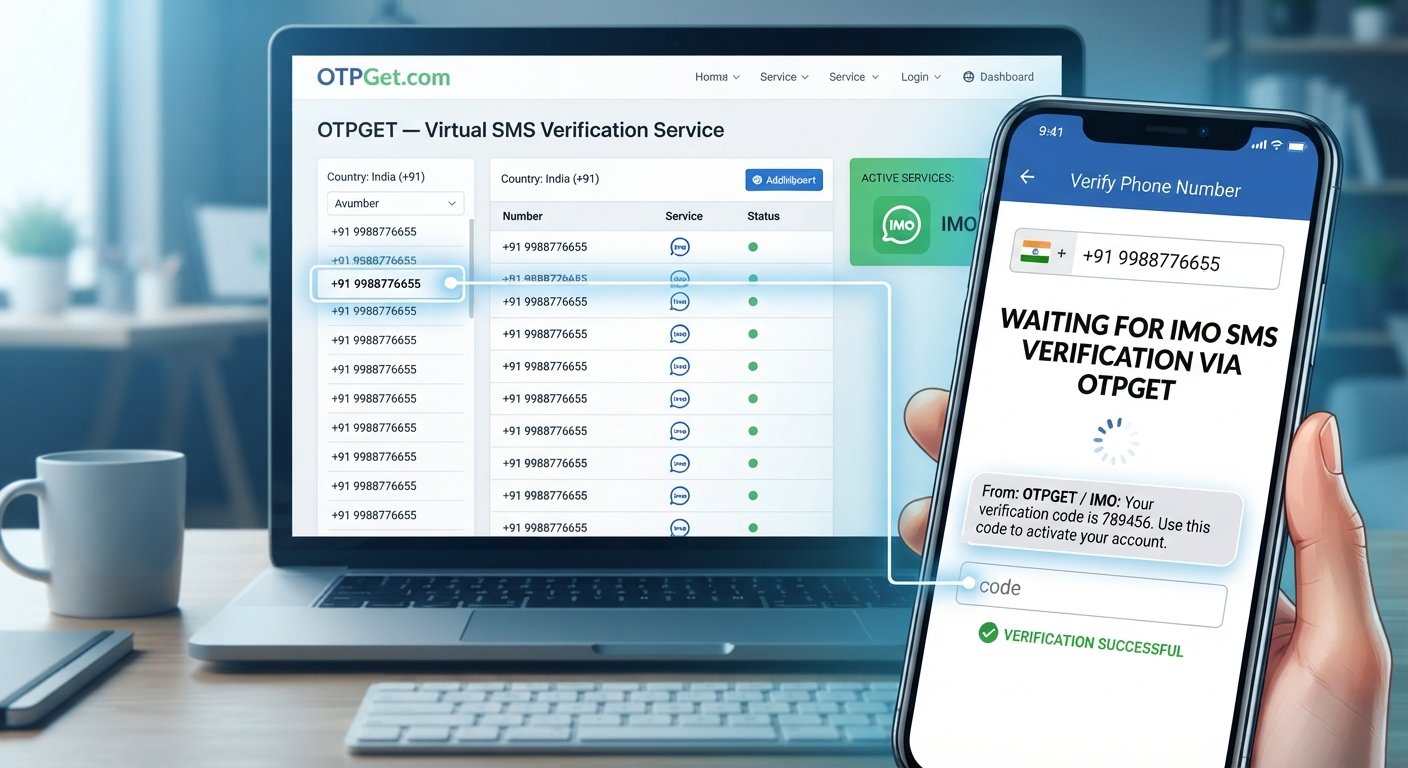
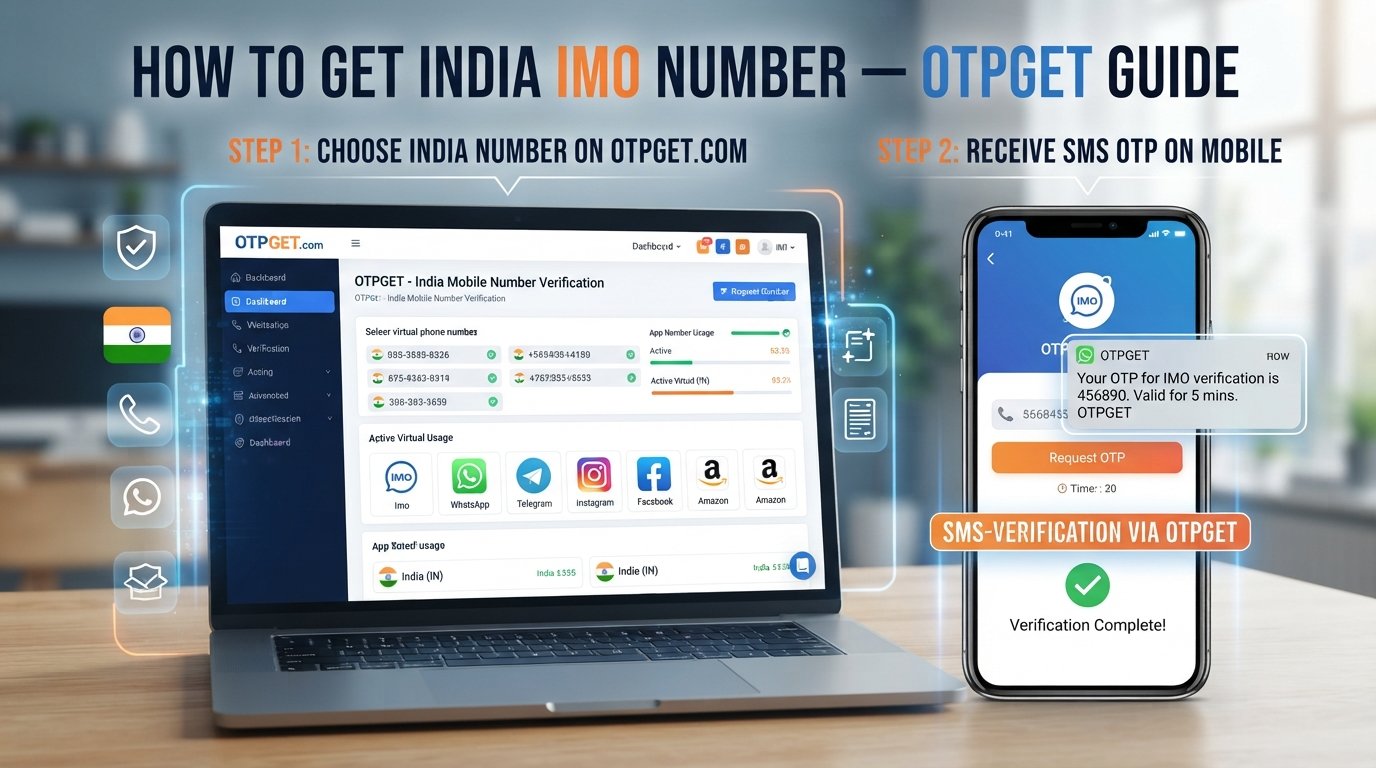
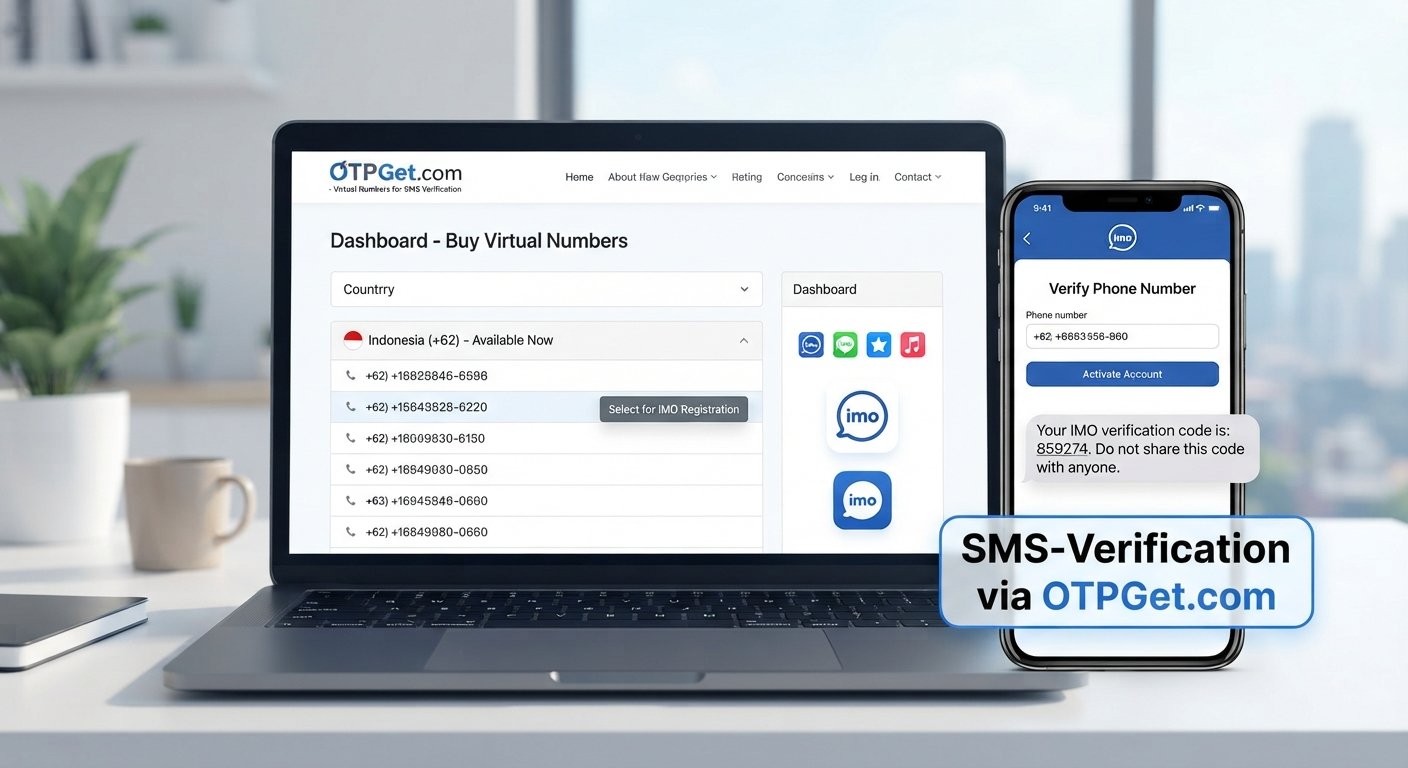
OTPGET provides virtual numbers intended for SMS OTP verification and also documents temporary and rental-number options. Its service documentation describes workflows for selecting available countries and services, obtaining a number, and checking the status for an incoming SMS code.
This can make OTPGET relevant for people who want an alternative to relying exclusively on their personal phone number for certain legitimate online verification tasks.
The practical value is in the workflow: users can look for an appropriate available number, use it with a supported verification process, and monitor the service for an incoming SMS.
However, OTPGET is not Telegram and should not be presented as an official Telegram service or partner. Whether a particular OTPGET number works for Telegram depends on the available number, Telegram's verification requirements, and other factors.
The service's own documentation also shows that availability can be organized by country and service, making it important to check what is actually available before starting a verification attempt.
Related internal link opportunity: [Internal Link Opportunity: Online SMS Verification Guide]
How to Use OTPGET for Telegram Verification
If you want to explore OTPGET for a legitimate Telegram verification workflow, the general process is straightforward:
- Visit OTPGET and review the available virtual-number options.
- Choose an appropriate number or service based on what is currently available.
- Select Telegram if it is offered and supported for the relevant number.
- Use the provided number in the appropriate Telegram signup or verification screen.
- Request verification through Telegram's normal process.
- Monitor OTPGET for the incoming SMS, if Telegram sends the code by SMS.
- Enter the verification code into Telegram's official verification screen.
- Complete account setup if Telegram accepts the number and verification.
OTPGET's documented SMS workflow includes obtaining a number and checking its activation status for an incoming message.
The key qualification is important: not every number will necessarily work with Telegram. Telegram may use different verification channels or reject a particular number. Never use an OTP service to access an account that does not belong to you or to circumvent Telegram's security controls.
For the safest approach, use the number only for a legitimate account or verification purpose and keep any number required for future access under your control.
Telegram Virtual Number vs Personal Phone Number
| Factor | Personal phone number | Virtual number |
|---|---|---|
| Privacy | Primary number is used | Can separate online activity from primary number |
| Convenience | Usually always available | Depends on provider and access |
| Ownership | Typically controlled by you | Depends on the service and number type |
| SMS access | Through your mobile network | Through the provider's system |
| Long-term reliability | Usually higher if retained | Varies by temporary or reusable status |
| Account recovery | Easier when number is retained | Requires continued access to the number |
| Cost | Part of mobile service or plan | Usually involves service fees |
| Best use case | Long-term personal account access | Specific online workflows or a second number |
Neither option is universally right for every user. The most important factor is whether you will retain reliable access to the number when Telegram needs it.
Temporary vs Reusable Virtual Numbers
Temporary numbers
A Telegram temporary number is generally intended for short-term access or a specific verification event.
It may be suitable when you only need a number for a limited-purpose verification workflow and do not expect to need the number again.
The drawback is obvious: once access ends, you may not be able to receive another message sent to that number.
Reusable or longer-term numbers
A reusable or rented virtual number can be more appropriate when continued access matters.
For a Telegram account that you expect to use over a longer period, number continuity deserves serious consideration. Telegram's own guidance emphasizes keeping access to the phone number connected to an account because losing it can put account access at risk.
Related internal link opportunity: [Internal Link Opportunity: Temporary vs Rental Virtual Numbers]
Common Mistakes to Avoid
Beginners often focus only on receiving the first OTP and overlook what happens afterward.
Avoid these common mistakes:
- Choosing an unreliable number simply because it is inexpensive.
- Losing access to a number that may be needed later.
- Sharing a Telegram verification code with someone else.
- Failing to check number availability before starting verification.
- Assuming every virtual number works with Telegram.
- Using a temporary number when long-term access is important.
- Ignoring Telegram's account recovery considerations.
- Violating Telegram's terms or applicable laws.
- Entering OTPs into suspicious websites or unofficial forms.
- Treating a virtual number as automatically anonymous or risk-free.
A successful first verification does not automatically mean the number is suitable for long-term account management.
Frequently Asked Questions
1. What is a Telegram virtual number?
It is a phone number supplied through a virtual-number service that can, depending on the provider and number type, receive SMS verification messages without requiring the user to rely on a traditional physical SIM for that number.
2. Can I use a virtual number for Telegram verification?
A virtual number may be usable if Telegram accepts that particular number and verification method. Compatibility is not guaranteed for every virtual number.
3. How do I receive a Telegram OTP online?
If Telegram sends the verification code by SMS and the selected number supports that message, the OTP may appear through the virtual-number provider's online interface. Telegram can also use other verification methods depending on the situation.
4. Is a Telegram virtual number the same as a temporary phone number?
Not necessarily. A virtual number describes how the number is provided, while a temporary number describes how long you can access or use it. A virtual number may be temporary or available for a longer rental period.
5. Can I use OTPGET for Telegram verification?
OTPGET provides virtual numbers and SMS OTP services, and its platform documentation includes Telegram among supported services. Whether a particular number works for a specific Telegram verification attempt depends on current availability and Telegram's requirements.
6. Is it safe to share a Telegram verification code?
No. Treat a Telegram login or verification code as sensitive information. Do not give it to strangers, websites, or people claiming they need it for "support." Telegram explicitly warns users not to share login codes.
7. Should I use a temporary or reusable virtual number?
It depends on your purpose. Temporary numbers can suit short-lived verification workflows, while a reusable or longer-term number is generally more appropriate when continued access may be important.
8. Can every virtual number receive Telegram OTPs?
No. Number availability and compatibility vary. Telegram may also choose a verification method other than SMS, so an SMS-capable virtual number is not a guarantee of successful Telegram verification.
Conclusion
A Telegram virtual number can be a practical option for users who want a separate phone number for legitimate online verification and account setup. It can help separate a primary personal number from certain online services while providing a way to receive supported SMS OTP messages.
The key is to understand how the verification process works before choosing a provider. Telegram controls its own account verification system, and the available verification method can vary. Keeping control of the number connected to an account is also important for future access and recovery.
If you are looking for a virtual-number and OTP service, OTPGET can be considered as one option. Its documented platform supports virtual numbers and SMS OTP workflows, with availability depending on the selected service and number.
Explore OTPGET to review the available virtual-number options, and always choose a number that matches your legitimate use case, expected access period, and Telegram's current verification requirements.
For official information about Telegram's account and login process, consult the Telegram FAQ before relying on any third-party verification service.
8. Internal Link Opportunities
- [Internal Link Opportunity: What Is a Virtual Phone Number?]
- [Internal Link Opportunity: Telegram Verification Guide]
- [Internal Link Opportunity: Online SMS Verification Guide]
- [Internal Link Opportunity: Temporary vs Rental Virtual Numbers]
9. Final SEO Checklist
- Word count: Approximately 1,700
- Primary keyword used: Yes
- Secondary keywords naturally incorporated: Yes
- SEO title length: 61 characters
- Meta description length: Approximately 160 characters
- Year mentioned anywhere: No
- OTPGET clearly presented as a solution: Yes
- Keyword stuffing avoided: Yes
- Unsupported claims avoided: Yes
- Beginner search intent satisfied: Yes