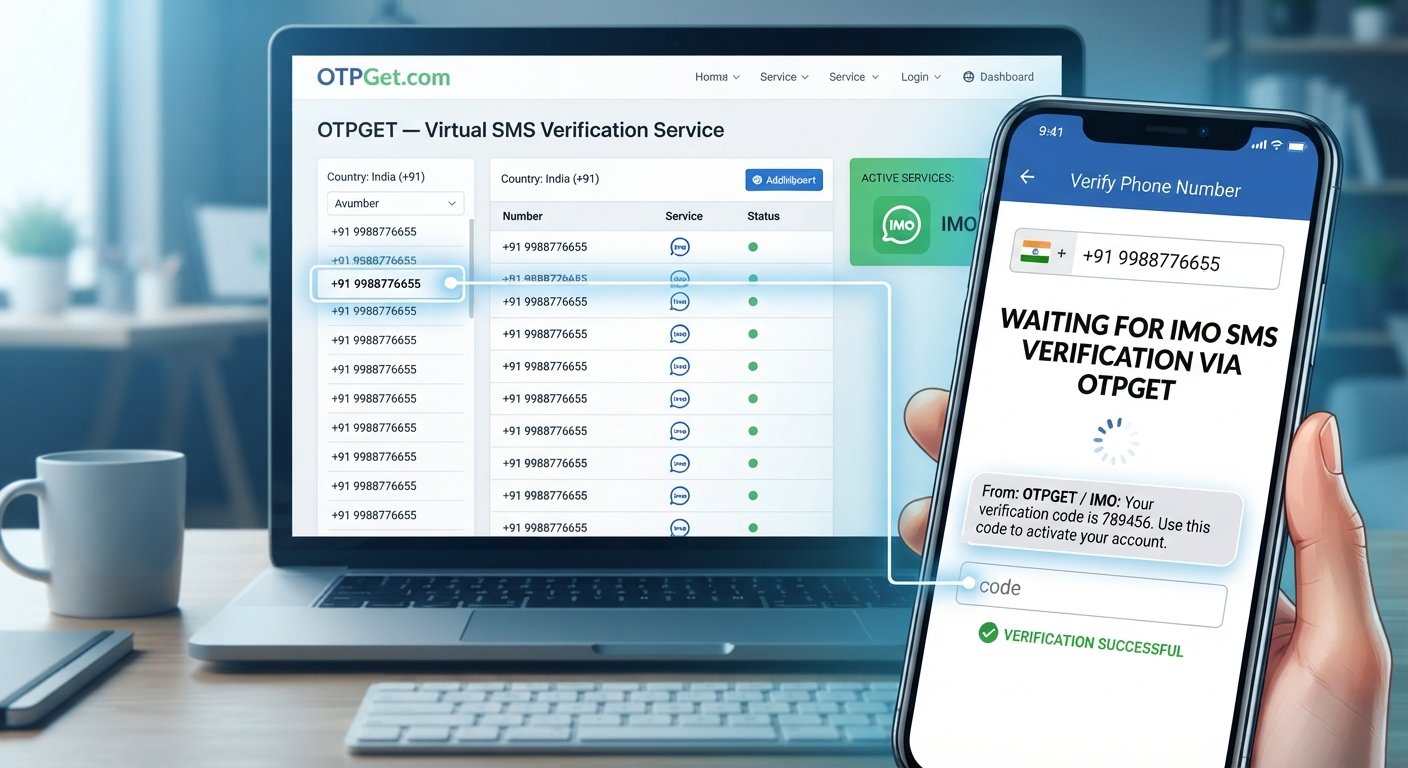
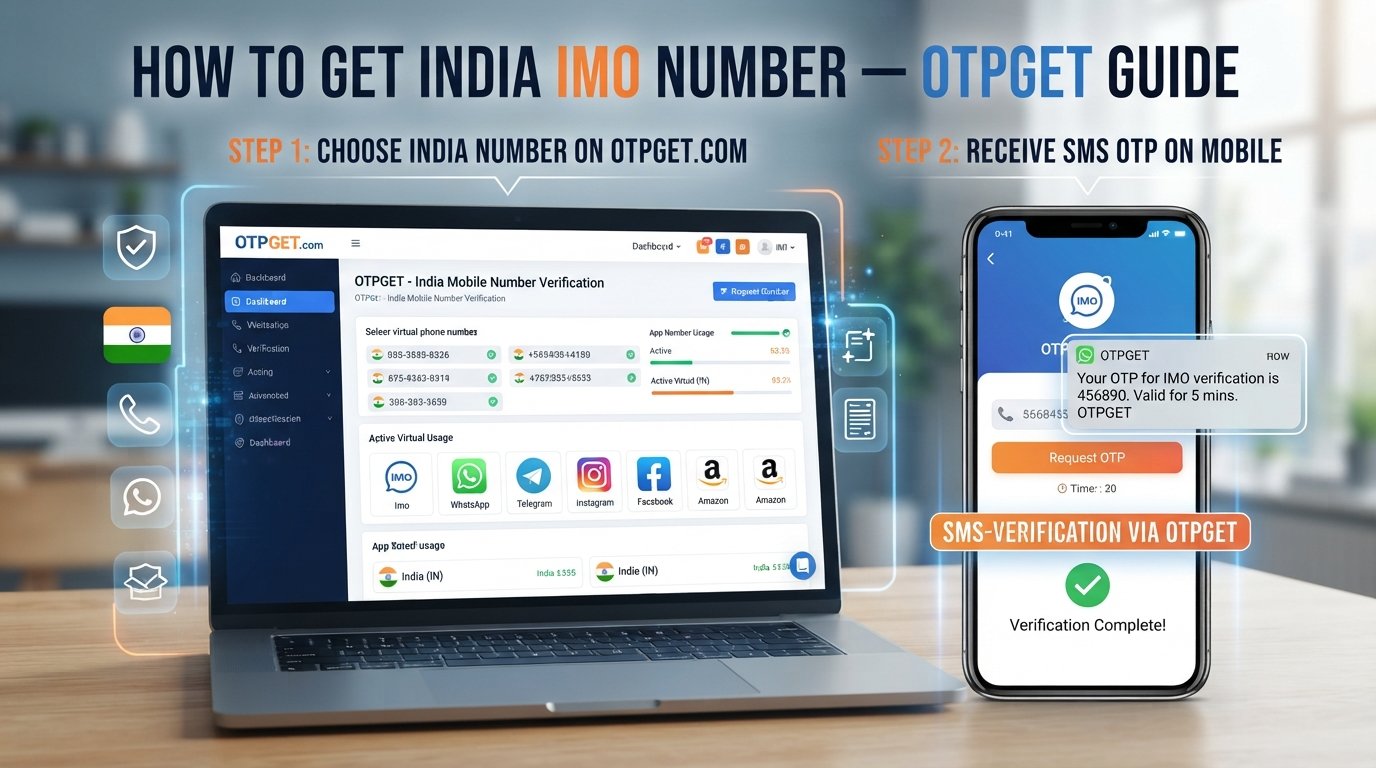
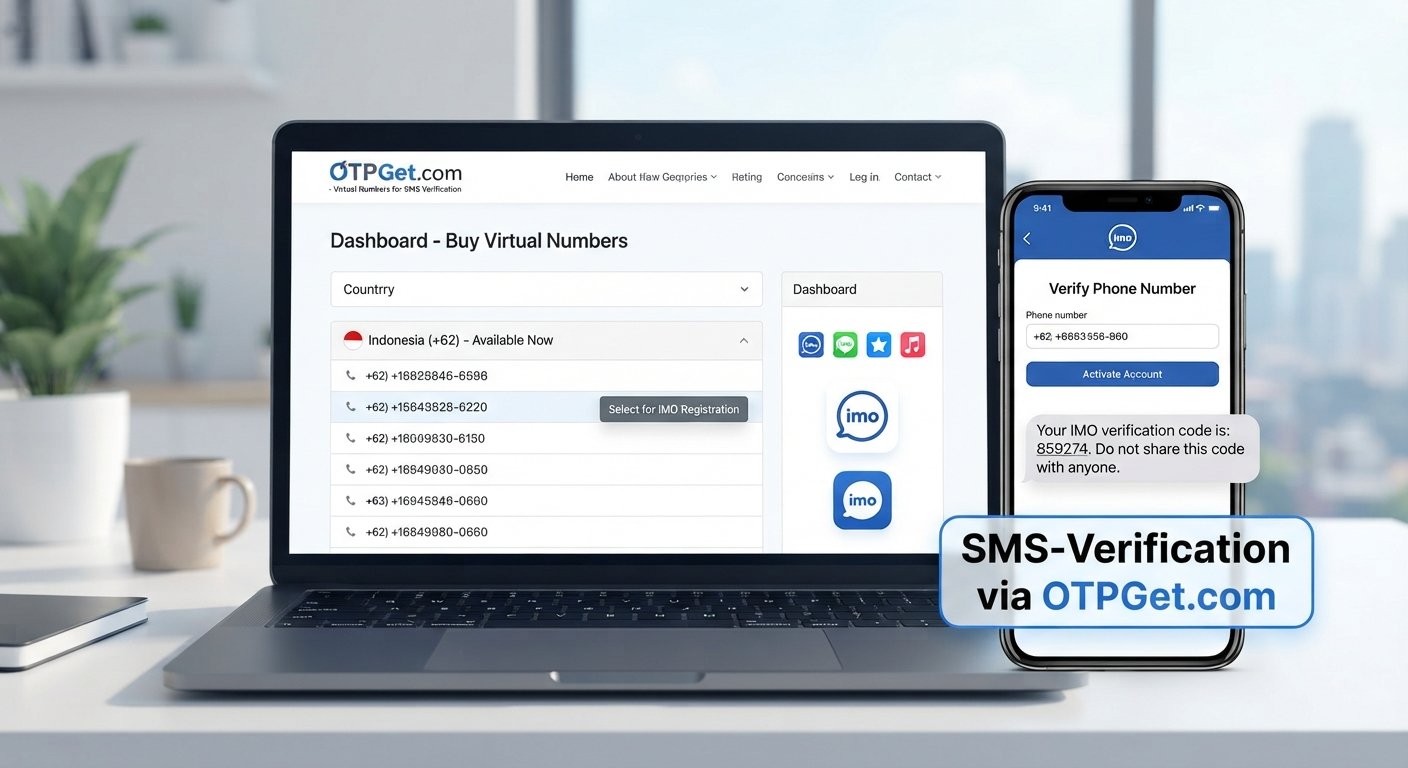
How to Use a Temporary Email for Online Verification Securely
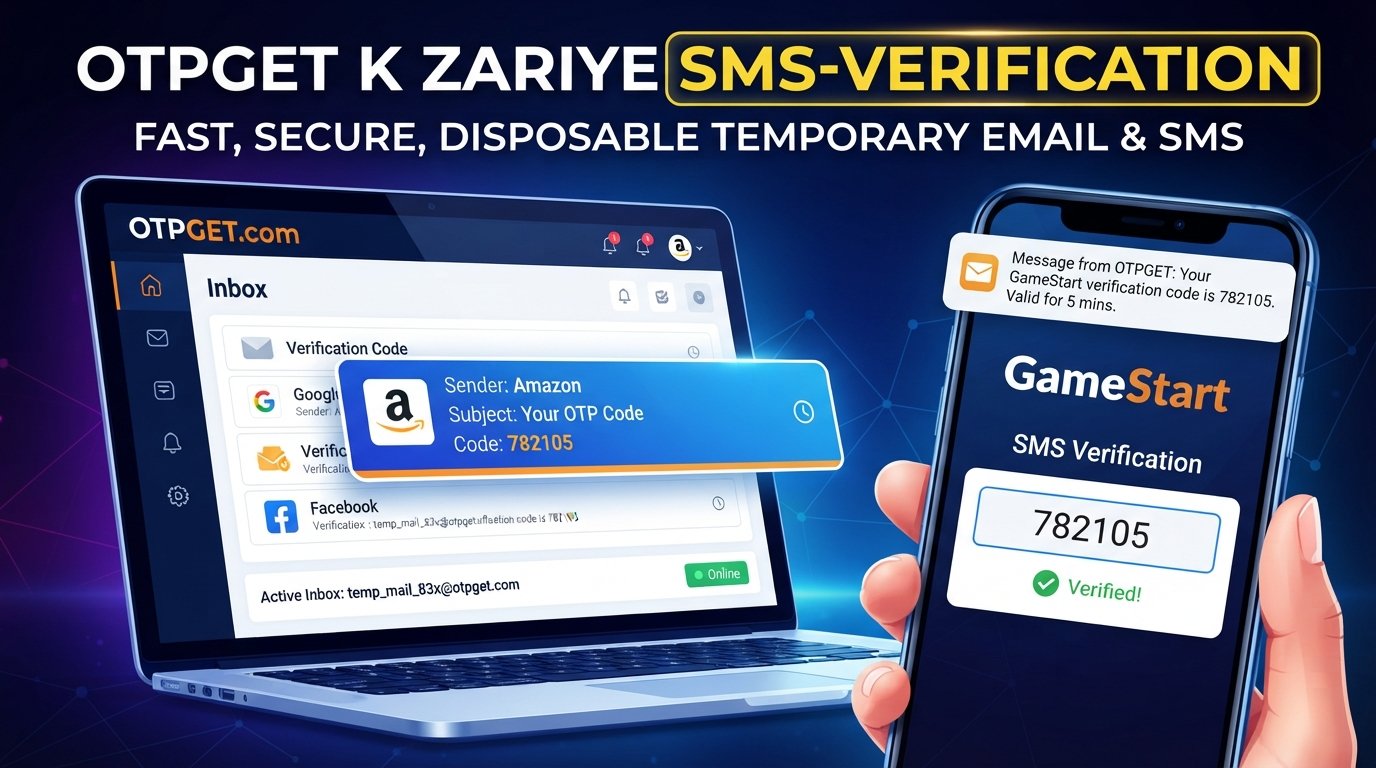
How to Use a Temporary Email for Online Verification
Signing up for a website, downloading a resource, testing an online service, or joining a short-term platform often comes with one familiar request: “Enter your email address to continue.”
The problem is that not every registration deserves access to your primary inbox. A one-time signup can lead to promotional messages, notifications, or other emails you would rather keep separate from personal communication.
That is where a temporary email for online verification can be useful. Instead of giving a website your everyday email address, you can use a temporary inbox to receive a verification email, OTP, or confirmation link when appropriate.
OTPGET provides temporary email functionality designed for receiving verification emails and OTP messages, giving users another option for short-term email verification.
What Is a Temporary Email?
A temporary email is an email address intended for short-term or limited-purpose use. Unlike a conventional email account that you may keep for years, a temporary email address is generally used for a specific task, such as registration or verification.
A temporary inbox works much like a simplified email inbox:
- You receive a temporary email address.
- You provide that address to a website or online service.
- The service sends a verification email or OTP.
- The message appears in the temporary inbox.
- You use the code or link to complete verification.
The exact lifespan and behavior of a temporary email depend on the service providing it. Some temporary addresses are designed for brief use, while others may have service-specific rules or availability periods.
Temporary Email vs. a Regular Email Account
A regular email account is designed for ongoing communication. You may use it for personal messages, password recovery, work, receipts, and important notifications.
A temporary email address is better suited to short-term tasks where maintaining a permanent inbox is unnecessary.
This makes temp mail useful when the goal is simply to receive a verification message without adding another short-term registration to your primary inbox.
Why Use a Temporary Email for Online Verification?
There are several legitimate reasons to use a temporary email for verification.
Protect Your Primary Inbox
Every time you provide your personal email address to another service, you potentially add another source of messages to manage.
A temporary email can keep short-term registrations separate from your main inbox.
Reduce Unwanted Promotional Email
Some websites send newsletters, marketing messages, or promotional notifications after registration. A disposable email address can help prevent those messages from reaching the inbox you use for important communication.
Limit Exposure of Your Personal Email
Using a temporary email can reduce the number of websites that receive your primary email address. This can be a useful part of a broader online privacy routine.
It is important, however, not to treat temporary email as a guarantee of anonymity or complete privacy. You should still consider the policies and practices of the service you use.
Test Websites and Email Workflows
Temporary addresses can also be useful for developers, testers, and ordinary users who need to check an email-based registration flow.
For example, you might want to confirm that a website sends its verification email correctly without using your everyday inbox.
Keep Short-Term Registrations Separate
A disposable email address can create a useful separation between temporary online activities and long-term personal communication.
For a short registration that does not require future account recovery, that separation can make inbox management easier.
How Temporary Email Verification Works
Using a temporary email for verification is generally straightforward.
1. Open a Temporary Email Service
Choose a temporary email service that provides an inbox suitable for the type of verification you need.
2. Generate or Receive a Temporary Email Address
Depending on the service, you may receive an available temporary address or select an available option.
3. Copy the Email Address
Copy the temporary email address carefully so you can enter it into the registration or verification form.
4. Enter It on the Website
Use the temporary address in the email field on the website or application requesting verification.
5. Check the Temporary Inbox
Return to the temporary email service and check for the incoming verification message.
6. Open the Verification Email
The message may contain an OTP, verification link, confirmation button, or other instructions.
7. Find the OTP or Verification Link
If the website uses email OTP verification, locate the code in the message. If it uses a verification link, open the appropriate link.
8. Complete Verification
Enter the OTP into the website's verification field or follow the supplied confirmation instructions.
9. Finish the Registration
Once verification succeeds, continue with the registration or activity. If the account is important or intended for long-term use, consider switching to a permanent email address where the service permits it.
How to Use OTPGET for Online Verification
OTPGET is a practical option for users looking for temporary email functionality for verification emails and OTP messages. Its documentation specifically describes temporary email addresses for OTP verification and provides an email OTP API for retrieving verification codes.
For a typical user workflow, the process can be approached like this:
- Open OTPGET and access its temporary email service.
- Choose an available temporary email option appropriate for your intended verification.
- Copy the temporary email address provided by the service.
- Enter the address on the website or application requesting email verification.
- Wait for the verification email or OTP message to arrive.
- Check the temporary inbox or OTPGET interface for the incoming message.
- Copy the verification code or use the supplied verification link.
- Enter the code on the original website to complete the verification process.
For developers, OTPGET also documents an email OTP API. Its documented workflow includes selecting an available email configuration, obtaining an email identifier, checking for the verification code, and handling the resulting status.
The exact interface and available email options can change, so users should follow the current instructions displayed by OTPGET when completing a verification request.
Benefits of Using OTPGET for Temporary Email Verification
OTPGET can be useful when your goal is to separate short-term verification activity from your normal email communication.
Convenient Temporary Email Access
OTPGET provides disposable temporary email addresses intended for registration and email verification. Its official service information describes temporary email options across multiple domains.
Keep Verification Messages Separate
Instead of mixing short-term verification emails with work, personal, or important account messages, a temporary inbox provides a separate place for those communications.
Useful for OTP-Based Verification
OTPGET's documentation specifically covers temporary email addresses for receiving verification emails and OTP messages.
Suitable for Short-Term Registrations
When an online activity only requires an email address for a limited-purpose verification step, temporary mail can be a practical alternative to using your primary address.
The important point is to match the email type to the account's purpose. Temporary email is useful for short-term needs, but it should not automatically replace a permanent email account.
When Should You Use a Temporary Email?
Temporary email can make sense in situations where long-term email access is not essential.
Examples include:
- Testing a website: Check whether registration and verification emails work as expected.
- Downloading a resource: Use a separate address when a site requires email registration for access.
- Signing up for a temporary service: Keep short-term registrations away from your primary inbox.
- Participating in a short-term online activity: Use a separate inbox when ongoing communication is not important.
- Managing promotional registrations: Keep optional newsletters and marketing-related registrations separate.
- Testing email workflows: Developers and QA teams can use temporary addresses when testing email-based processes.
A permanent email address is usually the better choice when you expect to need password recovery, account notifications, receipts, customer support, or long-term communication.
Temporary Email vs. Regular Email
| Factor | Temporary Email | Regular Email |
|---|---|---|
| Duration | Usually intended for short-term use | Designed for long-term use |
| Long-term communication | Limited suitability | Well suited |
| Inbox management | Useful for separating temporary messages | Suitable for ongoing communication |
| Privacy | Can reduce exposure of your primary address | Your address is shared directly with services |
| Verification use | Suitable for some short-term verification | Suitable for both short- and long-term accounts |
| Account recovery | Generally not recommended for important recovery | Better suited |
| Business communication | Usually unsuitable | Recommended |
| Important personal accounts | Generally unsuitable | Recommended |
The key difference is purpose. Temporary email is a tool for short-lived or limited-purpose communication, while a regular email account is designed to remain accessible.
Things to Know Before Using a Temporary Email
Temporary email is convenient, but it is not appropriate for every situation.
Avoid using a disposable address for:
- Banking and financial services
- Important personal accounts
- Long-term subscriptions you need to manage
- Password recovery for important accounts
- Business communication
- Accounts containing important records
- Services that prohibit disposable email addresses
You should also check the registration site's rules. Some platforms deliberately restrict disposable email domains or require an email address that remains accessible for account recovery.
Temporary email should therefore be viewed as a practical short-term tool, not a universal replacement for your permanent email account.
Tips for Using Temporary Email Safely
A few simple habits can make temporary email use more sensible:
- Do not use it for important account recovery. If you lose access to the temporary inbox, recovering the account may be difficult or impossible.
- Avoid unnecessary personal information. Only provide information that the service legitimately requires.
- Review privacy practices. Understand how the temporary email provider handles account and service information.
- Use a permanent address when long-term access matters. Important communication should remain accessible.
- Do not assume complete anonymity. Temporary email can reduce exposure of your primary address, but it does not make every aspect of your online activity anonymous.
- Follow website rules. If a service prohibits disposable email addresses, use an appropriate permanent email instead.
- Keep important verification records accessible. If you expect to need future emails from the service, a permanent inbox may be more appropriate.
OTPGET's published policies also state that its temporary email service is intended for verification emails and OTP messages and that users are responsible for using the service appropriately.
Frequently Asked Questions
What is a temporary email for online verification?
A temporary email for online verification is an email address used for a short-term registration or confirmation process. It can receive verification emails, OTPs, or confirmation links without requiring you to provide your primary email address.
Can I use temporary email to receive an OTP?
Yes, temporary email services can be used to receive email-based OTPs when the relevant website accepts the address and sends the code successfully. OTPGET specifically provides temporary email functionality for verification emails and OTP messages.
How does a temporary email address work?
A temporary email address provides access to an inbox intended for short-term use. You give the address to a website, wait for the verification message, then retrieve the OTP or link from the temporary inbox.
Is temporary email safe to use?
It can be useful for reducing exposure of your primary email address, but temporary email does not guarantee complete anonymity or security. Avoid using it for sensitive accounts, important recovery processes, or information that you need to access permanently.
Can I use OTPGET for email verification?
Yes. OTPGET's official documentation describes temporary email addresses for receiving verification emails and OTP messages. The service also documents an email OTP API for retrieving verification codes.
What is the difference between temporary email and disposable email?
In everyday usage, the terms are often used interchangeably. Both generally describe an email address intended for short-term or limited-purpose use rather than permanent communication.
Should I use temporary email for important accounts?
Usually, no. Important accounts should use an email address that you control and can access over the long term, especially when password recovery and account notifications are involved.
How long does a temporary email address last?
The lifespan depends on the provider and the specific service. Temporary addresses are generally designed for short-term use, so users should not assume that an inbox will remain available indefinitely.
Conclusion
A temporary email for online verification can be a useful way to handle short-term registrations without unnecessarily placing your primary email address into every online signup.
The basic process is simple: obtain a temporary email address, enter it during registration, check the temporary inbox for the verification email or OTP, and complete the verification step.
The approach is especially useful for testing websites, handling short-term registrations, separating promotional signups, and receiving verification messages. However, temporary email is not the right choice for banking, important personal accounts, business communication, or situations where reliable long-term account recovery matters.
For users looking for a practical option, OTPGET provides temporary email functionality specifically suited to verification emails and OTP messages.
If you need a temporary inbox for an appropriate short-term verification task, explore OTPGET and choose the email option that fits your use case.
10. Internal Link Suggestions
- Suggested anchor text: “What Is Temporary Email?”
- Destination/topic: A foundational guide explaining temporary email, disposable addresses, temporary inboxes, and common use cases.
- Suggested anchor text: “How Email OTP Verification Works”
- Destination/topic: An educational guide covering email OTPs, verification codes, verification links, and common verification workflows.
- Suggested anchor text: “Online Privacy Tips”
- Destination/topic: A broader privacy guide covering email privacy, minimizing personal-data exposure, account hygiene, and safer online registration practices.
- Suggested anchor text: “Temporary Email vs. Regular Email”
- Destination/topic: A detailed comparison of temporary, disposable, personal, and business email accounts.
- Suggested anchor text: “OTPGET Temporary Email Service”
- Destination/topic: The relevant OTPGET temporary email/service page explaining available temporary email options and verification functionality.