How Temporary Email Protects Your Primary Inbox From More Spam
How Temporary Email Can Protect Your Primary Inbox
Your primary email address probably does more work than you realize. It may be connected to personal conversations, important accounts, receipts, work notifications, subscriptions, and password recovery. Yet it is also easy to hand that same address to a website just to download something, try a tool, access a promotion, or complete a quick registration.
Over time, those small decisions can create a surprisingly crowded inbox.
Promotional emails, newsletters, verification messages, trial reminders, and other low-priority communications can make it harder to spot the messages that actually matter. A temporary email address can help create a useful separation: your primary inbox stays focused on important communication, while temporary online activities have their own place.
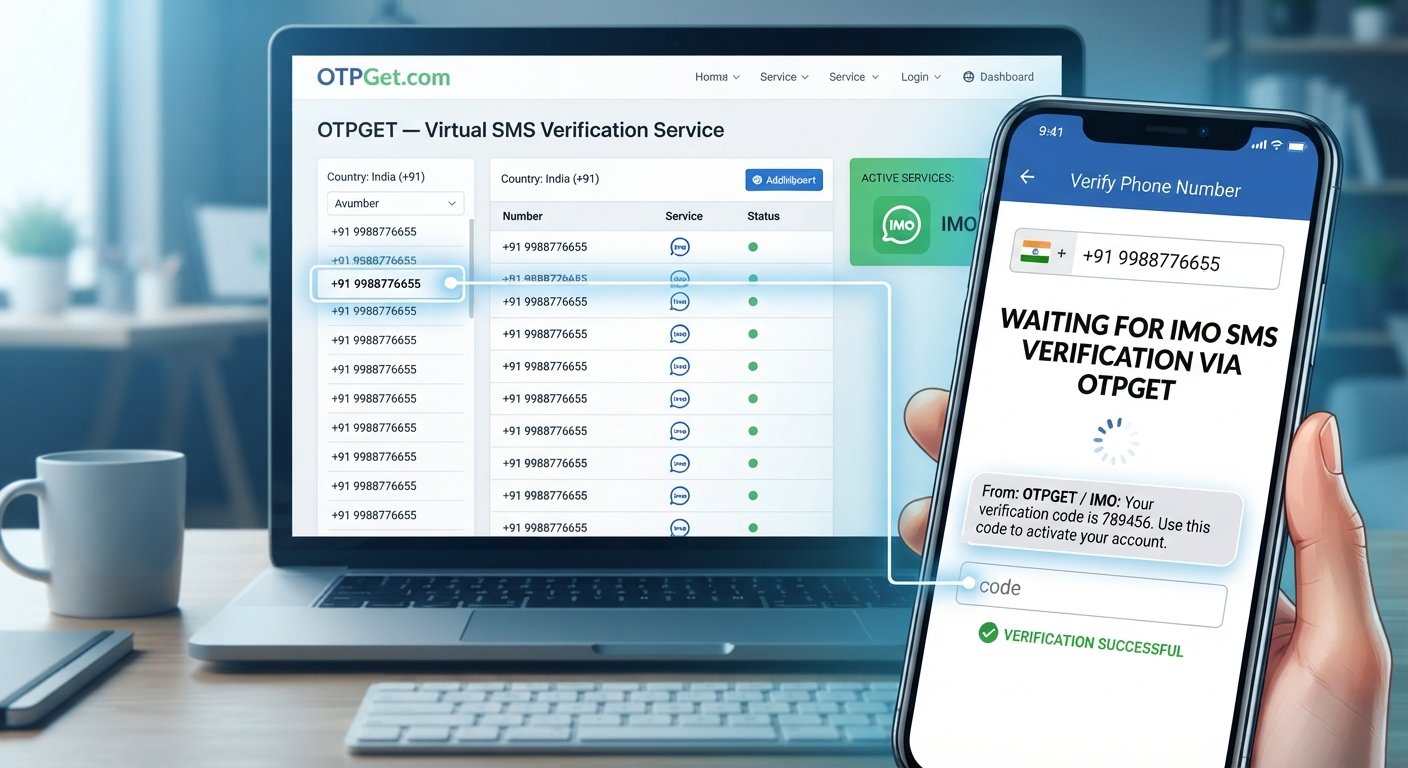
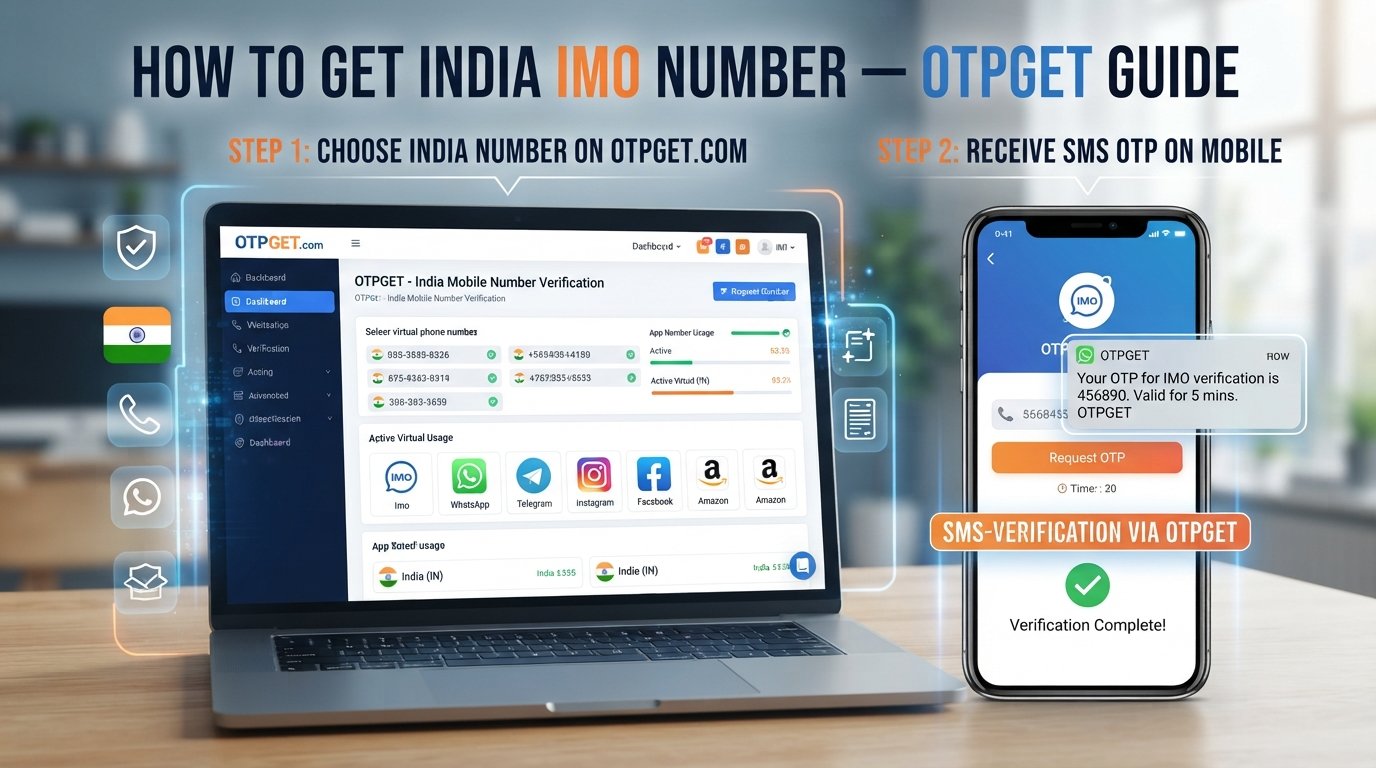
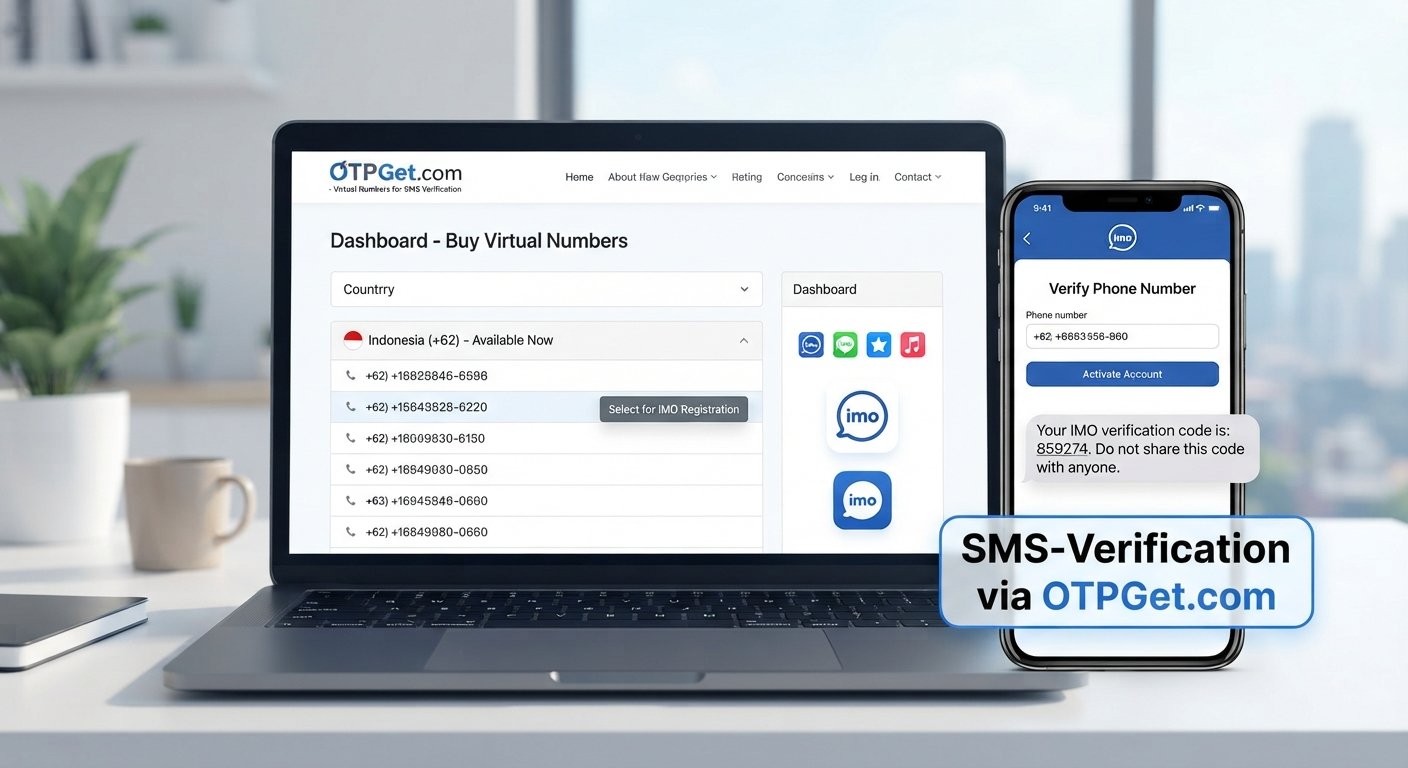
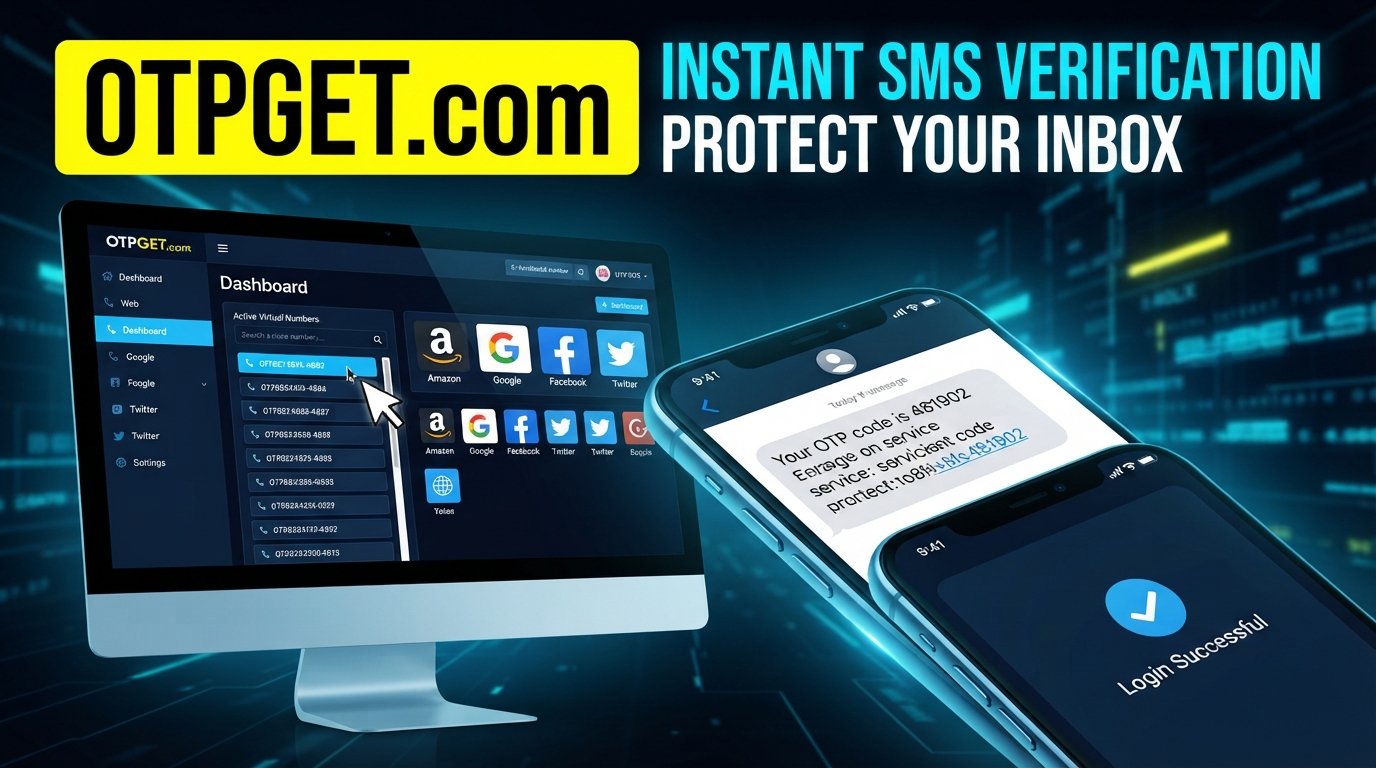
For situations such as website registrations, email verification, testing online services, or receiving a one-time message, OTPGET can be a practical option. Instead of using your personal address for every online interaction, you can use a temporary mailbox when a permanent email address is unnecessary.
Why Your Primary Inbox Gets Overloaded
Inbox clutter rarely happens because of one big decision. It usually builds gradually.
You may register for a website to access a download, subscribe to a newsletter to receive a discount, start a free trial, or create an account simply to explore a service. Each interaction may seem harmless on its own. The problem is that many of them create an ongoing stream of emails.
Common sources of inbox clutter include:
- Website registrations and account confirmations
- Newsletter subscriptions
- Free trials and product updates
- Online downloads and gated resources
- Coupon and discount registrations
- Verification emails
- Services that send frequent promotional messages
- Websites whose email practices may involve sharing information with other organizations
This does not mean every website will misuse your address. It simply means your email address can become part of more mailing lists and databases than you intended.
A simple way to reduce that exposure is to stop using your primary address for every low-priority interaction.
What Is a Temporary Email Address?
A temporary email address is an email address intended for short-term or limited use rather than permanent communication. It provides a temporary inbox where you can receive messages without necessarily giving a website your primary email address.
In simple terms, a temporary email service creates a separate email destination for online activities that do not require your regular mailbox.
A disposable email address can be useful when you need to receive a verification email, access a resource, test an online service, or complete a one-time registration. Depending on the service, the address and inbox may only be available temporarily.
This is different from a normal email account. Your primary email is designed for long-term communication, account recovery, personal messages, and important notifications. A temporary mailbox is generally intended for short-lived or lower-priority activities.
You may also see terms such as temp email, temp mail, temporary mail, disposable mail, throwaway email, or one-time email address. These terms generally describe the same basic idea: keeping temporary online communication separate from your permanent inbox.
Temporary email should not replace a permanent email account. It is better viewed as an additional tool for managing online sign-ups and protecting your primary email address from unnecessary exposure.
How Temporary Email Helps Protect Your Primary Inbox
Used appropriately, temporary email can make everyday email management easier.
1. Reduce inbox clutter
If you use a temporary inbox for a low-priority registration, related messages do not need to appear in your main mailbox. This can help reduce inbox clutter and make important messages easier to find.
2. Separate temporary registrations
Not every website needs to become a permanent part of your digital life. A temporary email address can create a boundary between short-term registrations and your long-term accounts.
3. Limit promotional messages
Some registrations can lead to newsletters, offers, product announcements, or other promotional emails. Using a disposable inbox for appropriate situations can help isolate those messages from your primary inbox.
4. Keep important emails easier to find
A less crowded inbox can make it easier to notice messages from family, colleagues, financial services, or other important contacts.
5. Reduce unnecessary exposure of your primary address
Instead of giving your main email address to every website requesting one, you can use a separate address when a permanent email is not necessary.
6. Make one-time activities more convenient
If you only need an email address to receive a verification message or access a temporary resource, a temporary inbox can be a practical alternative to adding another short-term interaction to your personal mailbox.
OTPGET: A Simple Way to Use Temporary Email
Once you understand why separating temporary activities from your main inbox can help, the next question is practical: how do you actually do it?
OTPGET provides a straightforward option for people who need a temporary email address for suitable online activities. Rather than using your personal email for every registration, you can use a temporary address when the situation does not require a permanent communication channel.
It can be useful for website sign-ups, receiving verification emails, testing online services, accessing resources, and other short-term activities where protecting your primary email address from unnecessary messages is helpful.
The basic process is simple:
Step 1: Open OTPGET
Access OTPGET and use the temporary email service when you need a separate email destination for an appropriate online activity.
Step 2: Use the Temporary Email Address
Copy the temporary email address and enter it on the website or service where a temporary or disposable email is appropriate.
Step 3: Receive Relevant Messages
If the website sends a verification email or another expected message, check the temporary inbox for it. This keeps that short-term communication separate from your personal mailbox.
Step 4: Keep Your Primary Inbox Separate
Once the temporary activity is complete, your primary email remains separate from that registration. This simple separation can help you maintain a cleaner, more organized inbox.
The important point is to use temporary email selectively. It is a tool for suitable short-term interactions, not a replacement for your main email account.
When Should You Use a Disposable Email Address?
A disposable email address is particularly useful when you expect the interaction to be temporary.
Consider using a temporary email for situations such as:
- Downloading a resource or guide
- Trying an online tool
- Joining a website for temporary access
- Receiving a one-time verification email
- Testing a website or service
- Accessing a promotion
- Registering for a low-priority service
- Signing up for something you do not expect to use for long
For example, if you want to test an online tool and the site requires email verification, using OTPGET can help you complete the registration without automatically adding that service to your personal inbox.
However, there are situations where a temporary email address is the wrong choice.
Avoid using temporary email for:
- Banking and financial accounts
- Government services
- Important personal accounts
- Long-term business communication
- Critical password recovery
- Accounts you expect to use for a long time
- Any service where continued access to the email address is essential
If losing access to the email address could prevent you from recovering an account, use a permanent email account instead.
Temporary Email vs. Your Primary Email
| Feature | Primary Email | Temporary Email |
|---|---|---|
| Long-term communication | Yes | Usually not the main purpose |
| Important accounts | Suitable | Generally not recommended |
| One-time registrations | Often unnecessary | Useful |
| Inbox organization | Can become cluttered | Keeps temporary messages separate |
| Promotional sign-ups | Can increase clutter | Can help isolate them |
| Long-term recovery | Suitable | Usually unsuitable |
The distinction is straightforward: your primary email is for things you need to keep, while a temporary email can be useful for things you only need briefly.
Benefits of Keeping Your Primary Email Private
Your email address is often used as a common identifier across websites and services. Giving it out unnecessarily can make email management more difficult over time.
Using a temporary address for appropriate situations can support better online privacy habits without requiring you to stop using email normally.
The main benefits include:
- Better inbox organization: Temporary activity can stay outside your main mailbox.
- Reduced unwanted messages: Promotional or follow-up emails from temporary registrations can be kept separate.
- Better separation: Personal communication and casual online activity do not have to share the same inbox.
- Less exposure: You can avoid giving your primary address to every website that requests one.
- Easier email management: Fewer low-priority messages can mean less time sorting your inbox.
- Improved privacy habits: Choosing when and where to share your primary email can help you manage your online presence more thoughtfully.
Temporary email does not guarantee privacy or security by itself. It is one practical layer in a broader approach to email privacy and online privacy.
Is Temporary Email Safe to Use?
Temporary email can be useful when used for the purpose it was designed to serve, but it has limitations.
The biggest consideration is permanence. A temporary inbox may not be appropriate when you need to access an account or message again later. You should also avoid sending or receiving sensitive information through a temporary mailbox unless you have a clear reason to do so and understand the service's handling of messages.
Users should also remember that a temporary email address does not automatically make someone completely anonymous. Other information can still be collected by websites and online services.
The safety of a temporary email service also depends on how that service operates and how the user uses it. Avoid assuming that every disposable inbox provides the same features, controls, or privacy practices.
For ordinary low-stakes registrations and temporary verification emails, a temporary email service can be a practical way to reduce unnecessary exposure of your primary address.
Common Mistakes to Avoid When Using Temporary Email
Temporary email works best when you understand what it can and cannot do.
Avoid these common mistakes:
- Using it for critical accounts: Important accounts generally need a stable recovery email.
- Forgetting that the address may not be permanent: Do not assume you will always be able to access a temporary inbox.
- Using it for long-term communication: If you need ongoing messages, use a permanent address.
- Sharing sensitive information unnecessarily: A temporary inbox is not a substitute for a secure channel designed for confidential information.
- Assuming complete anonymity: A disposable address alone does not make online activity anonymous.
- Ignoring website terms: Some websites may restrict or block disposable email addresses. Use them in ways that comply with the service's rules.
A little planning can prevent the biggest problem associated with temporary email: using it for something you later need to recover.
Why OTPGET Can Be a Practical Choice
The value of OTPGET is straightforward: it can help separate temporary online activities from the email account you rely on every day.
If you are signing up for a website, testing a service, receiving a verification email, or accessing a resource that does not require a permanent personal address, a temporary mailbox can make sense.
Instead of adding every short-term registration to your main inbox, you can use a dedicated temporary email address for suitable situations. That can help reduce clutter, limit unnecessary exposure of your primary email, and keep important communication easier to manage.
The key is responsible use. OTPGET is most useful when you treat temporary email as a practical organizational and privacy tool rather than as a replacement for a permanent email account.
Final Thoughts
Your primary email address does not need to be used for every online interaction.
When a website only needs an email for a short-term registration, verification message, download, or trial, a temporary email address can create useful separation. It can help reduce inbox clutter, limit unwanted promotional messages, and keep your personal email address out of situations where it is not necessary.
The important part is knowing when to use it. Keep permanent email accounts for banking, recovery, important personal communication, and services you expect to use long term.
For suitable temporary activities, OTPGET can be a practical way to keep your temporary online interactions separate from your primary inbox. If you want a simpler way to manage one-time registrations and verification emails without adding every interaction to your personal mailbox, exploring OTPGET is a sensible place to start.
Frequently Asked Questions
What is a temporary email?
A temporary email is a short-term email address used to receive messages without relying on your primary email address. It is commonly used for temporary registrations, verification emails, testing, and other low-priority online activities.
How does a disposable email address work?
A disposable email address provides a separate inbox for receiving messages. Instead of entering your primary email on a website, you can use the disposable address when a permanent email account is not necessary.
Is temporary email safe?
Temporary email can be appropriate for low-risk, short-term activities, but it is not suitable for every situation. Avoid using it for banking, critical accounts, long-term recovery, or sensitive communication.
Can temporary email reduce spam?
Yes. Using a temporary email address for suitable registrations can help keep promotional messages and other follow-up emails out of your primary inbox. It can be one part of a broader spam protection strategy.
When should I use a temporary email address?
Use one when you need an email address for a short-term activity, such as testing a service, downloading a resource, joining a temporary registration, or receiving a verification email.
Can I use OTPGET for verification emails?
OTPGET can be useful when you need a temporary email address to receive an expected verification email and the website accepts temporary addresses. Always consider whether you will need continued access to that account afterward.
Should I use temporary email for important accounts?
Generally, no. Important accounts should use a stable email address that you can access for the long term, particularly when you may need password recovery or ongoing account notifications.
8. Suggested Internal Links
- What Is Disposable Email? — Link to a beginner-friendly guide explaining disposable email and how it works.
- How to Use OTPGET — Link to a practical OTPGET usage guide.
- Temporary Email for Verification — Link to a guide covering verification emails and one-time registrations.
- Temporary Email vs. Permanent Email — Link to an educational comparison of temporary and regular email accounts.
- Email Privacy Tips — Link to a broader guide about protecting your email address and reducing unwanted messages.