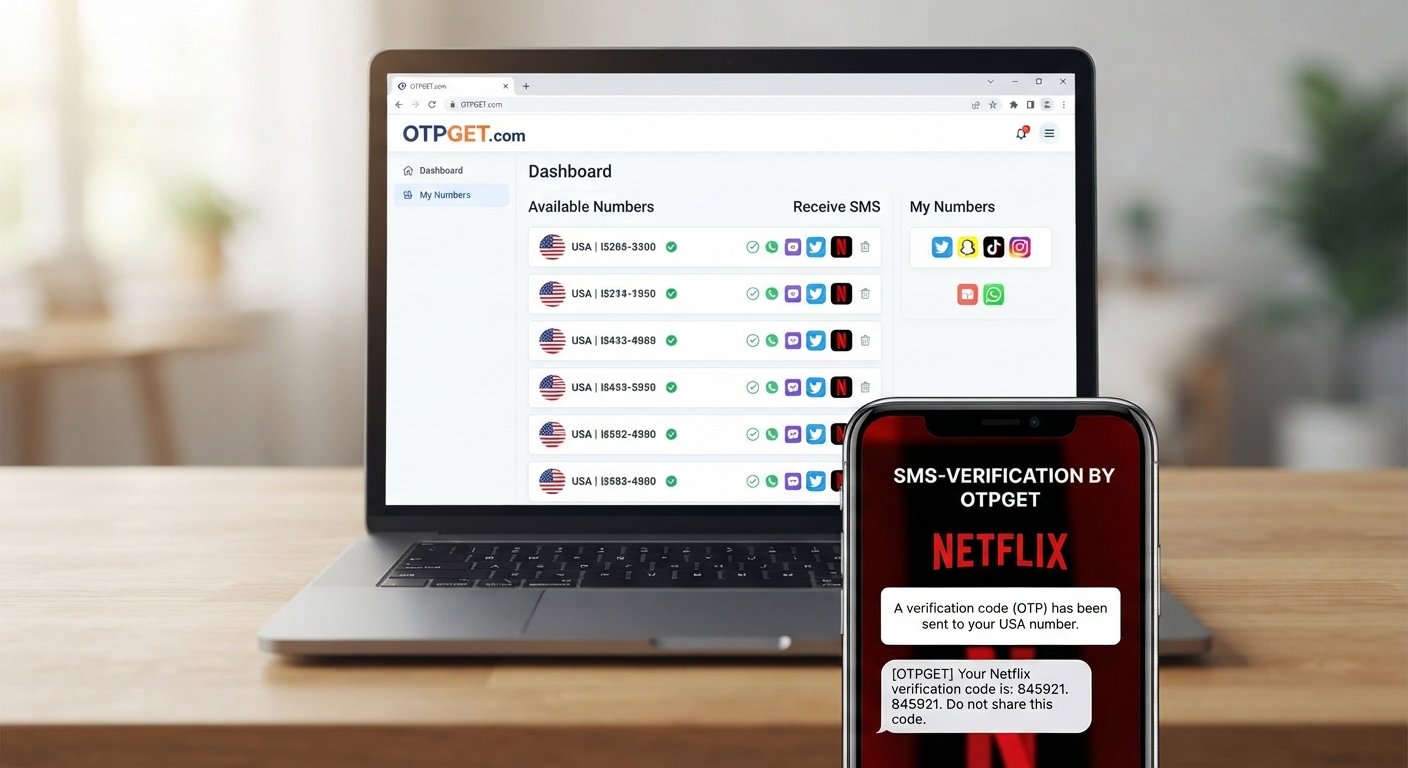
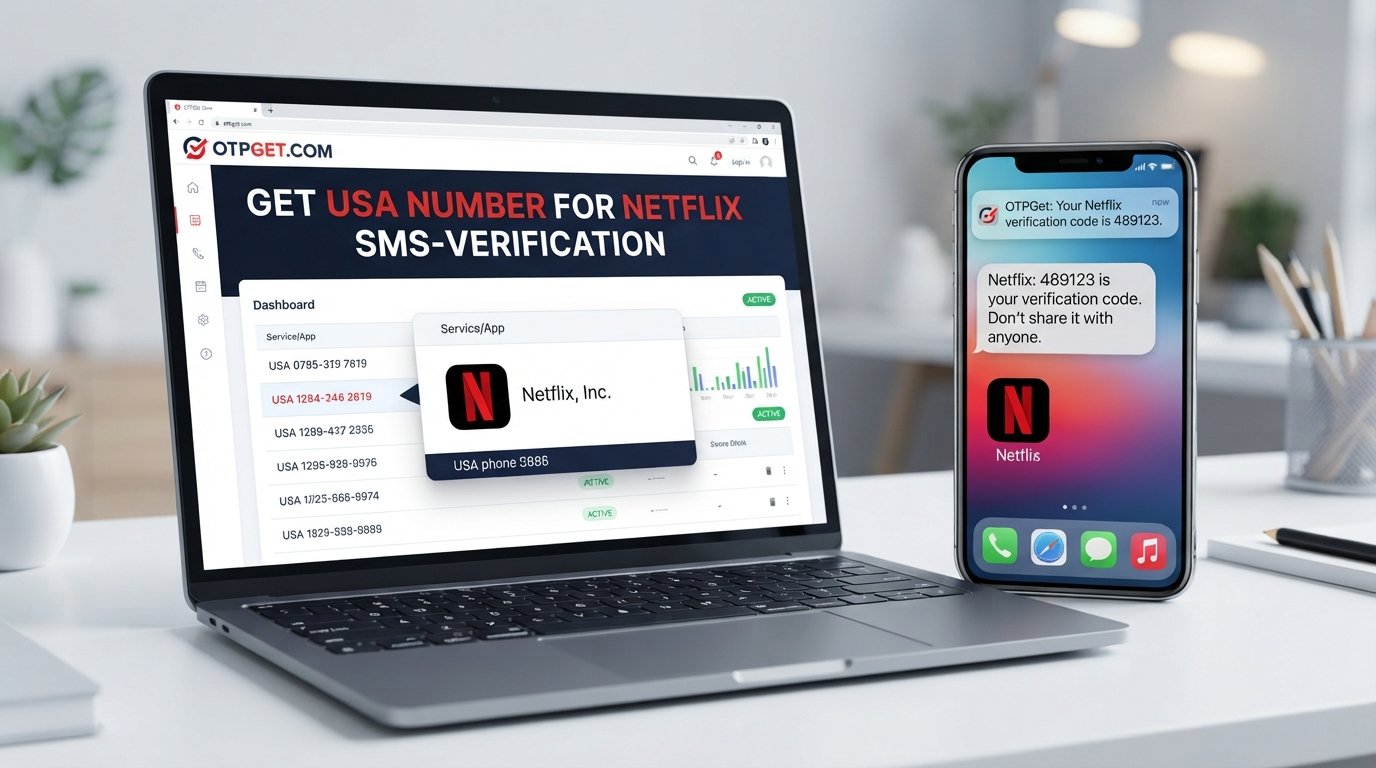
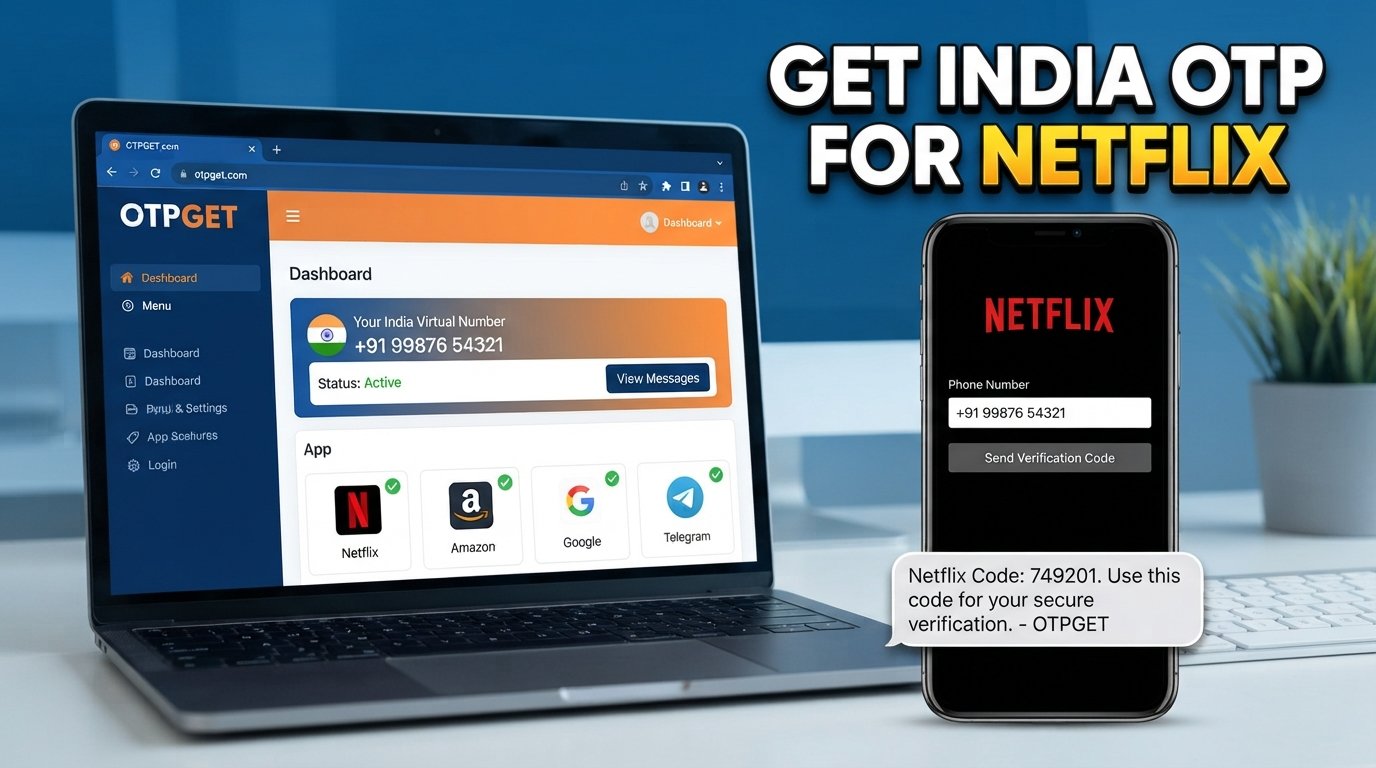
Temporary Email and SMS Verification: A Complete Guide to OTPGET
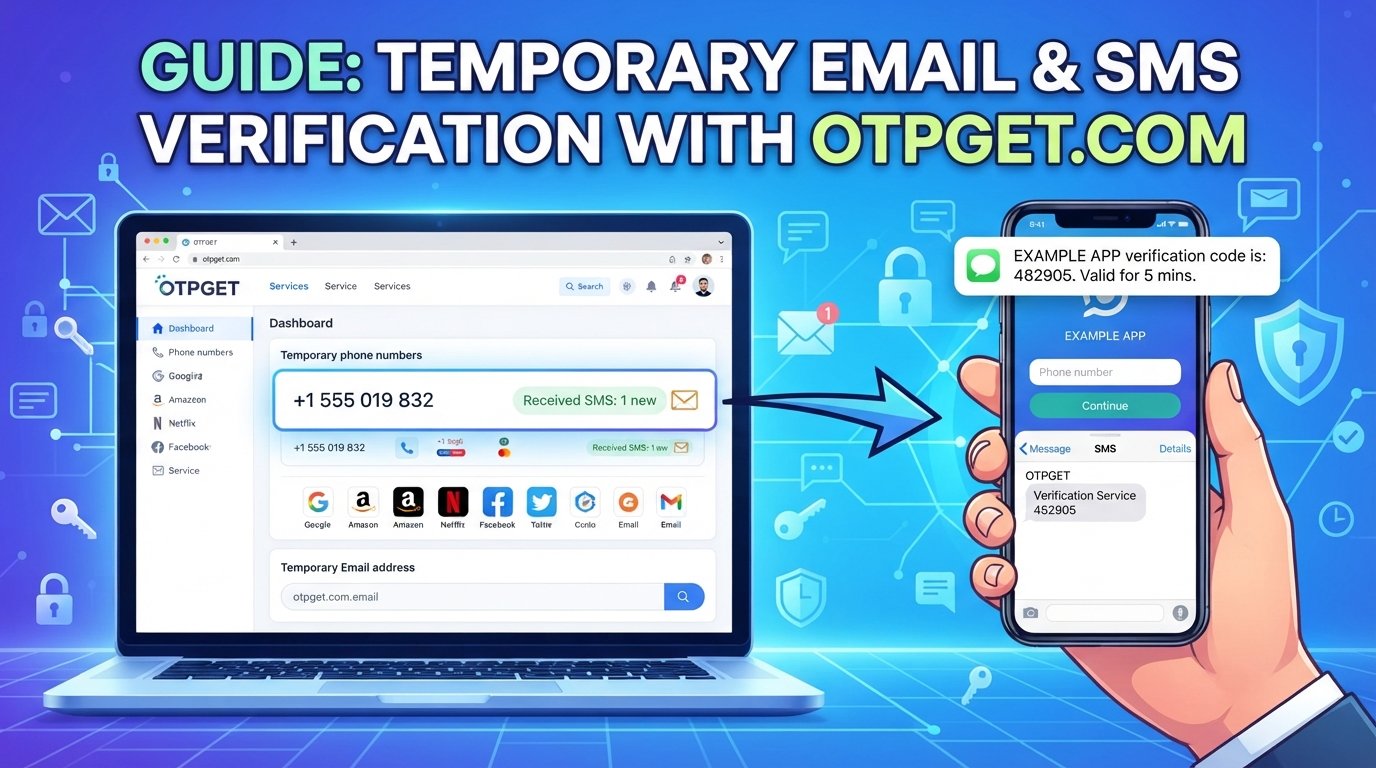
Temporary Email and SMS Verification: A Complete Guide to OTPGET
Signing up for an online service often looks simple until a website asks for one more thing: your email address or phone number.
Email verification and SMS verification are now common parts of online registration, account recovery, login protection, and service access. For important accounts, using a permanent personal email address or phone number makes sense. But for a one-time signup, a product test, or another low-priority interaction, some users may prefer not to expose their primary contact details.
That is where temporary email and temporary SMS verification can be useful.
A temporary email address provides a short-term inbox for receiving messages such as an email verification code. A temporary phone number can similarly receive SMS messages containing an OTP or verification code.
For people who need both options in one practical workflow, OTPGET can be relevant for handling temporary verification needs while keeping important personal contact details separate where appropriate.
What Is a Temporary Email?
A temporary email is an email address designed for short-term or limited-use communication rather than permanent correspondence.
Instead of giving a website your primary email address, you can use a temporary email address to receive a confirmation message, signup link, or email verification code. Many temporary email services provide a temporary inbox that can be accessed without maintaining a traditional long-term mailbox.
A disposable email address is generally intended for situations where you do not expect to need the inbox indefinitely.
How does temporary email work?
The basic process is straightforward:
- Open a temporary email service.
- Generate or select a temporary email address.
- Enter that address on the website requiring verification.
- Wait for the verification message.
- Open the temporary inbox.
- Copy the verification code or follow the verification link.
People commonly use a disposable email for testing websites, separating low-priority registrations from important correspondence, or reducing unwanted promotional email.
However, a temporary inbox should not automatically be treated as a replacement for a permanent email account. Important accounts often depend on long-term access for password recovery and account notifications.
What Is SMS Verification?
SMS verification is a process in which a website or app sends a short verification code to a phone number to confirm access to that number.
The code is often called a one-time password, or OTP. Depending on the service, the message may contain a numerical code that the user enters into a verification form.
How does SMS verification work?
A typical SMS OTP verification flow looks like this:
- You enter a phone number during signup or another verification step.
- The website sends an SMS containing a verification code.
- The message arrives on the associated phone number.
- You enter the code into the website.
- The service checks the code and completes the verification step if it is valid.
An SMS verification service can provide phone numbers capable of receiving these messages. This is why some users search for ways to receive SMS online or receive OTP online when they need a temporary number rather than their primary mobile number.
SMS verification can help a service confirm control of a phone number, but it is not a complete security solution by itself.
Why Do Websites Require Email and SMS Verification?
Verification exists for several practical reasons.
A website may ask for an email address or phone number to:
- Confirm that contact information is valid
- Reduce certain forms of fake registration
- Make automated abuse more difficult
- Support password recovery
- Verify a login
- Add an additional step to account protection
- Send important account notifications
- Confirm ownership or access to a contact method
The exact purpose varies from one platform to another.
It is also important to remember that verification does not make an account completely secure. Password security, authentication methods, device security, phishing protection, and the website's own security practices all matter.
Temporary Email vs. Permanent Email
Temporary and permanent email accounts serve different purposes.
| Category | Temporary Email | Permanent Email |
|---|---|---|
| Duration | Usually intended for short-term use | Designed for long-term access |
| Privacy | Can reduce exposure of a primary address | Directly associated with your regular communications |
| Spam exposure | Useful for some low-priority signups | Better for trusted services |
| Account recovery | Often unsuitable for critical recovery | Suitable for important accounts |
| Long-term communication | Not the main purpose | Designed for ongoing communication |
| Best use cases | Testing, temporary signups, low-priority registrations | Banking, work, personal communication, important accounts |
The key distinction is purpose.
A temporary email for verification can be convenient when the relationship with a website is short-lived. A permanent email remains the better choice when you need reliable access to messages and future recovery options.
Temporary SMS and Temporary Phone Numbers Explained
A temporary phone number is a number intended for short-term use rather than as your primary personal number.
In a verification context, the number may be used to receive an SMS containing an OTP or verification code. This can be useful when a user wants to keep their main phone number separate from a low-priority signup, provided the website permits temporary verification methods.
A temporary phone number for verification may also be described as an online temporary phone number, temporary number for OTP, or temporary number for SMS verification.
The general workflow is similar to email verification:
- Select an available temporary number.
- Enter the number on the relevant website.
- Request SMS verification.
- Open the SMS inbox associated with the number.
- Find the verification code.
- Enter the code on the original website.
Availability varies between providers and services. Some websites may also restrict or reject temporary or shared numbers, so users should always check the service's rules.
When Should You Use Temporary Email and SMS Verification?
Temporary verification methods can make sense for situations where long-term access to the contact method is not essential.
Examples include:
- Testing a website or signup flow
- Creating a short-term account where permitted
- Separating low-priority registrations from important email
- Reducing unnecessary promotional messages
- Testing an application before committing to regular use
- Protecting personal contact details where appropriate
- Receiving a verification code for a service that explicitly permits temporary contact methods
The important part is using the right tool for the right situation.
Temporary verification should not be used to bypass security controls, evade bans, impersonate another person, commit fraud, or violate a website's terms. If a service prohibits temporary email addresses or phone numbers, users should respect that restriction.
How to Receive Verification Codes Online
If temporary verification is appropriate for a particular signup, the process is usually simple.
Step 1: Choose a suitable service
Select a temporary email or SMS verification service that fits your needs.
Step 2: Generate a temporary contact method
Choose a temporary email address or phone number, depending on what the website requires.
Step 3: Enter it on the website
Use the provided contact information in the website's registration or verification form.
Step 4: Request verification
Submit the form and wait for the verification message.
Step 5: Open the inbox
Check the temporary email inbox or SMS inbox for the incoming message.
Step 6: Find the code
Locate the email verification code or SMS OTP.
Step 7: Enter the code
Return to the original website and enter the verification code.
Step 8: Complete verification
If the code is accepted, the verification step is complete.
Provider availability, supported services, number availability, and message retention can vary, so it is worth checking the specific service before relying on it.
How OTPGET Helps With Temporary Email and SMS Verification
A common situation is easy to understand:
“I need to verify an account, but I don't want to use my primary email address or personal phone number for every low-priority signup.”
This is where OTPGET can fit into the workflow.
OTPGET is relevant to users looking for temporary email and SMS verification options without making their primary contact details the default choice for every temporary interaction.
Rather than treating temporary verification as something complicated, the goal is to make the process more practical: choose an appropriate temporary contact method, use it for the permitted verification step, retrieve the incoming message or OTP, and complete the signup.
Depending on the verification need, OTPGET can be considered for:
- Temporary verification convenience
- Reduced exposure of personal contact details where appropriate
- Easier handling of verification codes
- A practical workflow for temporary signups
- Centralized access to temporary verification resources
The important distinction is that OTPGET should be viewed as a practical option for temporary verification needs, not as a guarantee that every website or service will accept every temporary email address or phone number.
Benefits of Using OTPGET for Temporary Verification
Using temporary verification resources can be helpful when the alternative is unnecessarily exposing a primary contact method.
Convenience
Temporary verification can simplify short-term registration workflows by keeping the process separate from your regular inbox or phone.
Privacy-conscious signups
For appropriate use cases, a temporary contact method can reduce the amount of personal contact information shared with a website.
Less exposure of primary contact details
If a signup is low priority, using a temporary address or number may help keep your primary contact details reserved for services where they are genuinely needed.
Easier OTP handling
A clear temporary verification workflow can make it easier to locate an incoming verification code and complete the relevant signup.
Reduced unwanted messages
A temporary email address may help separate low-priority registration messages from your main inbox, potentially reducing unwanted email reaching your primary address.
These benefits depend on the service, the website being accessed, and how the temporary contact method is used.
Temporary Email and SMS Verification Best Practices
Temporary verification is most useful when used thoughtfully.
Keep these practices in mind:
- Do not use temporary contact details for critical accounts unless the service explicitly supports them.
- Avoid using a temporary inbox or number for accounts where you may later need password recovery.
- Never share OTP codes with other people.
- Check the website's terms before using temporary verification services.
- Do not use temporary verification for fraud, impersonation, abuse, or bypassing access restrictions.
- Use strong, unique passwords for accounts that matter.
- Enable stronger security options, such as supported multi-factor authentication, for important accounts.
- Be cautious when entering verification codes on unfamiliar websites.
- Watch for phishing pages that imitate legitimate signup or login screens.
- Remember that temporary does not automatically mean anonymous or completely secure.
A good rule is simple: use temporary verification for temporary needs, and use permanent contact information for accounts you expect to depend on for a long time.
Common Questions About Temporary Email and SMS Verification
What is a temporary email address?
A temporary email address is an email address intended for short-term or limited use. It can provide a temporary inbox for receiving messages such as signup confirmations or email verification codes.
How does SMS verification work?
SMS verification sends a one-time code to a phone number. The user enters that code into the website or app to complete the requested verification step.
Can I receive OTP codes online?
Yes, temporary SMS services can provide ways to receive OTP online when a suitable number is available and the website permits that type of number. Availability and acceptance vary by service.
What is a temporary phone number?
A temporary phone number is a number intended for short-term use. In verification workflows, it may be used to receive an SMS containing a verification code.
Is temporary email suitable for important accounts?
Usually, a permanent email is more appropriate for important accounts because you may need long-term access for password recovery, security alerts, and account communication.
How long does a temporary email last?
Retention periods vary by provider. Some temporary inboxes are designed for very short-term use, while others may have different availability or retention rules.
Can temporary email help reduce spam?
It can help separate certain low-priority signup messages from your primary inbox. However, it should not be considered a complete solution for spam or unwanted communication.
How can OTPGET help with temporary verification?
OTPGET can be considered when you need temporary email or SMS verification resources for an appropriate short-term signup or verification workflow. The exact availability and suitability depend on the service you are trying to access.
Final Thoughts
Temporary email and SMS verification solve a straightforward problem: sometimes you need to complete an online verification step without making your primary email address or phone number part of every low-priority signup.
A temporary email address can provide a short-term inbox for confirmation messages and verification codes. A temporary phone number can similarly support SMS-based verification where the website permits it.
The key is choosing the right use case. Temporary contact methods are generally better suited to short-term, low-priority situations than accounts that require long-term recovery or communication.
For users looking for a practical temporary email and SMS service, OTPGET can be a useful option to explore. Use temporary verification responsibly, follow the rules of the service you're accessing, and keep permanent contact details for the accounts that truly require them.
When temporary verification makes sense, OTPGET can help keep the process simple, practical, and separate from your everyday contact information.