Temporary OTP Number for Gmail — Easy Guide to OTPGET Service
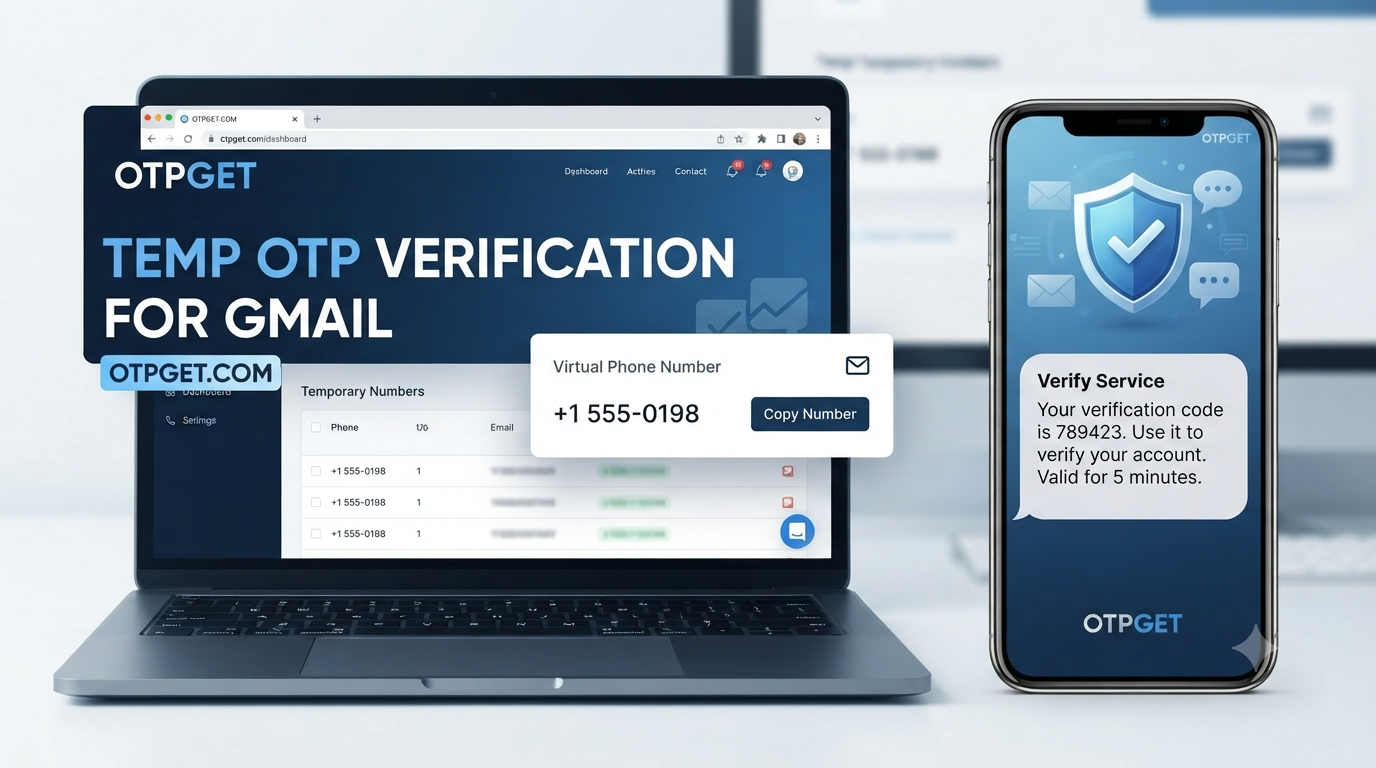
How to Get Temporary OTP Number for Gmail — OTPGet
Getting asked for a phone number during Gmail verification can be inconvenient, especially when you would rather not use your personal number for every online registration. In these situations, a temporary OTP number for Gmail may be worth considering.
A temporary number can provide a separate channel for receiving an SMS verification code without immediately tying every online activity to your everyday phone number. The important part is choosing a service carefully and understanding the limitations of temporary numbers.
OTPGET provides a practical option for users looking for temporary numbers for SMS and OTP verification. Instead of treating a temporary number as a way to bypass security controls, it is better to view it as a convenient tool for legitimate verification scenarios where a separate number makes sense.
This guide explains how temporary OTP numbers work, what to consider before using one, and how OTPGET can simplify the process.
What Is a Temporary OTP Number?
A temporary OTP number is a phone number intended for receiving verification messages for a limited or specific purpose.
When a website or online service asks you to verify a phone number, it may send a one-time password, commonly called an OTP, by SMS. The temporary number acts as the destination for that message.
The basic process is straightforward:
- A service requests phone verification.
- You provide an eligible phone number.
- The service sends an SMS containing a verification code.
- The message is received by the number.
- You enter the code on the verification screen.
This is different from using your regular personal number for every registration. A temporary number can create separation between your personal communications and certain online verification activities.
However, temporary numbers are not identical to permanent mobile numbers. Availability, reuse, lifespan, and acceptance can vary depending on the provider and the platform requesting verification.
Why Do You Need a Temporary OTP Number for Gmail?
There are several legitimate reasons someone might search for a temporary OTP number for Gmail.
One common reason is privacy. Some users simply prefer not to provide their personal phone number whenever an online service requests verification. Keeping personal and online activity separate can make managing digital accounts more comfortable.
A temporary number can also be useful when testing a service or working with an online registration process that requires SMS verification. Instead of immediately using a personal number, a user may prefer a separate number when the situation does not require long-term access to that number.
Other potential reasons include:
- Separating personal and online activity
- Reducing unnecessary exposure of a personal phone number
- Testing legitimate online services
- Managing temporary registration requirements
- Keeping verification messages separate from personal SMS
- Using a dedicated number for specific online workflows
There is an important distinction, though. A temporary number should not be viewed as a method for creating fake identities, evading platform restrictions, sending spam, committing fraud, or bypassing security systems.
For Gmail and other major platforms, users should always follow the applicable account and verification requirements.
How to Get a Temporary OTP Number for Gmail
The general process for using a temporary SMS number is simple.
1. Choose a reputable OTP service
Start by selecting a service that clearly explains how its temporary numbers work. Look for straightforward information about availability, SMS delivery, privacy, number reuse, and limitations.
OTPGET is designed around the need for convenient temporary OTP and SMS verification workflows.
2. Select an appropriate number
Choose an available temporary phone number that is suitable for the verification scenario you are handling.
Not every number will necessarily be accepted by every platform. Verification systems can apply their own requirements, so availability and acceptance should never be assumed.
3. Enter the number where verification is requested
When Gmail or another service asks for a phone number, enter the selected number according to the platform's instructions.
Make sure the number and country format are entered correctly where applicable.
4. Wait for the verification SMS
If the platform sends an OTP, wait for the SMS to arrive through the selected service.
Delivery time can vary. Network conditions, platform processing, and number availability can all affect the experience.
5. Retrieve the OTP
Open the appropriate verification area of the temporary number service and check for the incoming SMS.
The message should contain the one-time verification code if the platform successfully sends it.
6. Enter the code
Enter the received OTP into the verification screen and complete the process according to the platform's instructions.
If the code does not arrive, avoid repeatedly submitting requests without checking the service's guidance. The issue may be related to number availability, platform restrictions, or SMS delivery.
How OTPGET Makes Temporary OTP Verification Easier
For users searching for an online OTP number or a practical temporary SMS verification option, the biggest benefit is convenience.
OTPGET can provide a dedicated place to obtain and use temporary numbers for applicable SMS verification workflows. This can make the process easier to understand than managing verification messages through a personal phone number.
Some of the practical benefits to consider include:
- Convenient temporary numbers: Users can look for a separate number instead of immediately using their personal number.
- Simplified OTP receiving: Verification messages can be handled through the temporary-number workflow.
- Straightforward experience: A clear interface can make it easier to understand where to obtain a number and check incoming messages.
- More separation: Temporary verification activity can remain separate from personal SMS communications.
- Practical online verification: The service can be useful when a temporary number is appropriate for a particular SMS verification task.
The exact availability and acceptance of any temporary number can depend on the platform being verified. That is why it is better to consider OTPGET a practical verification service rather than assume that every number will work for every website.
For users who need a temporary number for Gmail verification, this distinction matters. Convenience is useful, but responsible use and realistic expectations are just as important.
Temporary Phone Number vs. Your Personal Number
Both options have their place. The better choice depends on whether you need a number for short-term verification or long-term account access.
| Feature | Personal Number | Temporary OTP Number |
|---|---|---|
| Privacy | Connected to personal communications | Can provide greater separation |
| Convenience | Always available to the owner | Depends on service availability |
| Reusability | Generally intended for ongoing use | May have reuse limitations |
| Verification use | Suitable where accepted | Useful for applicable temporary verification |
| Long-term access | Better suited to account recovery | Not ideal when ongoing access is required |
| Control | Directly controlled by the owner | Depends on the service |
| Recovery | More suitable for long-term recovery | Can create problems if access expires |
The key issue is long-term access.
If an account may later require a verification code, password reset, or account-recovery message, relying on a temporary number can create complications. Losing access to the number may mean losing access to an important verification channel.
For that reason, a temporary number should be chosen based on the purpose of the account and the importance of future recovery.
Things to Consider Before Choosing an OTP Service
Not all temporary phone-number services work in exactly the same way. Before choosing an OTP verification service, consider several factors.
Number availability
A useful service should clearly communicate whether numbers are currently available and what types of verification they are intended to support.
Reliability
SMS delivery is central to the experience. Consider whether the service provides a clear process for receiving messages and dealing with delivery problems.
Ease of use
The workflow should be easy to understand. You should be able to identify your number and locate incoming verification messages without unnecessary confusion.
Privacy considerations
Read the provider's privacy information and understand how temporary numbers and received messages are handled.
Supported platforms
A number that works for one website may not necessarily work for another. Platform-specific verification rules can change, and some services may restrict certain types of numbers.
Number reuse policies
Find out whether numbers can be reused, reassigned, or become unavailable after a period of time. This is especially important if you might need the number again.
Account recovery implications
Think beyond the initial OTP. If the account is important, consider whether you will need the same phone number later for recovery or additional verification.
Most importantly, follow Gmail, Google, and other platform rules when using any phone number for verification. A temporary number should be used for legitimate purposes rather than to circumvent security or abuse restrictions.
Is a Temporary OTP Number Safe for Gmail Verification?
A temporary number can be useful in certain verification scenarios, but "safe" depends on how and why it is used.
The main advantage is separation. A temporary number can prevent you from unnecessarily exposing your personal phone number during an appropriate online verification process.
There are also limitations.
The most important is loss of access. If you use a temporary number for an account that later requires that same number for recovery, you may not be able to receive the necessary message.
Temporary numbers can also have availability limitations. A number that is suitable for one verification workflow may not be accepted by another platform.
Therefore, a sensible approach is to consider the purpose of the account before using a temporary number. For a short-term verification scenario, it may be practical. For an account that contains important information and requires reliable long-term recovery, a personally controlled number may be more appropriate.
Users should also follow Google's verification requirements and applicable terms. A temporary OTP number should never be presented as a guaranteed way to bypass security checks.
Common Questions About Temporary OTP Numbers
Can I use a temporary OTP number for Gmail?
A temporary number may be usable for a Gmail verification process when the number is accepted by Google's verification system. Acceptance can vary, so there is no universal guarantee that every temporary number will work.
How do I receive a Gmail verification code online?
If an eligible temporary number is accepted and Gmail sends an SMS, the verification code can be received through the temporary-number service. You then enter the OTP into the relevant verification screen.
What is the difference between a temporary phone number and a virtual number?
A temporary phone number generally emphasizes limited or short-term use, while a virtual number describes a number delivered through an online service rather than necessarily being tied to a traditional physical SIM. The exact features depend on the provider.
Can I use the same temporary number again?
That depends on the service's number-reuse policies and the availability of the number. You should not assume that a temporary number will remain available indefinitely.
Is a temporary OTP number suitable for account recovery?
Usually, you should be cautious. If an account requires the number for future recovery, losing access to a temporary number could make account recovery more difficult.
How does OTPGET work?
OTPGET is intended to provide a practical workflow for users who need temporary numbers for applicable SMS and OTP verification scenarios. The basic process involves selecting an available number, using it where verification is requested, and checking the service for the incoming OTP.
What should I look for in an OTP verification service?
Look at number availability, SMS delivery, ease of use, privacy practices, reuse policies, supported verification platforms, and the implications of losing access to a temporary number.
Final Thoughts
A temporary OTP number for Gmail can be a practical option when you want to separate a verification process from your personal phone number. It can be useful for appropriate online registrations, testing, and temporary SMS verification workflows.
At the same time, temporary numbers are not a replacement for a personally controlled number when long-term account recovery is important. Availability and platform acceptance can also vary.
The best approach is to choose a service based on transparency, convenience, privacy considerations, and the actual purpose of the verification.
For users looking for a straightforward option, OTPGET can make the temporary OTP process more convenient by providing a dedicated workflow for applicable SMS verification needs.
If you need a temporary number for a legitimate verification task, explore OTPGET and consider whether a temporary number is appropriate for the account and verification process you are using.
Suggested Internal Links
1. Anchor: "temporary phone number"
- Page/topic: Temporary Phone Number Guide
- Placement: Section explaining what temporary OTP numbers are
2. Anchor: "SMS verification"
- Page/topic: SMS Verification Guide
- Placement: Section explaining how OTP messages work
3. Anchor: "virtual phone number for verification"
- Page/topic: Virtual Phone Number Guide
- Placement: Comparison between temporary and personal numbers
4. Anchor: "receive SMS online"
- Page/topic: Receive SMS Online Guide
- Placement: Temporary OTP acquisition and verification process
5. Anchor: "OTP verification service"
- Page/topic: OTP Verification Service Guide
- Placement: Section covering factors to consider when choosing a service
6. Anchor: "Gmail verification code"
- Page/topic: Gmail Verification Guide
- Placement: FAQ or section discussing Gmail verification
SEO & CONTENT CHECK
- Word count: Approximately 1,650
- SEO title character count: 61
- Meta description character count: 160
- Primary keyword included: Yes
- Secondary keywords naturally incorporated: Yes
- OTPGET clearly presented as the solution: Yes
- FAQ included: Yes
- Internal-link suggestions included: Yes
- Year mentioned anywhere: No


