How to Get a Temporary OTP Number for Upwork with OTPGet Guide
How to Get a Temporary OTP Number for Upwork — OTPGet
Phone verification is a common step when setting up or securing an online account. For freelancers and clients using Upwork, having access to an appropriate phone number can become especially important when a verification code is required.
That is where temporary phone numbers can sometimes be useful. A temporary OTP number can provide a separate number for receiving an SMS verification code instead of immediately exposing a personal number.
However, there is an important distinction: receiving an OTP is only one part of verification. It does not guarantee account approval, identity verification, or acceptance by Upwork. Upwork also has its own account, identity, security, and phone-number requirements, and its help documentation states that VoIP numbers cannot be used for phone verification.
For users who need a temporary OTP-capable number for a service that permits it, OTPGet provides a practical way to obtain virtual numbers and receive SMS verification messages. The key is to choose a number that is compatible with the intended service and use it in accordance with that service's rules.
What Is a Temporary OTP Number?
An OTP, or one-time password, is a temporary verification code sent by a service to confirm that someone has access to a particular communication channel.
For SMS verification, the code is usually sent to a phone number. Once received, the user enters the code into the relevant verification field.
A temporary OTP number is a phone number intended for short-term or limited verification use. Instead of relying on a personal mobile number, a user can obtain a number through an online service and use it to receive an eligible verification SMS.
The general process looks like this:
- Obtain an available temporary or virtual number.
- Enter the number into a service that permits its use.
- Request an SMS verification code.
- Wait for the message to arrive.
- Enter the OTP into the relevant verification field.
The important difference between a temporary number and a personal mobile number is long-term control. A personal number is normally associated with you for an extended period. A temporary number may have a limited availability window or may not be suitable for future account recovery.
Why Do People Need a Temporary OTP Number for Upwork?
There are several legitimate reasons someone might search for a temporary OTP number for Upwork or another online platform.
One common reason is separating personal and online activity. A user may prefer not to provide a personal phone number to every service they use.
Another reason is convenience. Someone managing online projects, testing a service, or working across different digital environments may need access to an appropriate SMS-capable number.
Privacy can also be a consideration. Using a separate number can reduce unnecessary exposure of a personal contact number, although a temporary number should never be treated as a guarantee of complete anonymity.
For Upwork specifically, users should pay close attention to the platform's requirements. Upwork states that phone verification helps protect its marketplace and that VoIP numbers cannot be used for phone verification.
That means the goal should not be to bypass a requirement. Instead, users should determine whether the number they intend to use is actually accepted by Upwork and whether temporary-number use is appropriate for their situation.
How to Get a Temporary OTP Number for Upwork
If you are looking for a temporary OTP number for Upwork, the basic workflow with OTPGet is straightforward, but compatibility should always be checked first.
Step 1: Visit OTPGet
Start by visiting OTPGet and reviewing the available virtual or temporary number options.
OTPGet describes its service as providing virtual numbers for receiving SMS verification codes, along with rental-number options for users who need longer access.
Step 2: Choose an Appropriate Number
Select a number that matches the intended service and verification requirement.
Do not assume that every available number will work with every platform. Verification compatibility can vary, and Upwork's own documentation specifically excludes VoIP numbers from phone verification.
Step 3: Enter the Number Where Permitted
If the service you're verifying with permits the type of number you selected, enter it in the phone-number field.
Make sure the country code and number are entered correctly before requesting the verification message.
Step 4: Request the Verification Code
Submit the phone number and request the OTP.
The service will send an SMS if the number and verification method are supported.
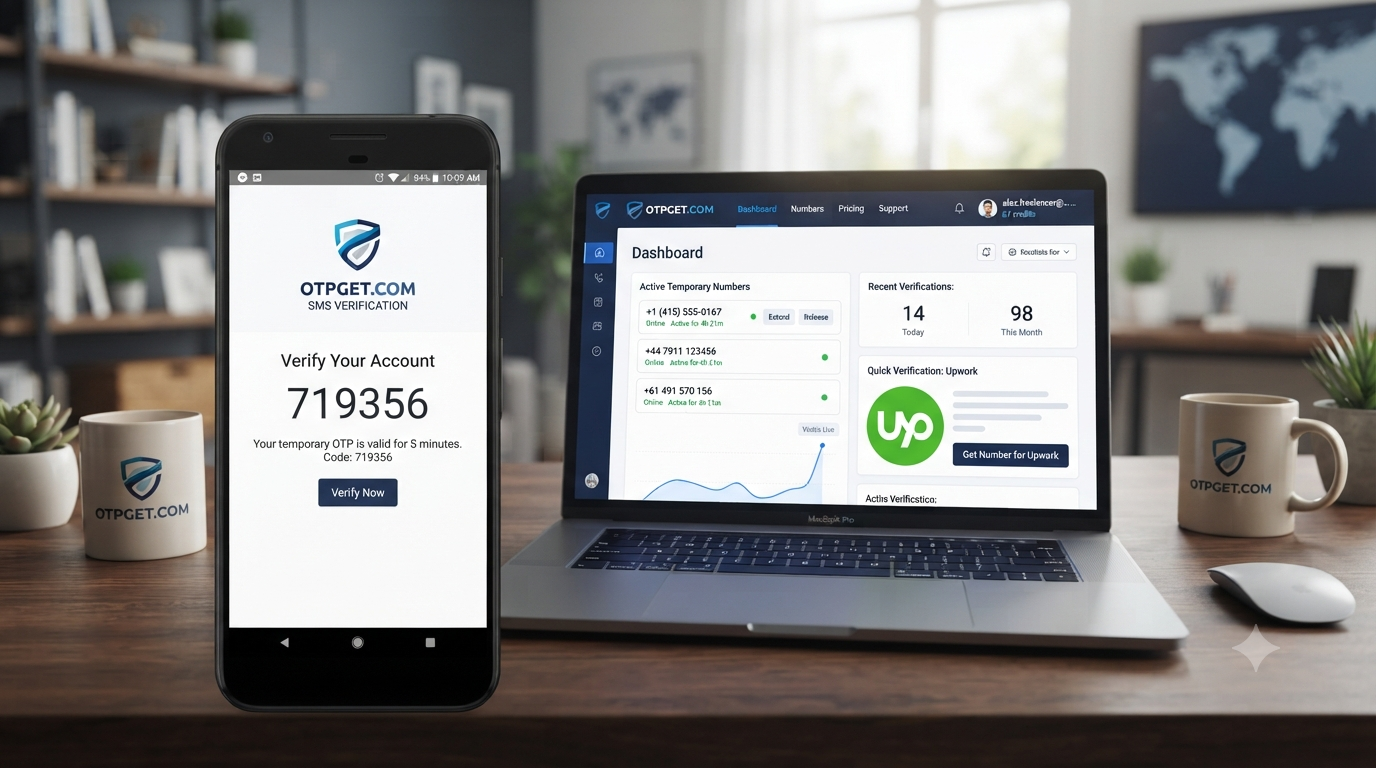
Step 5: Check OTPGet for the Incoming SMS
Return to OTPGet and check the number's message area for the incoming verification code.
OTPGet says its virtual numbers can receive SMS verification codes through its platform.
Step 6: Enter the Code
Once the SMS arrives, enter the OTP into the verification field provided by the service.
If additional identity, location, or security verification is requested, complete those requirements separately.
Remember that receiving an OTP does not mean an account has been approved.
Why Choose OTPGet for Temporary OTP Numbers?
OTPGet is designed around the basic problem of needing access to a phone number that can receive verification SMS without relying exclusively on a personal SIM.
Its website describes virtual numbers for SMS verification as well as temporary and rental-number options.
That can be useful when the main requirement is simply receiving a verification message through an online dashboard.
Potential advantages include:
- Convenience: The number and incoming SMS can be managed online.
- Separation: A separate number can help keep personal contact details separate from certain online activities.
- Flexible use: OTPGet offers both temporary and rental-number options.
- SMS reception: The service is designed around receiving verification messages.
- Simple workflow: The process generally involves selecting a number, using it for an eligible service, and checking for the incoming code.
OTPGet also publishes service documentation for its virtual-number and SMS OTP systems.
The important caveat is compatibility. A temporary number is not automatically accepted by every website, and users should never assume that an OTP service can override a platform's verification rules.
How OTPGet Makes OTP Verification Easier
Using a personal phone number for every online service can become inconvenient. It can also make it harder to separate different types of online activity.
A temporary OTP number offers another approach: use a dedicated number when a service explicitly permits that type of number and only for an appropriate verification purpose.
With OTPGet, the general user journey is simple:
Choose a number → use it with an eligible service → request the OTP → monitor the incoming SMS → enter the code.
That removes some of the friction associated with finding a suitable number and waiting for a verification message.
For longer-term requirements, OTPGet also provides rental numbers rather than limiting users to one-time temporary numbers.
For an Upwork account, however, the platform's own requirements remain the deciding factor. If Upwork requires a standard mobile or landline number for the specific verification step, users should follow that requirement rather than trying to substitute an unsupported number.
Things to Know Before Using a Temporary OTP Number
Temporary numbers are useful in some situations, but they are not a universal solution.
Before using one, keep these points in mind:
- Not every platform accepts temporary or virtual numbers.
- VoIP numbers may be specifically restricted. Upwork states that VoIP numbers cannot be used for phone verification.
- SMS delivery can vary depending on the number, provider, and service.
- Temporary numbers may not provide long-term account access.
- Future recovery can be difficult if an account later requires access to the same number.
- Platform policies still apply. A temporary number should not be used to misrepresent identity, evade account restrictions, or bypass security requirements.
- OTP reception is not account approval. Upwork may require additional identity or security checks.
Upwork's identity-verification process can involve more than a phone number, including government identification and other checks depending on the account and circumstances.
For that reason, a temporary OTP number should be viewed as a communication tool for an eligible verification step—not as a replacement for legitimate identity verification.
Step-by-Step Example of Receiving an OTP with OTPGet
Imagine a freelancer needs to verify a phone number for an online service that explicitly permits a temporary virtual number.
They could:
- Open OTPGet.
- Select an available number suitable for the service.
- Copy the number and enter it into the service's phone-verification field.
- Request an SMS code.
- Return to OTPGet and wait for the verification message.
- Copy the OTP from the incoming SMS.
- Enter the code into the service.
- Complete any additional verification requested by the platform.
This is a hypothetical example. Whether the process works depends on the receiving platform's policies and its ability to accept the selected number.
For Upwork, check the platform's current requirements before proceeding, especially because its help center states that VoIP numbers are not accepted for phone verification.
Temporary OTP Number vs. Personal Phone Number
| Factor | Temporary OTP Number | Personal Phone Number |
|---|---|---|
| Privacy | Can reduce exposure of a personal number | Personal number is directly provided |
| Convenience | Useful for eligible short-term verification | Usually readily available |
| Long-term access | May be limited | Usually under ongoing personal control |
| Reusability | Depends on the service and number | Generally available to the owner |
| Recovery | May be unsuitable for future recovery | Usually better for ongoing access |
| Compatibility | Depends on the receiving platform | Generally more broadly accepted |
| Verification | Only works where permitted | More commonly supported |
For an account that you expect to use for a long time, long-term access to the verification number can be important. Losing access to a number can create problems when a service asks for another SMS code during account recovery.
Frequently Asked Questions
Can I use a temporary OTP number for Upwork?
It depends on the specific number and Upwork's applicable requirements. Upwork states that VoIP numbers cannot be used for phone verification, so users should not assume that every virtual or temporary number is accepted.
What is a temporary OTP number?
It is a phone number intended for short-term or limited use that can receive SMS verification codes. Depending on the provider, it may be available for a short period or through a longer rental arrangement.
How do I receive an Upwork verification code?
If Upwork requires phone verification, follow the phone-verification instructions shown in your account and use a number that meets its requirements. Upwork explains that its verification code is sent by SMS or, where applicable, through other supported verification methods.
How does OTPGet work?
OTPGet provides virtual numbers that can receive SMS verification codes for supported services. Users select an available number, use it with an eligible service, and monitor the OTP message through the service.
Is a temporary phone number the same as a regular mobile number?
Not necessarily. A temporary number is generally intended for limited or short-term use, while a personal mobile number is normally under the user's ongoing control and may be better suited to long-term account recovery.
Will every website accept a temporary OTP number?
No. Acceptance depends entirely on the receiving service. Some platforms restrict virtual, VoIP, disposable, or temporary numbers.
Does receiving an OTP guarantee Upwork account approval?
No. An OTP only confirms completion of that particular verification step. Upwork may require additional identity, location, security, or compliance checks depending on the account and circumstances.
Final Thoughts
A temporary OTP number for Upwork can sound like a simple solution when the real challenge is finding a suitable number for an SMS verification step. Services such as OTPGet can make access to virtual numbers and online SMS reception more convenient for verification purposes where those numbers are permitted.
The key is to use the right tool for the right situation.
OTPGet can be useful when you need a temporary OTP-capable number for an eligible service, while Upwork's own requirements should always take priority. In particular, Upwork states that VoIP numbers cannot be used for phone verification, and receiving an OTP should never be confused with completing identity verification or receiving account approval.
If your intended verification process permits a temporary or virtual number, explore OTPGet to see which suitable options are available.
Internal Link Suggestions
Suggested anchor text: “temporary phone number”
Suggested destination: [Relevant OTPGet temporary-number page]
Suggested anchor text: “receive OTP online”
Suggested destination: [Relevant OTPGet SMS OTP page]
Suggested anchor text: “virtual phone number for OTP”
Suggested destination: [Relevant OTPGet virtual-number page]
Suggested anchor text: “OTP verification”
Suggested destination: [Relevant OTPGet OTP verification guide]
External Link Suggestion
Suggested anchor text: “Upwork phone verification requirements”
Suggested destination: Official Upwork Help Center — phone verification guidance.