How to Get a Thailand Number for Telegram OTP Online — OTPGet
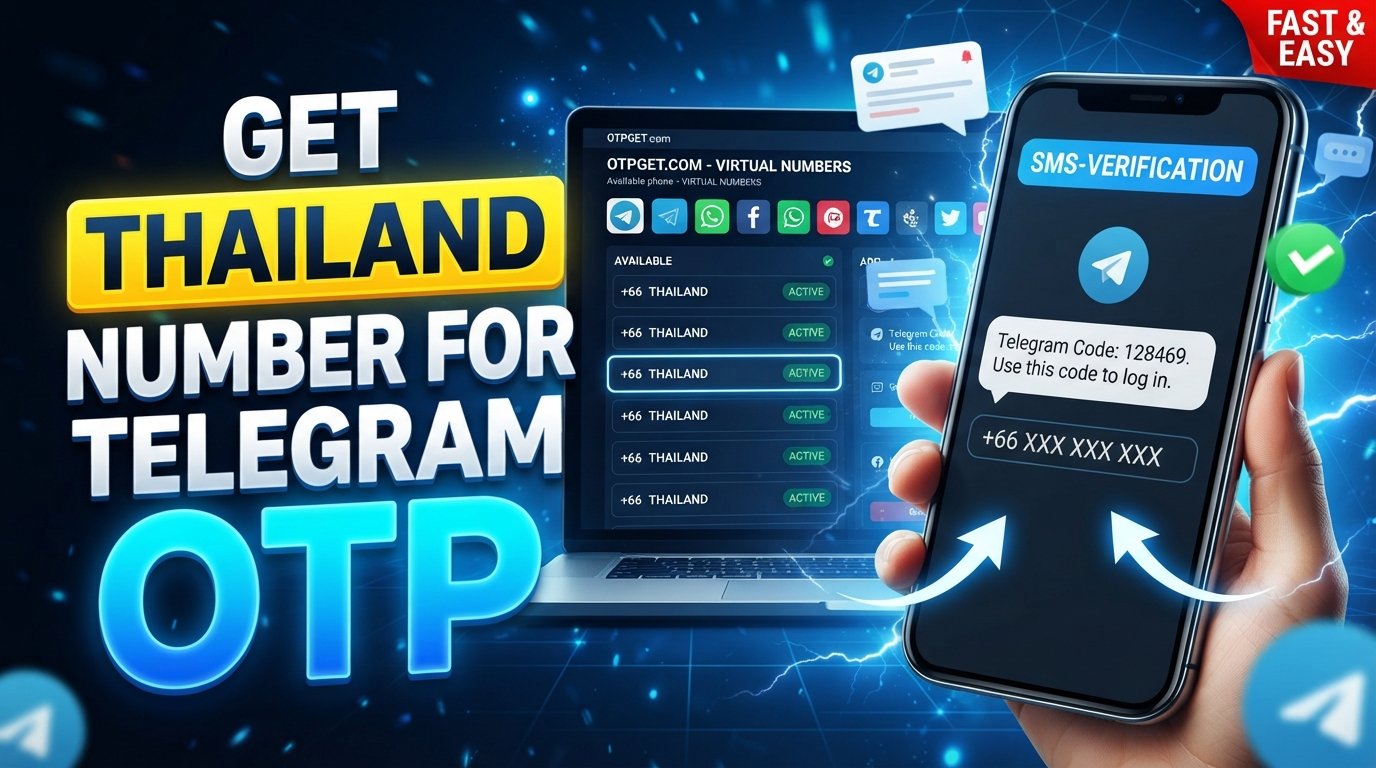
How to Get Thailand Number for Telegram OTP — OTPGet
Need a Thailand number for Telegram OTP but do not have access to a Thai SIM card? Getting a local number can be inconvenient when you are outside Thailand, especially if your only goal is to receive a Telegram verification code. Buying a physical SIM may require travel, local registration, or a longer-term commitment that simply does not make sense for one verification task.
A virtual number can offer a more convenient alternative. Instead of obtaining a traditional SIM, you can use an online Thailand number that is capable of receiving SMS, when supported by the provider and Telegram's current verification methods.
This guide explains how Thailand numbers work for Telegram verification, what to expect from virtual numbers, and how OTPGet can be a practical option to consider.
Why Do You Need a Thailand Number for Telegram OTP?
Telegram uses phone-number verification as part of its account registration and security process. Depending on the circumstances, Telegram may provide a verification code through an available verification method.
Someone may specifically need a Thai phone number for Telegram for several legitimate reasons, including:
- They need to register an account using a Thailand-based number.
- They are temporarily outside Thailand but need access to a Thai number.
- They prefer not to use their personal number for a particular online registration.
- They need an online number for testing or account setup where permitted.
- They want to receive an SMS verification code without purchasing a physical SIM solely for that purpose.
The important point is that Telegram controls how verification works. A Thailand number does not automatically guarantee that Telegram will send an SMS or accept the number. Verification methods and eligibility can vary.
What Is a Thailand Virtual Number?
A Thailand virtual phone number is a phone number that can be managed through an online service rather than a traditional physical SIM card.
A virtual number can be useful when you need to receive SMS remotely. Instead of inserting a Thai SIM into your smartphone, you access the number through the provider's online platform and, where supported, view incoming verification messages there.
A Thailand virtual number may be used for:
- SMS verification
- One-time passwords
- Online account registration
- Service testing
- Separating personal and online communications
The exact capabilities depend on the provider and the type of number offered. Some numbers may be temporary, while others may have different usage or availability conditions.
For Telegram, the key requirement is whether the number can receive the verification method Telegram uses for that particular attempt.
How to Get a Thailand Number for Telegram OTP
If you need a Thailand number for Telegram OTP, OTPGet provides an online approach worth considering. The basic process is straightforward, although availability and Telegram's acceptance of a particular number can vary.
Step 1: Visit OTPGet
Start by accessing the OTPGet platform.
Review the available virtual-number options and make sure you understand the service conditions before selecting a number.
Step 2: Choose a Thailand Number
Look for an available Thailand or Thai phone number that supports the type of SMS verification you need.
If Thailand numbers are available for the relevant service, select the appropriate option. Availability can change, so do not assume that a specific number type will always be listed.
Step 3: Use the Number for Telegram Verification
During Telegram registration or phone verification, enter the Thailand number in the required phone-number field.
Make sure the country code and number are entered correctly. A formatting mistake can prevent the verification message from reaching the intended number.
Step 4: Wait for the OTP
If Telegram uses SMS verification for the attempt, it may send a Telegram OTP to the selected number.
Return to the OTPGet interface and check for the incoming verification message according to the platform's available workflow.
Do not repeatedly request new codes while waiting. Multiple requests can sometimes create additional verification delays or confusion.
Step 5: Enter the Verification Code
Once the Telegram verification code is received, enter it into the appropriate Telegram verification screen.
Treat the OTP as private information. Never share a Telegram verification code with another person, even if someone claims to be helping you access the account.
Step 6: Complete the Telegram Setup
After Telegram accepts the code, continue with the normal account setup process.
Follow Telegram's instructions for completing the profile and securing the account. If Telegram presents another verification method instead of SMS, follow the method shown by Telegram rather than attempting to bypass it.
Why Choose OTPGet for a Thailand Telegram Number?
The main appeal of OTPGet is convenience. If you need a Thailand SMS number remotely, an online provider can eliminate the need to obtain a traditional Thai SIM solely for verification.
Potential advantages include:
- Convenient online access: You can look for a Thailand number without visiting a physical mobile shop.
- Thailand number availability: When supported and available, OTPGet can provide access to numbers associated with Thailand.
- SMS/OTP receiving: The service is designed around receiving verification messages through supported numbers.
- Simple workflow: The process is easier to understand than arranging a physical SIM purely for an online verification task.
- Remote access: A virtual Thailand number can be useful when you are not physically located in Thailand.
- No physical SIM solely for verification: You can consider an online number instead of acquiring a traditional SIM for a single verification requirement.
These benefits do not mean every virtual number will work with every Telegram verification attempt. Telegram makes the final decision about which verification methods and numbers it accepts.
For that reason, OTPGet is best viewed as a convenient option to consider, rather than a guaranteed way to complete Telegram verification.
Thailand Number for Telegram OTP vs. Traditional SIM
Both virtual numbers and traditional SIM cards can have legitimate uses. The better option depends on how you intend to use the number.
| Feature | OTPGet / Virtual Number | Traditional Thai SIM |
|---|---|---|
| Physical SIM required | No | Yes |
| Remote access | Generally convenient for online access | Requires possession of the SIM |
| Convenience | Useful for online verification needs | More involved if you are outside Thailand |
| SMS verification | Available when the number and service support it | Typically available according to the carrier plan |
| Setup effort | Online setup | May involve obtaining and activating a SIM |
| Long-term ownership | Depends on the number/service terms | Depends on the SIM and carrier terms |
| Best suited for | Specific online number needs | Ongoing mobile use and communications |
A traditional SIM can be preferable when you need dependable long-term access to the same number for calls, SMS, recovery, and everyday communication. A virtual number can be more convenient when your requirement is primarily online and remote.
How Telegram OTP Verification Works
The general Telegram phone-verification process is simple:
- Enter your phone number.
- Telegram requests verification.
- Telegram determines which verification method is available.
- If SMS is used, a verification code is sent to the number.
- Enter the Telegram OTP in the verification screen.
- Continue with the account setup if the code is accepted.
One important detail is that SMS is not necessarily the only verification route. Telegram controls its own verification system and may use another available method depending on the account, device, and circumstances.
That means a Thailand SMS verification number should never be treated as a guaranteed solution for every registration attempt.
Common Problems When Getting a Thailand Number for Telegram
Even when a virtual number is available, verification can sometimes fail. Common issues include:
Number Is Unavailable
Thailand numbers may not always be available in the exact format or service category you need. If a suitable number is not listed, you may need to check again later or consider another legitimate option.
SMS Does Not Arrive
An SMS may be delayed, unavailable, or not sent at all. First, confirm that the number was entered correctly and that it can receive SMS for the intended service.
Verification Code Is Delayed
Avoid repeatedly requesting codes immediately. Give the current verification attempt time to complete and follow Telegram's on-screen instructions.
Number Has Been Used Before
Temporary or recycled numbers can have a history with online services. A number that has previously been associated with an account may not behave as expected during a new verification attempt.
Telegram Uses Another Verification Method
Telegram may provide a verification method other than SMS. If that happens, use the option Telegram presents rather than trying to circumvent the process.
Number Expires or Is Reassigned
Some virtual numbers are temporary. If you need the same number for future account recovery or security checks, understand the provider's number-usage terms before relying on it.
Tips for Successfully Receiving a Telegram OTP
A few basic practices can reduce avoidable verification problems:
- Enter the complete country code correctly.
- Check that the selected Thailand number is active and suitable for SMS reception.
- Avoid requesting multiple OTPs repeatedly.
- Wait for the current verification attempt before trying again.
- Check whether Telegram has offered another verification method.
- Use a number provider that clearly explains its service and usage terms.
- Keep the verification code private.
- For important accounts, consider whether you need a number you can retain for future recovery.
- Follow Telegram's instructions rather than attempting to bypass verification controls.
These steps cannot guarantee successful verification, but they can help prevent simple setup mistakes.
Is a Thailand Virtual Number Safe for Telegram?
A virtual number can be useful, but it should be treated with the same care as any other account-verification method.
One of the biggest considerations is number ownership and continuity. If a temporary number expires or is later reassigned, you may not have reliable access to it for future account recovery.
There is also a difference between a temporary number and a number intended for longer-term use. Before using a virtual Thailand number for an important Telegram account, consider whether you will need continued access to the number later.
Security also matters. Never give your Telegram OTP to another person, and avoid sharing verification messages through screenshots or unsecured channels.
Before using OTPGet or any other virtual-number provider, review its current terms, privacy practices, and information about how its numbers are allocated and used.
A virtual number can be convenient, but convenience should not come at the expense of account security or control.
Frequently Asked Questions
How can I get a Thailand number for Telegram OTP?
You can look for an available Thailand virtual number through an online provider such as OTPGet. If a suitable number is available, use it during Telegram's phone-verification process and check whether Telegram sends an SMS verification code.
Can I use a Thailand virtual number for Telegram?
A Thailand virtual number may work for Telegram when the number is supported and Telegram accepts it for the verification attempt. However, Telegram controls its verification methods, so compatibility is not guaranteed.
Where can I get a Thailand phone number online?
You can look for an online Thailand phone number through a virtual-number provider such as OTPGet. Availability can vary, so check the platform for currently offered Thailand numbers.
Can I receive Telegram OTP on a Thailand number?
You may be able to receive a Telegram OTP on a Thailand number when Telegram uses SMS verification and the selected number supports receiving the message. Telegram may also use another verification method.
What is a Thailand SMS verification number?
A Thailand SMS verification number is a Thai phone number used to receive SMS messages such as one-time passwords or account-verification codes from supported online services.
Is OTPGet suitable for receiving Telegram verification codes?
OTPGet can be a convenient option to consider when you need access to a Thailand number for SMS-based verification. However, successful Telegram verification depends on Telegram's current verification process and whether the selected number is accepted.
Why is my Telegram OTP not arriving?
Check the number and country code, confirm that the number can receive SMS, and avoid repeatedly requesting new codes. Telegram may also be using another verification method, so check the instructions displayed in the app.
Can I use a virtual Thailand number instead of a physical SIM?
Yes, a virtual Thailand number can be an alternative when you need online access to a Thai number for supported SMS verification. Unlike a traditional SIM, it does not require you to physically obtain and insert a SIM card. Its suitability depends on the service you are trying to verify.
Final Thoughts
Getting a Thailand number for Telegram OTP does not necessarily require obtaining a traditional Thai SIM. For users who need a number remotely, a virtual Thailand phone number can provide a simpler way to approach SMS-based verification when the number and service are compatible.
The key is to understand the limitations. Telegram controls its verification methods, virtual numbers can have different usage conditions, and temporary numbers may not be suitable for accounts that require long-term number access.
If you are looking for a convenient online option, OTPGet is worth considering for accessing Thailand numbers and receiving supported SMS or OTP messages. Explore the available options, choose a number that fits your legitimate verification needs, and always follow Telegram's own verification and security requirements.