this phone number already registered with WhatsApp: Fix It Fast
This Phone Number Already Registered With WhatsApp? Here’s What It Means and What to Do
8. ARTICLE
Seeing “this phone number already registered with WhatsApp” can be confusing, especially if you expected the number to be available for a fresh registration.
The message does not automatically mean something is wrong with your phone, and it does not necessarily mean your account has been compromised. In many cases, the number has simply been associated with WhatsApp before, particularly when a number has changed owners or you are moving an existing account to another device.
The important part is knowing what the message means and what to check next. This guide explains why WhatsApp may recognize a number, how to handle common verification problems, what to do when a WhatsApp verification code is not arriving, and where OTPGET may fit into legitimate phone and OTP verification workflows.
What Does “This Phone Number Already Registered With WhatsApp” Mean?
In simple terms, the message means WhatsApp recognizes the phone number as being associated with a WhatsApp registration.
A phone number can already be registered for several legitimate reasons:
- The number was previously used to create a WhatsApp account.
- The mobile number was previously assigned to another person.
- You are reinstalling WhatsApp after using it before.
- You are moving an existing WhatsApp account to another phone.
- WhatsApp recognizes an existing registration associated with the number.
This is why a phone number already registered with WhatsApp is not necessarily a sign of an account takeover.
For example, imagine you receive a mobile number that belonged to someone else. The previous owner may have used that number for WhatsApp. When you later attempt to register it, WhatsApp can recognize its previous association.
The key distinction is between registration and access. Having a number that was previously registered does not by itself give you access to another person's account. You should only proceed through WhatsApp's official verification process for a number you legitimately control.
Why Does WhatsApp Say My Phone Number Is Already Registered?
There are several common situations behind a WhatsApp registration message.
1. The number was previously used
Mobile numbers can be reassigned by carriers. A newly acquired number may therefore have a history that you were not aware of.
2. You switched phones
If you already use WhatsApp and move to another device, WhatsApp may recognize the number because it is connected to an existing registration.
3. You reinstalled WhatsApp
Deleting and reinstalling the application does not necessarily mean the phone number has never been registered. Your number may still be associated with an existing WhatsApp account.
4. You changed your SIM card
Changing a physical SIM or moving between supported SIM arrangements can create confusion if the number entered during registration does not match the number you actually control.
5. There is a verification problem
Sometimes what looks like a registration problem is actually a WhatsApp phone number verification issue. Incorrect country codes, unavailable SMS service, network problems, or repeated verification attempts can interfere with the process.
So, when WhatsApp says this number is already registered, start by confirming the basics rather than assuming the worst.
Is It Possible to Register the Number Again?
Yes, a number that was previously used with WhatsApp can be registered by its legitimate current user, but the process still requires WhatsApp's official verification.
At a high level, you should:
- Enter the phone number correctly.
- Select the correct country code.
- Make sure you can access the SIM or mobile number.
- Confirm that the number can receive the required verification communication.
- Enter the verification code supplied through WhatsApp's official process.
- Follow the instructions displayed by WhatsApp.
The verification code is an important security step. You should never try to work around it or use it to gain access to an account belonging to another person.
If the number is yours but you cannot access it, the situation is different: you may need to resolve the underlying phone-number or account-access issue before successful registration is possible.
What to Do When Your WhatsApp Verification Code Isn't Arriving
A missing WhatsApp verification code is one of the most common reasons people search for a WhatsApp verification issue or WhatsApp activation problem.
Before trying anything unusual, work through this checklist.
Check the phone number and country code
A simple country-code mistake can send the verification process in the wrong direction. Carefully review the number before requesting another code.
Confirm that the SIM is active
Make sure the mobile number is currently active and accessible to you. If the SIM cannot receive normal SMS messages or calls, verification may not work as expected.
Check your mobile connection
Poor network coverage or temporary carrier issues can interfere with SMS or calls. Try again when your connection is stable.
Make sure SMS and calls can reach the number
If the verification process offers an appropriate alternative method, follow the options WhatsApp provides. The important point is that you must be able to legitimately receive and use the verification information.
Avoid repeatedly requesting codes
Requesting OTPs again and again can make troubleshooting more confusing and may trigger temporary restrictions in the verification flow. Give the process time before making another request.
Restart your phone if appropriate
A basic restart can sometimes resolve temporary connectivity or messaging issues. After restarting, check your network and try the official verification process again.
Follow WhatsApp's instructions
WhatsApp controls its own registration and account-verification process. If the application displays additional instructions or a waiting period, follow those instructions rather than attempting to bypass them.
How OTPGET Can Help With Legitimate OTP Verification
Not every phone verification problem is specifically a WhatsApp problem.
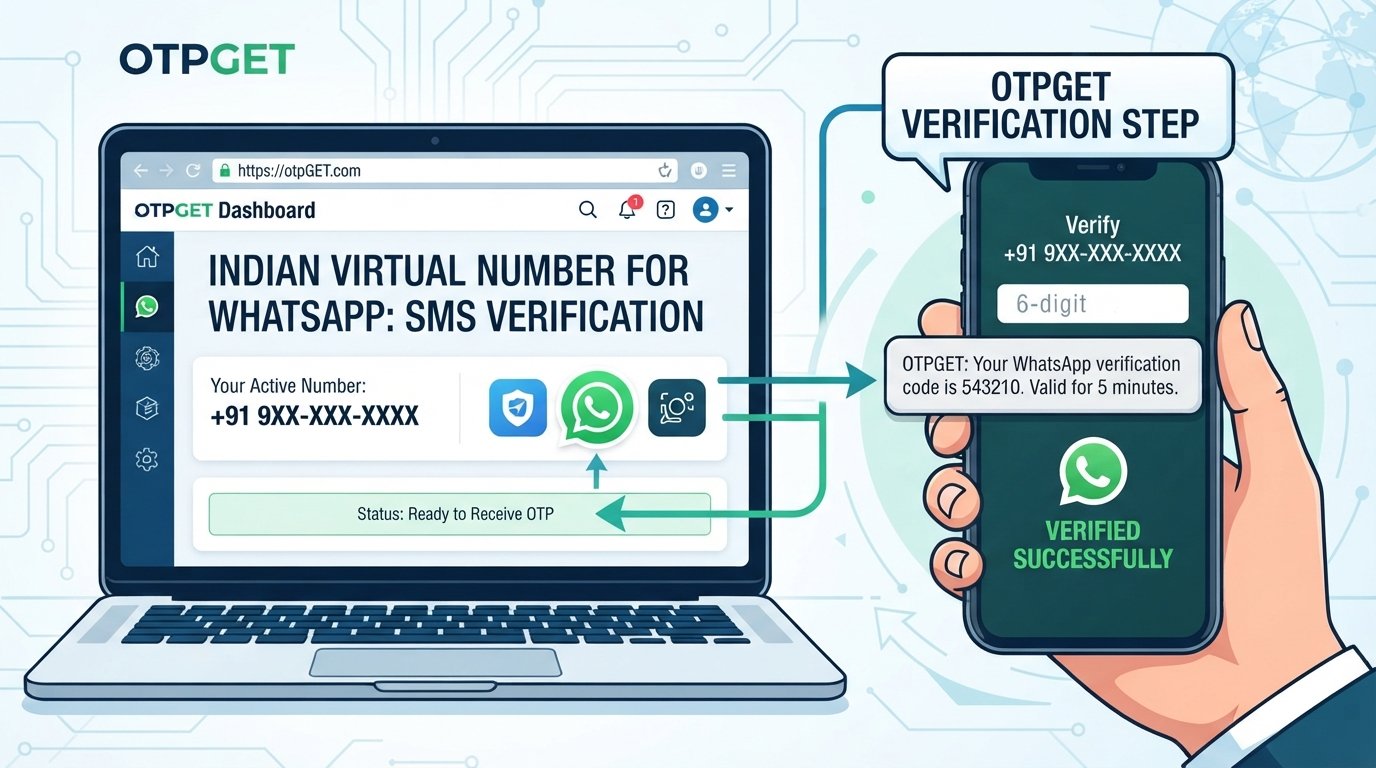
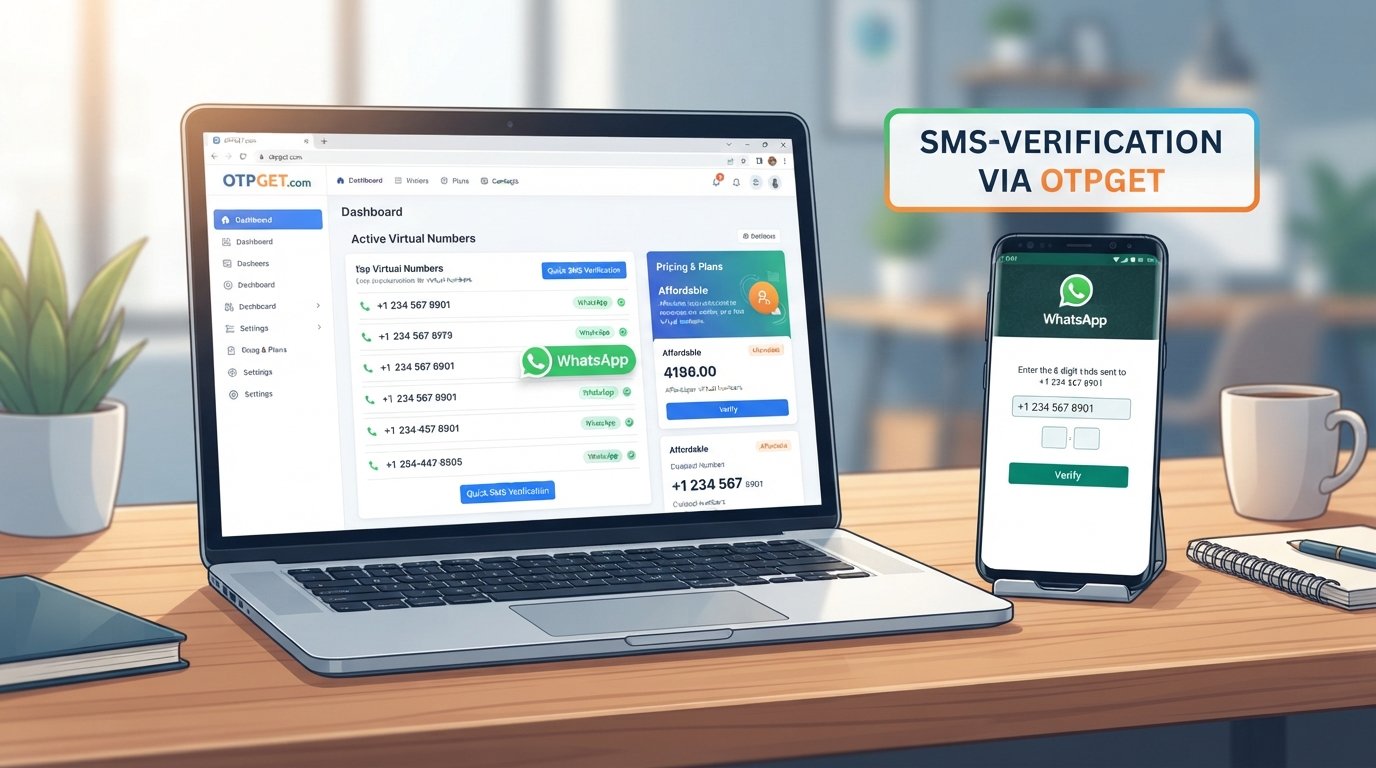
Many websites, applications, and online services use SMS verification, one-time passwords, or phone-number verification during registration and other supported workflows. That's where a dedicated OTP verification service such as OTPGET can be relevant.
OTPGET can be considered for legitimate OTP and phone-verification needs, including situations where a supported service requires a verification code and the user needs a practical way to receive that code.
Depending on the supported service and workflow, OTPGET can help with:
- OTP verification
- Phone-number verification
- Receiving verification codes where supported
- Simplifying OTP-related workflows
- Online OTP verification for supported services
The important limitation is equally straightforward: OTPGET does not replace WhatsApp's own security or verification process. WhatsApp determines how its registration and verification system works, and users should follow WhatsApp's official requirements.
If you are trying to register your own number with WhatsApp, the safest approach is to use the official WhatsApp verification process and make sure you have legitimate access to the number.
For other supported platforms that require phone verification, OTPGET may provide a practical option for handling the OTP portion of the workflow.
OTPGET vs. Common Phone Verification Problems
The following comparison shows where ordinary troubleshooting ends and where an OTP service may potentially become relevant.
| Problem | What the User Can Check | How OTPGET May Help |
|---|---|---|
| Wrong country code | Confirm the number and country selection | Not a substitute for correcting the number |
| SIM cannot receive SMS | Check SIM status, carrier service, and connectivity | May be relevant for supported verification workflows where an eligible number is required |
| Verification code is delayed | Wait and follow the platform's instructions | Can be considered for supported services requiring OTP verification |
| Number was previously registered | Confirm that you legitimately control the number | Does not remove an existing WhatsApp registration or bypass WhatsApp verification |
| Registering on another supported service | Check that the service accepts its verification method | OTPGET may help with supported OTP/phone-verification workflows |
| Repeated OTP requests | Stop repeated attempts and follow the service's waiting instructions | Does not override a platform's verification limits |
| No access to the number | Recover legitimate access through the carrier or provider | An OTP service cannot give you unauthorized access to a number |
This distinction matters. A phone verification service can support an eligible verification workflow, but it should not be treated as a way around a platform's security controls.
Common Mistakes to Avoid During WhatsApp Verification
When dealing with a WhatsApp number verification problem, avoid shortcuts that can create bigger security or access issues.
Entering the wrong country code:
Double-check the country and complete phone number before requesting a verification code.
Using a number you cannot access:
Verification depends on legitimate control of the phone number. Do not attempt to register a number simply because you know it.
Requesting too many codes:
Repeated requests can complicate the process. Follow the application's instructions and wait when required.
Sharing your OTP:
A WhatsApp verification code is sensitive information. Do not give it to another person who asks for it.
Using unauthorized numbers:
Only use phone numbers you own or are authorized to use.
Ignoring security warnings:
If WhatsApp displays a warning or unusual verification instruction, take it seriously and use official support or verification channels.
Assuming every error means your account was hacked:
A number may have been previously registered, especially when mobile numbers are reassigned. Look at the actual circumstances before drawing conclusions.
Frequently Asked Questions
Why does WhatsApp say my phone number is already registered?
It usually means WhatsApp recognizes the number as being associated with a registration. The number may have been used previously, or you may be moving an existing WhatsApp account to another device.
Can I register a phone number that was previously used on WhatsApp?
A number can be registered by its legitimate current user, but the process must go through WhatsApp's official verification requirements. You should have authorized access to the number and be able to complete the verification process.
Why am I not receiving my WhatsApp verification code?
Check the phone number, country code, SIM status, mobile connection, and ability to receive SMS or calls. Avoid repeatedly requesting codes and follow WhatsApp's displayed instructions.
What is a WhatsApp OTP?
A WhatsApp OTP is a one-time verification code used as part of the platform's account-registration or verification process. It is sensitive information and should not be shared with other people.
Can OTPGET help with phone verification?
OTPGET can be considered for legitimate OTP and phone-number verification workflows on supported services. It does not bypass WhatsApp verification, remove account security requirements, or provide unauthorized access.
Is it safe to share a WhatsApp verification code?
No. Treat a verification code as confidential. Do not share it with another person, even if they claim to be helping you recover or verify an account.
What should I do if I no longer control the phone number?
Contact your mobile carrier or provider about legitimate recovery options. Without access to the number, you may not be able to complete the normal phone-number verification process.
How can I avoid repeated WhatsApp verification problems?
Use the correct number and country code, maintain access to the SIM, keep your connection stable, avoid repeated code requests, and follow WhatsApp's official verification instructions.
Final Thoughts
The message “this phone number already registered with WhatsApp” does not automatically indicate a security breach. A number may have been used with WhatsApp previously, reassigned to a new owner, or associated with an existing registration because you are moving between devices.
Start with the basics: verify the number and country code, confirm that you control the SIM, make sure SMS or calls can reach the phone, and follow WhatsApp's official verification process.
For broader phone-verification needs beyond WhatsApp, OTPGET can be considered as a practical option for supported OTP and phone-number verification workflows. The key is to use any verification service responsibly and only with numbers and accounts you are authorized to use.
If you need a straightforward way to handle supported OTP verification workflows, explore OTPGET and determine whether its verification options fit your specific use case.
9. INTERNAL LINK SUGGESTIONS
- Place after the introduction: [Internal Link: WhatsApp Verification Guide]
- Place in the verification-code troubleshooting section: [Internal Link: OTP Verification Guide]
- Place when explaining OTPs: [Internal Link: How OTP Verification Works]
- Place in the section discussing phone-number ownership: [Internal Link: Phone Number Verification Guide]
- Place near the OTPGET section: [Internal Link: OTPGET OTP Verification Guide]
- Place before the final CTA: [Internal Link: Online OTP Verification Guide]
10. FAQ SCHEMA / STRUCTURED DATA SUGGESTION
Use FAQPage structured data only if the same FAQ questions and answers are visibly published on the page and the implementation complies with Google's current structured-data guidelines.
Suggested FAQ entries:
- Why does WhatsApp say my phone number is already registered?
- Can I register a phone number that was previously used on WhatsApp?
- Why am I not receiving my WhatsApp verification code?
- What is a WhatsApp OTP?
- Can OTPGET help with phone verification?
- Is it safe to share a WhatsApp verification code?
- What should I do if I no longer control the phone number?
- How can I avoid repeated WhatsApp verification problems?
For implementation, use the page's visible FAQ copy as the source of truth rather than creating different answers solely for search engines.