This Phone Number Already Registered With WhatsApp? What to Do

This Phone Number Already Registered With WhatsApp? What to Do
“This phone number already registered with WhatsApp” is a confusing message to encounter, especially when you are simply trying to verify a number and start using the app.
In most cases, the message means the phone number is already associated with a WhatsApp account or has been used with WhatsApp before. It does not automatically mean that someone currently has access to your account or that your number has been permanently blocked.
The right next step depends on why the number is showing as registered. This guide explains what the message means, why it happens, how to troubleshoot a WhatsApp registration problem, and where an OTP verification service such as OTPGET may fit into legitimate verification needs.
What Does “This Phone Number Already Registered With WhatsApp” Mean?
When WhatsApp says this phone number is already registered with WhatsApp, it generally indicates that the number has previously been registered or is associated with an existing account.
WhatsApp uses phone-number verification to confirm that the person registering an account has access to the number. Its Help Center states that users must register an active phone number and receive a registration code through an available verification method.
It helps to distinguish four related activities:
- Registering a number: Setting up or re-registering a WhatsApp account with a phone number.
- Verifying a number: Confirming ownership or access by entering a registration code.
- Accessing an existing account: Signing in again with a number that has already been registered.
- Creating a new account: Setting up an account using an eligible number.
So, seeing that a number is already registered does not necessarily mean you need a completely different number. If you own the number, you may simply need to complete the normal WhatsApp verification process.
Why Does WhatsApp Say the Phone Number Is Already Registered?
There are several realistic reasons for this message.
The number was previously used for WhatsApp
The simplest explanation is that the number has already been registered. This is particularly common when someone is changing phones or reinstalling WhatsApp and is trying to regain access to an existing account.
The SIM was previously owned by someone else
Mobile carriers can reassign numbers. WhatsApp specifically notes that recycled phone numbers can still have information associated with a previous account.
For example, you may activate a newly purchased SIM and discover that the number was once connected to another person's WhatsApp account.
That does not automatically mean the previous owner can access your new WhatsApp account. According to WhatsApp, completing verification with an active SIM gives the current user control over registration of that number.
You're trying to register an existing number as if it were new
If the number already has an account, the appropriate process may be re-registration or account recovery rather than treating it as an entirely unused number.
Verification circumstances are causing confusion
Sometimes the registration message appears alongside other verification problems, such as not receiving the WhatsApp verification code, entering the wrong country code, or repeatedly requesting codes.
These issues should be handled through WhatsApp's normal registration and recovery procedures rather than by attempting to bypass its security controls.
Common Situations That Cause This WhatsApp Registration Problem
You may encounter a number already in use when:
- You bought a new SIM with a recycled phone number.
- You switched to a new phone.
- You deleted and reinstalled WhatsApp.
- You are trying to re-register an existing WhatsApp account.
- The phone number was previously connected to WhatsApp.
- You entered the number using an incorrect country-code format.
- You cannot currently access SMS or calls on the number.
- Too many verification attempts have been made in a short period.
A recycled number can be especially confusing because you might see an unfamiliar profile photo, About information, or existing group associations. WhatsApp explains that this can happen when a previous account was not deleted before the number was reassigned.
What to Do When Your Phone Number Is Already Registered With WhatsApp
If WhatsApp says phone number already registered, start with the simplest checks before trying anything unusual.
1. Confirm that you control the number
Make sure the SIM is active and that you can receive SMS messages or phone calls on it. WhatsApp requires access to the number being registered.
2. Check the country code
Enter the complete phone number in international format and make sure the selected country is correct. An incorrect country code or extra leading digit can interfere with registration.
3. Try WhatsApp's normal verification process
Request the WhatsApp registration code and enter the current code when prompted. Depending on the available options, verification may use SMS or a phone call.
4. Don't repeatedly request codes
If you request or enter codes repeatedly, you may have to wait before trying again. WhatsApp advises users not to guess registration codes and notes that incorrect attempts can result in a temporary lockout.
5. Consider whether the number is recycled
If you recently received the SIM from a carrier, the number may have belonged to another person. Complete the normal verification process rather than assuming that the previous account belongs to you.
6. Use official recovery or support options
If the number is yours but you still cannot complete registration, follow WhatsApp's official account recovery and support instructions. This is especially important if you suspect someone else has attempted to register your number.
Can You Verify a Number Without Using Your Main SIM?
Sometimes users prefer not to use their primary phone number for a particular verification requirement. This is where temporary phone numbers, virtual phone numbers, or other phone number verification services can become relevant for legitimate, supported purposes.
However, there is an important limitation: not every platform accepts every type of number.
WhatsApp states that only supported numbers can be registered and specifically lists some number types, including VoIP numbers, among unsupported categories for registration.
That means obtaining a temporary or virtual number does not guarantee that WhatsApp will accept it.
Always use a number you are authorized to use and follow the platform's rules. An alternate number should be viewed as a legitimate verification option—not a method for bypassing account security.
How OTPGET Can Help With OTP Verification
If your main requirement is access to an OTP verification service, OTPGET can be considered as a practical option where its supported services and numbers meet the requirements of the platform you are using.
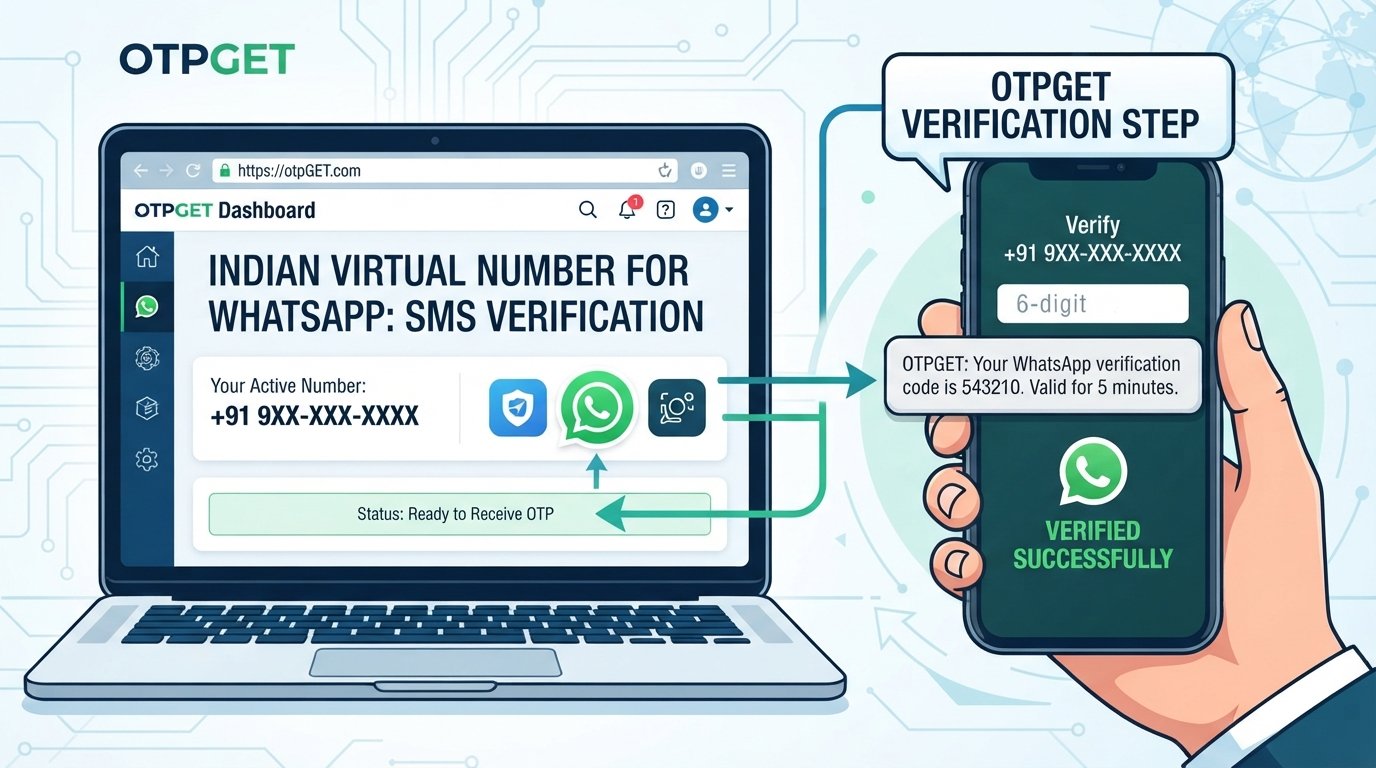
The basic idea is straightforward: instead of relying on your personal number for every supported verification purpose, you can use an appropriate verification option available through OTPGET and retrieve the required code through the service.
A typical workflow looks like this:
- Select a suitable verification option through OTPGET.
- Use the provided number for the relevant verification process.
- Request the OTP from the platform where verification is required.
- Retrieve the verification code through the supported OTPGET service.
- Enter the OTP into the relevant verification screen.
- Complete verification if the platform accepts both the number and the code.
This can be useful when you need to receive verification codes online for a supported purpose and prefer an alternative to your primary phone number.
The important distinction is that OTPGET does not control WhatsApp's registration system. WhatsApp determines which numbers and verification attempts it accepts. Successful verification therefore depends on factors such as number availability, platform rules, and whether the specific number is supported.
Why Users Consider OTPGET for Phone Verification
For appropriate verification scenarios, users may consider an OTP service because it can provide an alternative way to handle code-based authentication.
Potential advantages include:
- Convenience: A verification workflow can be easier to manage when the required code is available through a supported online service.
- Alternative verification access: An alternate number may be useful when you do not want to use your primary number for a particular supported purpose.
- Simple OTP workflow: The process generally involves obtaining a number, requesting a code, retrieving it, and entering it into the verification screen.
- Centralized access: Where supported, receiving verification codes through a dedicated service can simplify short-term verification tasks.
These benefits should not be confused with a guarantee of successful WhatsApp registration. Platform acceptance always comes first.
OTPGET vs. Using Your Personal Phone Number
Both approaches can have legitimate uses. The appropriate choice depends on the verification requirement, number ownership, and the platform's rules.
| Factor | Personal Phone Number | OTPGET |
|---|---|---|
| Number source | Your own SIM | Alternative verification option |
| SMS access | Direct access through your phone/carrier | Access depends on the supported service |
| Long-term ownership | Remains associated with you | Depends on the applicable service arrangement |
| Convenience | Familiar and direct | Can be useful for supported verification scenarios |
| Platform acceptance | Depends on the platform | Depends on the platform and number type |
| Best suited for | Your own accounts and ongoing access | Supported OTP-based verification needs |
The key point is simple: OTPGET is an alternative option, not a universal replacement for your personal number.
What If the WhatsApp Number Still Cannot Be Verified?
If you still cannot register your phone number on WhatsApp, work through the basics systematically.
Check the following:
- Country code: Make sure the number is entered in the correct international format.
- SIM access: Confirm that the active SIM is in a phone where you can receive SMS or calls.
- Network connection: Check that your mobile network and internet connection are working.
- SMS and call availability: Make sure your carrier is allowing incoming messages and calls.
- Verification attempts: If you requested several codes, wait for any required timer or cooldown period.
- Number support: Confirm that the number type is supported by WhatsApp.
- Existing account status: If the number was previously used, you may need to re-register or recover the existing account rather than create it as though it were new.
WhatsApp's own troubleshooting guidance recommends checking the number format, waiting when the verification timer is active, and using the available call option when appropriate.
If the problem continues, use WhatsApp's official support channels instead of trying to defeat or circumvent its verification process.
Frequently Asked Questions
1. What does “this phone number already registered with WhatsApp” mean?
It usually means the phone number has previously been registered with WhatsApp or is associated with an existing account. If you own the number, completing the normal verification process may allow you to register or re-register it.
2. Why is my phone number already registered on WhatsApp?
It may have been used by you previously, or it could be a recycled mobile number that belonged to another person. WhatsApp confirms that recycled numbers can retain information from a previous account.
3. Can I register the same phone number on WhatsApp again?
You can re-register a phone number you own by following WhatsApp's verification process. WhatsApp uses a registration code to confirm access to the number.
4. Why am I not receiving my WhatsApp verification code?
Check the country code, mobile reception, SMS availability, and whether you have waited for the verification timer. WhatsApp may also provide a phone-call verification option.
5. Can a virtual number be used for WhatsApp verification?
It depends on the number type and WhatsApp's requirements. WhatsApp states that some number types, including VoIP numbers, are unsupported for registration.
6. What is OTP verification?
OTP verification is a security process where a platform sends a one-time code to a phone number or another supported channel. Entering the correct code helps confirm access to the verification destination.
7. How can OTPGET help with verification?
OTPGET can be considered for obtaining OTP-based verification access where the service and number are supported for the relevant platform. The platform still controls whether the number and verification attempt are accepted.
8. What should I do if WhatsApp does not accept my number?
First check the number format, SIM access, network, SMS or call availability, and any verification waiting period. If the number remains unusable, follow WhatsApp's official support or recovery process.
Final Thoughts
Seeing “this phone number already registered with WhatsApp” does not necessarily mean something is wrong with your SIM or that somebody has access to your account. The number may simply have been used with WhatsApp before, particularly if you have a recycled mobile number.
Start with the official verification process, confirm that you control the number, check the country code, and avoid repeatedly requesting verification codes.
If you need an alternative route for OTP verification for a supported purpose, OTPGET may be worth exploring. Its usefulness depends on the available number and the requirements of the platform you're trying to verify with.
For WhatsApp specifically, always follow WhatsApp's own registration and security requirements. No third-party service should be treated as a way to bypass those controls.