TikTok Account Setup: Get Your OTP Fast and Verify Easily Online
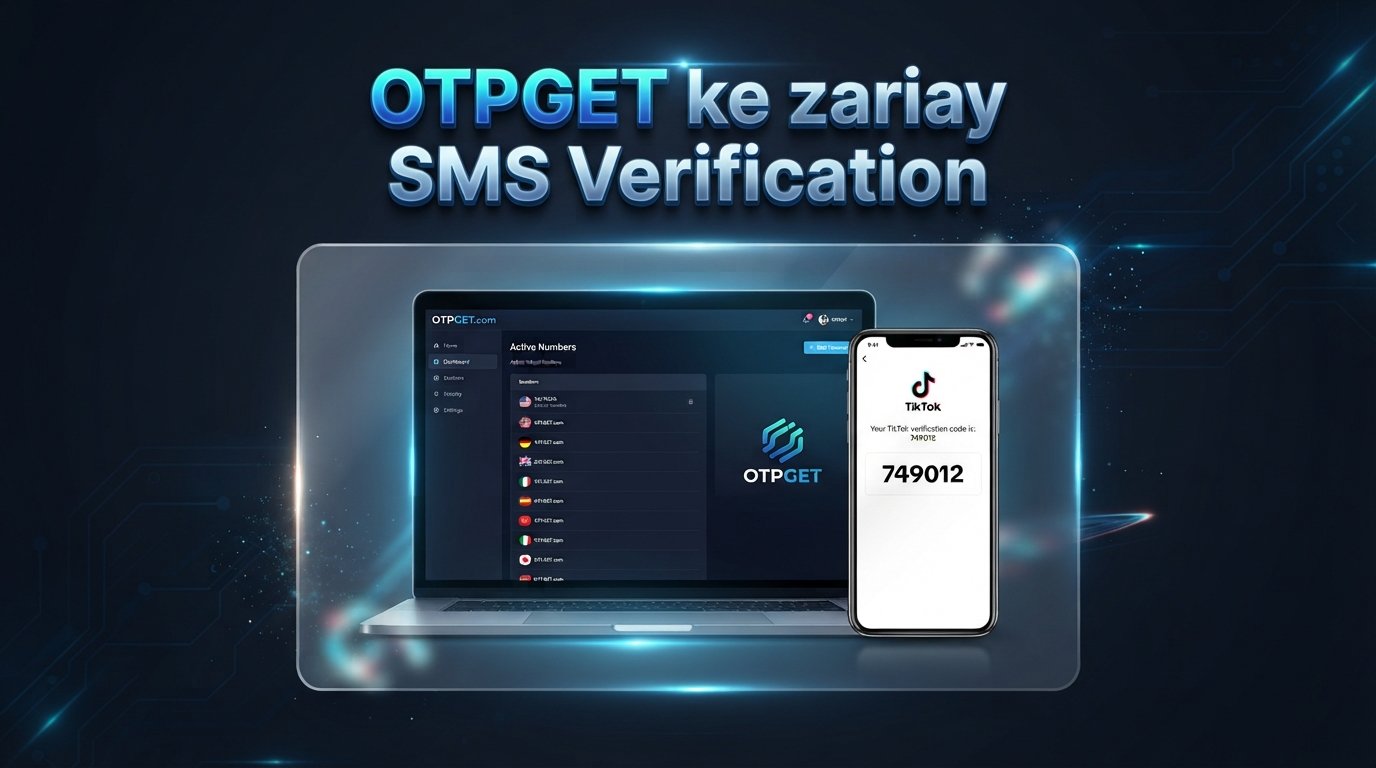
TikTok Account Setup: Get Your OTP Fast
Setting up a TikTok account should be quick: choose your sign-up method, enter the required details, verify your information, and start using the platform. But sometimes the process hits an unexpected roadblock—the TikTok OTP never arrives.
A delayed SMS, incorrect number, carrier restriction, or repeated verification request can turn a simple sign-up into a frustrating experience. If you're trying to complete your TikTok account setup and waiting for a verification code, the good news is that several common problems are easy to identify and troubleshoot.
For supported and legitimate verification scenarios, OTPGET can also be a convenient option when you need access to an OTP or verification SMS without relying on your usual number. Availability and compatibility can vary, so it's important to use any verification service according to the applicable platform rules.
Let's look at how TikTok phone verification works, why codes sometimes fail to arrive, and what you can do to make the process smoother.
Why TikTok OTP Matters During Account Setup
An OTP, or One-Time Password, is a temporary verification code used to confirm that you have access to a particular phone number or verification channel.
During TikTok sign up verification, TikTok may ask you to confirm a phone number by sending an SMS containing a verification code. You then enter that code into the appropriate verification field to continue.
This extra step helps distinguish genuine account activity from attempts involving incorrect or inaccessible contact information.
A typical TikTok SMS verification process looks like this:
- You provide a phone number when prompted.
- TikTok sends a verification SMS.
- The message contains a temporary TikTok verification code.
- You enter the code in the app.
- The verification step is completed if the code is valid.
The problem is that SMS delivery isn't always instant. Network congestion, carrier filtering, incorrect numbers, or temporary service issues can all interfere with delivery.
Common Reasons You Don't Receive a TikTok Verification Code
If your TikTok OTP is not received, don't immediately assume something is wrong with your account. Start by checking the basics.
1. Network or SMS delivery problems
Weak cellular coverage or temporary carrier issues can delay incoming messages. If ordinary SMS messages are also arriving slowly, the problem may be with the network rather than TikTok.
2. Incorrect phone number
One misplaced digit can send the verification code somewhere else—or prevent delivery altogether. Check the country code and phone number carefully before requesting another code.
3. Carrier restrictions
Some mobile carriers apply filtering or restrictions to certain automated messages. This can result in a TikTok verification SMS not received situation even when your number is otherwise working normally.
4. Too many verification attempts
Repeatedly requesting OTPs in a short period can complicate the process. Multiple codes may also become confusing if an earlier message arrives after a newer request.
5. Temporary service problems
Verification systems can occasionally experience temporary disruptions. If everything looks correct on your side, waiting and trying again later may be the simplest approach.
6. Device or messaging settings
Check that your phone can receive SMS messages and that relevant blocking, spam filtering, or message-management settings aren't preventing the code from appearing.
7. Regional or number compatibility
Not every number or verification method will necessarily work in every situation. Compatibility can depend on the service, region, carrier, and current availability.
How to Set Up a TikTok Account and Verify Your Number
If you're wondering how to set up a TikTok account, the basic process is straightforward.
Step 1: Open TikTok
Launch the TikTok app and begin the registration process.
Step 2: Choose a sign-up method
TikTok may provide different registration options. Select the method that works for your circumstances.
Step 3: Enter the requested information
Provide the information TikTok asks for during registration.
Step 4: Add a phone number when requested
If TikTok requires phone verification, enter an appropriate number that can receive SMS messages.
Step 5: Request the OTP
Submit the number and request the verification code.
Step 6: Receive the verification SMS
Check your SMS inbox for the temporary TikTok OTP code.
Step 7: Enter the code
Type the received code into the verification field.
Step 8: Finish your account setup
Once the verification step is accepted, continue with the remaining account setup process.
If the code doesn't arrive, avoid repeatedly tapping the resend option. Instead, troubleshoot the number, network, and SMS settings first.
Why TikTok OTP Can Be Difficult to Receive
A TikTok verification code not coming through can happen for several reasons, and understanding the difference can save you time.
SMS delivery isn't necessarily instantaneous. A code may be generated successfully but experience a delay while traveling through the mobile network. In other situations, the number itself may not be compatible with the verification process.
Another common issue is requesting multiple codes. If you request several OTPs, an older message may arrive after a newer one. Since OTPs are temporary, entering an expired or superseded code may fail even though the message itself looks correct.
You may also encounter:
- Delayed verification SMS
- Expired OTP codes
- Unsupported or restricted numbers
- Carrier filtering
- Temporary service interruptions
- Incorrect country codes
- Repeated unsuccessful attempts
The best response is usually to slow down, confirm the details, and make one clean verification attempt rather than repeatedly requesting new codes.
OTPGET: A Convenient Option for OTP Verification
When conventional phone verification becomes inconvenient, an online OTP service can be an alternative worth considering for legitimate, supported use cases.
OTPGET can be positioned as a convenient option for users who need access to verification SMS for supported services. Where compatible, this can provide an alternative to relying exclusively on a primary personal number.
The potential benefits include:
- A more convenient OTP verification workflow
- Less frustration when dealing with delayed SMS
- An alternative number for supported verification scenarios
- A straightforward way to access verification messages where available
- Flexibility for legitimate situations where another verification option is appropriate
However, OTPGET should not be viewed as a guarantee that every TikTok verification attempt will work. Service availability, number compatibility, regional restrictions, and TikTok's own verification requirements can affect the outcome.
If you're considering OTPGET for TikTok account setup, use it only where the service and platform allow it, and always follow applicable terms and policies.
How OTPGET Can Make the Verification Process Easier
The general workflow for using a verification service such as OTPGET can be simple.
- Choose the supported service. Check whether the service you need to verify is available.
- Obtain an appropriate number through OTPGET. Use a number intended for legitimate verification purposes.
- Enter the number during verification. Provide it when the platform requests a phone number.
- Request the OTP. Start the verification process through the service you're using.
- Retrieve the verification SMS. Check the available OTPGET interface for the incoming message.
- Enter the received code. Submit the valid verification code where required.
- Complete verification. Continue the account setup process if the platform accepts the code.
The exact experience can vary depending on availability and compatibility. If a number isn't accepted, don't repeatedly retry the same setup. Check the available alternatives instead.
Tips for Getting a TikTok OTP Faster
If you're trying to receive a verification code quickly, a few simple habits can make the process less frustrating.
- Double-check the phone number before requesting the code.
- Confirm network coverage and make sure your phone can receive ordinary SMS messages.
- Check your SMS inbox, including spam or blocked-message areas where applicable.
- Avoid repeated OTP requests within a short period.
- Wait briefly before requesting another code if the first one doesn't appear.
- Make sure the number supports SMS reception.
- Use a supported verification method rather than repeatedly trying an incompatible number.
- Keep the TikTok app updated so you're working with the current app experience available to you.
- Try again later if there appears to be a temporary service issue.
- Consider OTPGET when an alternative verification option is appropriate and supported.
Sometimes the fastest solution is simply avoiding unnecessary retries.
TikTok OTP Troubleshooting
| Problem | Possible Cause | Suggested Action |
|---|---|---|
| TikTok OTP not received | SMS delivery delay | Check network and SMS settings, then wait briefly before trying again. |
| Verification code never arrives | Number, carrier, or compatibility issue | Confirm the number and consider an available alternative verification method. |
| TikTok verification code expired | Code wasn't entered within the allowed period | Request a fresh code and enter the newest valid OTP. |
| Multiple codes arrive | Repeated OTP requests | Use the most recent valid code rather than testing several older messages. |
| Number isn't accepted | Number may be unsupported or restricted | Check whether another permitted verification method is available. |
| SMS works for other services but not TikTok | Service-specific delivery or compatibility issue | Wait and retry later, or review available verification alternatives. |
| OTP keeps failing | Incorrect or expired code | Carefully enter the newest code and avoid copying an older OTP. |
If conventional SMS continues to cause problems, OTPGET may be worth considering for supported verification scenarios, provided its use complies with the relevant platform and service policies.
Is Using an OTP Service Safe?
An OTP service should be used thoughtfully. Convenience shouldn't come at the expense of account security or platform compliance.
Keep these principles in mind:
- Use OTP services only for legitimate verification purposes.
- Don't use verification services to bypass platform rules or restrictions.
- Never share account passwords or other sensitive credentials with someone offering to "verify" your account.
- Never give your OTP to another person.
- Review the rules of both the platform and the verification service.
- Understand that temporary or shared numbers may have privacy and account-recovery implications.
- Use a verification method that is appropriate for the type of account you're creating.
An OTP is effectively a temporary authentication credential. Treat it as sensitive information, even though it expires.
11. FAQ Section
What is a TikTok OTP?
A TikTok OTP is a temporary verification code sent during certain account or phone verification processes. It helps confirm access to the phone number being used.
Why am I not receiving my TikTok verification code?
The problem may be caused by network delays, an incorrect number, carrier filtering, repeated verification attempts, device settings, or temporary service issues. Check the number and SMS settings before requesting another code.
How can I get a TikTok OTP faster?
Start by using a phone number that can reliably receive SMS, confirm the number is correct, and avoid repeatedly requesting codes. If appropriate and supported, an OTP verification service such as OTPGET can provide an alternative option.
How does TikTok phone verification work?
When phone verification is required, TikTok sends a temporary SMS code to the number provided. You enter that code into the verification field to confirm access to the number.
Can OTPGET help with TikTok verification?
OTPGET can be a convenient option for supported verification scenarios where an OTP or SMS is needed. However, compatibility and availability can vary, and it does not guarantee that every TikTok verification attempt will be accepted.
What should I do if my TikTok SMS code does not arrive?
Check your number, country code, network connection, SMS inbox, and blocked-message settings. Avoid repeated requests, wait briefly, and try again. If appropriate, consider an available alternative verification method.
Can I use an OTP service for account verification?
An OTP service can be used for legitimate verification purposes where the relevant platform permits it. Always review applicable rules and understand the privacy and account-recovery implications of temporary or shared numbers.
What should I do if my TikTok OTP expires?
Request a new verification code and use the newest valid OTP. Avoid entering an older code after requesting another one, as earlier codes may no longer work.
Final Thoughts
A smooth TikTok account setup shouldn't be derailed by a missing SMS. When a TikTok OTP doesn't arrive, the cause may be something as simple as a network delay or incorrect number, but repeated requests and incompatible numbers can make the problem harder to diagnose.
Start with the basics: verify the number, check your SMS connection, wait briefly, and request a fresh code when appropriate. If you need an alternative verification option, OTPGET can be a convenient choice for supported scenarios, subject to service availability and the applicable platform rules.
The goal is simple: use a reliable verification method, protect your OTP, and complete account verification responsibly. If OTPGET fits your legitimate verification needs, explore the service and check its available options before starting your next verification attempt.
12. Suggested Internal-Link Anchor Texts
- TikTok OTP verification
- Fast SMS verification
- Online OTP service
- Temporary phone verification
- How OTP verification works


