TikTok Code Not Arriving? Try an OTPGET Number for SMS Help Now
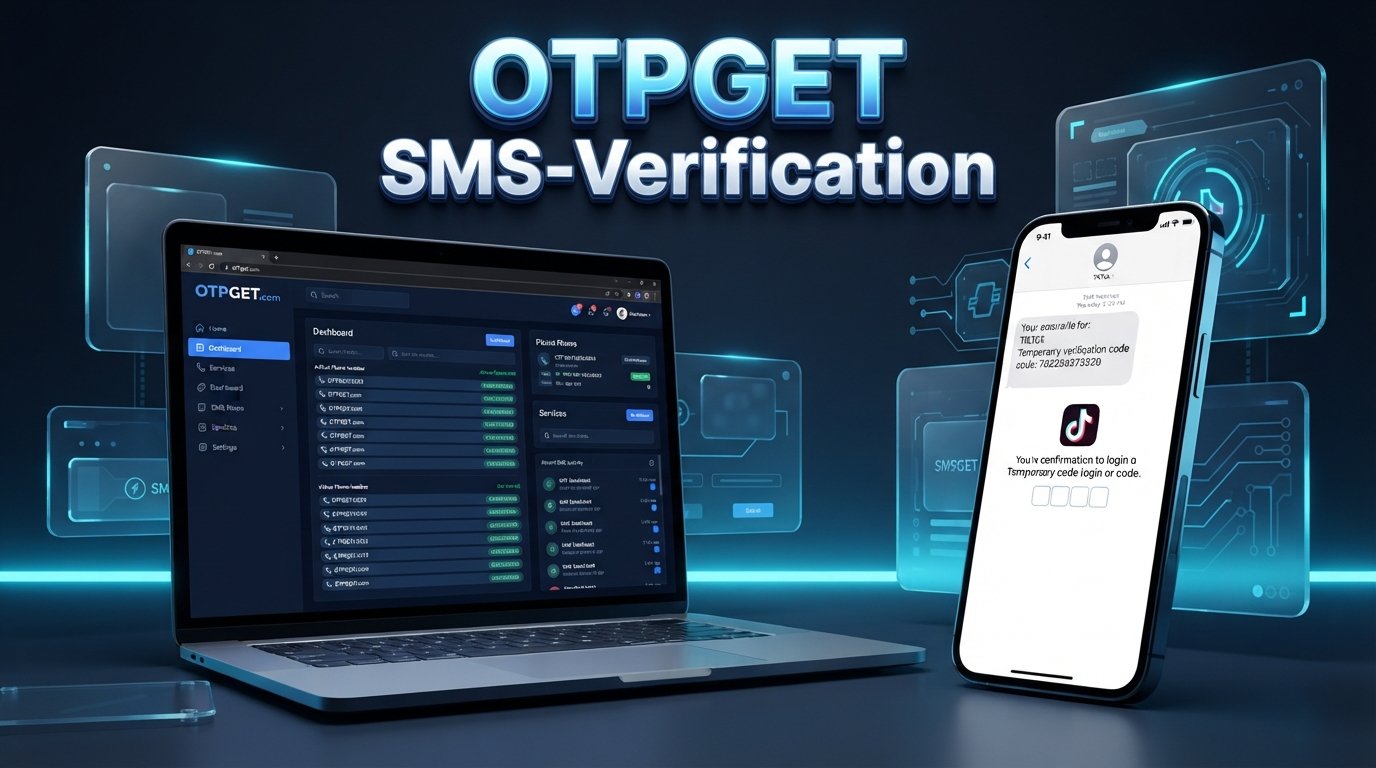
TikTok Code Not Arriving? Try an OTPGET Number
Trying to log in to TikTok, create an account, or complete phone verification should be straightforward. You enter your phone number, tap to receive a code, and wait for the SMS.
But what happens when nothing arrives?
A TikTok Code Not Arriving problem can quickly become frustrating, especially when you need to access your account and the verification screen keeps waiting for a message that never appears.
A missing TikTok verification code can happen for several reasons, including network problems, SMS delivery delays, incorrect number details, carrier filtering, or repeated verification requests. Sometimes, the issue is simply that the number being used cannot receive the required message.
If the usual troubleshooting steps do not work, an alternative SMS-capable number may be worth considering. OTPGET provides access to virtual numbers for SMS and OTP workflows, so it can be a practical option when a suitable number is available and supported for the intended verification process.
Why Is My TikTok Verification Code Not Arriving?
There is no single reason a TikTok verification SMS might fail to appear. The problem can occur anywhere between the verification request and your phone's messaging system.
Here are some common possibilities:
- Weak or unstable mobile service: Poor connectivity can delay incoming SMS messages.
- SMS delivery delays: Text messages are not always delivered instantly.
- Incorrect phone number: A missing digit, incorrect country code, or formatting error can prevent delivery.
- Carrier filtering: Mobile providers may sometimes filter or delay automated messages.
- Too many requests: Repeatedly asking for new codes can interfere with the verification process.
- Temporary verification issues: TikTok's verification system may occasionally experience technical or routing issues.
- International SMS limitations: Some numbers or carriers may have difficulty receiving international automated messages.
- Unsupported number types: Certain online, virtual, or temporary numbers may not be accepted for a particular verification request.
- An expired verification session: A previously requested code may no longer be valid after a newer request is made.
So, if your TikTok verification code is not received, do not assume immediately that your account is broken. Start with the simple checks first.
TikTok Code Not Sending? Try These Basic Fixes
Before switching to another number, work through a few basic troubleshooting steps.
1. Check the phone number
Review the number carefully. Make sure every digit is correct and that you selected the appropriate country or region.
2. Check your mobile signal
If your phone has weak or unstable service, SMS delivery may be delayed. Move somewhere with better reception and check again.
3. Look for filtered messages
Check your messaging app's spam, blocked, junk, or filtered-message folders. Automated verification SMS messages can sometimes be separated from ordinary texts.
4. Wait before requesting another code
If the first code has not arrived, give it some time before trying again. Sending multiple requests in rapid succession can create confusion about which code is current.
5. Avoid repeatedly tapping “Send Code”
It can be tempting to keep pressing the button when nothing happens. Instead, make one request and wait. If you eventually receive multiple messages, use the most recent valid code.
6. Restart your phone or messaging app
A quick restart can sometimes resolve temporary connectivity or messaging-app problems.
7. Try another supported verification method
If TikTok offers another legitimate verification or login method for your account, consider using it instead of continuing to request SMS messages.
8. Confirm the number can receive SMS
If you are using a secondary, virtual, or online number, confirm that it is currently active and capable of receiving messages for the relevant service.
9. Consider an alternative number
If your personal number continues to experience delivery problems, an appropriate alternative number may be useful where TikTok supports it.
These steps are worth trying whether you are dealing with a TikTok SMS code not arriving, a TikTok login verification problem, or a delayed confirmation code.
When a Temporary or Online Number Can Help
A temporary or online phone number is a number that can receive certain SMS messages through an online service rather than directly through a physical SIM card.
People may use these numbers for legitimate situations where they need a separate number for an SMS-based verification workflow or do not want to use their primary number for every online service.
However, compatibility matters.
Not every temporary number works with every website or app. A platform may reject certain number types, a particular number may already have an association with an account, or SMS delivery may not be available for a specific service.
That means an online number for TikTok verification should be viewed as an alternative option, not a guaranteed workaround.
The same principle applies to a virtual phone number for verification or an OTP number. The number needs to be compatible with the service and capable of receiving the relevant SMS.
How OTPGET Can Help When TikTok Codes Don't Arrive
If your regular number is unavailable or you need an alternative SMS-capable number, OTPGET can be a practical option to explore.
OTPGET's platform provides virtual and temporary numbers for SMS/OTP workflows, with availability depending on the service, country, number, and current inventory. Its documentation describes a workflow for obtaining a number and checking its SMS activation status.
The general process is straightforward:
- Visit OTPGET.
Start by reviewing the available number and service options. - Choose an available number.
Select a number suitable for the intended verification service, if one is available and supported. - Use the number during TikTok's normal verification process.
If TikTok asks for phone verification and the selected number is appropriate, enter it in the relevant phone-number field. - Request the SMS verification code.
Submit the verification request through TikTok as you normally would. - Check OTPGET for the incoming message.
If TikTok sends the message and the selected number can receive it, check the applicable OTPGET interface for the SMS. - Enter the verification code.
Use the received code in TikTok's verification field before it expires. - Follow TikTok's instructions.
TikTok ultimately determines whether the number and verification attempt are accepted.
This last point is important. OTPGET handles the number and SMS-receiving side of the process; it does not control TikTok's verification decisions, account restrictions, or security systems.
Why Choose OTPGET for SMS Verification?
When your normal number is not receiving a verification message, using an alternative number can be more convenient than repeatedly waiting for the same SMS.
Depending on availability, OTPGET may be useful for people who need:
- Access to an alternative verification number
- An SMS-capable number without relying on a primary SIM
- A way to check verification messages online
- A separate number for an eligible SMS verification workflow
- An alternative when ordinary SMS delivery is proving unreliable
OTPGET's documentation also describes both temporary numbers and longer-term rental numbers, giving users different types of number access depending on their needs.
There are still limitations. Availability can vary, and not every number will necessarily be compatible with TikTok or every verification request. OTPGET's own information also makes clear that temporary numbers operate through automated systems and third-party providers.
The safest approach is therefore to use the service only for legitimate verification purposes and follow TikTok's normal account and security requirements.
TikTok Verification Code Still Not Working? Check These Things
Sometimes the TikTok verification code arrives, but TikTok does not accept it.
That is a slightly different problem.
Try these checks:
- Use the newest code: Requesting another code can make an earlier code invalid.
- Check for typing mistakes: Carefully enter the digits exactly as received.
- Do not wait too long: Verification codes can expire.
- Avoid repeated requests: Multiple requests can complicate the active verification session.
- Confirm you are on the correct verification screen: If the session has changed, an older code may no longer apply.
- Check the number: Make sure the code was sent to the number associated with the current verification attempt.
If an OTPGET number is being used and TikTok rejects the number itself, obtaining another code may not solve the issue. The number may simply be incompatible with that particular verification request.
In that situation, follow TikTok's available verification or account-recovery instructions rather than attempting to bypass a security restriction.
OTPGET vs. Waiting for a TikTok SMS
When a personal number is working normally, receiving a TikTok verification SMS directly can be the simplest option. But when the message repeatedly fails to arrive, an alternative number can provide another legitimate route to try where supported.
| Factor | Personal Number | Available OTPGET Number |
|---|---|---|
| Convenience | Simple if SMS works normally | Useful when an alternative number is needed |
| SMS access | Through your mobile carrier | Through the applicable online SMS workflow |
| Waiting | Depends on normal SMS delivery | Depends on number and service compatibility |
| Personal number required | Yes | Not necessarily |
| Message access | Phone messaging app | OTPGET interface, where supported |
| Compatibility | Usually familiar to the account | Depends on TikTok and the selected number |
Neither option guarantees successful verification. The key factor is whether TikTok accepts the number and whether the verification SMS can be delivered successfully.
Frequently Asked Questions
Why is my TikTok verification code not arriving?
A TikTok verification code may be delayed because of weak mobile service, SMS filtering, an incorrect number, carrier issues, repeated requests, or temporary verification problems. Check the number and network first, then wait before requesting another code.
Why am I not receiving the TikTok SMS code?
Check your phone's signal, blocked messages, spam folders, country code, and number formatting. If everything looks correct but the TikTok SMS code is not arriving, an alternative supported number may be worth considering.
How can I receive a TikTok verification code?
Use a phone number that TikTok accepts for the applicable verification process. If SMS verification is available, TikTok can send a confirmation code to the entered number. You then enter the code into the appropriate verification screen.
Can I use an online number for TikTok verification?
An online or virtual number may work where TikTok supports that number type, but acceptance is not guaranteed. Compatibility depends on TikTok's requirements, the number, the country, and the specific verification request.
What should I do if my TikTok OTP is not received?
First, verify the phone number, check your network and filtered messages, and avoid repeatedly requesting new codes. If the problem continues, consider an alternative SMS-capable number such as an available OTPGET number, provided it is suitable and supported for the verification process.
Can OTPGET help me receive a TikTok verification SMS?
OTPGET provides virtual and temporary numbers for SMS and OTP workflows. If a suitable number is available and TikTok supports it for the relevant verification request, the number may provide a way to receive the SMS through the OTPGET workflow. It does not control TikTok's decision to accept the number.
What should I do if my TikTok verification code expires?
Request a new code and use the newest valid code rather than an older message. Avoid requesting codes repeatedly in quick succession, and enter the new code promptly once it arrives.
Final Thoughts
A TikTok Code Not Arriving problem can come from something as simple as poor reception or an incorrectly entered number, but it can also involve SMS filtering, delivery delays, repeated requests, or compatibility issues.
Start with the basics: verify your phone number, check your connection and filtered messages, wait between requests, and make sure your number can receive SMS.
If your personal number continues to cause problems and you need an alternative SMS-capable number, OTPGET can be a practical option to explore where a suitable number is available and supported. Its virtual-number and SMS workflow can give you another way to approach a legitimate TikTok phone-verification process without suggesting that it bypasses TikTok's security controls.
If you decide to try an OTPGET number, check the available service and number options first, use the number only through TikTok's normal verification process, and remember that successful verification ultimately depends on TikTok accepting the number and verification attempt.


