TikTok Sign-Up Guide: Get Your Verification Code Right Easily
TikTok Sign-Up Guide: Getting Your Code Right
Signing up for TikTok is usually straightforward, but the process can become frustrating when the TikTok verification code does not arrive. You may enter your phone number correctly, wait for the SMS, and still find yourself stuck on the verification screen.
A verification code is an important part of account registration when TikTok asks you to confirm a phone number. If the code is delayed, expired, or never arrives, understanding the likely cause can help you troubleshoot the problem without repeatedly requesting new codes.
This guide explains how TikTok sign-up and verification generally work, why a TikTok OTP may not arrive, what steps you can take to resolve common verification problems, and where a service such as OTPGET may fit into the process when supported.
How TikTok Sign-Up and Verification Works
The TikTok sign-up process can vary depending on the registration method and options presented to you. In general, account creation involves selecting a registration option, providing the requested information, and completing any verification TikTok requires.
When phone verification is part of the process, the typical flow looks like this:
- Start the TikTok sign-up process.
- Choose an available registration method.
- Enter the requested account information.
- Provide a phone number if TikTok asks for SMS verification.
- Request a verification code.
- Receive the verification SMS.
- Enter the current code into the verification field.
- Continue with account registration.
The TikTok verification code is designed to confirm access to the phone number being used. Because the code is time-sensitive, entering the correct and most recent OTP is important.
Not every registration attempt necessarily uses the same verification method, so follow the options TikTok displays during your own account setup.
Why You May Not Receive Your TikTok Verification Code
A missing TikTok code does not necessarily mean there is a problem with your account. SMS delivery involves several steps, and temporary issues can prevent a message from appearing immediately.
Common causes include:
- Incorrect phone number: A single incorrect digit can send the SMS somewhere else.
- Wrong country or region: The selected country code needs to match the phone number.
- Weak mobile reception: Poor connectivity can delay incoming SMS messages.
- Carrier delays: Mobile networks can occasionally experience temporary SMS delivery problems.
- Too many requests: Repeatedly requesting verification codes can complicate the process or trigger temporary restrictions.
- Phone number limitations: Some numbers or number types may not be accepted for a particular verification process.
- Temporary service problems: TikTok, a mobile carrier, or an SMS delivery system can experience an interruption.
- Expired codes: Verification codes are generally intended for short-term use.
- Using an older code: If you request multiple codes, an earlier OTP may no longer be the valid one.
If your TikTok verification code is not received, resist the temptation to keep pressing the resend option repeatedly. A short pause followed by a careful check of the details can be more useful.
What to Do When Your TikTok OTP Does Not Arrive
If your TikTok OTP is not received, work through the following steps in order.
1. Check the phone number
Review every digit before requesting another TikTok sign-up code. Confirm that the number belongs to the intended device and that the selected country code is correct.
2. Check your mobile connection
Make sure your phone has adequate reception and can normally receive SMS messages. If other messages are arriving normally, the issue may be specific to the verification request.
3. Wait before requesting another code
SMS delivery is not always instantaneous. Give the message some time before requesting another code. Repeated requests can also make it harder to determine which code is current.
4. Use the newest code
If several verification messages eventually arrive, use the most recent valid code rather than an earlier one. Older codes may have expired or been superseded.
5. Check SMS filtering
Look for blocked senders, message filters, spam folders, or other phone settings that could prevent verification SMS messages from appearing normally.
6. Try another legitimate verification method
If TikTok offers another verification or registration option on your screen, you can consider using it instead of SMS. Available methods can vary.
7. Contact TikTok support if necessary
If the problem continues after basic troubleshooting, use TikTok's available support channels and follow its account-registration guidance.
These steps cannot guarantee that every verification problem will be resolved, but they can eliminate several common causes of missing verification messages.
Can OTPGET Help With TikTok Verification Codes?
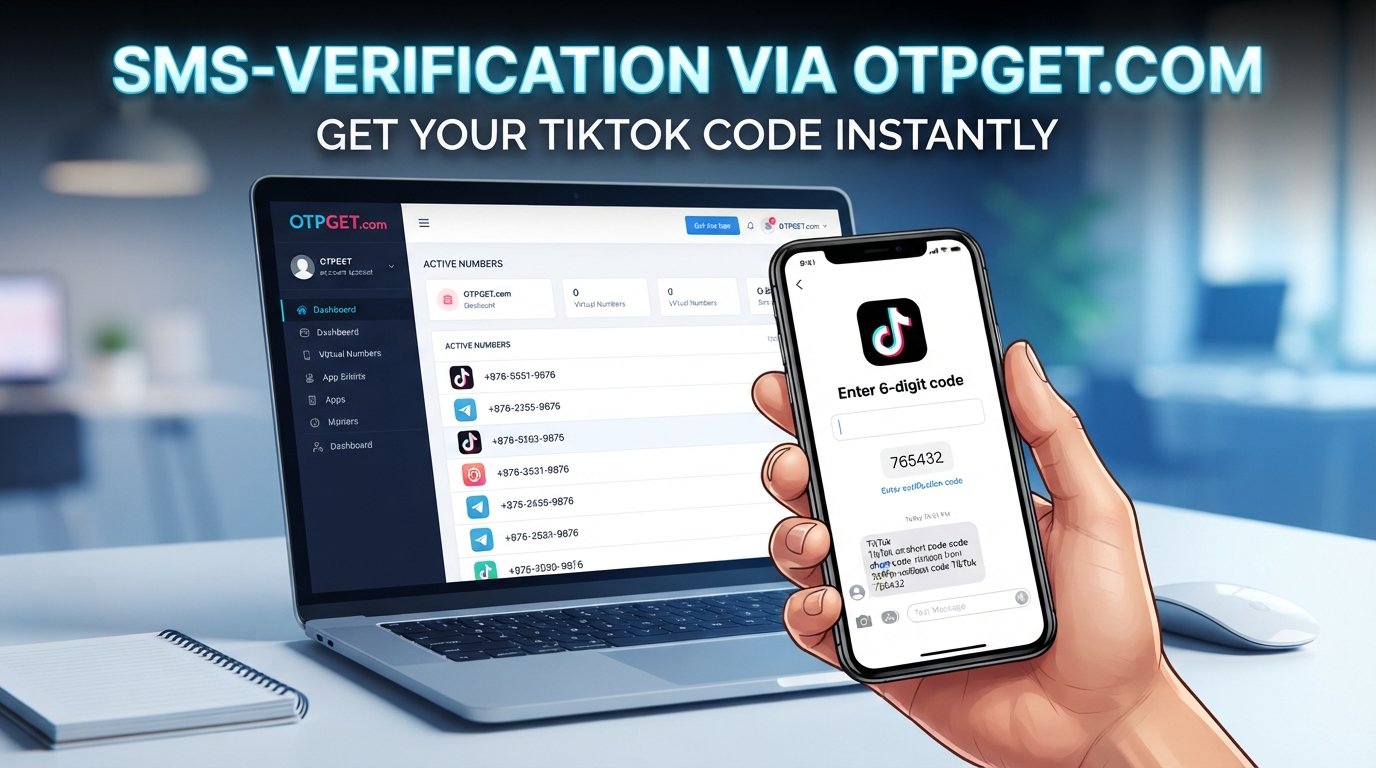
For users who need access to a verification number or SMS message, an OTP receiving service such as OTPGET may be useful where the service supports the relevant use case.
The basic idea is simple: instead of relying on a personal phone number for every verification situation, a user may be able to select an available number or service through OTPGET, use it where the verification process legitimately accepts it, and retrieve an incoming one-time password through the available interface.
A typical workflow may look like this:
- Select an appropriate available number or service through OTPGET.
- Use the provided number in the relevant verification field where permitted.
- Request the verification message.
- Check OTPGET for the incoming SMS or OTP.
- Enter the valid verification code into the platform's verification field.
- Continue registration if the platform accepts the number and code.
The important qualification is availability and acceptance. Not every temporary or online number will necessarily work with TikTok, and OTPGET cannot be treated as a guarantee of TikTok verification. Platform requirements can change, and users should follow both TikTok's rules and OTPGET's applicable terms.
Where supported, OTPGET can provide a convenient way to receive verification messages without turning the process into a complicated technical task.
Why Use OTPGET for Verification Codes?
There are situations where using a dedicated verification-code receiving service can be more convenient than relying entirely on a personal phone number.
Potential advantages include:
- Convenience: Verification messages can be accessed through a dedicated service when an appropriate option is available.
- Simplified workflow: A centralized interface can make it easier to locate an incoming OTP.
- Reduced reliance on a personal number: Depending on the use case and platform rules, users may prefer not to use their primary number for every legitimate registration.
- Straightforward code retrieval: When supported, the process can involve selecting a number, requesting an OTP, and retrieving the incoming message.
- Practical alternative: It can be useful when a verification process accepts the available number and SMS delivery method.
The key is to treat OTPGET as a verification-code receiving option, not as a way to bypass account security or platform restrictions.
Step-by-Step: Getting a TikTok Verification Code With OTPGET
If OTPGET supports the relevant TikTok verification use case and the number is legitimately accepted, the process may follow this general sequence:
- Begin TikTok sign-up. Start account registration using one of the methods TikTok makes available.
- Reach phone verification. If TikTok requests SMS verification, continue to the phone-number step.
- Open OTPGET. Access the service separately and review the available verification options.
- Choose an appropriate number or service. Select an available option that is suitable for the intended verification use.
- Enter the number. Add the provided number to the relevant TikTok field if TikTok accepts that number type.
- Request the code. Submit the verification request through TikTok.
- Check OTPGET. Look for the incoming verification message through the available OTPGET interface.
- Copy the current OTP. Use the valid, current code rather than an older message.
- Enter the code into TikTok. Carefully enter the verification code in the appropriate field.
- Continue registration. If TikTok accepts the number and verification code, proceed with the remaining account setup.
Availability, number acceptance, and verification behavior can vary. If a number is not accepted, do not attempt to circumvent the platform's restrictions. Instead, use an available legitimate registration or verification option.
Common TikTok Verification Code Mistakes to Avoid
Small mistakes can create unnecessary TikTok signup problems. Keep these points in mind:
- Entering the wrong number: Check the number before submitting it.
- Using the wrong country code: Make sure the selected region matches the number.
- Requesting too many codes: Avoid repeatedly requesting OTPs within a short period.
- Using an expired OTP: A code may no longer be valid after some time.
- Using an old message: When several codes arrive, the newest valid code is generally the one to try.
- Copying extra characters: Enter only the code itself and avoid accidental spaces or additional text.
- Choosing an unsupported number: A temporary or online number is not automatically accepted by every platform.
- Sharing your verification code: Treat an OTP as sensitive account information and do not give it to other people.
- Ignoring platform rules: Verification services should be used responsibly and within applicable terms.
- Assuming every online number works: Acceptance depends on the platform and the specific number.
Good verification habits can prevent many common account registration problems before they become more difficult to troubleshoot.
TikTok Verification Code FAQs
How long does a TikTok verification code take to arrive?
It can depend on SMS delivery, mobile carrier conditions, network connectivity, and the verification system. If the message does not appear promptly, check the number and connection before requesting another code.
Why am I not receiving my TikTok OTP?
Possible reasons include an incorrect number, weak reception, carrier delays, too many requests, SMS filtering, or temporary service issues. Check each factor before trying again.
Can I use an online number for TikTok verification?
An online or temporary number may or may not be accepted. Acceptance depends on TikTok's current verification requirements and the specific number. Never assume that every online number will work.
Can OTPGET receive TikTok verification codes?
Where supported, OTPGET may provide a way to receive verification messages through an available number or service. However, it does not guarantee that every number will be accepted by TikTok.
What should I do if my TikTok verification code expires?
Request a new code through the available verification process and use the current code rather than an expired one. Avoid repeatedly requesting codes without allowing time for delivery.
Why does TikTok say my verification code is invalid?
The code may have expired, been replaced by a newer code, or been entered incorrectly. If multiple codes were requested, make sure you are using the most recent valid message.
Can I request another TikTok verification code?
If TikTok provides a resend option, you can request another code. It is generally better to wait briefly between attempts rather than repeatedly submitting requests.
Is it safe to share a TikTok verification code?
No one who legitimately needs to access your account should require you to casually share a one-time verification code. Treat OTPs as sensitive information and keep them private.
Final Thoughts
A TikTok verification code can be a simple part of account registration, but a delayed or missing SMS can quickly turn sign-up into a frustrating experience. Checking your phone number, country code, mobile reception, SMS settings, and the age of the code can resolve many common verification problems.
If SMS verification remains an issue, a service such as OTPGET may offer a convenient way to receive verification messages where its service is available and the relevant number is legitimately accepted. It should be viewed as a practical verification-code option, not as a method for bypassing TikTok's security or registration requirements.
Whether you use your own phone number or an appropriate verification service, the safest approach is to follow TikTok's instructions, protect your OTP, and avoid repeated requests when a message is delayed.
If OTPGET fits your legitimate verification needs, you can explore its available options and determine whether it supports the number and verification workflow you need.