How to Get a TikTok Verification Code by SMS Easily and Safely
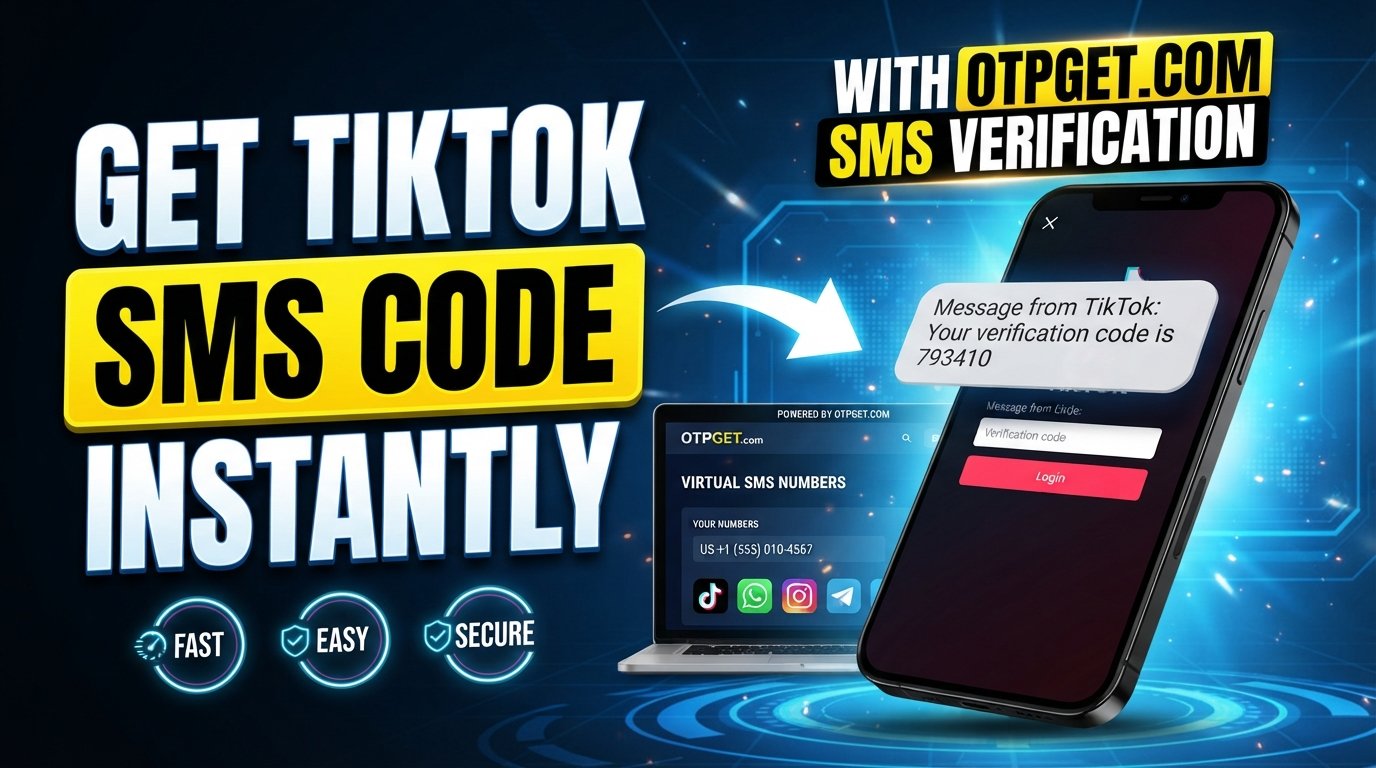
How to Get a TikTok Verification Code by SMS
You are trying to log in to TikTok, the app asks for a verification code, and then… nothing. You check your messages again, request another code, and still don't see it. If you're searching for a TikTok verification code by SMS, the good news is that several practical checks can help identify where the problem is.
TikTok uses phone-based verification in several account-security situations, including linking a phone number and certain two-step verification and login flows. TikTok's own help resources confirm that verification codes may be delivered by SMS when phone verification is selected.
If your regular number isn't receiving the message, an SMS receiving service such as OTPGET can also be worth considering for legitimate verification use cases, provided the relevant platform accepts the number and service.
What Is a TikTok Verification Code?
A TikTok verification code is a one-time password, commonly called an OTP, sent to a phone number or another verification method to confirm that you have access to the account or contact method being verified.
For example, TikTok may ask you to enter a code sent by SMS when you add or verify a phone number. Its security documentation also explains that two-step verification can use phone, email, or an authenticator app, depending on the options selected for the account.
The code is designed for a specific verification attempt rather than as a permanent password. That is why you should enter it only into the legitimate TikTok verification screen and never share it with another person.
[Internal Link: TikTok Account Security Guide]
Why You May Not Receive a TikTok Verification Code
A TikTok code not received problem does not necessarily mean your account is broken. SMS delivery involves your phone, mobile carrier, the destination service, and other technical factors.
Common possibilities include:
- Incorrect phone number: A single incorrect digit can send the verification SMS somewhere else.
- Poor cellular reception: Weak coverage can delay incoming messages.
- SMS delivery delays: Text messages do not always arrive immediately.
- Carrier filtering: Some carriers or messaging systems may filter certain automated messages.
- Too many requests: Repeatedly requesting codes can complicate the process or result in older codes becoming irrelevant.
- Temporary service issues: A platform, carrier, or messaging provider may experience a short-lived technical problem.
- Blocked messages: Your phone or carrier settings may prevent certain SMS messages from appearing normally.
- Number-related restrictions: Some services may not accept every type of phone number for verification.
- Device issues: A temporary messaging or network problem on the phone can sometimes interfere with delivery.
TikTok also notes that a phone number can only be associated with a single TikTok account, so account history and number ownership can matter when you're trying to add or change a number.
How to Get a TikTok Verification Code by SMS
If SMS is offered as a verification method, the normal process is straightforward.
- Open TikTok and start the relevant login, account recovery, or phone-verification process.
- Choose SMS or phone verification if that option is available.
- Enter the correct phone number, including the appropriate country information.
- Request the verification code.
- Check your SMS inbox for the incoming message.
- Open the verification message and locate the one-time code.
- Enter the code promptly into TikTok's verification screen.
- Complete the verification process by following the remaining instructions.
The exact screens and available verification options can vary depending on your account, device, location, and the reason TikTok is requesting verification.
If SMS isn't available, don't assume that repeatedly requesting a TikTok login verification code will solve the problem. TikTok may offer another verification method depending on the account and security setup.
What to Do If TikTok Verification Code Is Not Received
When your TikTok verification code is not received, work through the basics before trying more complicated solutions.
1. Confirm the phone number
Check every digit carefully. If you're changing an existing number, make sure the number currently being used is active and able to receive SMS.
2. Check your mobile signal
Move somewhere with better cellular reception and confirm that your phone can receive ordinary text messages.
3. Wait before requesting another code
If the first message is delayed, requesting several additional codes can make the situation harder to track. Give the system a little time before trying again.
4. Check SMS filtering
Look through blocked numbers, spam filters, messaging-app settings, and carrier-level filtering if your phone supports these features.
5. Restart your phone
A simple restart can resolve temporary network or messaging problems. It isn't a guaranteed fix, but it is quick and harmless to try.
6. Try again later
If everything appears correct but the TikTok verification SMS is not received, a temporary delivery issue may be involved. Waiting and trying again later can help distinguish a temporary problem from a persistent one.
7. Use TikTok's official support and recovery options
If you still cannot access the account, use TikTok's official recovery or support process rather than relying on unofficial websites claiming they can unlock your account.
[Internal Link: TikTok Login and Account Recovery Guide]
Can an SMS Receiving Service Help?
Sometimes the issue isn't the verification process itself; it's access to a suitable SMS-enabled number.
An SMS receiving service provides a phone number capable of receiving text messages. Depending on the provider, the incoming verification message may appear in an online dashboard rather than on a physical handset.
This can be useful for legitimate workflows where you need an SMS-capable number and don't want to use your personal number. However, compatibility varies. A platform can restrict certain numbers or number types, so an SMS receiving service should never be treated as a guaranteed solution.
OTPGET is one option in this category. Its platform provides virtual numbers for receiving SMS OTP messages, along with temporary and rental number options. Its documentation describes a process for selecting an available country and service, obtaining a number, and checking the status for an incoming SMS.
OTPGET can provide access to SMS-enabled numbers for verification purposes, depending on the service, destination, and platform requirements. It should be used for legitimate verification—not as a method to bypass TikTok's security controls.
How OTPGET Can Make SMS Verification Easier
For someone dealing with a TikTok SMS verification problem, OTPGET can be a practical alternative when a suitable SMS-enabled number is needed.
Potential advantages include:
- Convenient access to SMS-enabled numbers: Instead of relying exclusively on a personal SIM, users can obtain a number through the service where appropriate.
- Simpler OTP handling: OTPGET's SMS workflow is designed around receiving verification messages and checking the resulting code.
- Reduced dependence on a personal number: A separate number may be useful for legitimate privacy-conscious or testing workflows.
- Online access to verification messages: The service is designed to let users receive SMS codes through its platform.
- Different number options: OTPGET provides temporary numbers as well as longer-term rental numbers, depending on availability and requirements.
There is an important distinction, though: receiving an SMS and successfully completing TikTok verification are two different things. TikTok ultimately determines whether a particular number and verification attempt are accepted.
OTPGET itself states that platform restrictions and verification failures can occur outside its control.
Step-by-Step: Using OTPGET for SMS Verification
If an SMS receiving service is appropriate for your legitimate use case, the general process with OTPGET is simple:
- Visit OTPGET and review the available SMS number options.
- Choose an appropriate SMS-enabled number or service based on your intended verification workflow.
- Use the provided number where the relevant platform permits it.
- Request the verification SMS through the normal TikTok verification process.
- Monitor the OTPGET SMS inbox or activation status for the incoming message.
- Retrieve the verification code when the SMS arrives.
- Enter the code into TikTok's legitimate verification screen.
- Complete the verification process according to TikTok's instructions.
OTPGET's documentation specifically describes obtaining a number and then checking its activation status for an incoming SMS code.
Remember that platform rules can change. If TikTok does not accept a particular number, the appropriate response is to use another supported verification method rather than attempting to circumvent the restriction.
Tips for a Smoother TikTok SMS Verification Process
A few simple habits can make SMS verification less frustrating:
- Double-check the phone number before requesting a code.
- Make sure your phone or SMS inbox is available when expecting a message.
- Avoid repeatedly requesting new codes within a short period.
- Use a stable mobile connection where possible.
- Enter OTP codes promptly because verification codes can become invalid.
- Never share a TikTok security code with another person.
- Use only legitimate account-verification methods.
- If you're using an online phone verification service, confirm that its number is appropriate for the platform and your intended use.
- Follow TikTok's current account-security requirements.
TikTok specifically warns users never to provide verification codes or other sensitive account information to people claiming to represent TikTok.
[Internal Link: Online Security and OTP Safety Tips]
Frequently Asked Questions
1. How do I get a TikTok verification code by SMS?
Start the relevant TikTok login or verification process, select phone or SMS verification when available, enter the correct number, and request the code. Then enter the received OTP into the verification screen.
2. Why am I not receiving my TikTok verification code?
The cause can range from an incorrect number or weak mobile signal to SMS filtering, delivery delays, repeated requests, or temporary technical issues. Check the number and SMS settings first, then try again later if necessary.
3. How long does a TikTok SMS verification code take to arrive?
There is no universal delivery time that applies to every verification attempt. SMS delivery can depend on the platform, carrier, network, and other technical conditions. If the message does not arrive, avoid repeatedly requesting codes and work through the troubleshooting steps above.
4. Can I receive a TikTok OTP online?
An online SMS receiving service can provide access to SMS-enabled numbers and display incoming messages online. Whether a particular number can be used for TikTok verification depends on TikTok's current requirements and the specific number.
5. Can OTPGET help with SMS verification?
OTPGET provides virtual numbers designed to receive SMS OTP messages, so it can be a convenient option when you need an SMS-enabled number for a legitimate verification workflow. However, it does not guarantee that TikTok will accept every number or verification attempt.
6. Is it safe to share a TikTok verification code?
No. Treat a verification code like a password for that specific verification step. TikTok states that it will not ask users for their verification codes or other sensitive personal information through suspicious messages.
7. What should I do if my TikTok SMS code still does not arrive?
Confirm your number, check your network and SMS filters, wait before requesting another code, and try again later. If the issue continues, use TikTok's official account recovery or support options. If appropriate for your legitimate use case, you can also consider an SMS receiving service such as OTPGET.
Final Thoughts
Getting a TikTok verification code by SMS is normally a simple process, but delays and delivery problems can make it surprisingly frustrating. Start by checking the phone number, network connection, SMS filtering, and whether you've made too many requests.
If you need an SMS-enabled number rather than your personal number, OTPGET can be a convenient option to explore for legitimate verification purposes. Its virtual-number and SMS OTP services are designed to help users receive verification messages, although acceptance ultimately depends on the destination platform and its requirements.
For the safest approach, always use TikTok's normal verification and recovery processes, keep your verification codes private, and treat third-party SMS services as tools for legitimate use rather than ways around account security.
Suggested Sources
For authoritative information about TikTok phone verification, two-step verification, account recovery, and account security, link readers to the official TikTok Help Center account-security guidance and TikTok phone-number guidance.
For information about OTPGET's available SMS-number workflow and technical capabilities, readers can consult OTPGET's official platform and OTPGET documentation.