Twitter SMS Verification: Get a Temporary Number with OTPGET
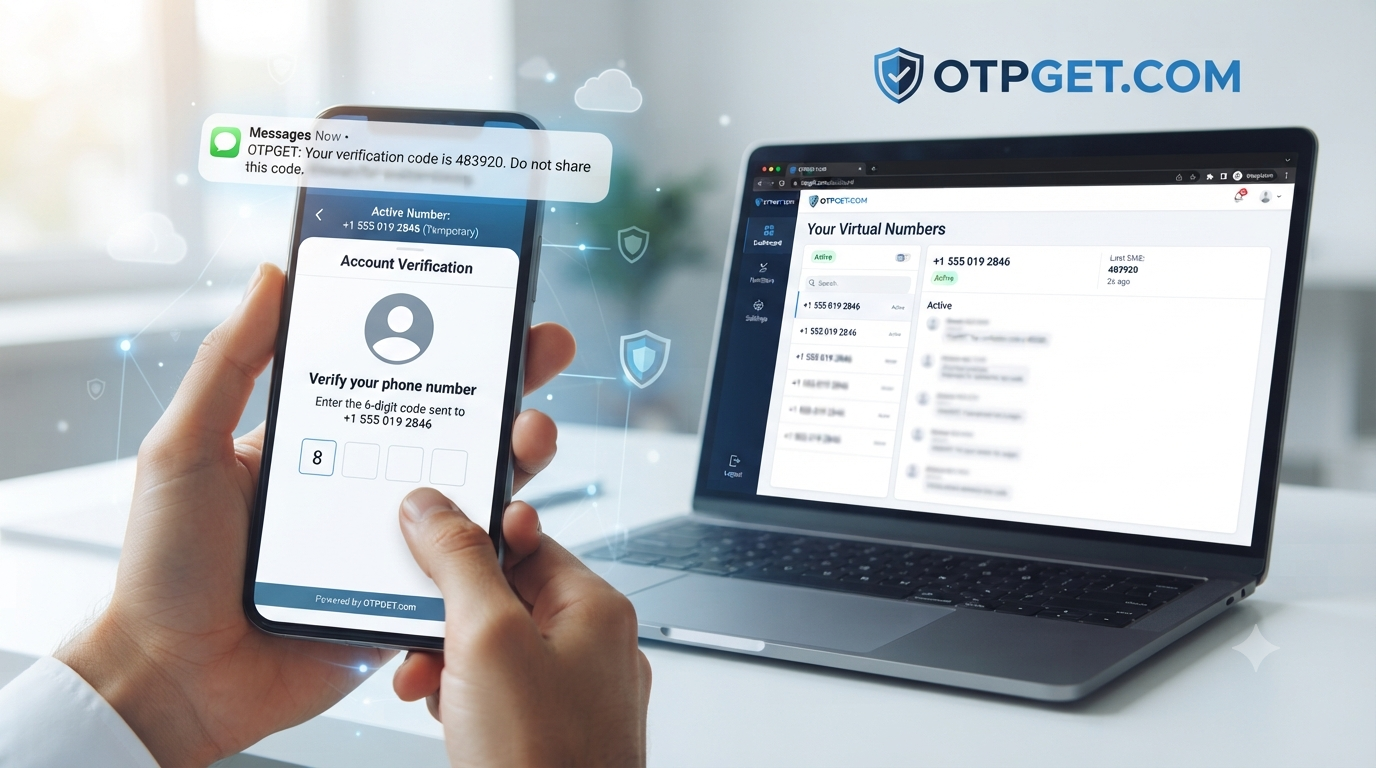
Twitter SMS Verification With a Temporary Number: How OTPGET Helps
Getting asked for a phone number when signing up for or accessing an online account can be frustrating, especially when you would rather not connect your primary mobile number to another service. For people looking for a Twitter SMS verification temporary number, a virtual number can provide an alternative way to receive an SMS verification code without immediately using their everyday phone line.
Twitter, now known as X, uses phone numbers for several account and security-related workflows. Depending on the situation, the platform may send a verification code by SMS before allowing the process to continue.
That is where services such as can be useful to explore. OTPGET provides virtual and temporary numbers designed for SMS and OTP verification. However, whether a particular number works depends on the platform, number type, country, carrier, and the verification requirements in place.
What Is Twitter SMS Verification?
Twitter SMS verification is a process in which a phone number receives a text message containing a verification code. The code is then entered into the relevant verification field to confirm access to the number.
X explains that when a phone number is added to an account, it can be used for security features and account-related verification. During phone-number setup, X sends an SMS containing a code that the user enters to verify the number.
An SMS verification workflow generally looks like this:
- A user enters a phone number.
- The platform sends an SMS verification code.
- The SMS reaches the associated number.
- The user enters the code.
- The platform checks the code and completes the verification process if the number and request are accepted.
A personal mobile number is permanently associated with your everyday communications and may also be important for account recovery. A temporary phone number, by contrast, is intended for a shorter-term purpose. A virtual number is delivered through an online service rather than requiring the user to rely on a physical SIM in the same way as a traditional mobile number.
Why Use a Temporary Number for Twitter Verification?
There are several legitimate reasons someone may prefer a temporary or virtual number instead of immediately sharing a personal mobile number.
1. Separate personal and online activity
Using a separate number can help keep your everyday communications distinct from online registrations and verification processes.
2. Reduce unnecessary exposure
Some users prefer not to provide their primary phone number to every website or service that requests one. A temporary number can offer an additional layer of separation.
3. Convenience
If you need to receive an SMS verification code and have access to a suitable virtual number, you may not need to use your primary SIM for that particular verification workflow.
4. Testing and short-term use
Developers, testers, and people evaluating online services may need a number for an appropriate short-term verification scenario.
Privacy does not mean bypassing platform rules. A temporary number should not be used for spam, fraudulent registrations, impersonation, abuse, or attempts to circumvent security controls.
How Twitter SMS Verification With a Temporary Number Works
If a temporary number is appropriate for your situation, the general process is straightforward:
- Choose an appropriate temporary or virtual number.
Select a number that is available for SMS reception and suitable for the service you are trying to verify.
- Enter the number where verification is requested.
Follow the phone-verification instructions provided by Twitter/X.
- Request the verification code.
If the platform accepts the number, it will attempt to send an SMS.
- Wait for the SMS.
Delivery may be immediate, delayed, or unsuccessful depending on the number and routing.
- Retrieve the OTP.
Check the SMS inbox provided by your temporary-number service.
- Enter the verification code.
Enter the received code into the verification field.
- Complete verification.
The process succeeds only if Twitter/X accepts the number and validates the code.
The important point is that a temporary number is not guaranteed to work. Online platforms can restrict particular virtual numbers, carriers, regions, or number ranges. A number that works for one service may not work for another.
What Is OTPGET?
is a virtual-number platform that provides temporary numbers for SMS OTP verification, along with longer-term rental numbers and other verification-related services. Its website states that virtual numbers are available across numerous countries and services.
For someone searching for an OTPGET temporary number, the basic value proposition is simple: obtain a suitable virtual number, use it where SMS verification is legitimately requested, and access the incoming verification message through the service.
OTPGET's published information describes temporary numbers, SMS OTP reception, rental numbers, and online access to received verification messages.
The exact availability of a number or service should always be checked before starting a verification attempt.
Why Choose OTPGET for SMS Verification?
Someone searching for a Twitter temporary number, Twitter SMS verification number, or temporary number for Twitter is usually looking for two things: convenience and separation from their personal phone number.
OTPGET can be a practical option to explore because its service is built around virtual numbers and SMS verification rather than requiring users to rely exclusively on a personal SIM.
Potential benefits include:
- Convenience: Access a virtual number through an online service.
- Number separation: Keep a personal mobile number separate from an appropriate short-term verification workflow.
- Temporary-use flexibility: Use temporary numbers for situations where long-term ownership is unnecessary.
- SMS reception: Receive OTP and verification messages through the service when the selected number supports the requested service.
- Multiple options: OTPGET describes both temporary numbers and rental numbers for different use cases.
The key is to treat OTPGET as a convenient verification-number option, not as a method for bypassing platform security. No responsible service can guarantee that every virtual number will be accepted by every platform.
Temporary Number vs Personal Phone Number
| Factor | Temporary/Virtual Number | Personal Phone Number |
|---|---|---|
| Privacy | Greater separation from primary number | Directly connected to personal communications |
| Convenience | Useful for appropriate short-term verification | Convenient when already available |
| Long-term ownership | May be temporary or rental-based | Usually intended for long-term use |
| Reusability | Depends on number type and service | Generally remains under your control |
| Verification suitability | Depends on platform acceptance | Usually more predictable for supported workflows |
| Control over number | Depends on provider and rental terms | Usually controlled directly by the owner |
| Best use case | Appropriate short-term verification | Long-term accounts and recovery |
For an important account that you expect to use for a long time, a permanent number you control may be the better choice. X itself notes that an accurate, up-to-date phone number can help with account security and recovery.
How to Use OTPGET for Twitter SMS Verification
If you decide that a temporary number is appropriate, the process can be approached systematically.
Step 1: Select a suitable number
Start by checking the available number options on OTPGET. Consider the country and service requirements before selecting one.
Step 2: Enter the number
When Twitter/X asks for a phone number, enter the selected virtual number in the appropriate field and follow the platform's instructions.
Step 3: Request the SMS
Submit the verification request. X's documented phone-verification workflow sends an SMS code to the phone number when the number is accepted.
Step 4: Check for the OTP
Return to the OTPGET interface and check whether the verification message has arrived.
Step 5: Enter the verification code
Copy the received OTP carefully and enter it into the verification field on Twitter/X.
Step 6: Complete verification
If the code is valid and the number is accepted, the verification process can be completed. If the number is rejected or no message arrives, another supported number or an alternative verification method may be necessary.
Common Problems With Temporary SMS Verification
Temporary SMS verification does not always go smoothly. Common issues include:
Verification SMS not arriving
The message may be delayed, filtered, or unavailable because the selected number cannot receive messages from that particular service.
Number already being used
A number may have previously been associated with another account or verification attempt. This can make it unsuitable for your intended purpose.
Platform does not support the number
Some services restrict virtual, VoIP, disposable, or particular carrier numbers. This is a platform-side limitation rather than something a temporary-number provider can always control.
Number expires
A temporary number may have a limited availability period. If the number expires before you finish your workflow, you may lose access to incoming messages.
Country or carrier restrictions
SMS delivery can vary by country, carrier, sender, and service. A number available in one region may not behave the same way elsewhere.
Too many verification attempts
Repeatedly requesting codes can create additional delays or restrictions. If a code is slow to arrive, avoid repeatedly submitting new requests.
Tips for a Better Verification Experience
A few simple practices can make SMS verification less frustrating:
- Choose a number that is specifically available for SMS reception.
- Check the country and service requirements before purchasing or selecting a number.
- Enter the phone number and country code carefully.
- Wait for a delayed message before repeatedly requesting another code.
- Avoid using temporary numbers for accounts where long-term recovery is important.
- Keep important account recovery information under your control.
- Follow Twitter/X's rules and verification requirements.
- If a temporary number is rejected, consider using a permanent number or another verification option provided by the platform.
X notes that SMS verification codes can sometimes take several minutes to arrive, and its support documentation provides troubleshooting guidance for missing verification messages.
Is a Temporary Number Right for You?
A temporary number can make sense when your primary goal is short-term SMS verification and you want to keep your personal number separate from that particular workflow.
It may be less appropriate when the account is important, long-term, or heavily dependent on phone-based recovery. In those situations, a permanent number that you personally control can provide greater continuity.
The right choice ultimately depends on what you are trying to accomplish, how long you need the number, and whether the platform accepts the number type.
Frequently Asked Questions
What is a Twitter SMS verification temporary number?
It is a temporary or virtual phone number that can potentially receive an SMS verification code from Twitter/X. Whether it works depends on the platform and the specific number.
Can I receive a Twitter verification code on a temporary number?
Potentially, if Twitter/X accepts the number and sends an SMS to it. Temporary numbers are not universally supported, so successful delivery is not guaranteed.
How do I get a temporary number for Twitter verification?
You can explore a virtual-number provider such as , select an appropriate available number, and use it only within a legitimate verification workflow.
Is OTPGET suitable for SMS verification?
OTPGET is designed to provide virtual numbers for SMS and OTP verification. Its website describes temporary numbers and SMS reception for supported services.
Why is my Twitter verification code not arriving?
Possible causes include SMS delays, number restrictions, carrier or regional limitations, an unsupported virtual-number range, or platform-side issues. X recommends checking common SMS-delivery problems and trying again where appropriate.
Can a temporary number be used for phone verification?
It can be used where the platform accepts that type of number and successfully delivers the verification SMS. Acceptance varies between services.
What should I do if Twitter rejects a temporary number?
Do not repeatedly submit the same request. Check whether the number type and region are supported, then consider another eligible number or a permanent phone number you control.
Is a temporary number better than my personal phone number?
Neither option is universally better. A temporary number may offer convenience and separation for short-term use, while a personal number is generally more suitable when long-term account recovery and continued control are important.
Conclusion
A phone verification request does not necessarily mean you have to use your primary mobile number in every situation. For appropriate short-term workflows, a temporary or virtual number can provide a convenient way to receive SMS verification codes while keeping your everyday number separate.
However, temporary numbers have limitations. Twitter/X may reject particular virtual numbers, restrict certain number ranges, or apply different verification requirements depending on the account and circumstances. A temporary number should therefore be viewed as an option, not a guaranteed solution.
For users exploring a Twitter SMS verification temporary number, offers a practical place to explore virtual numbers and SMS OTP reception. Choose a number that fits your legitimate use case, follow the platform's requirements, and use a permanent number when long-term account recovery and control matter most.
Suggested Internal Links
Anchor Text: temporary phone numbers
Suggested Topic: What Is a Temporary Phone Number and How Does It Work?
Anchor Text: virtual phone numbers
Suggested Topic: Virtual Phone Numbers Explained: Uses, Benefits, and Limitations
Anchor Text: SMS verification
Suggested Topic: How SMS Verification Works for Online Accounts
Anchor Text: online OTP services
Suggested Topic: What Is an Online OTP Service and When Should You Use One?
Anchor Text: receive SMS online
Suggested Topic: How to Receive SMS Online With a Virtual Number
Anchor Text: phone verification
Suggested Topic: Phone Verification Explained: Common Methods and Problems
Anchor Text: privacy and online accounts
Suggested Topic: How to Protect Your Phone Number When Signing Up for Online Services
Anchor Text: temporary number service
Suggested Topic: Temporary Number vs Rental Number: Which Option Fits Your Needs?


