UK Number for App Verification: Easy Beginner's Guide
UK Number for App Verification: Simple Guide for Beginners
Getting asked for a phone number during an app signup can be confusing, especially when a service expects a UK number and your personal number is registered elsewhere.
The basic idea is simple: an app sends a one-time password, usually called an OTP, by SMS. You enter that verification code into the app, and the service checks whether the code matches.
For supported services, a UK number for app verification can be either a normal mobile number or a virtual number that receives SMS online. Services such as OTPGET provide virtual numbers for supported SMS OTP use cases, giving users an alternative to using their personal number.
But there are important limitations. Not every app accepts every type of virtual number, and users should always follow the verification and account rules of the service they are using.
Let's break down how it works.
What Is a UK Number for App Verification?
A UK number for app verification is a phone number with a UK number assignment that can be used by an app or online service to send a verification message.
When an app uses SMS verification, it normally sends a short, one-time code to the number you provide. That code may be six digits or another format depending on the service.
For example:
- An app asks for your phone number.
- You enter a supported UK number.
- The app sends an SMS OTP.
- You receive the verification message.
- You enter the verification code.
- The app checks the code and completes verification if it accepts the number.
A traditional personal number is normally connected to your physical SIM or mobile account. A UK virtual number, by contrast, can be hosted online and accessed through a service rather than through your personal handset.
That makes a UK virtual phone number useful in situations where you need SMS access without wanting to use your everyday personal number.
Why Do Apps Require Phone Verification?
Phone verification can serve several different purposes, depending on the app.
Common reasons include:
- Account security: A phone number can provide an additional verification step.
- Number confirmation: The service may want to confirm that the supplied number can receive messages.
- Registration controls: SMS verification can make automated or repeated registrations more difficult.
- Account recovery: Some services use phone numbers as one recovery method.
- One-time authentication: An app may send a temporary code before allowing an action to continue.
The exact reason varies by platform. A phone number does not automatically prove someone's identity, and an app may use additional security measures as well.
For beginners, the key point is that SMS verification is usually a simple challenge-response process: the service sends a code, and you provide that code back.
How Does UK SMS Verification Work?
Using a UK number for SMS verification generally follows a straightforward sequence.
Step 1: Select a supported number
Choose a UK number that is available for the service and intended verification purpose. If you use a virtual service, check whether SMS reception is offered.
Step 2: Enter the number
Type the UK number into the app's phone-number field. Follow the format requested by the service.
Step 3: Request verification
Select the option to send an SMS or verification code.
Step 4: Wait for the OTP
The app sends an SMS OTP to the supplied number. Delivery time can vary.
Step 5: Receive the verification code
If the number and service are compatible, the incoming message can be viewed through the relevant phone or online number service.
Step 6: Enter the code
Copy the verification code into the app's verification field.
Step 7: Complete verification
If the code is valid and the app accepts the number type, verification can be completed.
Availability and acceptance can vary. A number that works for one service may not be accepted by another.
Using OTPGET for a UK Number for App Verification
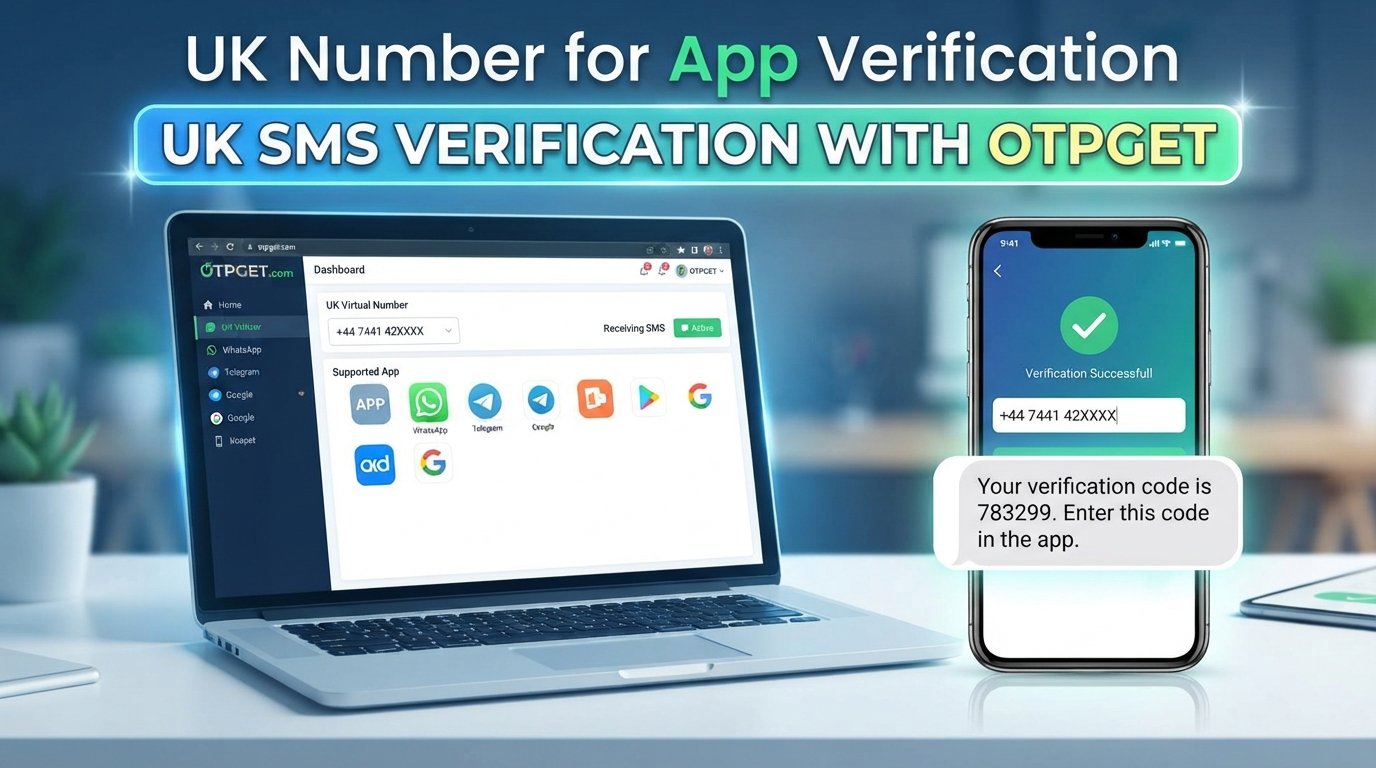
For users who need a UK number for app verification for supported SMS OTP use cases, OTPGET is one practical option to consider.
OTPGET's published documentation describes a virtual-number system where users can select countries and supported services, request a number, and check the activation status for an incoming SMS code. Its country listings include the United Kingdom.
The general process is easy to understand:
- Visit OTPGET.
- Look for an available UK number and the relevant supported service.
- Obtain the number according to the available options.
- Enter the number into the app or website requesting verification.
- Request the SMS OTP.
- Check OTPGET for the incoming verification message.
- Enter the received verification code into the app.
- Complete the verification process if the service accepts the number.
OTPGET's documentation also describes temporary numbers and longer-term rental options, so the appropriate choice can depend on whether the verification need is short-term or ongoing.
The important word here is supported. OTPGET should not be treated as a guarantee that every app will accept every UK number. App policies, number types, and SMS routing can affect the result.
Benefits of Using a UK Virtual Number for Verification
A virtual number for verification can be useful when a personal mobile number is not the most convenient option.
Potential benefits include:
- Convenience: You can access the number through an online service instead of relying on a physical SIM.
- Privacy separation: Verification messages can be kept separate from your everyday personal number.
- UK number access: A UK number may be useful for services that specifically support UK numbers.
- Simpler organization: Verification messages can remain associated with the particular activation or number service.
- Testing and development: Developers may use virtual numbers for legitimate testing where the relevant service permits it.
- Flexible duration: Depending on the provider, users may have access to temporary or rental options.
These benefits do not remove the need to check the target service's rules. Some platforms restrict virtual numbers, temporary numbers, or numbers that have previously been used.
UK Virtual Number vs. Personal UK Phone Number
Both options can receive SMS, but they serve different purposes.
| Feature | Personal UK Number | UK Virtual Number |
|---|---|---|
| Personal SIM required | Usually | Not necessarily |
| Setup convenience | Requires a mobile service/SIM | Can be obtained online |
| SMS verification use | Depends on the service | Depends on app compatibility |
| Privacy separation | Limited | Can separate verification from personal use |
| Long-term personal use | Generally suitable | Depends on rental/number terms |
| Availability | Depends on mobile provider | Depends on provider and inventory |
A personal number is generally more appropriate when you need a long-term number for everyday communication, account recovery, or personal identity.
A virtual number can be more convenient when your goal is a supported verification task and you do not want to use your personal number.
How to Choose a UK Number for SMS Verification
Before obtaining a UK SMS number, take a few minutes to check the requirements of the service you are verifying.
1. Check virtual-number compatibility
Some apps accept virtual numbers, while others may restrict certain number types. Read the service's current verification rules where available.
2. Check SMS support
A number may be intended for voice communication, SMS, rental use, or another purpose. Make sure SMS reception is included for your intended use.
3. Consider how long you need the number
A UK temporary number may make sense for a one-time verification. If you need continued access, a longer-term rental may be more appropriate.
4. Think about account recovery
Do not use a temporary number for an important account if you may need that number again for recovery and you will no longer have access to it.
5. Read the service's terms
Verification should always be performed according to the rules of the app or website.
Never use a virtual or temporary number for fraud, impersonation, unauthorized access, or other prohibited activity.
Common Problems With OTP Verification
Even when the process looks simple, OTP verification can sometimes fail.
The OTP does not arrive
The message may be delayed, the service may not support the number, or the number may not be active for the selected service.
Try: waiting briefly, checking the activation status, and confirming that the number and service are compatible.
The number is rejected
Some apps distinguish between mobile, landline, VoIP, virtual, and temporary numbers.
Try: checking the app's requirements and selecting another supported number type if available.
The code expires
Verification codes are usually designed to be used for a limited period.
Try: requesting a new code and entering the latest one rather than an older message.
SMS delivery is delayed
Network routing and the originating service can affect delivery time.
Try: waiting before repeatedly requesting new codes, because multiple requests can sometimes create confusion over which code is current.
The number has already been used
Some services limit how many accounts can be associated with a phone number.
Try: using a different eligible number if the platform permits it.
The service does not support virtual numbers
This is an important limitation. A phone number for app verification is not automatically accepted simply because it can receive SMS.
In that situation, the appropriate solution may be to use a personal or provider-issued mobile number that meets the service's requirements.
Is a UK Virtual Number Safe for App Verification?
A UK virtual number can provide useful privacy separation, but "safe" depends on how the number and account are used.
Consider these factors:
- Privacy: A separate number can reduce the need to share your personal number.
- Account security: Use reputable services and protect your account credentials.
- Number ownership: Understand whether you are using a temporary number, a rental, or a number that may later be reassigned.
- Recovery: Consider whether you will need access to the same number later.
- Service policies: Make sure the app permits the type of number you are using.
- Responsible use: Never use verification services to bypass security controls or gain unauthorized access.
OTPGET's published terms prohibit illegal, fraudulent, abusive, or harmful use of its services, and users remain responsible for how they use purchased services.
Why OTPGET Can Be Useful for Beginners
For someone unfamiliar with virtual numbers, the biggest challenge is often understanding the basic workflow.
OTPGET presents the process around obtaining a number, receiving an SMS code, and checking its activation status. Its published API documentation specifically describes actions for obtaining a number and checking whether an SMS verification code has been received.
For supported UK verification needs, that can make the concept easier to understand:
Choose a number → enter it in the service → request the OTP → receive the SMS → enter the code.
The important thing is to match the number to the intended service and understand whether the number is temporary or intended for longer-term access.
If your use case is legitimate and the target service permits virtual numbers, OTPGET is worth exploring as a practical option.
Frequently Asked Questions
1. What is a UK number for app verification?
It is a UK phone number used by an app or online service to send an SMS verification code. The number may be a personal mobile number or a supported virtual number.
2. Can I receive an OTP with a UK virtual number?
Yes, a virtual number can receive an OTP when SMS reception is available and the target service accepts that type of number. Compatibility varies by app.
3. What is a UK number for SMS verification?
It is a UK number that can receive SMS messages containing verification codes. A UK virtual number can serve this purpose for supported services.
4. How does OTPGET work?
OTPGET provides virtual-number services for SMS OTP use cases. Its published documentation describes selecting a country and service, obtaining a number, and checking for the incoming SMS verification code.
5. Can every app accept a UK virtual number?
No. Apps can have their own rules regarding virtual, temporary, VoIP, or previously used numbers. Always check the relevant service requirements.
6. What should I do if my verification code does not arrive?
Check that the number is correct, the service supports the number type, and the activation is still waiting for an SMS. If necessary, follow the provider's troubleshooting or cancellation process.
7. Is a temporary UK phone number suitable for verification?
It can be suitable for short-term verification when the target service permits it. Avoid using a temporary number for an account that requires long-term access to the same number for recovery.
8. Can I use a UK virtual number for app signup?
Potentially, yes. A UK virtual number can be used for app signup when the app accepts that number type and SMS verification is supported.
Final Thoughts
A UK number for app verification is simply a UK phone number used to receive a verification message from an app or online service.
The process is usually straightforward: provide the number, request an OTP, receive the SMS, enter the verification code, and complete the verification step if the service accepts the number.
For supported use cases, a UK virtual number can offer convenience and separation from a personal mobile number. However, compatibility is never something to assume. Check the app's rules, understand whether the number is temporary or reusable, and consider whether you will need it again for account recovery.
If you need a practical way to explore UK SMS verification, OTPGET provides virtual-number and SMS OTP options that may fit supported verification needs. Use the service responsibly and always follow the rules of the app or platform you are verifying.