Upwork SMS Verification Using Temporary Number — OTPGET Guide
Upwork SMS Verification Using Temporary Number — OTPGet
Phone verification can be a straightforward step until you need to decide which number to use. If you prefer not to share your personal mobile number for every online service, a temporary phone number may seem like a practical alternative.
For people researching Upwork SMS verification using temporary number, the important point is that convenience and compliance need to go together. A temporary SMS number can be useful for legitimate short-term verification needs, but not every platform accepts every type of number.
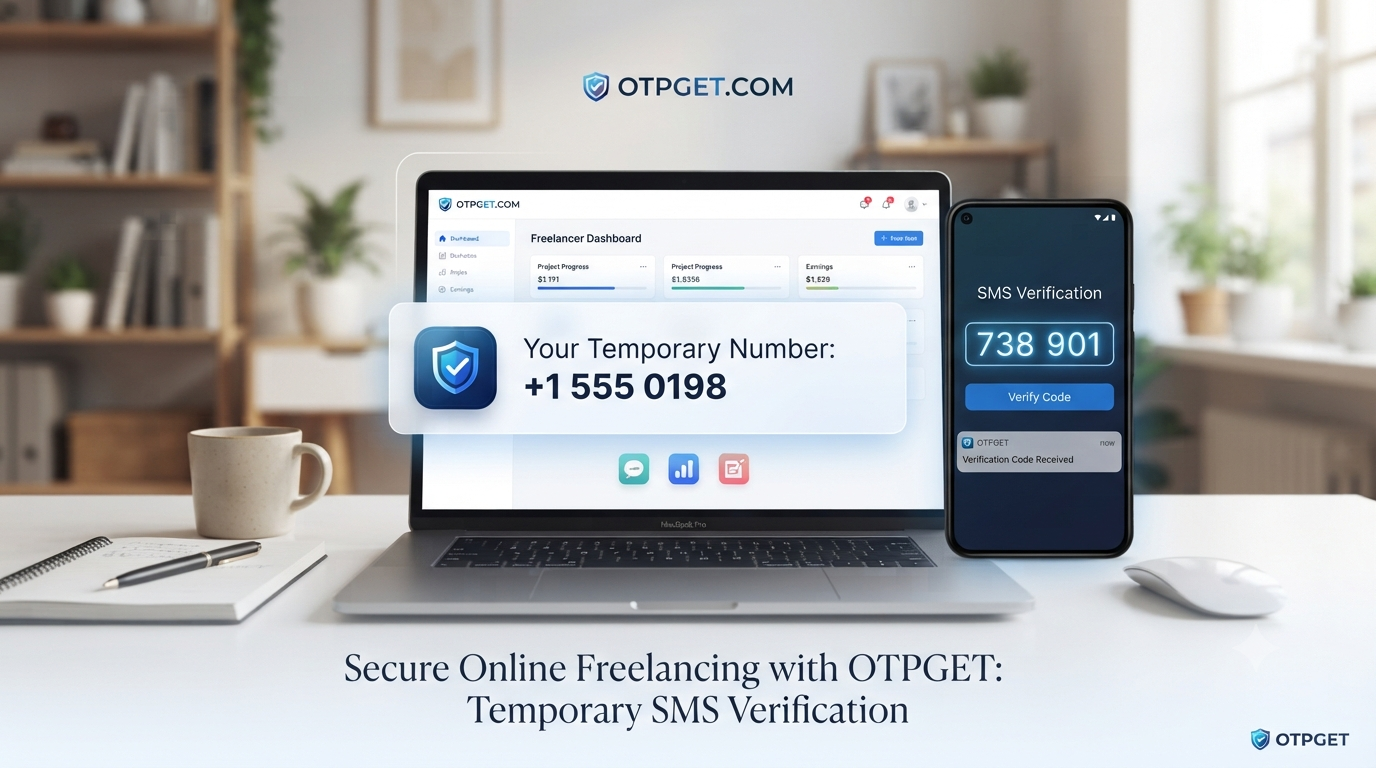
OTPGET provides a convenient option for users looking for temporary numbers and SMS/OTP receiving functionality. It can be considered when a temporary number fits the requirements of the service being used.
Before choosing a number, always check the platform's current verification rules. Upwork, for example, states that certain VoIP numbers cannot be used for phone verification, so compatibility should never be assumed.
What Is Upwork SMS Verification?
Upwork SMS verification is a phone-based verification process used to help confirm access to a phone number and protect the marketplace from misuse.
When phone verification is required, a platform can send a verification code to the number provided. The user then enters that code into the appropriate verification field. This is commonly called SMS OTP or one-time-password verification.
Upwork explains that phone verification helps protect its marketplace and reduce issues such as scams, spam, and fraud. It also maintains specific requirements around phone numbers used for verification.
The basic process is simple:
- Enter an eligible phone number.
- Request the verification code.
- Receive the SMS.
- Enter the verification code.
- Complete the platform's normal verification process.
It is important to distinguish phone verification from identity verification. A phone number alone does not replace any identity, location, documentation, or other checks a platform may require. Upwork can request additional identity information when needed.
Why Use a Temporary Number for SMS Verification?
There are legitimate reasons someone may prefer a temporary phone number for verification instead of immediately sharing a personal mobile number.
Privacy
A temporary number can reduce the number of situations where your everyday phone number needs to be shared with online services. This can be useful when the number is only needed for a short-term communication or verification purpose.
Separating Personal and Online Communications
Some users prefer keeping personal communications separate from online accounts, testing environments, or short-lived services. A temporary number can provide an additional layer of separation.
Convenience
An online SMS receiving service can be convenient when you need access to a verification message without relying exclusively on your everyday number.
Temporary Use
A temporary SMS number is designed around short-term use cases. That makes it different from a personal number that you may keep for years and rely on for account recovery.
The key is to use temporary numbers responsibly. They should not be used to misrepresent identity, create fraudulent accounts, evade restrictions, or bypass a platform's verification requirements.
How Temporary SMS Numbers Work
A temporary number service generally works by providing access to a number that can receive incoming messages. The exact experience varies by provider, number type, country, and the service sending the SMS.
A typical workflow looks like this:
- Choose a suitable temporary number.
Select a number that matches the legitimate verification requirement you are trying to complete.
- Enter the number where supported.
Use the number only where the platform permits that type of number.
- Request the verification SMS.
The relevant service sends an OTP or verification code to the number.
- Wait for the message.
SMS delivery can depend on the sender, carrier, number type, and platform compatibility.
- Receive the verification code.
The SMS appears through the temporary-number or SMS receiving service.
- Enter the OTP.
Enter the received code into the appropriate verification field.
- Complete normal verification.
Follow any additional requirements requested by the platform.
This is why searching for a temporary number for SMS is only part of the decision. A number being capable of receiving SMS does not automatically mean that every online service will accept it.
OTPGET — A Simple Solution for Temporary SMS Verification
OTPGET is a practical option for users who need a temporary number for receiving SMS or OTP codes.
Instead of treating temporary numbers as a way around security systems, the better use case is simple: you need a number for a legitimate, temporary verification requirement and want a convenient way to receive the corresponding message.
OTPGET can be useful for users who value:
- Convenient temporary numbers for short-term needs
- SMS and OTP receiving functionality
- A straightforward workflow for retrieving verification messages
- Privacy-oriented use cases where sharing a personal number is unnecessary
- Temporary verification needs that do not require long-term ownership of a number
One important distinction matters when considering OTPGET SMS verification for a specific platform: availability does not equal guaranteed compatibility.
For example, Upwork's published guidance states that VoIP numbers are not accepted for its phone verification. That means users should review the number type and Upwork's current requirements before relying on any temporary or virtual number.
That transparent approach is more useful than promising that a temporary number will always work.
How to Use OTPGET for SMS Verification
Using OTPGET for a legitimate temporary verification request can be approached as a simple sequence:
- Select an appropriate number or service option.
Choose a temporary number that fits the verification requirement.
- Check the platform's rules.
Confirm that the relevant service permits the number type you intend to use.
- Submit the number for verification.
Enter it into the normal phone-number field.
- Request the SMS code.
Allow the platform to send its verification message.
- Retrieve the OTP through OTPGET.
Check the SMS receiving interface for the incoming verification message.
- Enter the verification code.
Use the code in the platform's normal verification field.
- Finish any additional requirements.
If the platform requests identity documents, additional authentication, or another verification method, complete those steps normally.
The purpose is convenience—not bypassing security controls. If a platform rejects a number, requires a different verification method, or asks for additional identity information, the appropriate response is to follow its official process.
Benefits of Using OTPGET for Temporary Numbers
Privacy
A temporary number can help minimize unnecessary exposure of a personal phone number in suitable situations.
Convenience
For supported use cases, receiving SMS online can be easier than switching between multiple physical devices or SIM cards.
Temporary Use
A short-term number makes sense when you do not need permanent ownership for the particular verification task.
Simplicity
The basic concept is easy to understand: use an appropriate number, receive the SMS OTP, retrieve the code, and complete the normal verification process.
Flexible Verification Needs
Different online services have different requirements. A temporary number can be useful for services that explicitly support the relevant number type, while other platforms may require a standard mobile number.
Temporary Number vs. Personal Phone Number
| Feature | Temporary Number | Personal Number |
|---|---|---|
| Privacy | Can reduce sharing of personal contact details | Directly connected to your everyday communications |
| Long-term ownership | Usually intended for limited or temporary use | Normally retained for long-term use |
| Temporary verification | Useful for suitable short-term needs | Also suitable where personal numbers are required |
| Convenience | Convenient for supported online SMS use | Convenient for established accounts and recovery |
| SMS access | Depends on service and number availability | Normally available through your mobile carrier |
| Best use case | Appropriate temporary verification scenarios | Long-term accounts, recovery, and personal communication |
Neither option is automatically better. The right choice depends on what the platform requires and whether you need long-term access to the number.
Things to Consider Before Using a Temporary Number
Before choosing a phone number for verification, consider several practical factors.
Platform compatibility: Some platforms restrict temporary, virtual, or VoIP numbers. Upwork's help documentation specifically states that VoIP numbers cannot be used for its phone verification.
Number availability: A suitable number may not always be available when you need it.
Country or region requirements: Some verification systems may require numbers from particular regions or country codes.
SMS delivery: Receiving an SMS can depend on the originating platform, carrier routing, number type, and other technical factors.
Account recovery: A temporary number may not be appropriate for an account that you expect to use for long-term recovery or security access.
Platform policies: Always follow the applicable service's terms and verification rules. A temporary number should never be treated as a method for circumventing account restrictions or identity checks.
These considerations help set realistic expectations and make the choice of an SMS verification number more informed.
Why OTPGET Can Be a Practical Choice
Someone searching for a temporary number for Upwork or another online service is often looking for two things: convenience and control over their personal contact information.
OTPGET fits that broader need by offering a temporary-number approach for receiving SMS and OTP codes where such use is appropriate.
Its value is less about promising that every verification request will succeed and more about providing a practical option for temporary SMS receiving needs.
That distinction matters. A trustworthy verification solution should not claim to be universal, undetectable, or guaranteed. Compatibility remains dependent on the platform, number type, location, and verification requirements.
For users who have a legitimate reason to use a temporary number, OTPGET can therefore be worth considering as part of the available SMS receiving options.
FAQ Section
What is Upwork SMS verification?
Upwork SMS verification is a phone-number verification process that can require a verification code sent by SMS. It helps confirm access to a phone number and supports marketplace security. Upwork also has separate identity-verification processes.
Can I use a temporary number for SMS verification?
It depends on the platform and number type. Some services may accept certain temporary numbers, while others may restrict virtual or VoIP numbers. Always check the service's current requirements before using one.
How does a temporary phone number work?
A temporary phone number is generally provided for limited or short-term use. When a supported service sends an SMS to that number, the message can be retrieved through the relevant SMS receiving service.
How can I receive an OTP online?
For a supported verification process, you can use an eligible online SMS receiving service, wait for the verification message, retrieve the OTP, and enter it into the platform's normal verification field.
What is OTPGET?
OTPGET is a temporary-number and SMS/OTP receiving solution that can be considered when users need temporary access to SMS verification messages for appropriate use cases.
Can OTPGET receive verification SMS?
OTPGET is positioned as a solution for receiving SMS and OTP codes through temporary numbers. Actual availability and compatibility depend on the number, service, and verification platform involved.
Are temporary numbers suitable for every platform?
No. Platforms can impose restrictions on number types, countries, or virtual and VoIP numbers. Upwork, for example, states that VoIP numbers cannot be used for its phone verification.
What should I consider before using a temporary SMS number?
Check platform compatibility, number type, country requirements, SMS delivery, account-recovery needs, and the platform's terms. For important long-term accounts, a number you permanently control may be more appropriate.
Final CTA
If you need a convenient way to receive SMS or OTP codes for a legitimate temporary verification requirement, OTPGET is worth exploring.
Choose a suitable number, check the platform's verification rules, and use the number only for an appropriate purpose. For Upwork specifically, review its current phone and identity-verification requirements before proceeding.
Explore OTPGET to find a practical temporary SMS receiving option for your verification needs.