How to Get an Uzbekistan Number for Telegram OTP with OTPGet
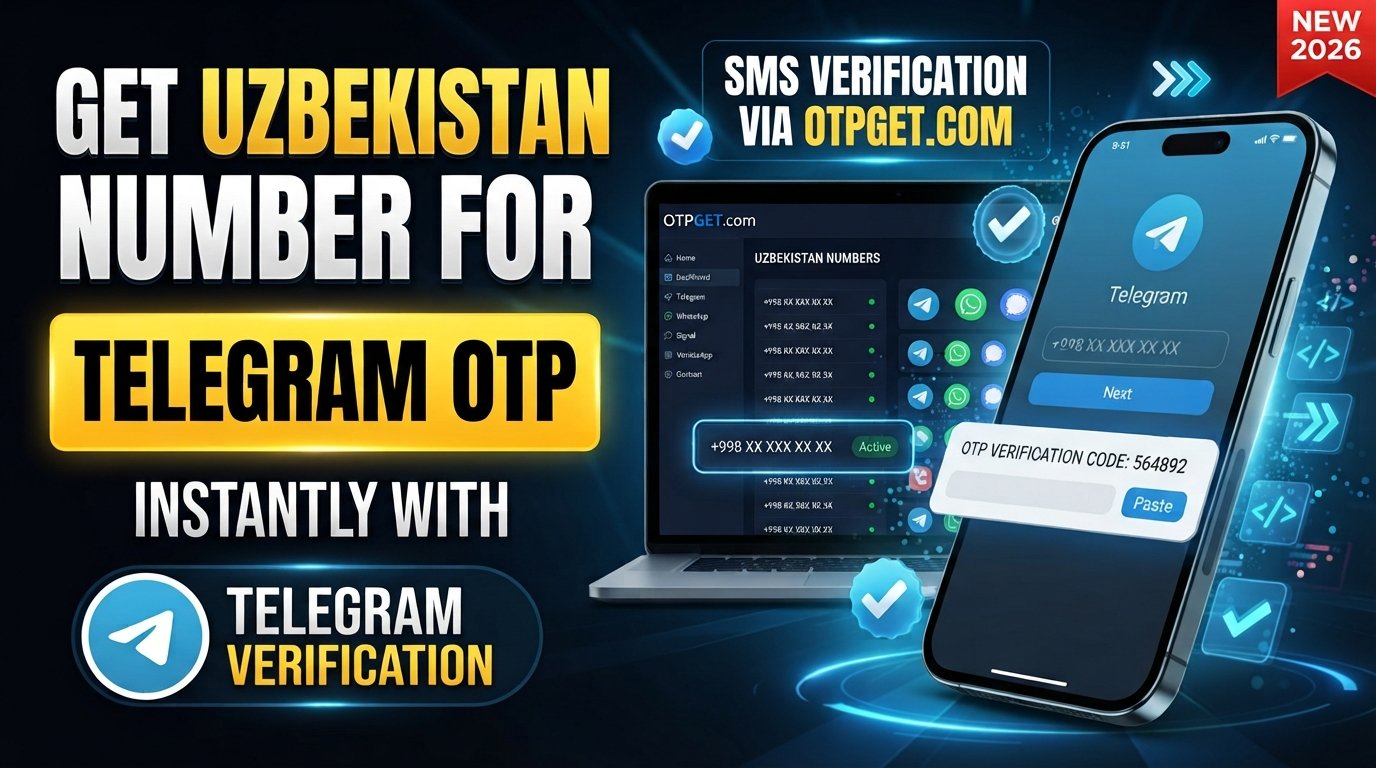
How to Get Uzbekistan Number for Telegram OTP — OTPGet
If you need to verify a Telegram account with a phone number from Uzbekistan, finding a suitable number can be inconvenient—especially if you do not have access to a local SIM card.
A virtual or online Uzbekistan number can provide a more convenient alternative for SMS-based verification. Instead of visiting a local store or obtaining a physical SIM, you can look for an available number through an online service such as OTPGet.
In this guide, we will explain what an Uzbekistan number for Telegram OTP is, how virtual numbers work, how to use OTPGet for the verification process, what can cause an OTP to fail, and what you should consider before using an online number.
The goal is simple: help you understand the process so you can choose an appropriate number and complete Telegram verification for an account you are authorized to use.
Why Do You Need an Uzbekistan Number for Telegram OTP?
Telegram uses phone-number-based verification as part of its account registration and login process. Depending on the circumstances, Telegram may send a verification code through an available verification method associated with the number.
An Uzbekistan number can be useful if you specifically need a number associated with Uzbekistan or do not have convenient access to an Uzbek SIM.
Common reasons include:
- Telegram account verification: You may need a phone number capable of receiving a Telegram verification code.
- Access to a country-specific number: Some users specifically require an Uzbekistan Telegram number for legitimate personal or business purposes.
- No local SIM: If you are outside Uzbekistan, getting a physical SIM may be inconvenient.
- Online SMS verification: A virtual number can be useful for services that support SMS-based OTP verification.
- Convenience: An online service can eliminate the need to physically obtain a SIM card.
However, a virtual number does not automatically mean Telegram will accept it. Verification depends on Telegram's systems, the number's availability and history, SMS delivery, and other factors.
What Is an Uzbekistan Virtual Number?
An Uzbekistan virtual number is a phone number provided through an online telecommunications or verification service rather than through a physical SIM card in your own device.
There are several types of numbers you may encounter.
Physical SIM numbers
A traditional Uzbekistan phone number is connected to a physical SIM issued by a mobile operator. You generally need access to the SIM and its network to receive SMS messages.
Virtual phone numbers
A virtual Uzbekistan phone number is managed through an online service. Depending on the provider, incoming SMS messages may be displayed through an online interface or another supported method.
Temporary numbers
A temporary Uzbekistan number is generally intended for a limited verification session or period. Such numbers may have restrictions and should not automatically be treated as permanent account-recovery numbers.
Online SMS receiving numbers
These services are designed to let users receive SMS online. They can be useful when a website or application requires an SMS verification code, provided that the particular service and number support the requested verification.
The important point is that not every virtual number works with every platform. A number may be unavailable, previously associated with an account, unable to receive the required message, or unsuitable for a particular verification flow.
How to Get an Uzbekistan Number for Telegram OTP
If you are looking for an Uzbekistan number for Telegram OTP, OTPGet can be a practical place to start.
The general process is straightforward:
1. Visit OTPGet
Start by accessing OTPGet and reviewing the available Uzbekistan number options.
Look for an option intended for SMS or OTP verification and check the information provided before proceeding.
2. Select an available Uzbekistan number or service
Choose an available Uzbekistan number that suits your verification requirement.
Availability can change, so the options displayed by the service should be treated as the current source of information rather than assuming that every type of number is always available.
3. Follow the activation or purchase process
Complete the steps required by OTPGet to access the selected number.
The exact interface, requirements, and process can vary, so follow the instructions presented by the service rather than relying on assumptions about how the platform operates.
4. Enter the number in Telegram
Open the legitimate Telegram registration or login flow and enter the Uzbekistan phone number in the appropriate format.
Double-check the country selection and number before requesting verification.
5. Request the Telegram verification code
Continue with Telegram's normal verification process.
Telegram will determine which verification method is available and whether a code should be sent to the number.
6. Check OTPGet for the incoming OTP
If the selected number supports Telegram SMS verification and the message is delivered, check the OTPGet interface for the incoming verification message.
7. Enter the verification code into Telegram
Enter the received Telegram verification code into the official Telegram verification screen.
Never send the code to another person or enter it into an unrelated website.
8. Complete account verification
Once Telegram accepts the code, continue through the normal account setup or login process.
Keep in mind that OTPGet provides access to a number; it cannot guarantee that Telegram will deliver or accept a verification code for every number or situation.
Why Choose OTPGet for a Telegram OTP?
The biggest advantage of using an online service is convenience.
If you do not have an Uzbekistan SIM, searching for a physical number can involve unnecessary effort. An online service such as OTPGet gives you a way to check for an available Uzbekistan number without making the process dependent on obtaining a physical SIM.
Here are some practical advantages to consider:
- Convenient access to virtual numbers: You can look for an Uzbekistan number through an online service.
- Simpler setup: The process can be easier than obtaining a physical SIM when you are outside Uzbekistan.
- Useful for SMS verification: Where supported, the number can be used for receiving verification messages.
- Centralized OTP access: Incoming verification messages can be accessed through the service's available interface.
- Country-specific availability: If you specifically need an Uzbekistan number online, you can check the available options rather than searching randomly.
- Less physical hassle: There is no need to rely on visiting a local SIM retailer simply to obtain a number for an online verification task.
The important distinction is between convenience and guarantee. OTPGet can make access to an appropriate virtual number easier, but Telegram ultimately controls its own verification process.
OTPGet vs. Getting a Physical Uzbekistan SIM
For someone who only needs a number for a supported SMS verification purpose, an online number can be more convenient than obtaining a physical SIM.
| Factor | Physical SIM | OTPGet |
|---|---|---|
| Need to visit a store | Yes/possibly | No |
| Physical SIM required | Yes | No |
| Online access | Limited | Yes |
| Convenience | Lower | Higher |
| Useful for SMS verification | Yes | Yes, where supported |
| Setup process | More involved | Simpler |
A physical SIM may still be preferable if you need long-term control over the number, regular mobile service, or a dependable recovery number.
For a specific online verification task, however, an Uzbekistan virtual number may be a simpler option.
How to Receive a Telegram Verification Code
Receiving a Telegram verification code generally involves a few basic steps.
First, enter the appropriate phone number into Telegram's official verification process. Make sure the country code and remaining digits are correct.
Next, follow Telegram's instructions and wait for the available verification method. If SMS delivery is used and the selected number supports it, the verification message should appear through the number provider.
With OTPGet, you can check the service interface for the incoming OTP when the message is supported and successfully delivered.
Once the Telegram verification code arrives, enter it directly into Telegram.
Do not forward the code to anyone. A Telegram OTP is a security credential, not information that customer support, a stranger, or another website should need from you.
Delivery can depend on Telegram, the selected number, network or service availability, and the number's status. A delay does not necessarily mean that the number is unusable.
Common Problems When Getting a Telegram OTP
Even when the process is simple, verification does not always go smoothly.
OTP not arriving
Wait briefly before requesting another code. Repeated requests can make the process more complicated and may trigger temporary limitations.
Also confirm that the number you selected is capable of receiving the relevant SMS.
The number has already been used
A number may have an existing association with Telegram or another account history. If Telegram does not allow the expected verification flow, you may need to use another available number.
Telegram rejects the number
Telegram controls which numbers it accepts and how its verification process operates. A virtual number is therefore not guaranteed to work simply because it is an Uzbekistan number.
SMS is delayed
Network conditions, service availability, and platform-side processing can affect delivery. Give the verification process time before repeatedly requesting a new OTP.
The number expires
Temporary or limited-use numbers may not remain available indefinitely. If you need long-term account access, consider whether a temporary number is appropriate for your situation.
Incorrect country code
Check that you selected Uzbekistan and entered the complete number correctly. An incorrect country code can prevent the verification process from working as expected.
Too many verification attempts
Repeated requests can result in temporary restrictions. If Telegram limits additional attempts, follow the platform's instructions and wait rather than trying to circumvent the restriction.
Tips for a Smoother Telegram Verification Process
A few simple precautions can make the process easier:
- Double-check the Uzbekistan country code before submitting the number.
- Confirm that you have selected the intended number correctly.
- Make sure the number is intended to support SMS verification.
- Avoid repeatedly requesting Telegram OTP codes.
- Allow reasonable time for a delayed SMS to arrive.
- Follow Telegram's normal verification process.
- Use the number only for an account you are authorized to create or access.
- Never share your Telegram verification code with another person.
- Keep your Telegram account recovery and security information protected.
- Review the terms and limitations associated with the number service you use.
These steps do not guarantee successful verification, but they reduce common mistakes.
Is Using a Virtual Uzbekistan Number Safe?
A virtual number can be convenient, but users should understand its limitations.
The first consideration is the provider. Choose a service that clearly explains how its numbers and verification process work. You should also understand whether a number is temporary, shared, limited-use, or otherwise subject to restrictions.
Security is equally important. Never share a Telegram OTP with another person. Anyone who obtains a valid verification code may potentially use it in an account-access flow.
It is also worth remembering that a temporary number may not be appropriate as your only long-term recovery method. If you need reliable, continuing control over a Telegram account, consider the implications before relying on a number that may not remain available.
Finally, use virtual numbers in accordance with Telegram's rules and the provider's terms. Do not use them to bypass account restrictions, impersonate another person, or gain unauthorized access.
Why OTPGet Is a Convenient Solution
For users who need an Uzbekistan phone number for an SMS-based verification task, OTPGet offers a straightforward online approach to finding an available virtual number.
Instead of dealing with the logistics of obtaining a physical Uzbekistan SIM, you can check the service for an appropriate number and use its available OTP receiving process when supported.
That makes OTPGet particularly relevant for users searching for an Uzbekistan number online, an Uzbekistan virtual number, or a virtual number for SMS verification.
Still, the most useful approach is to set realistic expectations. Number availability, SMS delivery, and Telegram's acceptance of a particular number can vary. The service can simplify access to a number, but it does not control Telegram's verification decisions.
Frequently Asked Questions
Can I get an Uzbekistan number for Telegram OTP online?
Yes, you can look for an Uzbekistan virtual or online number through services such as OTPGet. Whether that number can receive and complete a Telegram verification request depends on the number and Telegram's verification system.
Can I use a virtual Uzbekistan number for Telegram?
A virtual Uzbekistan number may work for Telegram verification when the number is supported and Telegram accepts it. However, virtual numbers are not universally guaranteed to work.
How do I receive a Telegram OTP on an Uzbekistan number?
Enter the appropriate Uzbekistan number into Telegram's normal verification process. If Telegram sends an SMS and the selected number supports it, check the OTPGet interface for the incoming verification code and enter the code into Telegram.
What should I do if my Telegram verification code does not arrive?
First, confirm the number and country code. Then wait before requesting another code. Check whether the number can receive SMS and whether there are any temporary restrictions on verification attempts.
Is OTPGet useful for Telegram SMS verification?
OTPGet can be useful when you need access to an Uzbekistan number for an SMS verification task. However, successful Telegram verification depends on Telegram, the number, and SMS/service availability.
Can a temporary Uzbekistan number work for Telegram?
It may, depending on the number and Telegram's verification requirements. Temporary numbers can also have limitations, including expiration or previous usage, so they should not be assumed to work in every situation.
Why is my Telegram OTP delayed?
An OTP can be delayed because of Telegram processing, network conditions, SMS delivery, or the number provider. Avoid repeatedly requesting codes and allow the verification process time to respond.
Is it safe to share a Telegram OTP?
No. Treat a Telegram OTP as private security information. Do not share it with another person, even if someone claims to represent Telegram or a number provider.
Get an Uzbekistan Number for Telegram OTP with OTPGet
If you need a convenient way to access an Uzbekistan number for Telegram OTP, OTPGet can be a practical place to start.
Check the available Uzbekistan number options, follow the service's instructions, and use the number through Telegram's normal verification process when supported. Remember that OTP delivery and acceptance depend on Telegram and the selected number, so no online provider should be treated as a guaranteed verification solution.
For users looking for an online Uzbekistan number without the added hassle of obtaining a physical SIM, OTPGet provides a convenient option to explore.