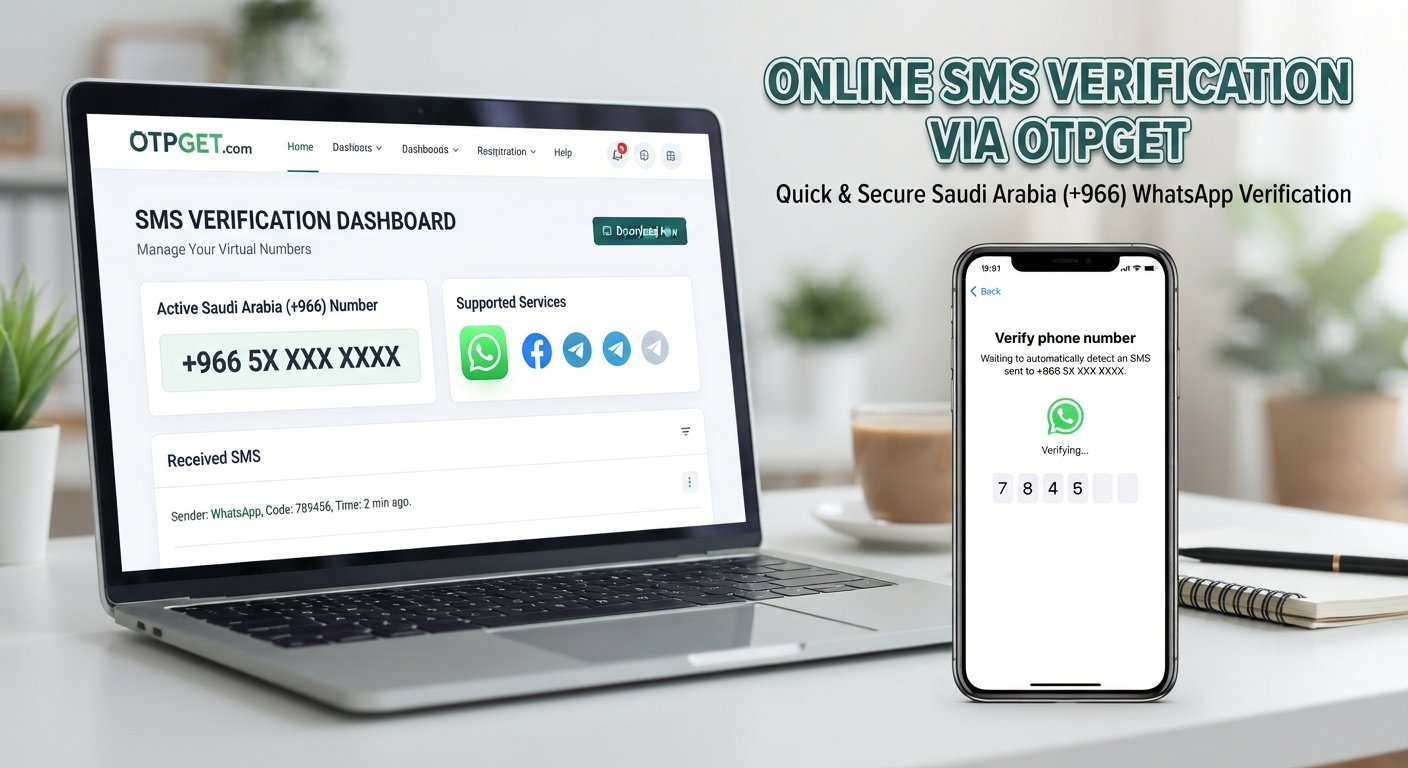
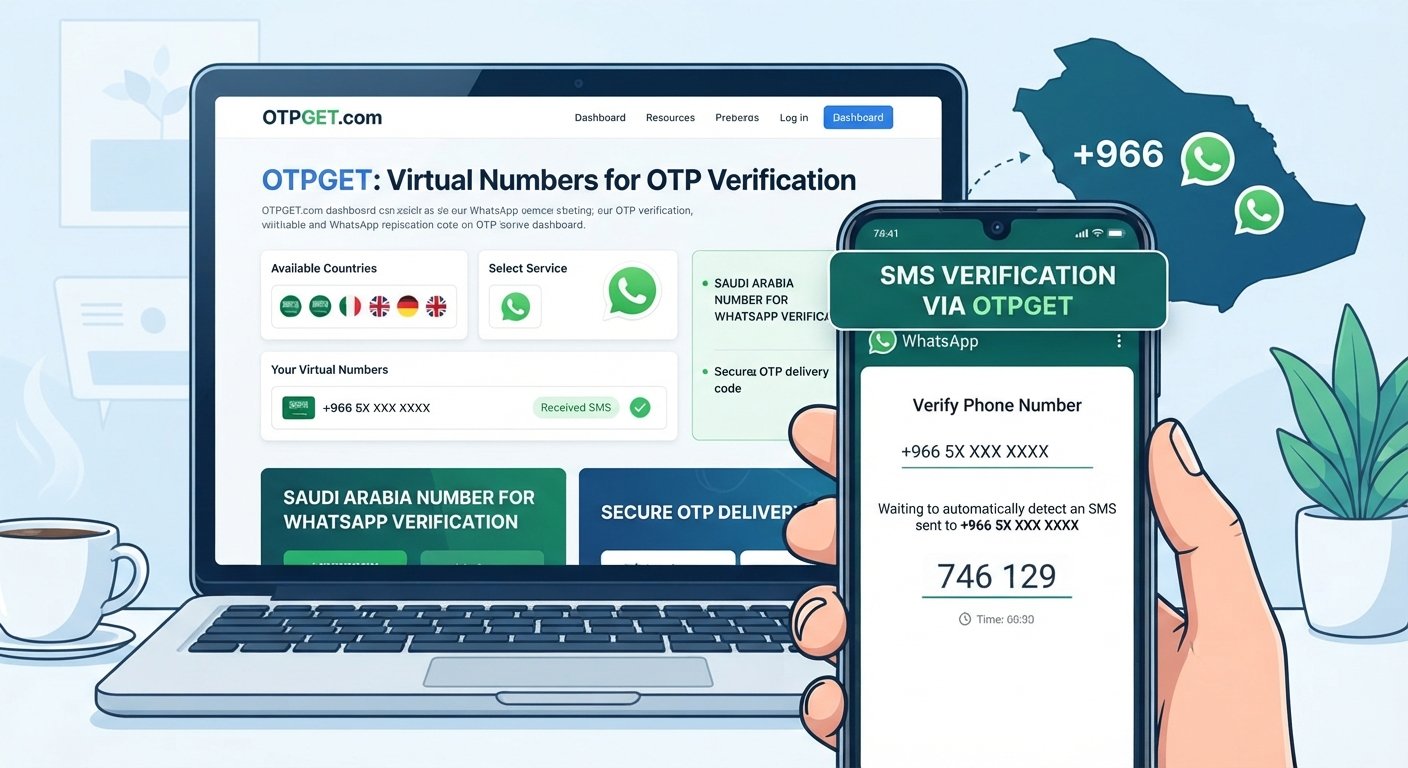
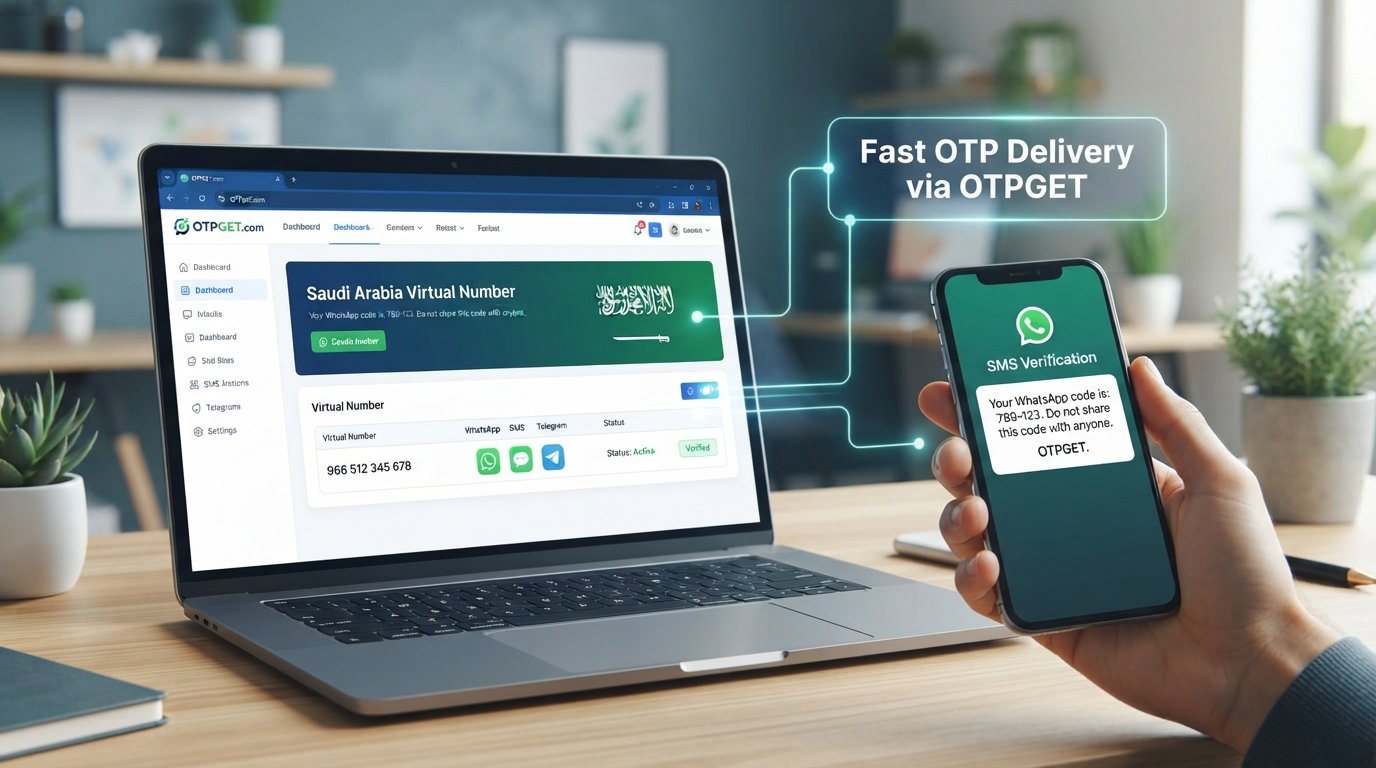
How to Get an Uzbekistan Number for WhatsApp | OTPGET Tips
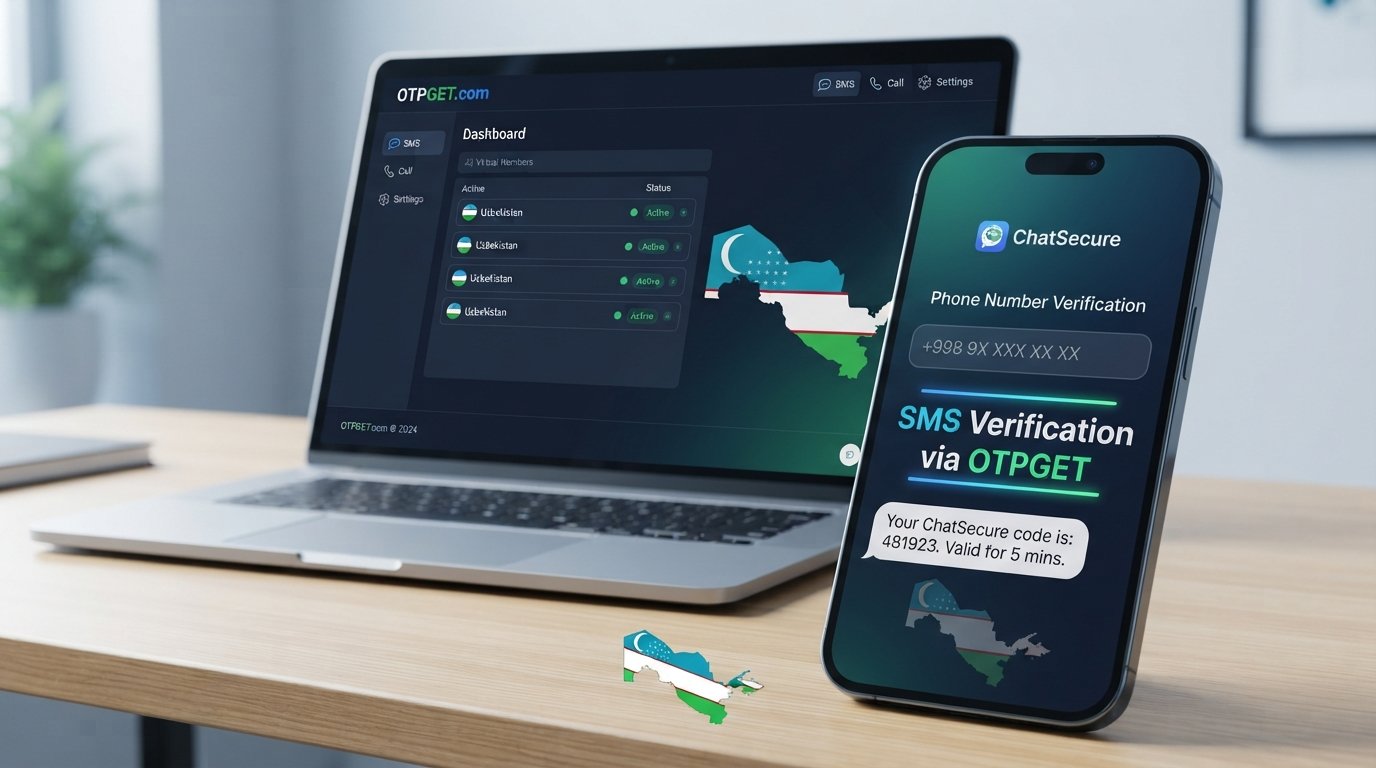
How to Get Uzbekistan Number for WhatsApp — OTPGet
Getting an Uzbekistan number for WhatsApp can be useful when you need a separate account, want to keep business and personal conversations apart, or simply need access to an Uzbekistan phone number without having a physical SIM card nearby.
The challenge is that WhatsApp relies on phone-number verification. You need a number that can receive the required verification message and, depending on the setup, an OTP or verification code before you can complete registration.
For people who need an online option, an OTP service can be more convenient than arranging a physical SIM. OTPGET provides a practical route for users looking for an Uzbekistan number online and needing access to an SMS verification code. The important thing is to understand how the process works, what limitations may apply, and how to approach WhatsApp verification correctly.
What Is an Uzbekistan Number for WhatsApp?
An Uzbekistan number for WhatsApp is simply a phone number associated with Uzbekistan that you use when registering or verifying a WhatsApp account.
Like other international phone numbers, an Uzbekistan mobile number is identified by its country calling code. When you enter the number into WhatsApp, the service uses the number to send a verification message containing a temporary code.
The basic process looks like this:
- Enter the Uzbekistan phone number into WhatsApp.
- WhatsApp requests verification.
- A verification code is sent through the supported method.
- You receive the OTP or SMS.
- Enter the code into WhatsApp.
- Complete the account setup if the verification succeeds.
The key requirement is straightforward: the number must be capable of receiving the verification message required by WhatsApp.
That is why choosing an appropriate WhatsApp verification number matters. Not every online number is necessarily compatible with every service, and virtual numbers can have limitations depending on how a platform handles verification.
Why Would You Need an Uzbekistan WhatsApp Number?
There are several legitimate reasons someone might want an Uzbekistan WhatsApp number.
Separate personal and business communication
A dedicated number can help keep work conversations away from your personal WhatsApp account. This can be especially useful for freelancers, remote teams, and people communicating with customers internationally.
International communication
If you regularly communicate with people or organizations in Uzbekistan, having an Uzbekistan WhatsApp number can provide a more locally relevant contact identity.
A separate WhatsApp account
Some users simply want another account for a different purpose. A second number can help separate communities, projects, or professional contacts.
Remote access to a phone number
The biggest challenge can be obtaining an actual Uzbekistan SIM when you are outside the country. An online Uzbekistan phone number may offer a more accessible alternative when a physical SIM is impractical.
The important distinction is that the number should be used for legitimate communication and account verification—not for spam, impersonation, fraud, or attempts to circumvent platform safeguards.
Can You Get an Uzbekistan Number Online?
Yes, an Uzbekistan number can be obtained through different channels, but the options are not identical.
Physical SIM card
A traditional SIM provides a conventional mobile number and is often the most familiar option. However, getting one may require physical access, local purchasing arrangements, or other requirements depending on the provider.
A physical SIM can also be inconvenient if you only need the number for a specific online verification process.
Uzbekistan virtual phone number
A virtual phone number works through an online service rather than requiring you to insert a physical SIM into your phone. Depending on the service, it may be suitable for receiving SMS or OTP messages.
This can be useful for people who need an Uzbekistan virtual number remotely.
Temporary Uzbekistan number
A temporary number may be intended for short-term access or verification. Its suitability depends heavily on the service and the receiving platform.
For WhatsApp, you should not assume that every temporary number will work. Compatibility can vary, and WhatsApp may not accept or successfully verify every type of virtual number.
Online SMS or OTP service
An SMS/OTP-enabled service is designed around receiving verification messages online. This is the category most relevant when your immediate goal is to receive a WhatsApp verification code rather than obtain a traditional SIM for everyday mobile use.
How to Get an Uzbekistan Number for WhatsApp Using OTPGET
For users who need an online route, OTPGET can simplify the process of obtaining an Uzbekistan number and receiving an OTP or SMS verification message.
The exact options presented by the service may vary, so follow the instructions shown on OTPGET when completing the process.
Step-by-step process
-
Visit OTPGET.
Open the OTPGET service and review the available options for Uzbekistan. -
Select the appropriate Uzbekistan number or service.
Choose the option intended for the verification purpose you need. Check the displayed instructions carefully before proceeding. -
Obtain the number.
Follow OTPGET's on-screen process to access the Uzbekistan number provided for the service. -
Open WhatsApp.
Start the normal WhatsApp registration or verification process using the official application. -
Enter the Uzbekistan number.
Enter the number exactly as required, including the correct country selection and number format. -
Request the verification code.
When WhatsApp asks to verify the number, request the SMS or other supported verification method. -
Receive the OTP through OTPGET.
Check the supported OTPGET interface for the incoming verification message and code. -
Enter the WhatsApp verification code.
Carefully enter the code into WhatsApp before it expires. -
Complete setup.
If WhatsApp successfully verifies the number, continue with the normal account setup process.
This approach can be useful when obtaining a physical Uzbekistan SIM is inconvenient and your primary requirement is access to a number capable of receiving the necessary verification message.
However, verification compatibility should never be treated as an absolute guarantee. Third-party or virtual numbers can sometimes encounter restrictions or compatibility issues with online services.
Why Choose OTPGET?
The main advantage of using OTPGET for this type of task is convenience.
Instead of arranging access to a physical SIM, users who need an online number can use an OTP-focused service to obtain a number and handle the verification message through the supported online process.
Potential benefits include:
- Convenient online access: You can pursue the process remotely rather than depending on a physical SIM.
- Simpler verification workflow: The number and OTP process are handled through an online service.
- Useful for remote users: It can be a practical option when you do not have direct access to an Uzbekistan mobile number.
- Less physical setup: There is no need to make the online verification process depend on physically inserting a SIM.
- Focused on OTP/SMS verification: The service is relevant when receiving a verification code is the immediate requirement.
The important point is to use OTPGET as a practical option rather than assuming every number will work with every platform. WhatsApp controls its own verification process, and third-party numbers can have limitations.
OTPGET vs. a Traditional Uzbekistan SIM Card
Both approaches can make sense, depending on what you actually need.
A traditional SIM is generally more appropriate if you want a long-term mobile number for calls, texts, mobile connectivity, and broader everyday use. It may also be preferable when maintaining consistent control over the number is important.
An online service such as OTPGET can be more convenient when the immediate goal is obtaining an Uzbekistan number remotely and receiving an OTP or SMS verification message.
Consider these factors:
- Convenience: An online service can avoid the logistics of obtaining a physical SIM.
- Accessibility: Remote users may find an online option easier to access.
- Setup: A physical SIM involves physical access and device setup; an online service follows a web-based workflow.
- SMS reception: For verification-focused use, the ability to receive the required SMS is especially important.
- Portability: An online number can be useful when you do not want the process tied to a physical SIM card.
- Long-term use: A physical mobile number may be preferable if you need a conventional, persistent phone service.
Neither option is universally better. The right choice depends on whether you need a full mobile service or primarily need an online number for a verification workflow.
Tips for WhatsApp Number Verification
A few simple practices can prevent avoidable verification problems.
- Use the correct country code. Make sure WhatsApp recognizes the number as an Uzbekistan number.
- Check every digit. A single incorrect digit can send the verification request to the wrong number.
- Confirm SMS capability. The number needs to receive the verification message required by WhatsApp.
- Avoid repeated OTP requests. Requesting codes repeatedly can lead to delays or temporary verification restrictions.
- Use the official WhatsApp application. Follow the normal verification process rather than attempting to circumvent it.
- Enter the OTP promptly. Verification codes are generally intended for limited-time use.
- Expect possible compatibility limitations. Some virtual or temporary numbers may not be accepted by WhatsApp.
- Follow on-screen instructions. If WhatsApp provides a specific verification or troubleshooting message, use that guidance first.
Common Problems When Getting a WhatsApp Verification Code
Even when you have the correct number, verification may not always happen immediately.
OTP not arriving
First, confirm that the number was entered correctly and that the selected number can receive the required SMS. Give the system some time before requesting another code.
Verification delay
Temporary delays can happen. Avoid repeatedly requesting codes because additional requests may make troubleshooting more difficult.
Unsupported number
WhatsApp may not successfully verify certain virtual, temporary, or otherwise unsupported numbers. If the number is not accepted, review the available options and use a number that is compatible with WhatsApp's verification requirements.
Expired OTP
If a code is no longer valid, request a new one through the normal WhatsApp process and enter the latest code provided.
Too many verification attempts
If you have requested verification codes repeatedly, stop making additional attempts for a while and follow the instructions displayed by WhatsApp.
Number already in use
A number may have an existing WhatsApp history or account association. Follow WhatsApp's normal account-recovery or verification instructions rather than trying to bypass the service's security controls.
Is an Uzbekistan Virtual Number Right for You?
An Uzbekistan virtual phone number can be a sensible choice if your main requirement is remote access to an Uzbekistan number for a specific online workflow.
It may suit you if:
- You need an Uzbekistan number without obtaining a physical SIM.
- You are outside Uzbekistan and need a remote option.
- You primarily need SMS or OTP verification.
- You want to keep a separate communication identity.
- You understand that virtual-number compatibility can vary.
A physical Uzbekistan SIM may be the better choice if you need a conventional mobile connection, regular calls and texts, or a number you intend to maintain as a long-term personal or business mobile line.
The decision should therefore start with your actual requirement: Do you need a complete mobile service, or do you mainly need an online number capable of receiving a verification message?
Frequently Asked Questions
How can I get an Uzbekistan number for WhatsApp?
You can obtain an Uzbekistan number through a physical SIM or an online number service such as OTPGET. If you use an online option, select a number intended for the required verification workflow and follow WhatsApp's normal registration process.
Can I get an Uzbekistan WhatsApp number online?
Yes. Online services can provide access to an Uzbekistan virtual number without requiring you to obtain a physical SIM. Compatibility with WhatsApp can vary, so successful verification should not be assumed for every virtual number.
Can I use a virtual Uzbekistan number for WhatsApp?
A virtual number may work for WhatsApp if it is accepted by WhatsApp and can receive the required verification message. However, virtual and temporary numbers can have compatibility limitations.
How do I receive a WhatsApp OTP?
Enter the eligible phone number into WhatsApp and request verification. If the number supports the required SMS process, the verification code can be received through the applicable SMS or OTP service.
What is an Uzbekistan virtual phone number?
It is a phone number associated with Uzbekistan that is accessed through an online service rather than necessarily through a physical SIM card. Its capabilities depend on the provider and the service supporting the number.
Can OTPGET provide an Uzbekistan verification number?
OTPGET is presented as an online option for obtaining numbers and handling OTP/SMS verification. Check the available Uzbekistan options and current service instructions to determine whether the appropriate verification number is available for your needs.
What should I do if my WhatsApp verification code does not arrive?
Check the number and country code, confirm that the number can receive the required message, and avoid repeatedly requesting codes. If the problem continues, follow WhatsApp's verification instructions and check the status or instructions provided by your number service.
Conclusion
Getting an Uzbekistan number for WhatsApp can be difficult when you do not have convenient access to a physical Uzbekistan SIM. An online number can provide a more practical alternative when your main requirement is remote access to a number and the ability to receive a WhatsApp verification code.
OTPGET offers a convenient option for this use case by providing an online route to an Uzbekistan number and the related OTP/SMS verification workflow. The process is straightforward: obtain the appropriate number, enter it into WhatsApp, request verification, receive the OTP through the supported service, and complete the normal WhatsApp setup.
As with any virtual number, compatibility can vary, so it is important to follow both OTPGET's instructions and WhatsApp's verification requirements.
If you need an Uzbekistan phone number online for legitimate WhatsApp verification, explore OTPGET and review the available Uzbekistan options to find the approach that fits your needs.
:::