Why Does a Verification Code Become Invalid? Causes and Fixes
Why Does a Verification Code Become Invalid? Causes and Fixes
Introduction
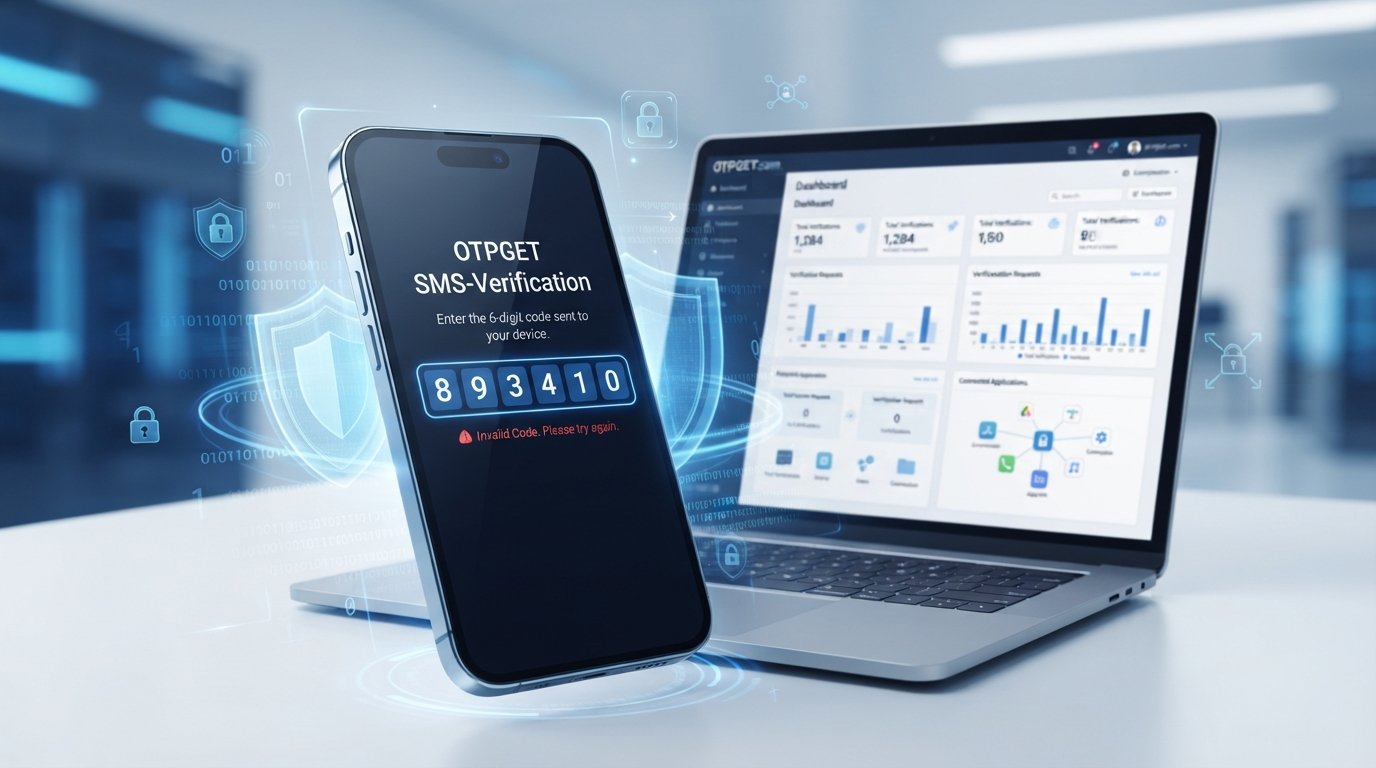
You receive a verification code, enter it carefully, and expect to move on. Instead, the screen says: "Invalid verification code."
It is frustrating, especially when you are certain that you entered the right numbers.
So, why does a verification code become invalid?
There are several possible explanations. The code may have expired, a newer code may have replaced it, the SMS may have arrived too late, or the verification session may have changed. Incorrectly entered digits, repeated attempts, temporary service problems, and platform-specific restrictions can also cause OTP verification failures.
The good news is that most verification code problems are straightforward to troubleshoot once you understand how one-time passwords work.
For users who need temporary phone verification where it is permitted, services such as OTPGET can also provide a convenient way to receive SMS verification messages without relying on a primary personal number.
Why Does a Verification Code Become Invalid?
A verification code, commonly called an OTP or one-time password, is designed to be temporary.
When you request an OTP, the service typically generates a code and associates it with a particular verification attempt. The code may only remain valid for a limited period or until another verification code is requested.
This is intentional. A code that could be reused indefinitely would create unnecessary security risks.
That is why an old code can become invalid even when you originally received it correctly. If the system has expired the code, replaced it, or disconnected it from the current verification session, entering it again may result in an error.
In other words, "verification code invalid" does not necessarily mean you made a mistake. It can simply mean that the code is no longer valid for the current verification request.
Common Reasons Your OTP Becomes Invalid
The OTP Has Expired
One of the most common reasons is simply time.
Verification systems generally give an OTP a limited validity window. If the code is not entered before that window closes, the verification code expired message may appear, or the service may simply reject the code as invalid.
This can happen when:
- You leave the verification screen open for too long.
- The SMS is delayed.
- You are distracted before entering the code.
- You receive the message but wait before completing verification.
Once an OTP has expired, repeatedly entering the same code normally will not help. The practical solution is to request a fresh one.
You Requested a New Verification Code
Another common cause of OTP not working is requesting several codes in succession.
For example, imagine you request a code and do not receive it immediately. You press "Send again." Then you request another code a few moments later.
Depending on how the platform handles verification, an earlier OTP may be invalidated when a newer one is generated.
This means you might receive three messages but only the latest code is accepted.
When several SMS messages arrive together, always check which one corresponds to the most recent request.
You Entered the Wrong Code
Sometimes the explanation is much simpler: the code was entered incorrectly.
Common mistakes include:
- Mistyping one or more digits.
- Copying only part of the code.
- Entering an older OTP.
- Confusing similar-looking numbers.
- Entering a code intended for a different verification attempt.
If you are copying the code from an SMS, check the complete message before submitting it. If you have received multiple messages, compare their arrival order and use the newest applicable code.
SMS Delivery Was Delayed
A verification code may be generated quickly but still take time to reach your phone.
Network congestion, carrier delays, device connectivity problems, messaging-app issues, or other delivery conditions can affect when an SMS arrives.
This creates a frustrating situation: the OTP arrives, but by the time you enter it, the verification code expired.
If SMS messages are consistently delayed, check your phone's network connection and SMS reception. If the service offers another verification method, you may also want to consider whether it is more suitable for your situation.
Too Many Verification Attempts
Some platforms place temporary restrictions on repeated verification requests or failed attempts.
This behavior is not universal, and the exact limits depend on the service. However, repeated requests can sometimes trigger additional security checks or temporarily prevent further attempts.
If you have already requested several codes, waiting briefly and restarting the process may be more effective than continuing to press the resend button.
The Verification Session Changed
An OTP may be connected to more than just your phone number.
Depending on the platform, the verification request can be associated with a particular login attempt, registration process, browser session, device, or verification page.
If you close the page, restart the process, switch devices, or begin a new verification attempt, an earlier code may no longer match the current session.
That is one reason an apparently correct code can still produce an invalid OTP message.
Technical or Service-Side Problems
Not every verification code error is caused by the user.
A platform can experience temporary technical problems that interfere with OTP generation, delivery, or validation. There can also be compatibility or verification restrictions involving specific phone numbers, regions, or services.
If everything appears correct but the verification code not working message continues, check the service's support or status information before repeatedly requesting new codes.
How to Fix an Invalid Verification Code
When you encounter an invalid OTP, work through these steps rather than repeatedly guessing or requesting codes:
- Request a fresh verification code.
If the previous OTP has expired, a new request is usually the simplest solution.
- Use only the newest code.
If you requested multiple OTPs, assume the latest applicable code is the one to try unless the service says otherwise.
- Enter the code promptly.
Avoid leaving the verification screen open unnecessarily.
- Check every digit.
Make sure there are no typing, copying, or transcription mistakes.
- Stop repeated requests.
Sending multiple requests in quick succession can make troubleshooting harder and may trigger platform-specific restrictions.
- Check SMS reception.
Confirm that your phone has network connectivity and can receive ordinary text messages.
- Restart the verification process if necessary.
A fresh session can help when the previous verification attempt has become disconnected or stale.
- Check the service's support information.
If the problem continues, the issue may be on the platform's side.
This basic verification code troubleshooting process can resolve many cases where an OTP verification failed.
If the problem is specifically related to the phone number being used for SMS verification, a temporary verification option may also be worth considering where the service permits it.
When Should You Consider a Temporary Phone Number?
A temporary phone number can be useful when you have a legitimate reason to separate temporary verification activity from your primary number.
Potential use cases include:
- Protecting your personal number where appropriate.
- Testing services when temporary verification is permitted.
- Separating temporary registrations from personal communications.
- Receiving a verification SMS without exposing your primary phone number.
- Handling specific testing or development workflows.
However, a temporary number is not a way to bypass security controls or account restrictions. You should always follow the terms, policies, identity requirements, and verification rules of the service you are using.
It is also important to remember that not every website or app accepts temporary or virtual numbers.
How OTPGET Can Help With Verification
If your verification problem is connected to the phone number being used for SMS verification, OTPGET can be a practical option to consider.
OTPGET provides temporary and rental virtual phone numbers intended for online verification and SMS-based use. Its website describes options for receiving verification messages through virtual numbers, with availability depending on the selected service and number.
For someone who needs a temporary number for verification, this can offer a convenient alternative to using a primary personal phone number when temporary numbers are accepted.
The basic idea is simple: instead of waiting for a verification SMS on your everyday number, you use an available number intended for the relevant verification purpose and receive the SMS through the service.
OTPGET also states that its temporary numbers and message-receiving services depend on third-party providers and that availability can vary. It specifically notes that some services may occasionally fail or experience delays.
That limitation matters. OTPGET can help with the phone-number side of SMS verification, but it cannot automatically fix every invalid OTP error.
If the underlying problem is an expired code, an incorrectly entered OTP, a platform restriction, a changed verification session, or a service-side error, you may still need to request a new code or contact the relevant platform.
For appropriate use cases, however, OTPGET can simplify the process of receiving verification SMS messages while keeping temporary verification separate from your primary number.
OTPGET vs. Repeatedly Requesting New Codes
When an OTP is not arriving or keeps becoming invalid, it can be tempting to keep pressing "Resend."
That approach is not always helpful.
| Approach | Best suited for | Key consideration |
|---|---|---|
| Repeatedly requesting OTPs | A normal verification process using your existing number | Older codes may become invalid and repeated requests may complicate the process |
| Using a temporary verification number | Situations where temporary numbers are accepted and appropriate | Availability and service compatibility can vary |
| Using OTPGET | Temporary SMS verification needs supported by its available numbers and services | Follow both OTPGET's policies and the target service's rules |
The main difference is that repeatedly requesting codes attempts to solve a delivery or timing problem within the same verification process. A temporary number addresses the phone-number side of the process itself.
Neither approach guarantees success for every service. The right option depends on the verification requirements of the platform you are using.
How to Avoid Verification Code Problems
A few simple habits can prevent many OTP verification problems.
- Use the newest OTP. Avoid entering an older code after requesting another one.
- Enter codes promptly. Time-sensitive OTPs are designed to expire.
- Avoid unnecessary resend requests. Give the first request enough time to arrive.
- Check SMS reception. Make sure your phone can receive messages normally.
- Confirm the number is correct. A typo in the phone number can prevent the expected SMS from arriving.
- Avoid repeatedly refreshing the verification page. A refresh or restart may affect the active verification session on some platforms.
- Follow the service's instructions. Different platforms can use different verification rules.
- Use the appropriate verification method. If a service permits temporary numbers and that option suits your situation, it can be worth considering.
- Consider OTPGET for suitable temporary verification needs. Make sure the target service accepts the type of number being used.
The goal is not to keep trying the same expired code. Instead, identify whether the problem is timing, delivery, input, session state, phone-number compatibility, or the service itself.
Frequently Asked Questions
Why does my verification code say invalid?
The code may have expired, been replaced by a newer OTP, been entered incorrectly, or become disconnected from the current verification session. Temporary service or platform restrictions can also cause an invalid verification code message.
Why does an OTP expire?
OTPs are intentionally time-limited security credentials. A limited validity period reduces the usefulness of a code if it is intercepted, exposed, or reused later.
Can I use an old verification code?
Usually, no. Once an OTP has expired or been replaced by a newer code, the older one will generally be rejected. Use the newest valid code associated with the current verification attempt.
Why is my OTP not working?
An OTP not working problem can result from an expired code, incorrect entry, delayed SMS delivery, multiple requests, a changed session, or a service-side issue. Requesting a fresh code and entering it promptly is a good first step.
What should I do if my verification code does not arrive?
First, check your phone's network and SMS reception. Wait briefly before requesting another code, because multiple requests can create confusion about which OTP is valid. If messages still do not arrive, check the service's support information.
Can a temporary phone number be used for verification?
It can be used where the relevant service permits temporary or virtual numbers. Acceptance varies by platform, so check the service's verification requirements before using one.
How can OTPGET help with SMS verification?
OTPGET provides virtual phone numbers for temporary online verification and SMS message receiving. It can be useful when you need a temporary number for verification and the target service accepts that type of number. Availability and compatibility can vary.
Conclusion
A verification code invalid message does not always mean that you entered the wrong code. The OTP may have expired, a newer code may have replaced it, the SMS may have arrived late, or the verification session may have changed. Repeated attempts, incorrect digits, phone-number restrictions, and temporary service problems can also contribute to OTP verification failures.
The best troubleshooting approach is straightforward: request a fresh code, use the newest OTP, enter it promptly, check SMS delivery, avoid unnecessary resend attempts, and restart the verification process when needed.
If the issue is related to the phone number you are using, a temporary phone verification service can be another option when permitted by the target platform. OTPGET is worth exploring if you need a convenient way to receive SMS verification messages through a temporary number.
Use the method that fits the service's rules and your specific needs—and remember that a temporary number cannot resolve an expired OTP or a platform-side verification error by itself.


