Verification Code Not Arriving? How to Fix OTP Issues
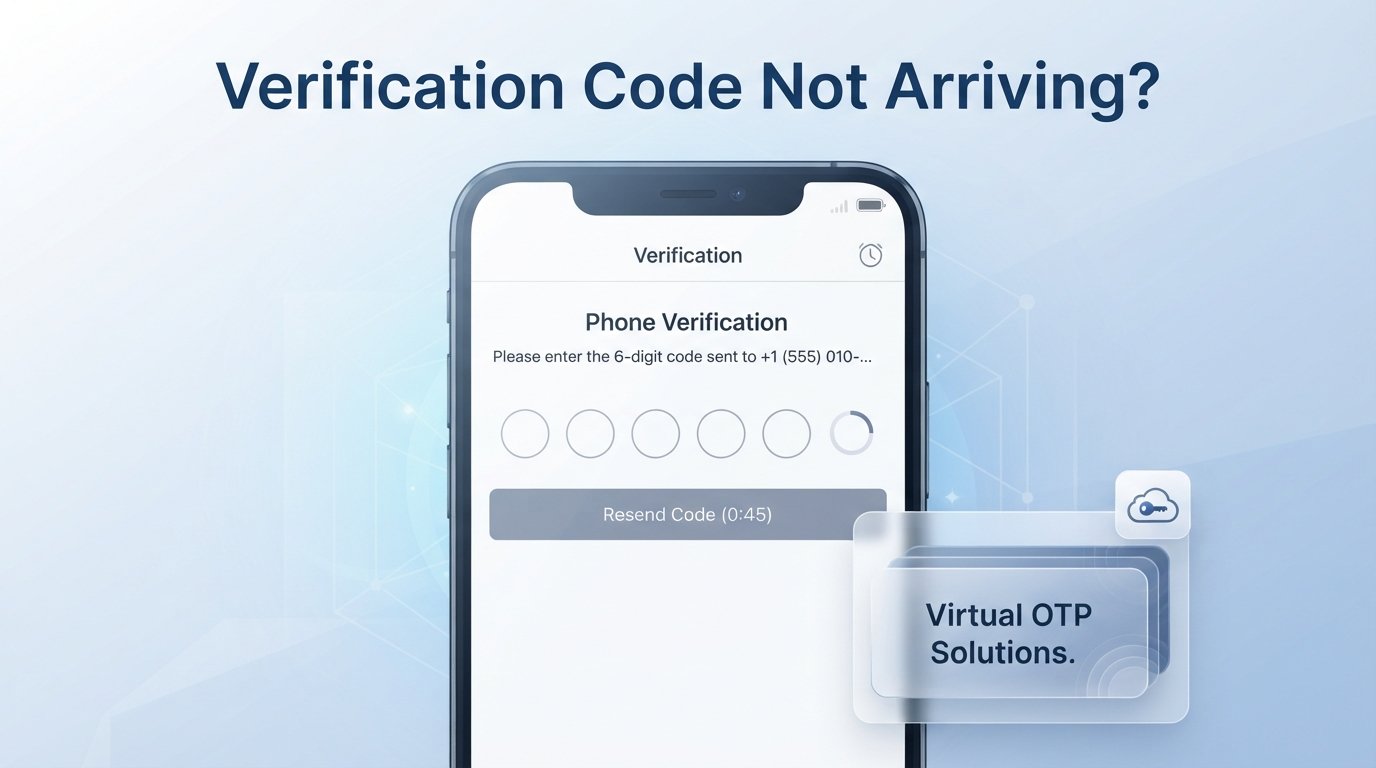
Verification Code Not Arriving? What You Should Check
You enter your phone number, tap Send code, and wait. Nothing happens. You refresh the screen, request another message, and still have no luck.
If your verification code not arriving problem is keeping you from logging in, creating an account, or completing an online verification process, you are not alone. OTP delivery can fail for several reasons, including weak mobile coverage, SMS network delays, carrier restrictions, blocked messages, incorrect numbers, or temporary problems on the service sending the code.
The good news is that many OTP delivery issues are easy to troubleshoot. This guide explains why verification codes sometimes disappear, what you should check first, and when an alternative such as OTPGET may make the verification process more practical.
Why Is My Verification Code Not Arriving?
An OTP, or one-time password, is usually sent as an SMS after you request verification. Several different systems have to work correctly before that message reaches you, so a delay does not necessarily mean something is wrong with your account.
Here are the most common causes.
Incorrect phone number
Start with the simplest possibility: check the number you entered.
A missing digit, incorrect country code, or typo can send the verification SMS somewhere else. If the service displays the number before sending the code, compare it carefully with the number you intended to use.
Weak mobile signal
A poor cellular connection can delay incoming SMS messages. If you are somewhere with limited coverage, move to an area with a stronger signal and wait a little before requesting another code.
SMS network delays
Sometimes the message is sent successfully but takes longer than expected to reach your phone. Carrier congestion, routing problems, or temporary network conditions can create a delayed OTP.
In this situation, repeatedly pressing the resend button usually does not solve the underlying problem.
Carrier or regional restrictions
Some mobile carriers or regions may restrict certain types of automated or international SMS traffic. This can be especially relevant when you are trying to receive a verification SMS from a service operating in another country.
Blocked or filtered messages
Your phone or messaging application may automatically filter messages from unfamiliar senders. Check your spam, blocked, filtered, or archived message folders if your device provides them.
Too many OTP requests
Requesting several codes in quick succession can trigger temporary rate limits. It can also create a confusing situation where several messages arrive later, but only the newest code remains valid.
Expired verification codes
OTP codes are designed to be temporary. If a message arrives after you have already requested a newer code, the older one may no longer work.
Service-side delivery problems
The problem may not be your phone at all. The website or app generating the account verification code could be experiencing temporary delivery issues, overloaded messaging infrastructure, or problems with its SMS provider.
Device or messaging-app problems
A full inbox, messaging-app issue, SIM configuration problem, or temporary device glitch can also interfere with SMS delivery. Restarting the phone can sometimes help when ordinary messaging appears to be behaving incorrectly.
What to Check When You Don't Receive an OTP
If you are asking, “Why am I not receiving verification codes?”, work through these checks in order rather than immediately requesting dozens of new codes.
- Confirm the phone number. Check every digit and make sure the country code is correct.
- Check your mobile signal. Move somewhere with better coverage if necessary.
- Wait briefly. A verification SMS may simply be delayed.
- Check blocked or spam messages. Look through all relevant folders in your messaging app.
- Restart your device if appropriate. This can resolve temporary connectivity or messaging issues.
- Avoid repeated requests. Give the first request time to arrive before selecting resend.
- Use the newest valid code. Earlier codes may become invalid after another request.
- Check regional support. Confirm that the platform accepts your phone number and location.
- Try another supported verification method. Some platforms offer email, authenticator apps, or other options.
- Contact support if necessary. If ordinary SMS works for other services but one platform never sends its code, the issue may be on that platform's side.
These steps solve many common OTP not received problems without requiring anything more complicated.
Why Repeatedly Requesting an OTP Can Make Things Worse
When an OTP does not arrive, the natural reaction is to press Resend code repeatedly. Unfortunately, that can create more problems.
Multiple requests can result in several delayed messages arriving together. You may then enter an older code while the service is expecting the newest one.
Repeated requests can also trigger temporary rate limits or cause additional delays. Even when every request is technically successful, the resulting messages can become difficult to distinguish.
A better approach is simple: request the code once, wait for it, and use the newest valid code when it arrives. If the platform tells you to wait before requesting another OTP, follow that instruction.
When Standard SMS Verification Isn't Reliable
SMS remains a convenient way to verify a phone number, but it is not perfect for every situation.
You may encounter problems when:
- You are traveling or dealing with international SMS restrictions.
- Your carrier has limitations on certain verification messages.
- A service has regional phone-number requirements.
- Your primary phone number is temporarily unavailable.
- You want a separate number for a legitimate online verification workflow.
- You need temporary phone verification rather than tying a process to your personal number.
- SMS delivery from a particular platform is repeatedly unreliable.
There is also an important distinction between troubleshooting a problem with your own phone number and looking for an alternative number for verification. If the issue is a carrier outage, waiting may be the best answer. If the issue is that you need a suitable number for a supported online verification process, a dedicated OTP service can be more practical.
How OTPGET Can Help With Verification Codes
When conventional SMS is inconvenient, OTPGET provides an alternative approach based on virtual phone numbers for SMS verification. Its service allows users to select available countries and supported services, obtain a virtual number, and receive verification messages through the platform rather than relying on their personal SIM card.
That can be useful for legitimate situations where you need a separate number for online verification or where accessing your primary number is inconvenient.
OTPGET offers several related options, including temporary virtual numbers, longer-term rental numbers, temporary email, and developer APIs. The exact options available depend on the service, country, and verification requirement.
The key benefit is convenience: instead of repeatedly waiting for a verification SMS on a number that is not receiving it, you have another supported route to receive an OTP.
Of course, OTPGET cannot guarantee that every external platform will accept every virtual number. Service policies, regional requirements, and number availability can affect whether a particular verification attempt works.
For responsible use, always follow the rules of the service you are verifying with and OTPGET's own usage policies.
How to Use OTPGET for Verification
The general workflow is straightforward. Available options can vary depending on the service and country you select.
- Create an OTPGET account and access the available verification services.
- Choose the relevant country and service for the verification requirement.
- Select an available virtual number that is suitable for the supported service.
- Enter that number on the platform requesting SMS verification.
- Request the verification code from the platform.
- Check OTPGET for the incoming SMS and locate the valid code.
- Enter the code on the platform before it expires.
- Complete the verification process according to the platform's instructions.
OTPGET's documentation also describes an API-based workflow for developers who need programmatic access to virtual numbers and received SMS codes.
If a verification attempt does not receive an SMS, check the applicable order or cancellation rules rather than assuming the message will eventually arrive. OTPGET's published policies explain the conditions for cancelling an unsuccessful temporary-number order.
OTP Not Received? Try These Quick Fixes
Before giving up, run through this quick checklist:
- Check the number and country code.
- Check your mobile signal and SMS inbox.
- Look in spam or blocked messages.
- Wait before requesting another OTP.
- Avoid multiple rapid requests.
- Use the newest valid code, not an older message.
- Check whether the code has expired.
- Confirm the service supports your number or region.
- Try another supported verification method when available.
- Consider OTPGET when a separate virtual number is appropriate for the verification requirement.
This approach is usually faster than repeatedly requesting codes without identifying the cause of the problem.
OTPGET vs. Waiting for a Delayed Verification SMS
There is no single solution that is best for every situation. The right choice depends on why the OTP is missing.
| Situation | Practical approach |
|---|---|
| Weak signal | Improve coverage and wait for the SMS |
| Temporary carrier delay | Wait and avoid repeated requests |
| Several old OTPs arriving | Use the newest valid code |
| Regional or number limitations | Check whether another supported number or method is available |
| Primary number unavailable | Consider an appropriate alternative verification option |
| Need for a virtual number | Use a dedicated service such as OTPGET when permitted |
The important point is not to treat OTPGET as a universal fix for every SMS problem. It is better viewed as a practical alternative when a virtual number fits the verification requirement.
Conclusion: A Missing OTP Doesn't Have to Stop You
A verification code not arriving can be caused by something as simple as a typo or weak signal, but it can also result from carrier restrictions, delayed SMS routing, rate limits, expired codes, or problems on the platform sending the message.
Start with the basics: confirm your number, check your signal and message folders, wait before requesting another code, and avoid creating a pile of competing OTPs.
If standard SMS verification remains inconvenient and your use case permits a virtual number, OTPGET offers a practical alternative for receiving verification codes through supported virtual phone numbers.


