Verify Botim With a Virtual Number – OTPGet Guide
Verify Botim With a Virtual Number: A Practical OTPGet Guide
Phone-number verification is a routine part of setting up many online accounts, but using your personal number for every service is not always convenient. Some people prefer to keep their primary number separate from online registrations, while others may need a dedicated number for a specific service.
That is where a virtual phone number can be useful.
If you are looking for a way to verify Botim with a virtual number, OTPGet provides a practical option for obtaining a virtual number and receiving an OTP where the number and verification method are supported. The important point is that virtual-number compatibility can vary, so successful verification depends on Botim accepting the number and being able to deliver the required message.
This guide explains how Botim verification generally works, how a virtual number fits into the process, and how to use OTPGet as part of the verification workflow.
What Is Botim Verification?
Botim verification is the process of confirming a phone number when setting up or accessing an account. A service may send a verification code, commonly called an OTP or one-time password, to the phone number entered during registration.
The general process is straightforward:
- Enter a phone number when prompted.
- Request a verification code.
- Receive an SMS containing the code.
- Enter the code in the relevant verification field.
- Complete the account setup if the number is accepted.
The exact verification flow can depend on Botim's current requirements and the country or number being used. For that reason, it is best to treat the steps above as a general explanation rather than a guarantee of how every verification attempt will work.
For users who do not want to provide their primary phone number, a virtual number for Botim may be worth considering where supported.
Can You Verify Botim With a Virtual Number?
Yes, a virtual number can potentially be used for Botim verification, but compatibility is not universal.
Whether you can verify Botim with a virtual number depends on several factors, including:
- The country associated with the number
- The type of virtual number
- Whether the number can receive SMS messages
- Whether the number has been used previously
- Botim's verification requirements
- Restrictions affecting VoIP or virtual numbers
The key requirement is simple: the number must be able to receive the required Botim verification code, and Botim must accept that number for verification.
This means there is an important difference between having a virtual phone number and having a virtual number that works for a particular verification service. A number may be technically capable of receiving SMS but still be rejected by a platform.
If you are considering an online number for Botim verification, check that the selected number supports the required SMS or OTP functionality before proceeding.
Why Use a Virtual Number for Botim?
There are several practical reasons someone may prefer a virtual number instead of a personal mobile number.
Keep Personal and Online Numbers Separate
A dedicated virtual number can create separation between your personal contact information and online accounts. This can be useful when you do not want to use your everyday number for every registration.
Convenience
A virtual number may allow you to manage verification messages online rather than relying entirely on your personal SIM.
Easier OTP Management
If you regularly work with online services that require SMS verification, having a number dedicated to those services can make verification messages easier to distinguish and manage.
Privacy Considerations
Using a separate number can reduce the need to share your primary phone number with every online service. This does not make an account anonymous or guarantee privacy, but it can provide useful separation.
A Dedicated Verification Option
For supported services, a temporary phone number or other virtual-number option can be practical when you need to receive a one-time verification message without using your everyday number.
Always consider whether you will need continued access to the number after registration. Some accounts may require another verification step later.
How OTPGet Helps With Botim Verification
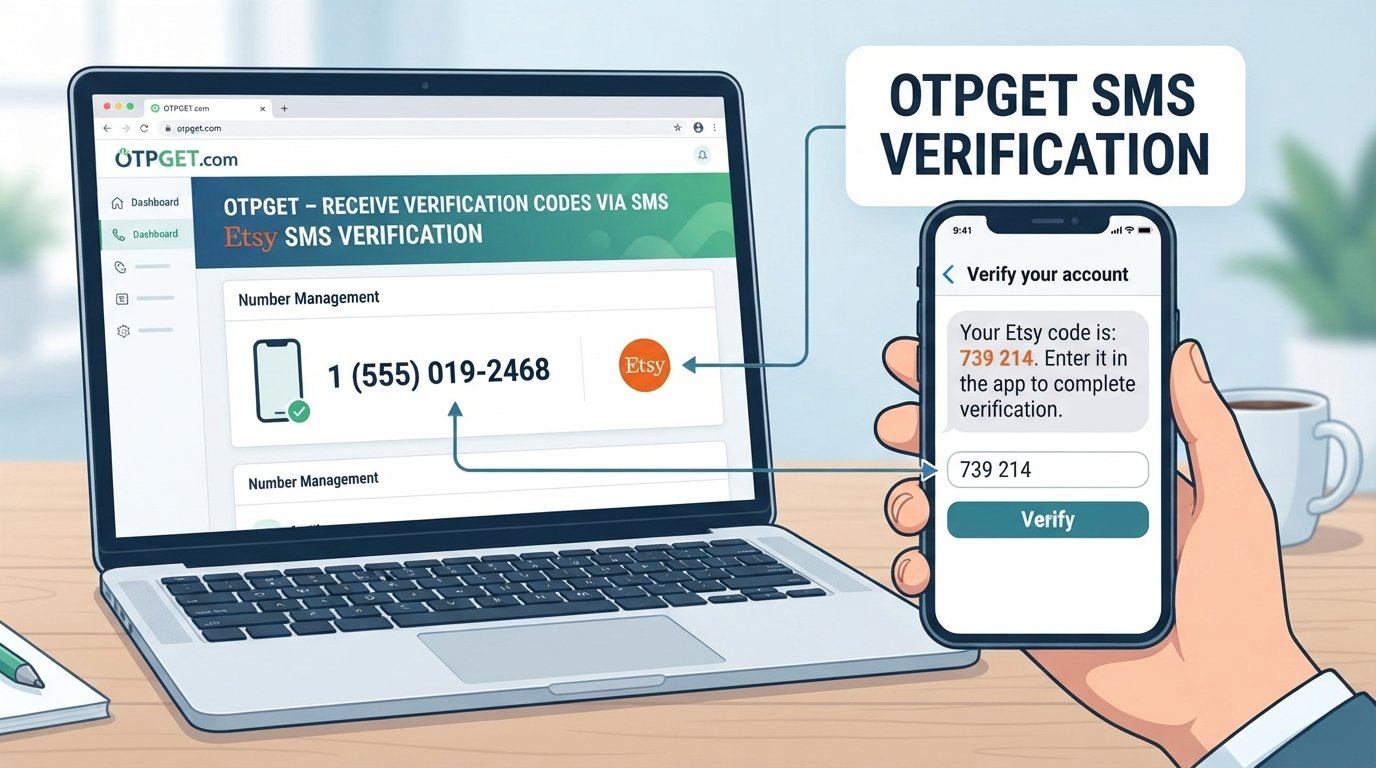
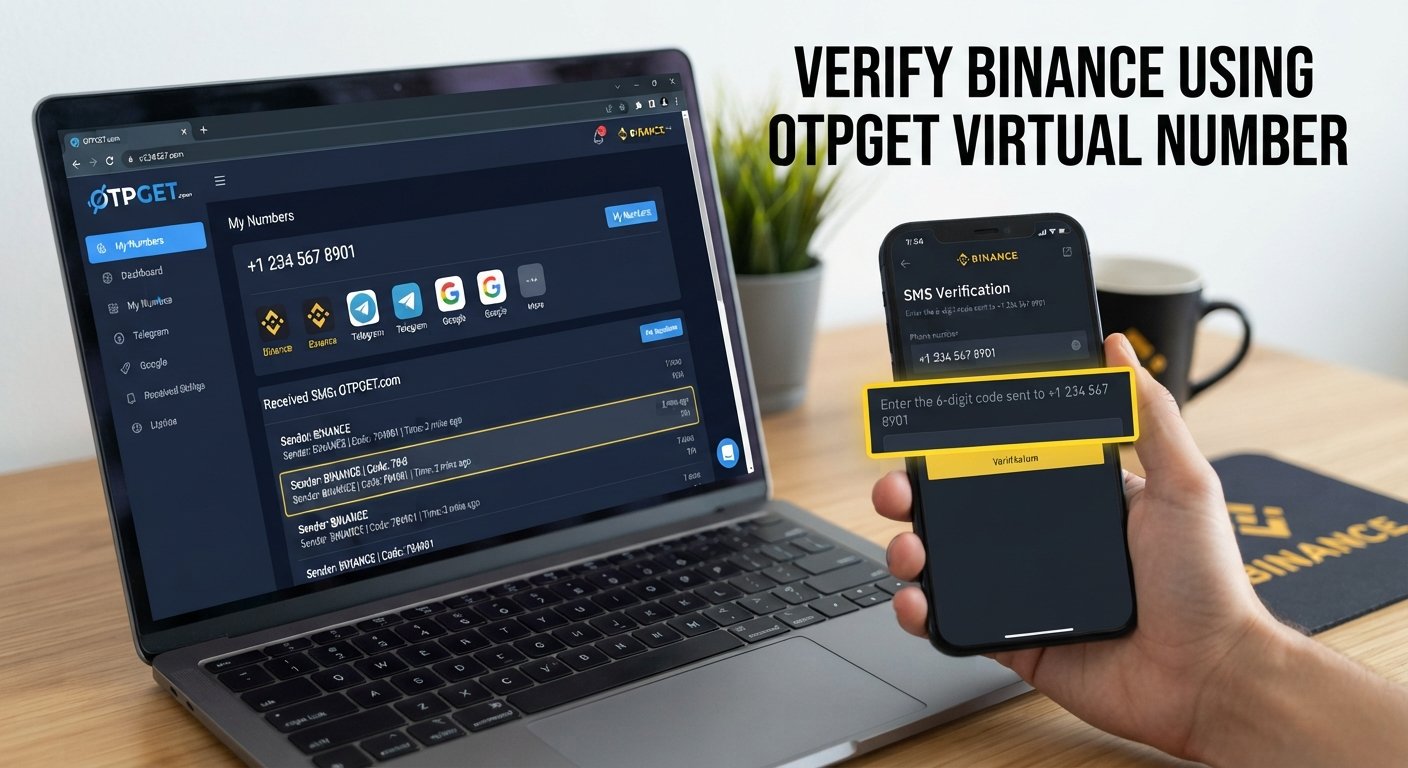
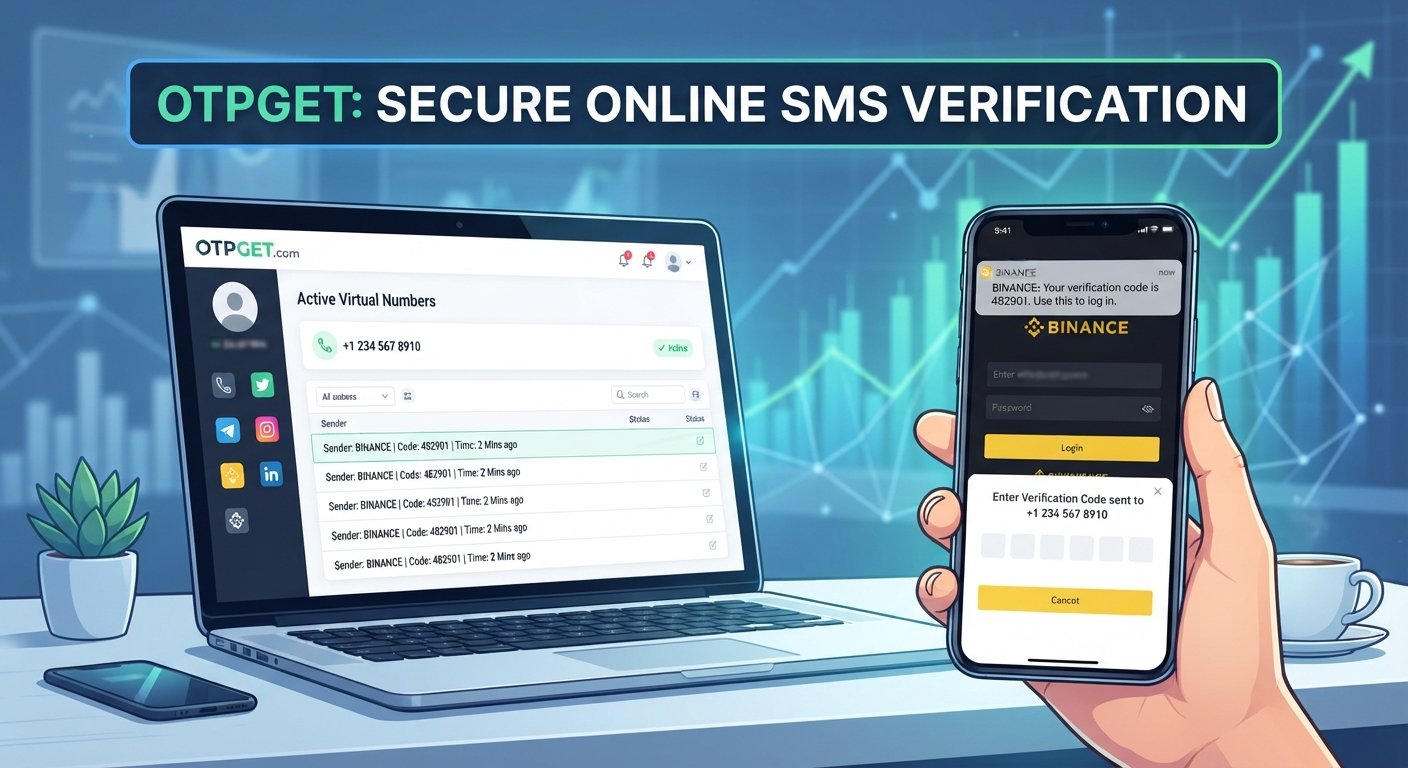
OTPGet is the virtual-number solution discussed in this guide. The general idea is to obtain an available virtual number through the service, use that number for a supported verification process, and check the service for the incoming OTP.
The workflow can look like this:
- Visit OTPGet.
Access the service and review the available virtual-number options. - Select an appropriate virtual number or service.
Choose a number that is available for the country and verification method you need. - Check SMS support.
Before using the number, make sure it is suitable for receiving the required verification message. - Enter the number in Botim.
When Botim asks for a phone number, enter the selected virtual number accurately. - Request the verification code.
Continue through Botim's verification process and request the OTP. - Check OTPGet for the incoming message.
If the number is supported and the SMS is delivered, look for the Botim verification code through the available OTPGet interface. - Enter the verification code in Botim.
Carefully enter the received code in the appropriate field. - Complete verification if accepted.
If Botim accepts the number and code, continue with the account setup or verification process.
Availability, SMS delivery, and acceptance can vary. OTPGet does not guarantee that every virtual number will be accepted by Botim, so selecting a suitable number and following Botim's requirements remains important.
Key Benefits of Using OTPGet for Virtual Number Verification
When a virtual number is supported, OTPGet can be a practical option for managing verification messages.
Potential benefits include:
- Convenience: Obtain a virtual number without relying on your everyday phone number.
- Number separation: Keep personal communications separate from online verification activity.
- OTP management: Use a dedicated place to check for supported verification messages.
- Reduced personal-number exposure: Avoid using your primary number when a separate number is appropriate.
- Online accessibility: A virtual number can be useful when SMS access is provided through an online service.
- Practical verification workflow: The process can be relatively simple when the selected number and service are compatible.
These benefits should be viewed as practical conveniences rather than guarantees. Every verification platform can apply its own rules to virtual, VoIP, or temporary numbers.
Step-by-Step: How to Receive a Botim OTP With a Virtual Number
If you are trying to receive Botim OTP online, the process starts with choosing the right type of number.
Step 1: Choose a Suitable Number
Use OTPGet to review an available virtual number that matches the required country and SMS capability.
Step 2: Enter the Number Correctly
Copy the virtual number carefully into the Botim verification field. Check the country code and remaining digits before submitting it.
Step 3: Request the OTP
Follow Botim's normal verification instructions and request the Botim verification code.
Step 4: Monitor OTPGet
Check OTPGet for the incoming SMS. If the number is supported and delivery is successful, the verification message should appear through the service.
Step 5: Enter the Code
Use the received OTP in Botim's verification field. Avoid entering an incorrect or expired code.
Step 6: Finish the Process
If Botim accepts the number and verification code, complete the remaining account setup steps.
If the OTP does not arrive: first confirm that the number was entered correctly, wait briefly for possible delivery delays, and check whether the selected number supports the required message type. If the problem continues, another supported number may be necessary.
What If the Botim Verification Code Doesn't Arrive?
An unsuccessful OTP delivery does not necessarily mean that something is wrong with your account. Several issues can affect SMS verification.
Possible reasons include:
- The virtual number is not supported by Botim.
- The selected number cannot receive the required SMS.
- There is a temporary delivery delay.
- The number has already been used for the relevant service.
- The number type is subject to verification restrictions.
- The number was entered incorrectly.
- Botim or the messaging network is experiencing a temporary service issue.
- Certain virtual or VoIP numbers may be rejected.
Start by checking the number and country code. If everything is correct, allow some time for delivery and follow any available verification instructions.
If the number is repeatedly rejected, consider using another appropriate number rather than repeatedly requesting codes. Excessive verification attempts can also create additional restrictions depending on the service.
Virtual Number vs. Personal Number for Botim
A virtual number is not automatically better than a personal number. The right choice depends on your needs and whether Botim supports the number type.
| Feature | Personal Number | Virtual Number |
|---|---|---|
| Uses personal SIM | Yes | Usually no |
| Separates personal contact details | Limited | Yes |
| Online accessibility | Depends on device/SIM | Often online |
| Suitable for verification | Depends on service | Depends on service |
| Privacy convenience | Lower separation | Greater separation |
The biggest distinction is separation. A personal number is directly tied to your everyday mobile service, while a virtual number can provide a separate channel for supported online verification.
Is Using a Virtual Number Safe for Botim Verification?
Using a virtual number can be a reasonable convenience, but it is important to understand how access and privacy work.
First, consider number ownership and access. If you may need to verify the account again later, make sure you understand how long you can access the number.
Second, protect OTPs. Verification codes should be treated as private information. Avoid sharing them with other people or entering them into websites or services you do not trust.
Third, be cautious with public or shared numbers. If multiple people can access the same number or its messages, it may not be appropriate for an account containing sensitive information.
Finally, use a reputable OTP verification service and follow Botim's applicable terms and verification requirements. A virtual number should be viewed as a convenience and number-separation option, not as a way to bypass account protections.
Frequently Asked Questions
Can I verify Botim with a virtual number?
You may be able to verify Botim with a virtual number if Botim accepts that number type and the number can receive the required OTP. Compatibility can vary by number, country, carrier, and service requirements.
How can I receive a Botim OTP online?
To receive a Botim OTP online, you can use an appropriate virtual number service such as OTPGet, provided the selected number supports SMS delivery and is accepted by Botim. Enter the number in Botim, request the code, and check the service for the incoming message.
Can I use a temporary number for Botim?
A temporary number may work if Botim accepts it and the number can receive the verification SMS. However, temporary numbers are not universally supported, so there is no guarantee that every number will work.
Why is my Botim verification code not arriving?
The number may not support the required SMS, Botim may not accept the number type, or there may be a temporary delivery problem. Check the number, country code, SMS capability, and any applicable service restrictions.
Does every virtual number work with Botim?
No. Virtual-number compatibility depends on the service's requirements. A number can support SMS in general but still be rejected for a specific verification process.
Can I use OTPGet for Botim verification?
OTPGet can be used as the virtual-number option discussed in this guide for receiving verification messages where the selected number and verification process are supported. Successful verification depends on Botim accepting the number and delivering the OTP.
What should I do if Botim rejects my virtual number?
Check that the number was entered correctly and is suitable for the required country and SMS method. If it is rejected, consider another available number that may be compatible, and follow Botim's verification requirements.
Final Thoughts
If you want to verify Botim with a virtual number, the basic process is straightforward: obtain a suitable virtual phone number, enter it during Botim verification, request the OTP, check for the incoming message, and enter the code if it is delivered and accepted.
OTPGet provides a practical option for users who want a separate number for supported online verification and OTP messages. The key is to choose a number that matches the required verification method and remember that Botim ultimately determines which numbers it accepts.
Ready to explore the option? Visit OTPGet, choose an available virtual number that fits your needs, and follow Botim's normal verification process. If the number is supported and the OTP is delivered, you can enter the code and complete verification through the standard process.
8. Suggested Internal Links
Suggested anchor: How virtual numbers work
Recommended destination: A general educational guide explaining virtual phone numbers, how they function, and common use cases.
Suggested anchor: How to receive OTP online
Recommended destination: A step-by-step guide covering online OTP delivery and SMS verification basics.
Suggested anchor: Best practices for SMS verification
Recommended destination: An educational article covering OTP privacy, verification codes, number selection, and common delivery issues.
Suggested anchor: Guide to using virtual phone numbers
Recommended destination: A comprehensive guide explaining how to select, access, and manage virtual phone numbers.
Suggested anchor: OTP verification service
Recommended destination: A service-focused page explaining supported OTP and virtual-number verification workflows.