Verify Gmail Without Your Real Number Using OTPGET Securely Today

How to Verify Gmail Without Your Real Number?
Creating online accounts has become a normal part of everyday life, but many users are becoming more careful about sharing personal information. A phone number may seem like a simple requirement during account registration, yet many people prefer not to connect their private number with every online service they use.
When creating a Gmail account, phone verification is often requested to improve security and prevent misuse. However, some users want to avoid sharing their main phone number because of privacy concerns, unwanted messages, or the risk of exposing personal information.
This is where solutions like OTPGET can help. Instead of using your personal SIM number, OTPGET provides access to temporary numbers that allow you to receive verification codes online. It offers a convenient way to complete Gmail verification while helping users protect personal privacy online.
In this guide, you will learn how to verify Gmail without your real number, why people avoid using personal numbers, and how OTPGET works as a practical private verification solution.
Why Does Gmail Ask for Phone Number Verification?
Gmail requires phone verification for several important reasons related to security and account protection.
Account Security
A phone number can help confirm that a real user is creating or accessing an account. It adds another layer of protection against unauthorized activity and helps users recover accounts if they lose access.
Spam Prevention
Large numbers of fake accounts can be created for spam, scams, or automated activities. Phone verification helps reduce abuse by making account creation more difficult for automated systems.
Identity Confirmation
Phone verification allows platforms to confirm that users have access to a valid communication method. This improves trust and strengthens Gmail account security.
Although verification improves security, not everyone wants to connect their personal number permanently to online accounts. Many users look for ways to verify Gmail without phone number sharing.
Can You Verify Gmail Without Using Your Real Number?
Yes, there are ways to complete Gmail verification without using your personal phone number, although availability and requirements may vary depending on account activity and verification rules.
Some users try alternatives such as:
- Using another secondary number
- Using a family member’s number
- Using a temporary SMS number
- Using an online OTP service
Using someone else’s number may create privacy concerns because the account becomes linked to another person’s contact information. It may also create problems if account recovery is needed later.
A temporary phone number for Gmail verification provides a more private alternative. Services like OTPGET allow users to access temporary numbers designed for receiving verification codes online without exposing their primary phone number.
For users who want to create Gmail account without phone number connection to their personal SIM, a temporary verification option can provide additional flexibility.
Why Avoid Using Your Personal Number for Gmail Verification?
Your phone number is an important part of your digital identity. Sharing it widely across online platforms can create unwanted privacy risks.
Privacy Concerns
Many users want to keep their personal phone number separate from online accounts. Avoiding unnecessary sharing can help reduce exposure of private information.
Spam Messages
When your main number is connected to multiple services, you may receive promotional messages, notifications, or unwanted communication.
Data Exposure
Phone numbers can become part of online databases through security incidents, leaks, or third-party sharing practices. Limiting where you provide your number can improve digital privacy.
Long-Term Digital Privacy
A disposable phone number or temporary SMS number allows users to complete verification tasks without making their personal contact information part of every online registration.
For people who value privacy, using a private verification solution can be a practical alternative to using their main phone number.
How to Verify Gmail Without Your Real Number Using OTPGET
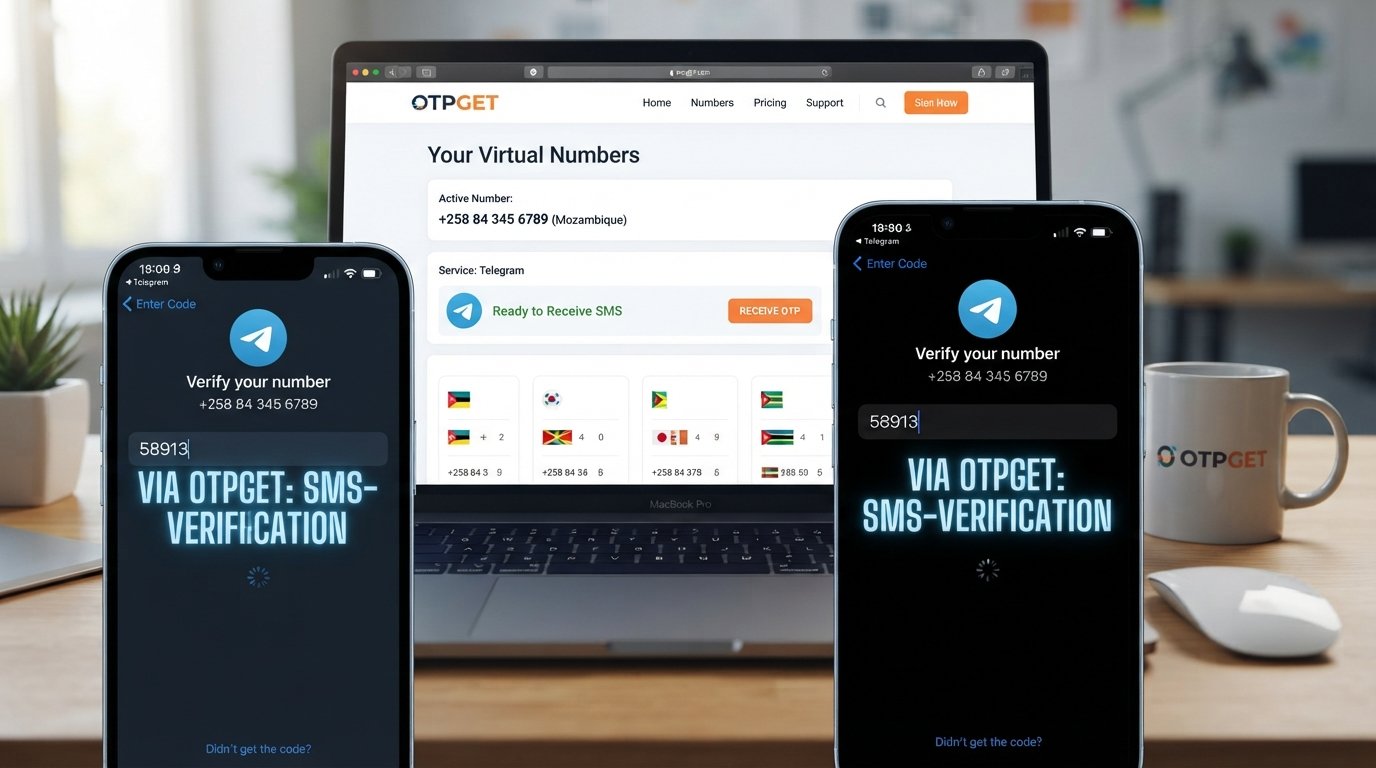
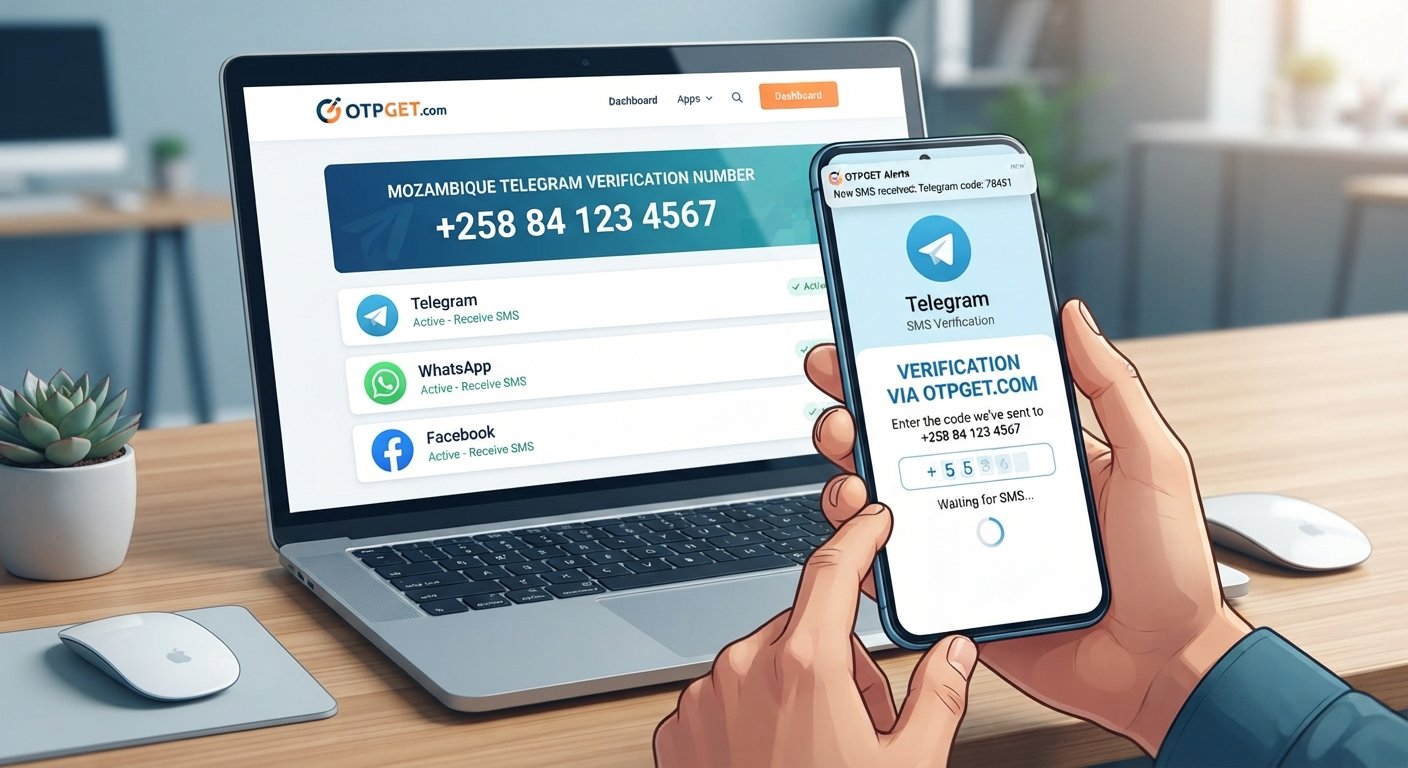
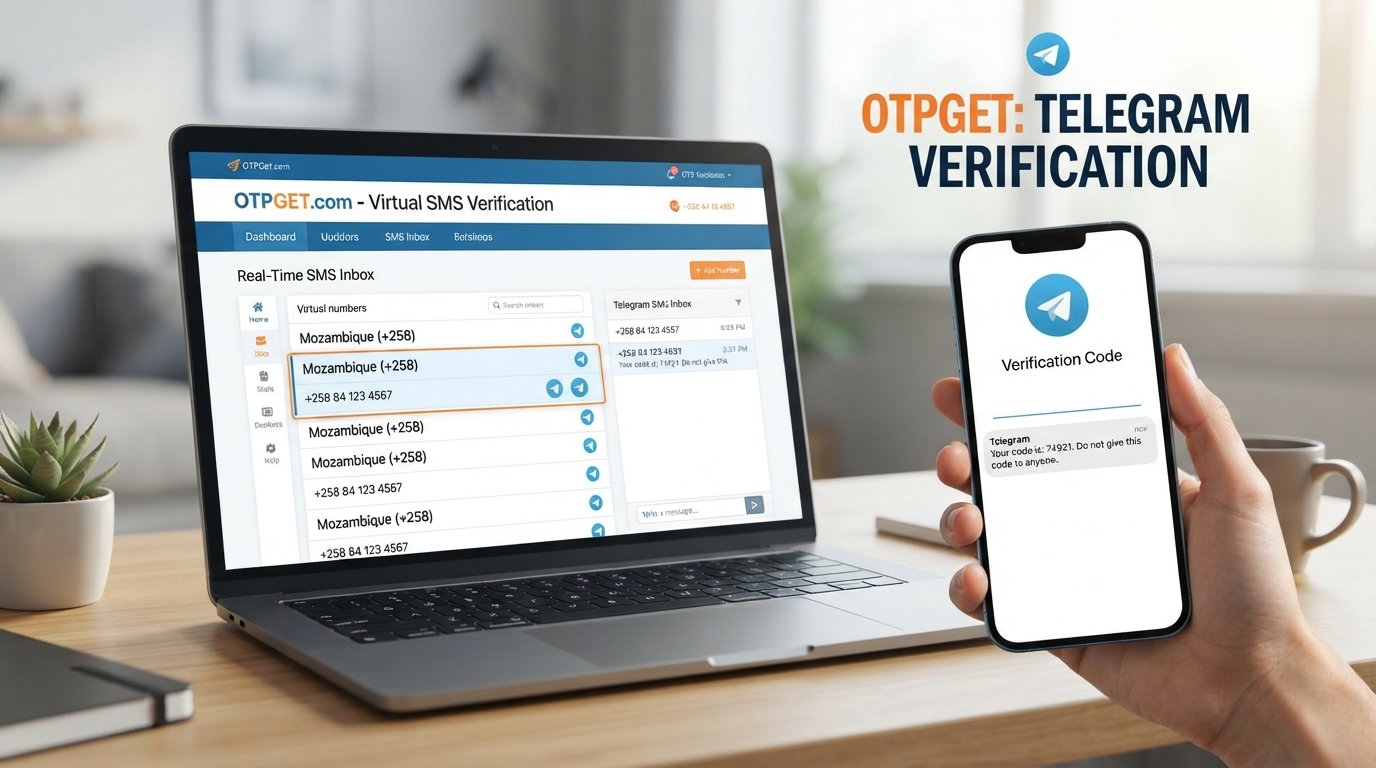
OTPGET makes the process of receiving verification codes online simple and convenient. Instead of depending on your personal SIM card, you can use a temporary number to complete Gmail verification.
Follow these steps:
Step 1: Visit OTPGET
Start by accessing the OTPGET platform and exploring available temporary numbers for online verification.
Step 2: Select a Suitable Temporary Number
Choose a number that matches your verification requirements. OTPGET provides easy access to temporary numbers that can be used for receiving OTP codes.
Step 3: Use the Number for Gmail Verification
During Gmail account creation or verification, enter the temporary number provided through OTPGET instead of your personal phone number.
Step 4: Receive the OTP Online
Wait for Gmail to send the verification code. The OTP will appear through the OTPGET service, allowing you to complete the verification process without using your personal number.
Step 5: Complete Gmail Verification
Enter the received code into Gmail and finish the verification process.
With OTPGET, users can enjoy a faster and more private way to receive Gmail OTP online while keeping their personal phone numbers separate.
Benefits of Using OTPGET for Gmail Verification
Choosing OTPGET for Gmail verification offers several advantages:
- Privacy protection: Keep your personal phone number private and avoid unnecessary exposure.
- Quick OTP delivery: Receive verification codes online without waiting for traditional SMS.
- No need for a personal SIM: Complete verification without depending on your main mobile number.
- Easy online access: Manage verification codes through a simple online platform.
- Convenient verification process: Use temporary numbers whenever you need a flexible verification option.
OTPGET provides an efficient way for users who want anonymous phone verification while maintaining control over their personal information.
OTPGET vs Using Your Personal Phone Number
| Feature | OTPGET Temporary Number | Personal Phone Number |
|---|---|---|
| Privacy | Helps protect your personal number | Your number is directly connected |
| Convenience | Access verification numbers online | Requires your own SIM and device |
| Security | Provides separation from personal contact details | Personal number may be exposed |
| Spam Risk | Reduces unwanted messages to your main number | May increase promotional messages |
| Accessibility | Available online when needed | Depends on your phone availability |
For users who frequently create accounts or want to avoid sharing their primary contact details, OTPGET can be a convenient alternative to using a personal phone number.
Is Using a Temporary Number Safe for Gmail Verification?
Using a temporary number can be safe when you choose a reliable OTP provider and follow good security practices.
Consider these points:
- Use trusted services that provide secure OTP verification.
- Avoid sharing account passwords or sensitive personal information.
- Do not use temporary numbers for accounts requiring permanent identity recovery unless appropriate.
- Choose verification services that focus on secure access and user privacy.
A temporary number is designed mainly for receiving verification codes. Selecting a dependable service like OTPGET helps users complete online phone verification more conveniently.
Common Questions About Gmail Verification Without a Real Number
Can I create Gmail without my personal number?
In some situations, Gmail may allow account creation without phone verification. However, when verification is required, users can explore alternatives such as temporary phone numbers or online OTP services.
How can I receive Gmail OTP online?
You can receive Gmail OTP online by using a temporary verification number service. OTPGET allows users to access numbers that can receive verification codes digitally.
Is OTPGET useful for Gmail verification?
Yes, OTPGET can be useful for users who want a convenient way to receive OTP codes without sharing their personal phone number.
Can I verify Gmail without a SIM card?
Yes, users can verify Gmail without using their own SIM card by using an online OTP receiving service that provides temporary verification numbers.
Why should I avoid using my main phone number?
Avoiding your main phone number can help reduce spam, protect privacy, and keep your personal contact information separate from online registrations.
Conclusion
Protecting personal information is becoming increasingly important as more services require phone verification. While Gmail verification helps improve account security, many users prefer not to share their personal phone numbers with every platform.
Using a temporary phone number for Gmail verification provides a practical way to maintain privacy while completing account verification. OTPGET offers a simple and convenient solution for receiving Gmail OTP online without exposing your primary number.
With fast OTP receiving, easy access to temporary numbers, and a focus on privacy protection, OTPGET helps users complete verification tasks with greater flexibility.
If you want a secure and convenient alternative to using your real number for Gmail verification, try OTPGET and experience a simpler way to manage online verification.