Verify Google Account with a Virtual Number: Step-by-Step Guide
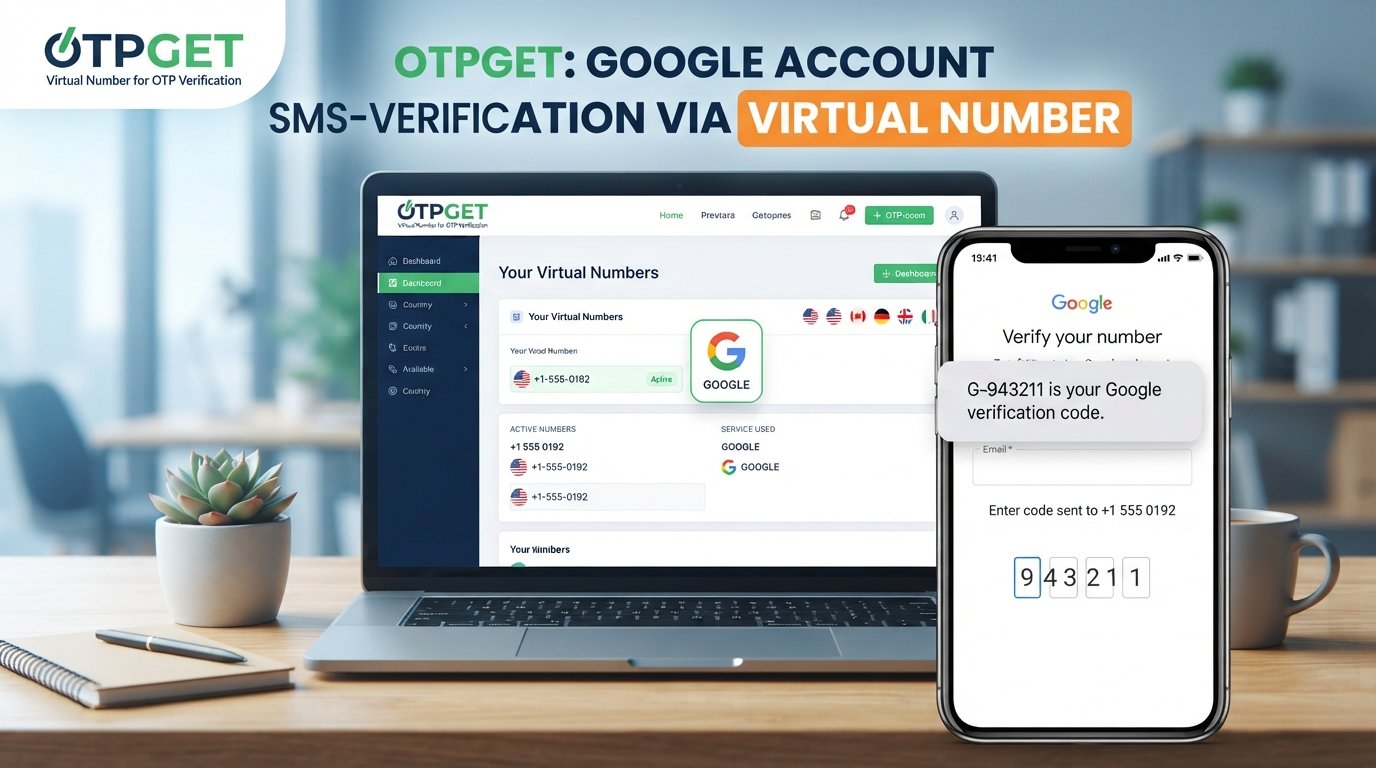
Verify Google Account with a Virtual Number: A Practical Guide
Creating an online account can feel simple until a service asks for phone verification. For some people, using a personal mobile number is not ideal. They may want to keep their main number private, separate personal and online activity, or use an additional number for legitimate account management.
That is where a virtual phone number can become useful.
If you're researching how to verify Google account with a virtual number, it's important to understand both the potential benefits and the limitations. A virtual number can receive SMS messages in certain circumstances, but acceptance depends on the service's verification requirements.
Services such as OTPGET are an option worth considering for users looking for virtual-number and OTP-related services. However, no third-party provider should be assumed to guarantee acceptance by Google. Google controls its own verification process and decides which numbers and verification methods are eligible.
This guide explains how virtual numbers work, how OTP verification generally happens, and what to consider before using one for Google account verification.
What Is Google Account Verification?
Google account verification is a security process used to confirm that a person has access to a particular contact method or account-recovery option. Depending on the situation, Google may ask for a phone number or provide another available verification method.
One common method is SMS verification.
When SMS verification is offered, the general process looks like this:
-
You enter an eligible phone number.
-
The service sends a verification code.
-
You receive the code by SMS.
-
You enter the code into the verification field.
-
The service checks the code and continues the verification process if it is accepted.
The one-time password, commonly called an OTP, is a temporary verification code. It is generally intended for a single verification attempt and should not be shared with other people.
Phone verification can serve several purposes, including account security, abuse prevention, recovery, and confirmation that a user has access to a particular number.
What Is a Virtual Number?
A virtual phone number is a telephone number that operates through internet-based infrastructure rather than being tied directly to a traditional physical SIM card in your phone.
Depending on the provider, a virtual number may be capable of receiving calls, SMS messages, or both. Some services provide numbers for specific countries or purposes, while availability and capabilities vary between providers.
Virtual numbers have several legitimate uses. For example, a business might use separate numbers for customer communications, while an individual might want to avoid publishing their personal number when signing up for online services.
A virtual number for OTP verification can also be useful when a service supports that type of number.
However, virtual numbers are not universally interchangeable with mobile numbers. Some platforms restrict certain number types, and verification compatibility can depend on the platform's policies, region, account activity, and security systems.
Can You Verify a Google Account with a Virtual Number?
Potentially, but there is no universal guarantee.
If you're trying to verify Google account with a virtual number, the key point is that Google determines which verification methods and phone numbers it accepts. A virtual number that works for one service may not necessarily work for Google.
Verification availability can vary depending on circumstances such as region, account activity, security signals, and the verification options presented during the account process.
For that reason, users should not assume that every online number will receive a Google verification code or that every received code will result in successful verification.
The responsible approach is to follow Google's instructions shown during the verification process and use a number you are authorized to use.
If Google provides another verification method, that may also be worth considering rather than repeatedly attempting different numbers.
How OTP Verification Works
The basic concept behind SMS OTP verification is straightforward.
When a platform supports SMS verification, it generates a temporary code and sends it to the phone number entered during the verification process. The recipient then enters that code into the appropriate verification field.
A typical workflow is:
-
Enter an eligible phone number.
Add the number when the verification page requests one. -
Request the verification code.
The service sends an OTP if the number and verification method are accepted. -
Receive the OTP.
The code may arrive through SMS or another verification channel offered by the service. -
Enter the code.
Type the OTP into the relevant verification field. -
Complete verification.
If the platform accepts the number and code, the verification process can continue.
OTPGET can be considered by users who need a virtual-number service, but its availability or compatibility with a particular Google verification request should not be assumed in advance.
How to Use OTPGET for Virtual Number Verification
If you're considering OTPGET, the general process is similar to using other virtual-number services. The exact options available can depend on the service and its current offerings.
1. Visit OTPGET
Start by visiting OTPGET and reviewing the virtual-number services available to you.
2. Choose an Appropriate Number or Service
Look at the available service details and select an option that is appropriate for your intended verification purpose.
Before proceeding, check the provider's terms and any information about how the number can be used.
3. Use the Number Where Permitted
Enter the virtual number into the relevant verification form only when its use is permitted and appropriate.
A virtual number should not be used to misrepresent your identity, evade restrictions, or circumvent a platform's security requirements.
4. Request the OTP
If the verification service supports the selected number and sends an SMS, wait for the verification code.
Delivery is not guaranteed simply because a number is virtual or available through a provider.
5. Enter the Received Code
If an OTP arrives, enter it into the verification field provided by the service.
Never share a verification code with another person.
6. Complete the Verification Process
If the number and OTP are accepted, follow the remaining account setup or verification instructions.
If the number is rejected, avoid assuming that another number will necessarily solve the issue. Check Google's instructions and available verification alternatives instead.
Why Someone Might Consider a Virtual Number
There are several legitimate reasons someone might prefer a virtual phone number for online services.
-
Privacy: You may prefer not to disclose your primary personal number unnecessarily.
-
Number separation: A second number can help separate personal and online activities.
-
Business use: A virtual number can keep business-related verification separate from personal communications.
-
Convenience: Internet-based numbers can be useful when an additional number is needed.
-
Service-specific use: In situations where a platform permits virtual numbers, they can provide an alternative to a primary mobile number.
The important distinction is that privacy and convenience should not be confused with bypassing security. A virtual number is simply another type of phone-number service; it does not automatically override a platform's verification requirements.
Benefits of Using a Virtual Number
A virtual number may offer practical advantages depending on your circumstances:
-
Greater privacy when you do not want to expose your primary number unnecessarily.
-
Convenient access to an additional phone number.
-
Separation of communications between personal and online activities.
-
Flexible online use where virtual numbers are supported.
-
Potentially temporary access for legitimate, service-specific purposes when the provider's terms allow it.
These benefits come with trade-offs. Before relying on a virtual number, consider whether you will need continued access to it later.
Limitations and Things to Know
Virtual-number verification has important limitations.
First, not every virtual number is accepted by every platform. Google may reject a particular number or number type during verification.
Second, verification requirements can change. The fact that a particular number type works in one situation does not mean it will work in another.
Third, some virtual numbers may be temporary or recycled depending on the provider. This matters if you intend to use the number for long-term account recovery.
You should also understand the provider's terms before using a number. Never use a number that you do not have authorization to use.
Finally, consider account recovery. A number that is convenient for initial verification may not be the best long-term recovery method if you could lose access to it later. Where supported, maintaining reliable recovery options can be more important than simply completing an initial verification step.
OTPGET vs Using Your Personal Number
Both approaches have different considerations. The right choice depends on your privacy preferences, long-term access needs, and what Google accepts during the verification process.
| Consideration | Personal Number | Virtual Number with OTPGET |
|---|---|---|
| Privacy | Your primary number is associated with the verification process. | Can provide separation from your primary number where supported. |
| Convenience | Usually readily available on your personal device. | Can be convenient when an additional number is needed. |
| Long-term access | Typically remains under your direct control. | Depends on the number type and provider terms. |
| Verification compatibility | May be accepted where mobile numbers are supported. | Acceptance depends on Google's requirements and the specific number. |
| Recovery considerations | Can be useful for continued account access if kept active. | Long-term recovery depends on continued access to the virtual number. |
This comparison is not about choosing one option universally. Instead, think about what you need both during verification and after the account has been created.
Best Practices for Google Account Verification
Whether you use a personal number or a virtual number, a few habits can make the verification process more straightforward:
-
Use accurate information when setting up your account.
-
Follow the verification instructions provided by Google.
-
Use only a number you are authorized to use.
-
Keep your recovery options updated where supported.
-
Never share an OTP with another person.
-
Avoid repeatedly requesting verification codes if one does not arrive.
-
Use trusted devices and connections when managing your account.
-
Keep another reliable recovery method available when Google provides that option.
-
If a number is rejected, review the available verification instructions rather than attempting to circumvent them.
These practices help keep verification focused on legitimate account access rather than trying to work around security controls.
Frequently Asked Questions
Can I verify a Google account with a virtual number?
It may be possible when Google offers phone verification and accepts the particular virtual number. However, Google decides which numbers are eligible, so not every virtual number will work.
What is a virtual phone number?
A virtual phone number is an internet-based telephone number that is not necessarily tied directly to a physical SIM card. Depending on the provider, it may support SMS, calls, or other communication features.
What is an OTP verification code?
An OTP, or one-time password, is a temporary code used to confirm access to a phone number or another verification channel. It is generally intended for a specific verification attempt.
Does every virtual number work with Google verification?
No. Google may reject certain numbers or number types. Compatibility can vary based on Google's verification requirements and the circumstances of the account.
Is OTPGET suitable for virtual-number verification?
OTPGET is an option users can explore when looking for virtual-number and OTP-related services. Before using it for a particular verification process, check the available service details and whether the number is appropriate for that purpose.
Can I use a virtual number for account recovery?
That depends on Google's available recovery options and whether you can maintain reliable access to the number. A temporary or recycled number may not be suitable for long-term recovery.
What should I do if Google does not accept my virtual number?
Follow Google's available verification instructions and review any alternative methods offered. Avoid attempting to bypass the verification process or repeatedly submitting unsuitable numbers.
Conclusion
Understanding how to verify Google account with a virtual number starts with knowing the difference between a virtual phone number and a traditional mobile number.
Virtual numbers can offer privacy, convenience, and separation from a primary phone number. They can also support OTP-based verification when a particular service permits that type of number.
At the same time, virtual-number verification has real limitations. Google determines which numbers and verification methods it accepts, and compatibility can vary. A number that works for one online service may not work for another.
For users looking for a virtual-number service, OTPGET is an option worth considering. Explore its available virtual-number options, review the applicable service details, and make sure the number fits your particular verification needs.
Most importantly, use legitimate verification methods, protect your OTPs, and follow Google's account and security requirements rather than trying to bypass them.


