Verify Imo Without a SIM Card Using OTPGet | Step-by-Step Guide
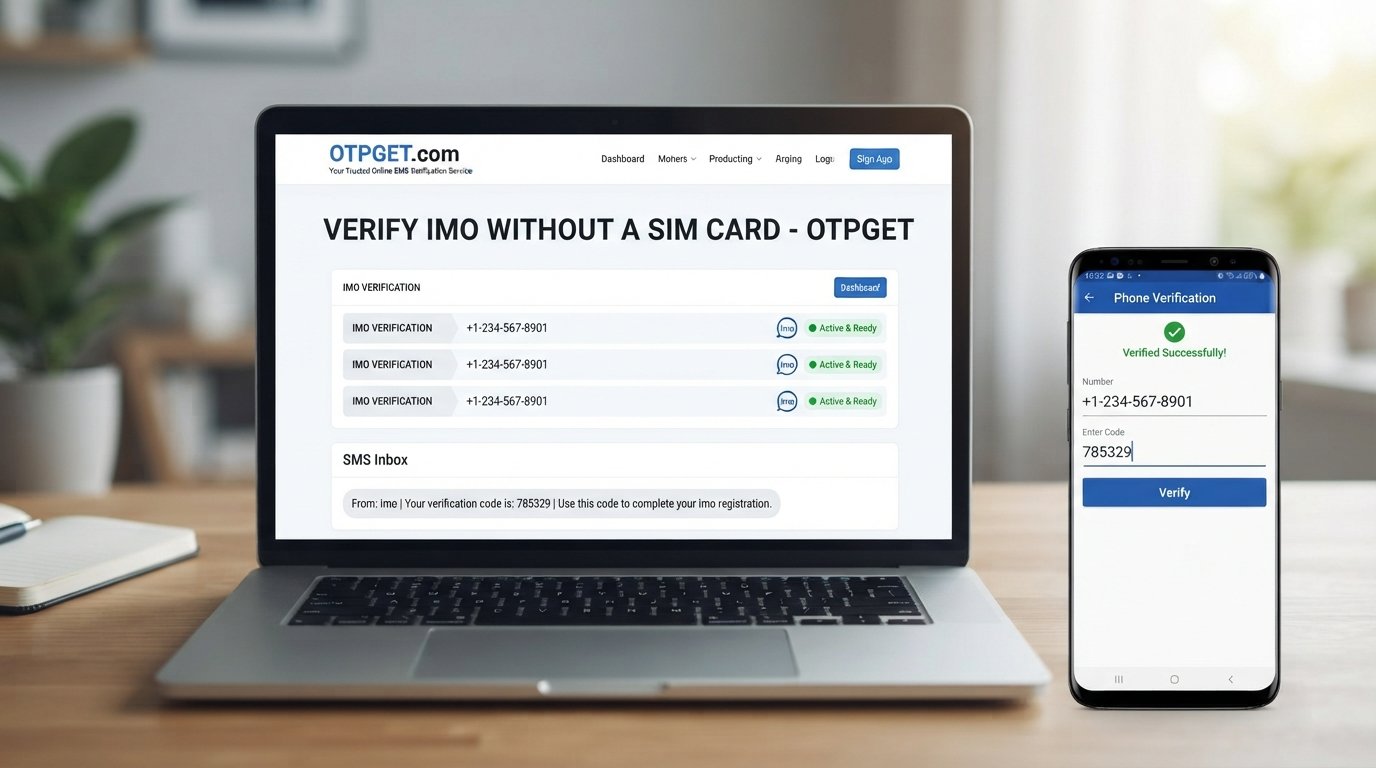
Verify Imo Without a SIM Card – OTPGet
Want to verify an Imo account without using your primary SIM card? For users who prefer to keep their personal phone number separate from online registrations, a temporary or virtual number can be a practical alternative where supported.
The basic idea is simple: instead of providing your everyday phone number, you use an available online number to receive the verification SMS. If Imo accepts that number and delivers the OTP, you can enter the code and continue the verification process.
OTPGet provides a convenient way to explore this type of verification workflow. Rather than exposing your personal number for every registration, you can consider an OTPGet virtual number when a suitable number is available and compatible with the service.
Can You Verify Imo Without a SIM Card?
Yes, it may be possible to verify Imo without a SIM card by using a legitimate virtual or online phone number that can receive SMS verification codes.
There is an important distinction, however. You do not necessarily need a physical SIM card in your possession, but Imo still generally needs a valid phone number capable of receiving its verification message.
An online SMS verification service can provide access to such a number. The verification process then works much like it would with a conventional mobile number:
-
A phone number is entered during verification.
-
Imo attempts to send an OTP to that number.
-
The SMS is received through the online verification service.
-
The verification code is entered into Imo.
Whether a particular virtual or temporary number is accepted can vary. Some services may restrict certain number types, so users should treat compatibility as something to check rather than assume.
Why People Look for Imo Verification Without Their Personal SIM
There are several legitimate reasons someone may want to verify an Imo account without using their primary number.
Privacy
Your personal phone number is often connected to everyday communication, contacts, and other services. Some users simply prefer not to share it with every platform they register for.
Using a separate verification number can help keep registration activity apart from a primary personal number.
Separation
A secondary number can provide a clearer separation between personal communications and account registrations. This can be useful when you want a number specifically for a particular online service or short-term verification task.
Convenience
Not everyone wants to use their main mobile number for every verification request. An online number can be convenient when an appropriate number is available and supported.
Temporary Use
Some registration situations only require a number for receiving an initial verification SMS. A temporary phone number can therefore be useful for short-term verification, although users should consider account-recovery requirements before relying on one.
How Imo OTP Verification Works
The general Imo OTP verification process is straightforward.
-
Enter a phone number.
During account registration or verification, provide the number you want to use. -
Request verification.
Imo sends a verification message to the selected number when the number and verification method are supported. -
Receive the OTP.
The SMS contains a verification code. If you are using an online verification service, the message may appear in that service's interface. -
Enter the verification code.
Enter the latest code into Imo. -
Complete verification.
If the number and code are accepted, the verification process can continue.
Verification requirements can change, and SMS delivery or number acceptance may depend on the service, number type, and other factors.
How to Verify Imo Without a SIM Card Using OTPGet
For users who want an alternative to their personal number, OTPGet can be considered as part of the verification process where compatible numbers are available.
The general workflow is designed to be simple:
-
Visit OTPGet.
Start by accessing the OTPGet verification service. -
Choose an appropriate available number or service.
Select a number that is suitable for the verification you are attempting. Availability and compatibility can vary. -
Use the number for Imo verification.
Enter the provided number into the Imo verification process where a phone number is requested. -
Wait for the verification SMS.
If Imo sends an OTP to the number and the number supports receiving it, the message should appear through the relevant OTPGet interface. -
Check the verification code.
Locate the latest Imo verification code in the received SMS. -
Enter the OTP in Imo.
Carefully enter the code into the Imo verification screen. -
Complete the process.
If Imo accepts the number and verification code, continue with the account setup or verification process.
The important point is that OTPGet does not change Imo's verification requirements. It provides an alternative number for receiving an SMS where the number is supported. A particular number may not work with every platform, so users should avoid assuming that verification is guaranteed.
Why Use OTPGet for Imo Verification?
For people who prefer not to use their personal phone number, OTPGet offers a convenient approach to online SMS verification.
Potential benefits include:
-
Number separation: Keep a personal phone number separate from a registration number.
-
Online access: The verification workflow can be handled through an online service rather than relying on a physical SIM for that specific use.
-
Temporary-number convenience: A temporary number may be useful when only an initial verification SMS is required.
-
Straightforward workflow: The basic process involves selecting a suitable number, receiving the SMS, and entering the OTP.
-
Practical alternative: OTPGet can be considered when users need an alternative number for supported verification purposes.
The right choice depends on the user's circumstances. Anyone using a temporary or virtual number should also consider whether they will need that number later for account recovery or additional verification.
OTPGet vs Using Your Personal SIM for Imo
Both approaches can serve different purposes. The main difference is whether you use your everyday phone number or a separate online verification number.
| Feature | Personal SIM | OTPGet |
|---|---|---|
| Uses your primary number | Yes, if you use your personal SIM | No, when using a separate available number |
| Number separation | Limited | Designed for separate-number use |
| Online access | Depends on your mobile service | Verification handled through the online service |
| Temporary-use convenience | Usually less suited to temporary registrations | Can be useful for temporary verification |
| Verification SMS handling | Received through your mobile device | Received through the relevant OTPGet service interface |
This is not a claim that one method is universally better. The appropriate option depends on whether you prioritize using your established number or keeping a registration number separate.
Things to Know Before Using a Temporary or Virtual Number
A temporary or virtual number can be useful, but there are several limitations worth understanding before starting.
Some services may reject temporary numbers.
Platforms can apply restrictions to certain number types. If Imo does not accept a particular number, another number or another verification method may be required.
Number availability can vary.
Online verification services may not have every type of number available at all times. Availability can depend on the service and the numbers currently offered.
OTP delivery can be delayed.
SMS messages are not always instantaneous. Network conditions, platform processing, or other service-related factors can affect delivery.
Temporary numbers may not be suitable for recovery.
If you later lose access to a temporary number, recovering an account that depends on that number may become more difficult.
Follow Imo's requirements.
Always use verification numbers for legitimate account purposes and follow Imo's current rules and verification requirements.
These considerations do not make virtual numbers unsuitable. They simply highlight why users should choose the number type with the complete account lifecycle in mind.
Is Using a Virtual Number for Imo Verification Safe?
The answer depends on how the service and number are used. Convenience and security are related, but they are not the same thing.
If you use a virtual number for Imo verification, take sensible precautions:
-
Use a reputable verification service.
-
Never share an OTP with another person.
-
Do not give a verification code to someone claiming to be support unless you have independently verified the request.
-
Understand whether the number could later be reassigned or reused.
-
Consider how you would recover the account if the temporary number becomes unavailable.
-
Use the number only for legitimate verification purposes.
A virtual number should not be treated as a guarantee of anonymity or security. The safest approach is to understand what information the service requires and how your chosen number will be used over time.
Common Problems When Receiving an Imo Verification Code
OTP Not Arriving
An Imo verification code may be delayed because of SMS delivery issues, number availability, or restrictions affecting a particular number. Give the process reasonable time before requesting another code.
Number Not Accepted
If Imo does not accept the number, the number type may not be supported. A temporary or virtual number is not automatically compatible with every platform.
Expired OTP
Verification codes are generally time-sensitive. If a code has expired, request a new one rather than repeatedly trying to use an old code.
Incorrect Code
Check that you are entering the latest verification code exactly as received. If multiple codes have been requested, using an older message can cause confusion.
Too Many Verification Attempts
Repeatedly requesting OTPs can create additional delays or restrictions. If you encounter an attempt limit, follow the instructions shown by Imo instead of continuously requesting new codes.
Frequently Asked Questions
Can I verify Imo without a SIM card?
You may be able to verify Imo without a physical SIM by using a compatible virtual or online phone number capable of receiving SMS. Acceptance depends on Imo and the number used.
Can I receive an Imo OTP online?
Yes, an online SMS verification service such as OTPGet may provide a number through which an SMS verification code can be received, where the number is supported.
Can I use a virtual number for Imo verification?
A virtual number can be used where Imo accepts that number type and the number can receive the required verification SMS. Compatibility is not guaranteed for every number.
How do I receive an Imo verification code?
Enter a supported phone number during Imo verification and request the code. If the SMS is delivered, retrieve the latest verification code and enter it into the verification screen.
Is OTPGet useful for Imo verification?
OTPGet can be useful for users who want to consider an alternative number instead of their personal SIM, provided an appropriate number is available and accepted for the verification process.
Why is my Imo verification code not arriving?
Possible reasons include SMS delays, an unsupported number, service restrictions, or too many verification requests. Check the number and follow the instructions provided by Imo.
Can a temporary number be used for account verification?
A temporary number can sometimes be used for account verification when the platform accepts it and the number can receive the required OTP. Consider future account-recovery needs before choosing a temporary number.
Final Thoughts
If you want to verify Imo without a SIM card, using a suitable virtual or online verification number can be an alternative to putting your personal phone number into the registration process.
The key is to understand that compatibility varies. Not every temporary number will necessarily be accepted, and users should consider both immediate verification and future account recovery before choosing a number.
For users looking for a practical way to obtain an alternative verification number, OTPGet is worth considering. Its online verification workflow can help separate a registration number from your everyday personal number when a suitable number is available and supported.
Explore OTPGet and choose a verification approach that fits your privacy, convenience, and account-management needs while following Imo's applicable requirements.


