Verify PayPal with a Virtual Number – OTPGet: A Practical Guide
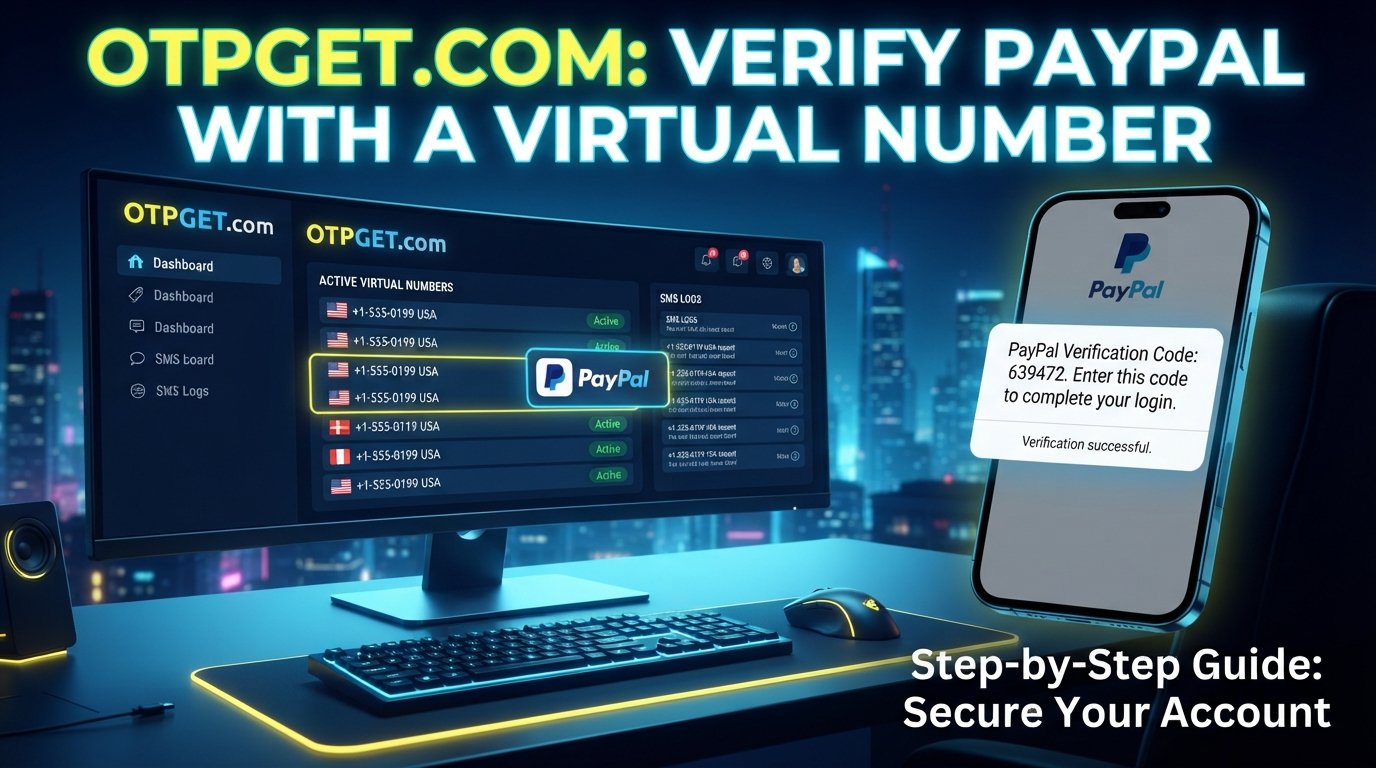
Verify PayPal with a Virtual Number – OTPGet
Phone verification is a common part of protecting online accounts. When a platform asks for a phone number, the purpose can include confirming contact information, sending a one-time password (OTP), or adding another layer of protection during account activity.
For users who prefer not to rely on their personal mobile number for every online service, a virtual phone number can be a practical alternative where the platform supports it. If you're looking to verify PayPal with a virtual number, OTPGet provides access to virtual numbers designed for SMS and OTP verification use cases.
The important point is compatibility. A virtual number is not a way to bypass PayPal's security or identity checks, and PayPal may apply different verification requirements depending on the account, country, number type, and circumstances. The safest approach is to use an eligible number and follow the verification process PayPal provides.
Why Does PayPal Require Phone Verification?
Phone verification can help online services strengthen account security and confirm that a user has access to a particular contact method.
Depending on the account and situation, a verification code sent by SMS may be used to:
- Confirm a phone number associated with an account
- Help protect against unauthorized account access
- Verify contact information
- Support account recovery or security checks
- Add another layer of authentication during sensitive activity
Not every PayPal account will necessarily have the same verification flow. Requirements can also differ by country and the type of activity being performed.
That's why it's useful to treat phone verification as one part of PayPal's broader account-security process rather than assuming that receiving an OTP alone completes every required check.
What Is a Virtual Number?
A virtual phone number is a telephone number that operates through online or cloud-based infrastructure rather than requiring a physical SIM card in your phone.
Depending on the provider and number type, a virtual number can receive SMS messages containing verification codes. Instead of appearing in a traditional phone's messaging application, the incoming message may be displayed through an online dashboard or another supported interface.
This can be useful when you need a separate number for a legitimate online verification workflow.
A virtual number differs from a conventional SIM-based number in how it is provisioned and accessed. You generally don't need to insert a physical SIM into a handset to receive supported SMS messages.
However, not every virtual number works with every online platform. Some services may restrict virtual, VoIP, recycled, temporary, or previously used numbers. Compatibility should therefore be checked before starting a verification attempt.
Can You Verify PayPal with a Virtual Number?
You may be able to verify PayPal with a virtual number when PayPal accepts the particular number type and the number can receive the required SMS.
That distinction matters.
There is no universal rule that every virtual phone number will be accepted for every PayPal account. Acceptance can depend on factors such as:
- Your country or region
- The type of virtual number
- Whether the number can receive the required SMS
- Whether the number has previously been associated with another account
- PayPal's verification requirements for your account
- Additional security or identity checks
If PayPal accepts the number and sends a verification code, the process can be straightforward. If it does not accept the number, repeatedly trying different numbers should not be treated as a way to circumvent the platform's requirements.
Instead, use an eligible number or another verification method that PayPal makes available to you.
How OTPGet Helps with Virtual Number Verification
OTPGet is designed to provide virtual numbers for SMS OTP verification. Its platform offers virtual numbers across multiple countries and supports one-time verification as well as longer-term rental options, depending on availability.
For someone researching a PayPal virtual number, the main value is convenience: you can access a number online rather than relying exclusively on a physical SIM.
OTPGet's virtual-number workflow can be useful for supported verification scenarios because it can provide:
- Access to virtual phone numbers
- Online SMS reception for supported services
- Country-specific number availability where offered
- A convenient alternative to managing an additional physical SIM
- One-time numbers for suitable verification workflows
- Rental numbers for use cases that require longer access
- An online dashboard for handling incoming verification messages
The key phrase is where supported. OTPGet can provide the number and SMS-receiving functionality, but it does not control PayPal's acceptance decisions.
That makes OTPGet a practical tool for the number-access portion of verification, rather than a method for bypassing PayPal's security controls.
How to Use OTPGet for PayPal Verification
If you want to use a virtual number for a legitimate PayPal verification process, the basic workflow is simple.
1. Visit OTPGet
Open OTPGet and create or access your account so you can use its virtual-number services.
2. Choose an appropriate virtual number
Select a country and number option that matches your legitimate requirements. Availability can vary, so review the available choices before purchasing.
3. Check compatibility
Before requesting a code, make sure the selected number supports the relevant SMS verification use case. A number being available does not automatically mean that PayPal will accept it.
4. Enter the number in PayPal
If PayPal provides a phone-verification field and accepts the number you have selected, enter it exactly as required.
5. Request the verification code
Use PayPal's normal verification process to request the SMS code.
6. Check OTPGet for the incoming SMS
If the number and service are compatible, the verification message can appear through the OTPGet interface.
7. Enter the OTP into PayPal
Enter the received code into the appropriate PayPal verification field.
8. Complete any additional verification
PayPal may request additional information or identity/security checks. Complete those steps through PayPal rather than attempting to avoid them.
This process should only be used when the number and verification method are permitted for your account.
Benefits of Using a Virtual Number for Verification
A virtual phone number can provide several practical advantages in supported situations.
Convenience: You can manage the number online without needing to carry another physical SIM.
Flexibility: Virtual numbers can be useful when you need a separate contact method for a particular online service.
Privacy separation: Using a separate number can help keep personal communications separate from messages related to online services.
Online access: SMS messages can be accessed through the provider's supported interface instead of relying on a physical handset.
Simplified number management: A dedicated virtual number may be easier to manage than purchasing and maintaining another physical mobile connection.
These benefits don't change the verification requirements of the platform you're using. The number still needs to be compatible with the service.
Things to Know Before Using a Virtual Number with PayPal
Before choosing a virtual phone number for PayPal, there are several important limitations to understand.
PayPal may not accept every virtual number
Some virtual numbers may not be accepted. The fact that a number can receive SMS does not mean every platform will recognize it as an eligible verification number.
Availability differs by country
Virtual-number availability and supported services can vary by location. Choose a number that is appropriate for your legitimate account information and verification requirements.
Some numbers may have previous associations
A number may have been used before. If a platform has an existing association with a number, that can affect what happens during verification.
SMS delivery can vary
No SMS service can make every external platform deliver a message under every circumstance. Network routing, platform restrictions, number type, and availability can all affect delivery.
Additional checks may still be required
Phone verification is not necessarily the only security measure. PayPal may request additional verification depending on the account or activity.
Don't use a virtual number to evade restrictions
A virtual number should not be used to impersonate someone, circumvent account restrictions, defeat fraud controls, or avoid identity requirements.
The best use case is straightforward: use an eligible number for a legitimate verification process and complete every additional requirement presented by PayPal.
Why Choose OTPGet?
For users specifically looking for an online virtual number for account verification, OTPGet offers a focused service built around SMS OTP use cases.
Its platform provides virtual numbers from multiple countries, with options for one-time use and rental arrangements depending on availability. The service also provides an online environment for receiving supported verification messages.
The practical appeal is that you don't have to manage another physical SIM just to access a suitable number for a supported online verification workflow.
OTPGet is also positioned beyond a single verification scenario, with virtual-number services designed for multiple supported platforms and use cases. That makes it relevant for users who need a flexible online number service rather than a PayPal-specific product.
Most importantly, OTPGet should be viewed as the number-service provider in the process. It does not represent PayPal, does not determine PayPal's verification policies, and does not guarantee that a particular number will be accepted.
That transparent distinction helps set realistic expectations.
Frequently Asked Questions
Can I use a virtual number to verify PayPal?
You may be able to use one if PayPal accepts that number type for your account and the number can receive the required verification SMS. Acceptance can vary by account, country, and number.
Does PayPal accept every virtual number?
No. Different number types and regions may be treated differently. A virtual number's ability to receive SMS does not guarantee that PayPal will accept it for verification.
Can I receive a PayPal OTP online?
If PayPal sends the verification code by SMS to an eligible number, the message may be received online through a compatible virtual-number service such as OTPGet. The number must support the required SMS and be accepted by PayPal.
Is OTPGet useful for PayPal verification?
OTPGet can be useful when you need virtual-number functionality for a supported SMS verification workflow. It provides access to virtual numbers and SMS reception, but PayPal determines whether a specific number is acceptable.
What if PayPal does not accept my virtual number?
Use an eligible phone number or another verification method offered by PayPal. Avoid trying to bypass the requirement by repeatedly using numbers that do not meet the platform's requirements.
Is a virtual number the same as a SIM card?
No. A traditional SIM connects a phone number to a physical or embedded SIM on a mobile device. A virtual number is generally managed through online or cloud-based infrastructure and may receive SMS through a provider's platform.
Can I use the same virtual number for multiple accounts?
That depends on both the virtual-number provider and the rules of the platform you're using. A number's previous associations can also affect verification. Always follow PayPal's applicable account and verification requirements.
Conclusion
A virtual number can be a convenient option for legitimate online verification when the platform supports that number type. For users who need to verify PayPal with a virtual number, OTPGet provides access to virtual numbers and online SMS functionality for supported verification use cases.
The important thing is to keep expectations realistic. A virtual number does not bypass PayPal's security, identity checks, or account requirements, and acceptance can vary depending on the account, country, and number.
If the number is compatible and PayPal accepts it, OTPGet can make the SMS-receiving side of the process more convenient. If PayPal requires additional verification, complete those steps normally.
For users who want to explore virtual-number options for legitimate verification needs, OTPGet is a practical place to start. Choose an appropriate number, use it responsibly, and always follow the verification requirements presented by PayPal.


