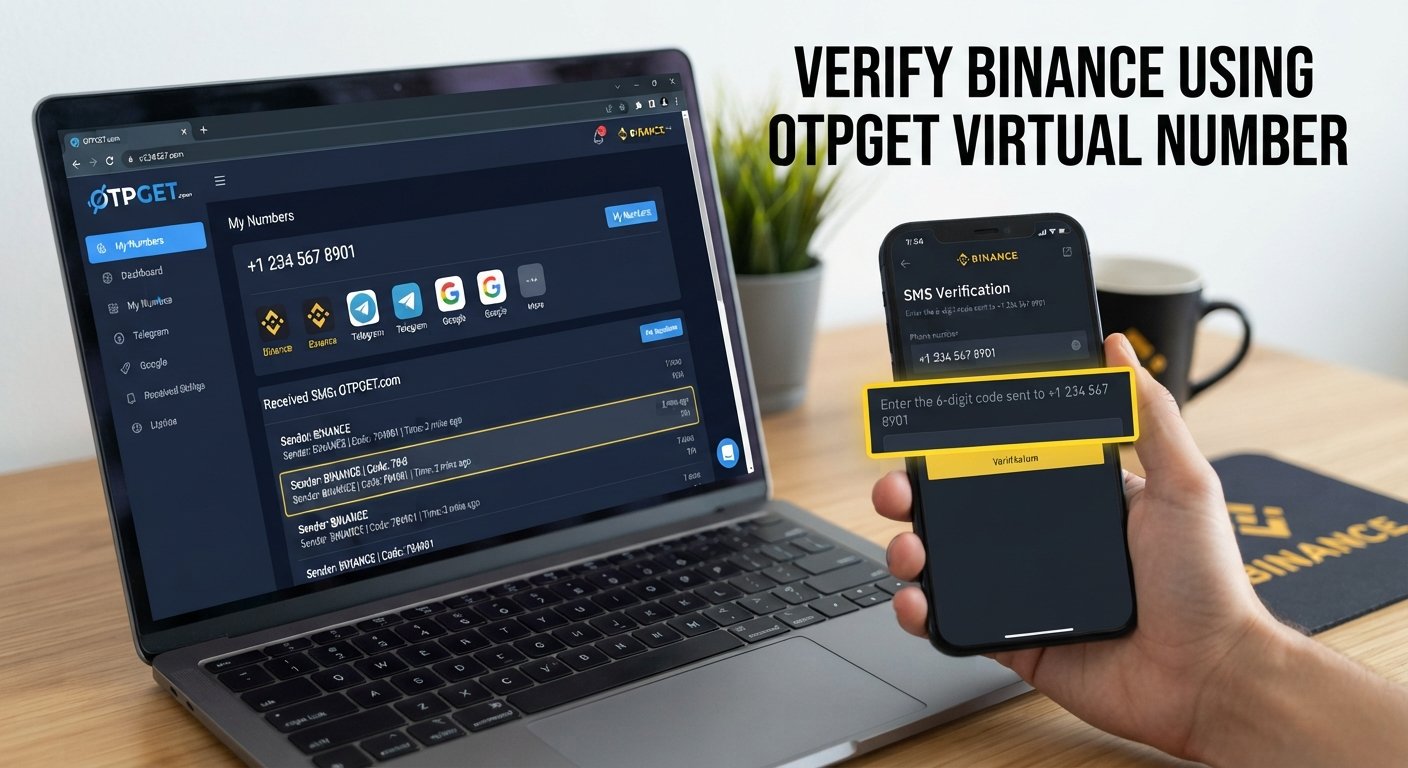
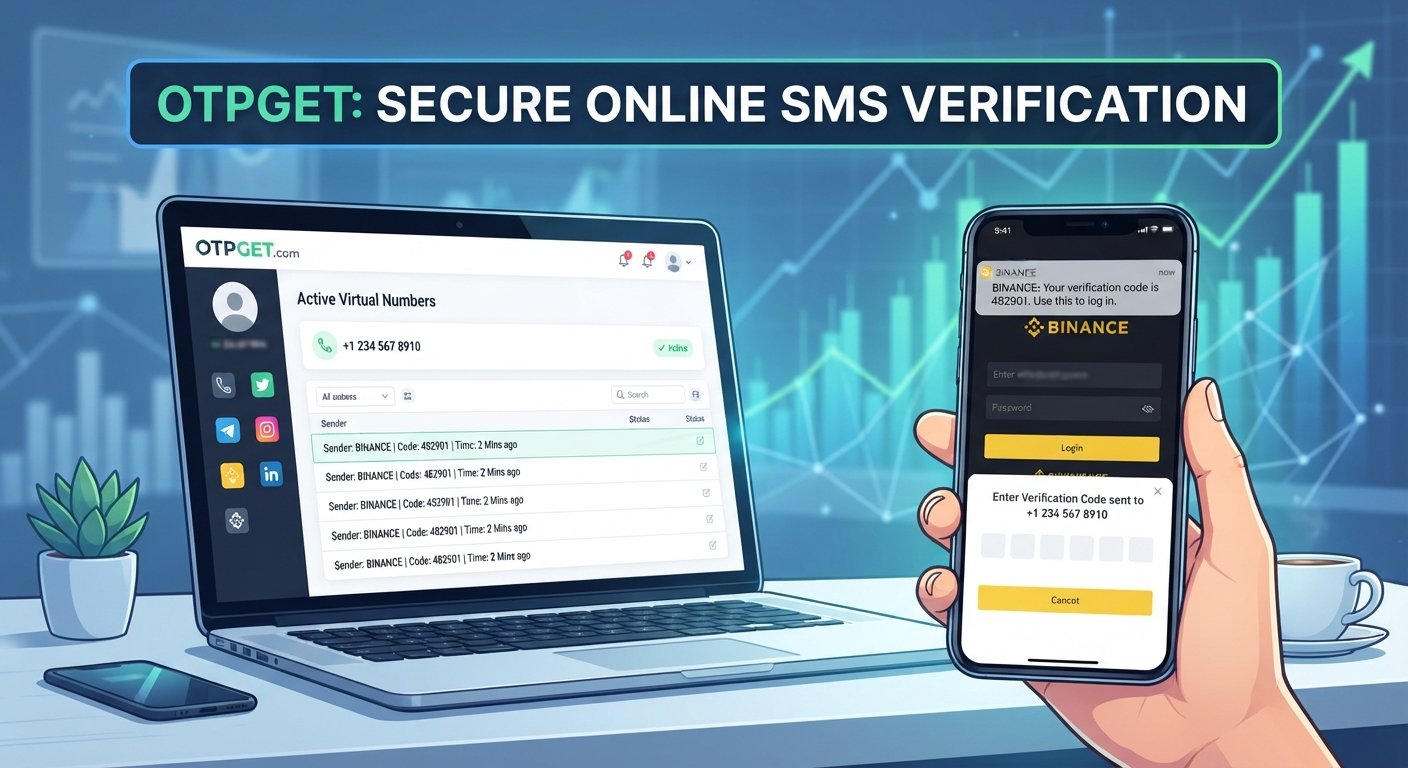
Verify Telegram with a Virtual Number – OTPGET Complete Guide
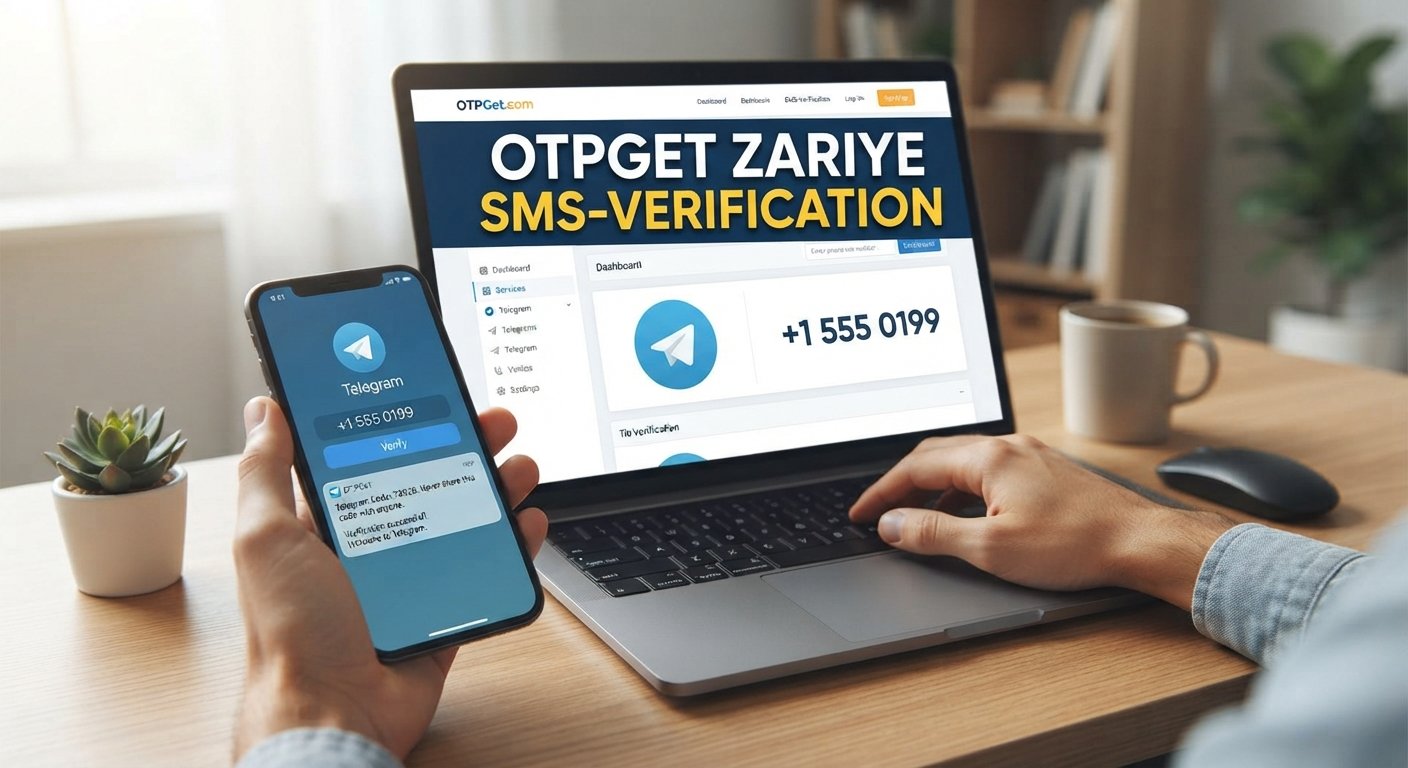
Verify Telegram with a Virtual Number – OTPGet
Signing up for Telegram usually starts with a phone-number verification step. For some people, using a personal number is perfectly fine. Others would rather keep their primary number separate from online services, especially when managing a secondary account or maintaining stronger boundaries around phone number privacy.
That is where a virtual number can be useful.
A virtual phone number can receive supported SMS verification messages without requiring a traditional SIM card in the same way as a personal mobile number. Services such as OTPGET provide virtual numbers designed for online OTP verification, and OTPGET specifically lists Telegram among the services supported through its virtual-number platform.
This guide explains how to verify Telegram with a virtual number, how the verification process generally works, where OTPGET fits into the workflow, and what you should consider before relying on a virtual number for an account you intend to keep.
What Is a Virtual Number for Telegram?
A virtual number is a phone number provided through an online service rather than being tied directly to your everyday physical SIM card. Depending on the provider and number type, it may be able to receive SMS messages online.
For Telegram registration, the important requirement is straightforward: the number must be acceptable to Telegram and capable of receiving the required verification method.
A Telegram virtual number can therefore serve as a secondary number for account registration or verification. Instead of giving Telegram your primary personal number, you use an available number provided by a virtual-number service.
The distinction matters, however. A virtual number is not automatically permanent or exclusively yours forever. Availability, ownership, rental duration, and future access depend on the specific service and number arrangement.
Why Use a Virtual Number to Verify Telegram?
There are several legitimate reasons someone may prefer a virtual number for Telegram verification.
Privacy: Some users prefer not to expose their primary phone number to every online service they register for.
Separation: A secondary number can help keep personal communication separate from another account or online activity.
Convenience: If you need a number that can receive SMS online and a suitable number is available, a virtual-number service can provide an alternative to using your everyday SIM.
Account organization: People managing separate personal and professional communication may prefer distinct phone numbers for different Telegram accounts.
Telegram itself supports multiple accounts associated with different phone numbers. Its FAQ also recommends maintaining access to the phone number connected to an account because losing control of that number can create account-access problems.
So, privacy is only one part of the decision. Long-term access matters just as much.
How Telegram Verification Works
The exact verification experience can vary depending on Telegram's current systems, your account status, and the available verification channel.
The general process looks like this:
- Enter a supported mobile phone number during Telegram registration or login.
- Telegram determines the available verification method.
- A verification code may be sent through SMS or another supported Telegram verification channel.
- Retrieve the code through the relevant channel.
- Enter the verification code in Telegram.
- Complete the remaining account setup steps.
Telegram's official documentation states that phone numbers should be entered in international format. It also notes that login codes can sometimes be delivered through Telegram on another connected device rather than SMS.
That means a virtual number should not be treated as a guaranteed SMS-only route. Telegram controls its own verification process, and the method available can change based on circumstances.
How to Verify Telegram with a Virtual Number Using OTPGET
OTPGET is a practical option to consider when you need a virtual number for supported SMS verification. Its documentation describes a workflow for selecting countries and services, requesting a number, and checking the activation status for an incoming SMS code.
A typical workflow is:
1. Visit OTPGET
Open the OTPGET service and review the currently available virtual-number options.
2. Select a suitable virtual number
Choose a number and service combination that is available for Telegram verification. Availability can change, so follow the options currently shown by OTPGET.
3. Check the country and service
Where supported, select the relevant country and Telegram service option. Make sure the selected number is compatible with the verification you are attempting.
4. Obtain the number
OTPGET's documented SMS OTP workflow allows a user to request a virtual phone number for a selected service.
5. Enter the number in Telegram
During Telegram signup or verification, enter the virtual number using the correct international format.
6. Wait for the verification message
If Telegram sends an SMS to the number and the service supports that verification request, the incoming message can become available through the OTPGET workflow.
7. Retrieve the Telegram OTP
OTPGET documents an activation-status process for checking whether an SMS verification code has been received.
8. Enter the verification code
Enter the received Telegram verification code into the Telegram app. Never share a Telegram login code with another person or service.
9. Complete account setup
Once Telegram accepts the code, finish the account setup and immediately review the available security settings.
The important qualification is that verification is not guaranteed. Telegram can reject a number, limit attempts, require another verification method, or impose restrictions based on its own systems. OTPGET's own documentation also shows that numbers and services are subject to availability.
Benefits of Using OTPGET for Telegram Verification
OTPGET can be useful for readers who specifically want a secondary number for online verification.
One benefit is separation from a personal phone number. A suitable virtual number can provide an additional layer between your primary mobile number and an online registration.
Another is a straightforward verification workflow. OTPGET's documented process is built around obtaining a number and checking for the associated SMS verification code.
The service can also be relevant when users need a virtual number rather than another physical SIM. However, the practical value depends on whether a suitable number is available and whether Telegram accepts it for the required verification.
The key takeaway is simple: OTPGET can be a useful tool for supported Telegram verification scenarios, but it does not control Telegram's verification decisions.
Virtual Number vs. Personal Number for Telegram
| Factor | Virtual Number | Personal Number |
|---|---|---|
| Privacy | Can help separate your primary number from registration | Directly connected to your personal mobile number |
| Convenience | Useful when online SMS access is available | Convenient if your SIM is active and accessible |
| Long-term access | Depends on the number type and provider | Usually easier to maintain if you control the SIM |
| Verification reliability | Depends on Telegram and number availability | Generally depends on your carrier and Telegram |
| Account recovery | Can become difficult if access to the number is lost | Usually simpler while you retain the SIM |
| Number ownership | May be temporary, rented, or service-controlled | Usually controlled directly by the user |
| Potential limitations | Availability and platform acceptance can vary | Requires use of your personal number |
For an account you plan to use for a long time, continued access to the connected number should be treated as an important consideration.
Things to Consider Before Using a Virtual Number
Before choosing a virtual number for Telegram, consider these points:
- Number availability: A number suitable for Telegram may not always be available.
- Telegram's rules: Telegram decides which numbers and verification methods it accepts.
- SMS capability: The number must be able to receive the required verification message if SMS is used.
- Future recovery: Losing access to the number can make future login or recovery more difficult.
- Expiration or reassignment: Temporary numbers may not remain available indefinitely.
- Service availability: A provider's available countries, services, and numbers can change.
- Security: Treat verification codes as sensitive account credentials.
- Terms and laws: Use virtual numbers only for legitimate purposes and in accordance with Telegram's rules and applicable laws.
Telegram specifically warns users to keep their connected phone number up to date and under their control because losing access can create a risk of losing the account.
Tips for a Smooth Telegram Verification
A few simple practices can reduce avoidable verification problems:
- Use a number that is currently available and able to receive the required message.
- Enter the number in international format.
- Double-check the country code before submitting it.
- Avoid repeatedly requesting verification codes in a short period.
- Enter the Telegram OTP carefully and never share it.
- Enable Telegram's additional security features after registration.
- Consider Two-Step Verification or a passkey where available.
- If the account is important, maintain reliable access to its connected number.
Telegram recommends Two-Step Verification as an additional layer of account protection and also supports passkeys for compatible login scenarios.
Is OTPGET Right for Telegram Verification?
OTPGET may be suitable for users who want a virtual number for a supported Telegram verification workflow and prefer to keep their primary phone number separate.
Its documented platform includes virtual numbers for SMS OTP verification and provides a process for requesting numbers and checking received activation codes.
Still, the right choice depends on your circumstances. If long-term account recovery is especially important, a number you permanently control may be preferable. If privacy and separation are the main priorities, a suitable virtual number may make more sense.
Most importantly, neither a virtual-number provider nor any third party can guarantee that Telegram will accept every number or every verification attempt.
Conclusion
Using a virtual number can be a practical way to approach Telegram registration when you want to separate your primary phone number from an online account. It can support privacy-conscious verification, secondary account management, and online SMS verification when the number and verification method are compatible.
OTPGET provides a virtual-number workflow that can be used for supported OTP verification services, including Telegram. Its documented process covers obtaining a number and checking for the verification message.
Before proceeding, consider number availability, Telegram's verification rules, future account recovery, and whether you will retain access to the number. If an OTPGET virtual number fits your needs and is currently supported for your Telegram verification, you can explore OTPGET and follow the current instructions shown by the service.
FAQ SECTION
Can I verify Telegram with a virtual number?
Yes, Telegram can be verified with a virtual number when the number is accepted by Telegram and can receive the required verification method. Availability and acceptance can vary.
What is a Telegram virtual number?
A Telegram virtual number is a phone number supplied through an online virtual-number service that may be used for Telegram registration or verification when supported.
How does OTPGET work for Telegram verification?
OTPGET provides a workflow for obtaining virtual numbers for supported services and checking whether the requested SMS verification code has arrived. Follow the current OTPGET instructions for the specific number and service.
Can I receive a Telegram OTP on a virtual number?
You may be able to receive a Telegram verification SMS on a virtual number when Telegram accepts that number and the number is capable of receiving the required message. It is not guaranteed for every number.
Is a virtual number better for privacy?
A virtual number can help keep your primary phone number separate from an online registration. However, privacy benefits depend on the provider, number type, account settings, and how you use the service.
Can I use the same virtual number again?
That depends on the number and service arrangement. Temporary numbers may not remain available, while other number types may have different access conditions. Do not assume you will be able to reuse a number for future Telegram recovery.
What happens if I lose access to my virtual number?
You may have difficulty logging back into or recovering your Telegram account if the connected number is required for verification. Telegram recommends keeping your connected phone number up to date and under your control.
Is Telegram verification guaranteed with a virtual number?
No. Verification depends on Telegram, the specific number, location, verification method, and current service conditions. OTPGET does not control Telegram's verification decisions.
SUGGESTED FAQ SCHEMA QUESTIONS
- Can I verify Telegram with a virtual number?
- What is a Telegram virtual number?
- How does OTPGET work for Telegram verification?
- Can I receive a Telegram OTP on a virtual number?
- Is a virtual number better for privacy?
- Can I use the same virtual number again?
- What happens if I lose access to my virtual number?
- Is Telegram verification guaranteed with a virtual number?
IMAGE ALT TEXT
- Telegram verification using a virtual number and OTPGET
- Virtual phone number receiving a Telegram verification code online
- OTPGET virtual number dashboard for SMS verification
- Telegram account verification with an online virtual number
- Virtual SMS number and OTP verification workflow for Telegram
INTERNAL LINK ANCHOR IDEAS
- What is a virtual phone number?
- How OTP verification works
- Online SMS verification explained
- Virtual numbers for account verification
- How to receive SMS online
- Protecting your phone number online
- Telegram account security tips
- Choosing a virtual number for verification
- How virtual SMS numbers work
- Privacy-conscious online verification