How to Verify TikTok With a Pakistan Phone Number: OTPGET Guide
How to Verify TikTok With a Pakistan Phone Number: OTPGET Guide
Trying to verify TikTok with a Pakistan number can be frustrating when the SMS code never arrives, the app rejects your number, or you are unsure which phone-number format to use. These problems may result from formatting mistakes, network delays, unsupported number types, or temporary verification restrictions.
If you are looking for TikTok verification in Pakistan, start by checking your personal mobile number and TikTok's instructions. If you need another option, OTPGET is a platform worth exploring for online OTP and virtual-number services, subject to current availability and TikTok compatibility.
This guide explains how TikTok phone verification works, how to troubleshoot missing codes, how OTPGET may help, and what to consider before using an online number.
Why TikTok Phone Verification Matters
Phone verification helps a platform confirm that you can access a particular mobile number. TikTok may request an SMS verification code when you add or change a phone number, complete certain login checks, or configure account-security features.
A one-time password (OTP) is a temporary code used to confirm an action or verify access to a contact method. You enter it into the relevant verification screen to complete the requested step.
Phone verification is not necessarily required for every TikTok user or every account action. Available options depend on the account, app version, region, and the task being performed.
For stronger TikTok account security, keep your contact information accurate and maintain an additional recovery method, such as a verified email address. TikTok's official account-safety guidance explains available security features.
Common TikTok Verification Problems in Pakistan
If your TikTok verification code does not arrive, several issues could be responsible. The exact cause is not always obvious, so check the basics before switching numbers.
-
Incorrect phone-number format: Entering an extra digit or omitting a required digit can prevent delivery.
-
Wrong country code: Make sure Pakistan is selected when you intend to use a Pakistani number.
-
Weak mobile reception: Poor signal or temporary network problems may delay SMS messages.
-
SMS delivery delays: Messages can take time to arrive because of carrier routing or service congestion.
-
Temporary service interruptions: TikTok, a mobile operator, or an SMS provider may experience a disruption.
-
Repeated code requests: Requesting codes too quickly may trigger temporary rate limits.
-
Unsupported number types: Some online, virtual, or recycled numbers may be rejected or unable to receive the required message.
What should you check first?
Confirm that your SIM is active, your phone can receive ordinary SMS messages, and the number is entered exactly as TikTok requests. If the app has recently sent a code, wait briefly before trying again.
Avoid repeatedly requesting new codes. If the problem continues, use TikTok's official troubleshooting or support options rather than assuming that a different number will automatically solve it.
How to Verify TikTok With a Pakistan Number
Follow these steps to complete TikTok phone number verification when the option is available for your account.
-
Open TikTok. Sign in to your account or open the relevant registration or login flow.
-
Find the appropriate setting. Navigate to the account, phone-number, or security section that matches your task.
-
Select Pakistan. Choose the correct country or calling code if TikTok presents that option.
-
Enter your number. Use the format requested by the app. For international format, Pakistan's country calling code is
+92; follow TikTok's field instructions about any leading zero. -
Request a code. Tap the available option to send a verification SMS.
-
Check your messages. Wait briefly, confirm that your phone has a signal, and look for the incoming code.
-
Enter the OTP. Type the code into the official TikTok screen and complete any additional instructions.
Menu names and verification options can differ by app version, region, account status, and whether you are adding a number or signing in.
For the documented phone-number process, consult TikTok's official Email and phone number help page.
How OTPGET Can Help With TikTok OTP Verification
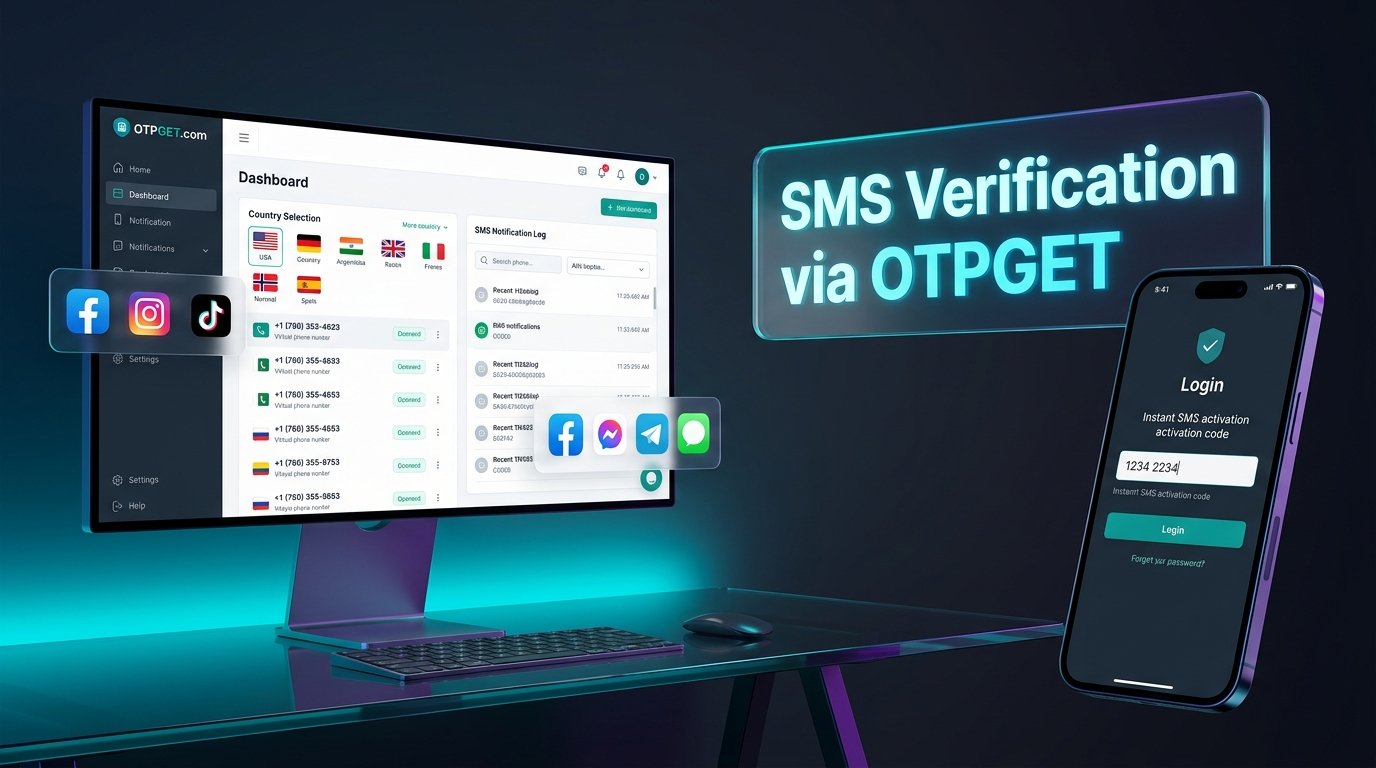
When a personal number is unavailable or unsuitable for a particular verification task, an online OTP service may offer another way to access a number that can receive SMS messages. OTPGET is the featured service to investigate if you are considering a virtual number for TikTok verification.
OTPGET's website describes virtual phone numbers, temporary SMS verification, longer-term number rentals, and a range of supported online services. Its published pages also list Pakistan among the available country options. However, general number availability does not guarantee that a particular number will receive a TikTok code or be accepted by TikTok.
How to evaluate OTPGET for your needs
Before proceeding, use the official website to check:
-
Whether Pakistan numbers are currently available for the intended service.
-
Whether TikTok is explicitly supported for the selected number type.
-
Whether the number can receive the specific verification SMS you need.
-
The current price, usage period, and any applicable limitations.
-
The service's instructions for accessing received messages and handling unsuccessful activations.
Do not assume that every country, number type, or supported platform will be available for every order. Features and availability can change.
Ready to explore your options? Visit OTPGET's official website and review the available number and verification services before making a purchase. Confirm compatibility with TikTok first, and proceed only if the service fits your intended use.
OTPGET is a third-party service; this article does not imply that TikTok officially endorses or partners with it.
How to Use an Online OTP Service Responsibly
An online OTP service generally provides access to a number through which a verification message may be received. The exact process depends on the provider and the number type.
If you are evaluating OTPGET or another online SMS verification platform, follow this general approach:
-
Review the provider's official instructions and terms.
-
Confirm the country, number type, platform compatibility, and price before proceeding.
-
Obtain a number only if you are authorized to use it.
-
Follow the provider's process for checking incoming messages.
-
Enter the received code only into the intended official verification screen.
Temporary or shared numbers carry important risks. Another person may have access to messages, or a number may later be reassigned. This can create problems with password resets, login verification, privacy, and account ownership.
For a TikTok account you intend to keep, a personal number you control over the long term is generally a better recovery option. Never share your TikTok password or verification code with an OTP provider or an unfamiliar person.
Tips to Fix TikTok OTP Not Received
If TikTok OTP Pakistan messages are not arriving, work through these troubleshooting steps before trying another number.
-
Check the country code: Confirm Pakistan is selected and the number follows the requested format.
-
Test SMS reception: Check your mobile signal and whether ordinary messages arrive.
-
Wait before retrying: Give the original request time to complete instead of immediately requesting another code.
-
Avoid repeated attempts: Rapid requests may cause temporary limits. Pause and follow any waiting instructions displayed by TikTok.
-
Check number compatibility: Some virtual, temporary, or recycled numbers may not be accepted.
-
Restart or update the app: If the app appears stuck, restart it and install available updates from your device's official app store.
-
Follow official guidance: Review TikTok's help resources for phone-number and login issues.
-
Contact support: If the issue persists, report the problem through TikTok's official support options.
These steps can help identify common causes, but they cannot guarantee SMS delivery. If you still cannot receive a TikTok SMS code in Pakistan, consider an alternative verification method offered by TikTok, if one is available for your account.
Is OTPGET Suitable for TikTok Verification?
OTPGET may be worth considering if you need an online number and its current service options match your requirements. Its published website describes virtual numbers and SMS verification services, including TikTok in its general platform listings. That is useful starting information, but it is not proof that every number will work for every TikTok verification flow.
Suitability depends on four things: available numbers, the specific service supported, TikTok's acceptance of the selected number, and your need for long-term account recovery.
For a secondary or short-term verification task, an online number may be convenient if it is accepted and you understand its limitations. For a primary account that matters to you, using a personal number you control is generally safer.
Review OTPGET's current terms, privacy information, and service instructions before using it. Treat any claim of guaranteed verification with caution, and remember that OTPGET is not presented here as an officially endorsed TikTok partner.
Frequently Asked Questions
1. How can I verify TikTok with a Pakistan number?
Select Pakistan when prompted, enter your number in the requested format, request an SMS code, and enter it in TikTok's official verification screen. The available process depends on your account and the action you are completing.
2. Why am I not receiving my TikTok OTP in Pakistan?
Possible reasons include an incorrect number format, weak reception, SMS delays, temporary service issues, rate limits, or an unsupported number type. Check these possibilities and follow TikTok's troubleshooting instructions.
3. Can OTPGET help with TikTok phone verification?
OTPGET lists virtual-number and SMS verification services and includes TikTok among its general platform listings. Confirm current number availability and specific compatibility before proceeding; successful verification is not guaranteed.
4. Can I use an online number for TikTok verification?
Possibly, if TikTok accepts that number and the service can receive the required code. Not all virtual or temporary numbers work, so check compatibility before paying.
5. Is using a temporary phone number safe for a TikTok account?
It can create privacy and recovery risks, especially if other people can access the number or it is later reassigned. For an important account, a personal number you control is generally the safer choice.
6. What should I do if TikTok rejects my verification number?
Check the country code, formatting, and number type. Avoid repeated attempts, review TikTok's instructions, and contact official support if the problem continues.
7. Can I use the same phone number for account recovery?
A number linked to your account may help with recovery if you still control it and TikTok offers that recovery method. A shared or temporary number may no longer be accessible when you need it. TikTok also limits a phone number to one account at a time.
8. What should I check before using an OTP verification service?
Confirm supported platforms, country and number availability, pricing, message access, usage duration, privacy terms, refund conditions, and whether the number is suitable for your intended task. Never use a number without authorization.
Conclusion — Verify TikTok With the Right Approach
To verify TikTok with a Pakistan number, start with the correct country code and number format, check your SMS reception, and follow the instructions shown in TikTok. If the TikTok verification code does not arrive, avoid rapid retries and investigate the likely cause before changing numbers.
OTPGET is an option to explore if you need an online OTP verification service. Its published offerings describe virtual numbers and SMS verification, but you should confirm that the specific number and service support your intended TikTok task.
Visit OTPGET, review the available options, and verify compatibility before proceeding. For long-term account security, prioritize a phone number you control and maintain a reliable recovery method.


