Verify TikTok Without SIM: Complete OTPGET Verification Guide
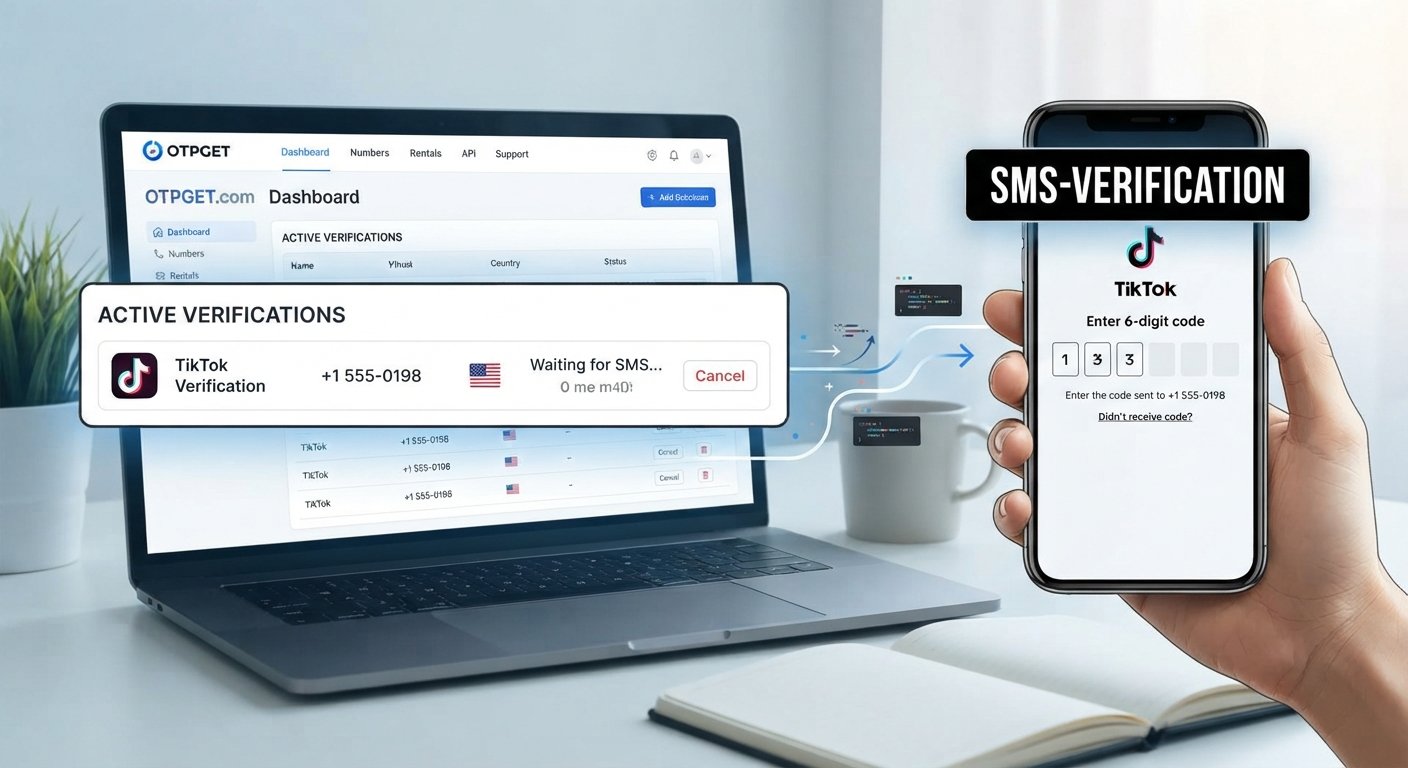
Verify TikTok Without Your SIM – OTPGET
Losing access to a SIM card can make ordinary account verification surprisingly inconvenient. You might still have your phone, but not the number associated with it. You may be traveling, have changed numbers, or simply need an alternative SMS verification option for a legitimate account or registration process.
If you are trying to verify TikTok without SIM access, the important distinction is that you still need to complete TikTok's own verification process. An OTP service does not remove TikTok's security requirements or guarantee that a particular number will be accepted.
For users who need an alternative way to receive SMS codes, OTPGET can be considered as one possible option. Its published documentation describes SMS OTP functionality involving temporary numbers and longer-term number rentals, with availability depending on the country, provider, and service supported.
The key is to use such a service only where an alternative number is permitted and to follow TikTok's instructions throughout the process.
Can You Verify TikTok Without Your SIM?
Yes, in some circumstances you may be able to complete a TikTok verification process without physically having your regular SIM, but the exact options depend on the account, phone number, and verification method TikTok makes available.
Not having a physical SIM and not having access to the underlying phone number are also two different situations.
For example:
- You do not have the physical SIM: You may still have access to the number through another legitimate arrangement.
- You no longer control the phone number: An alternative verification or account-recovery method may be necessary.
- You need another number: A supported SMS service may provide an alternative number where the platform permits it.
- You are recovering an existing account: TikTok may require access to an existing phone number, email address, or another account-recovery method.
These situations should not be treated as interchangeable. TikTok controls which verification and recovery methods are available for a particular account.
TikTok's business documentation, for example, shows that phone-number changes can involve verification of the existing number, illustrating why having access to the original credentials can matter during account changes.
Why TikTok May Ask for a Verification Code
Phone verification is a common way online platforms add another layer of account security. Depending on the circumstances, an SMS code may be used for purposes such as:
- Confirming a phone number
- Confirming a login
- Protecting an account from unauthorized access
- Detecting unusual login activity
- Supporting account recovery
- Completing an account-security step
Not every TikTok account will encounter exactly the same verification flow. The prompts you see can depend on your account, device, login circumstances, and the verification options TikTok makes available.
That is why an OTP service should be viewed as a method for receiving an SMS, rather than as a way to bypass TikTok's authentication system.
How OTP Verification Works
An OTP, or one-time password, is a temporary code sent to a phone number or another supported destination.
A typical SMS verification process works like this:
- Enter or select a supported phone number.
- The platform sends an OTP by SMS.
- The message arrives at the number.
- Enter the verification code into the appropriate field.
- The platform checks the code and either completes that step or asks for additional verification.
OTP codes are normally time-sensitive. If a code expires, the platform may require a new one.
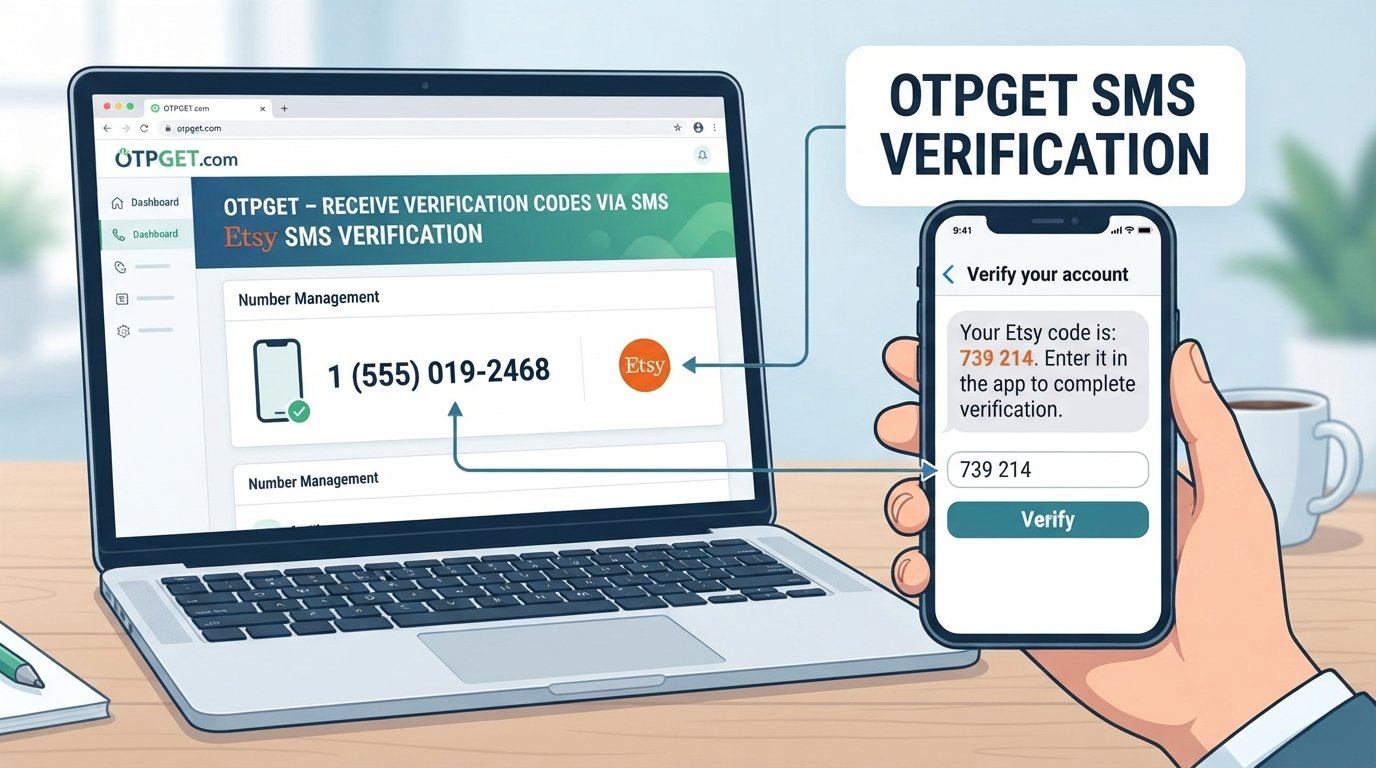
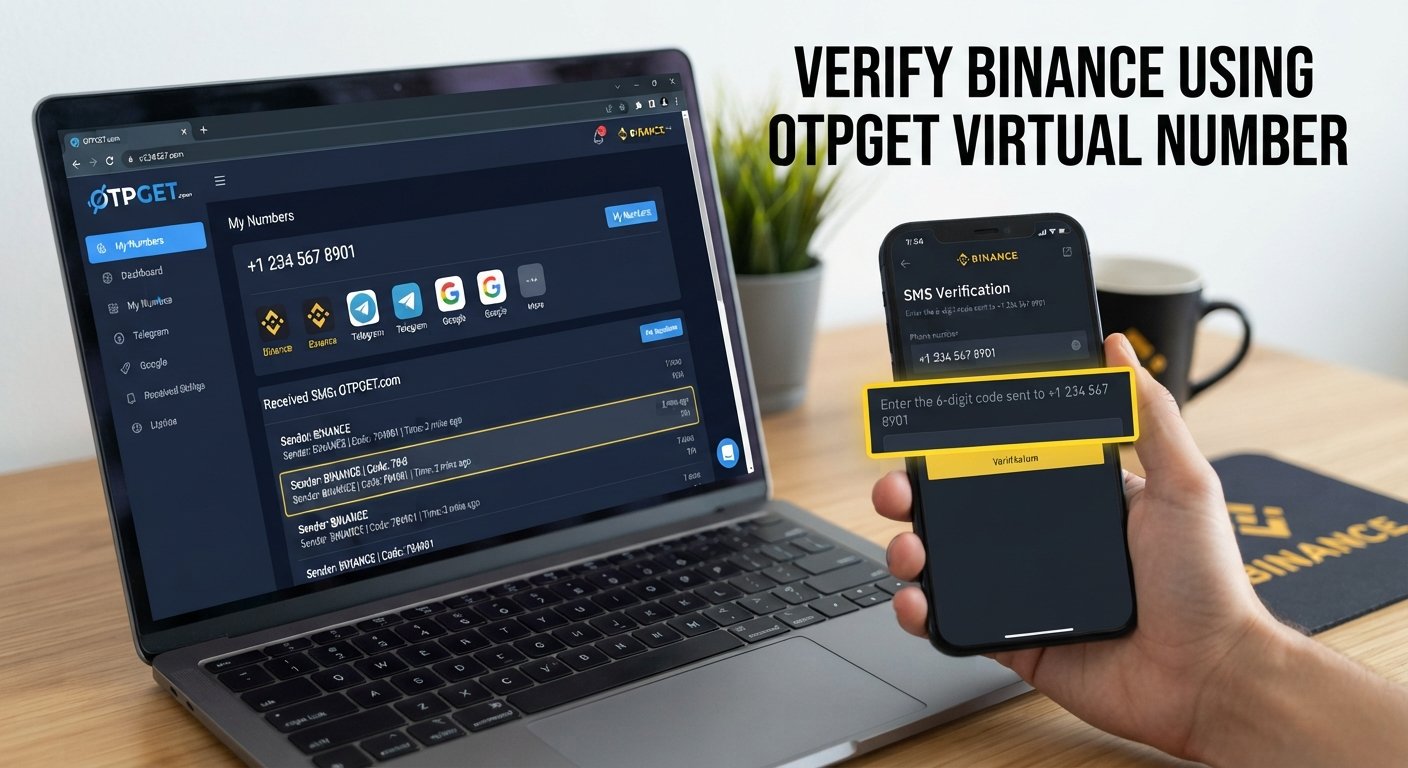
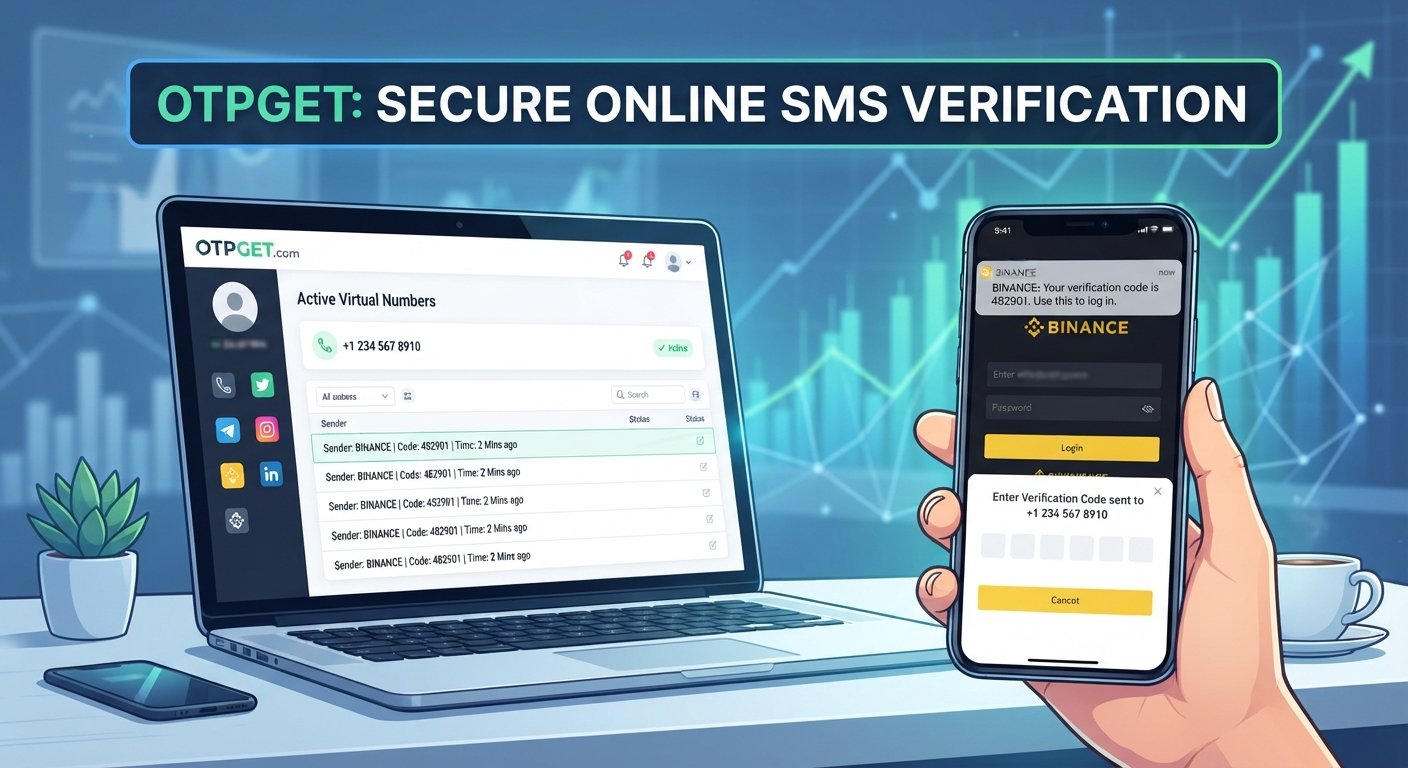
OTPGET's documentation describes an SMS OTP system where a number can be requested and its activation status checked until an SMS code is received.
Regardless of the provider, never give a verification code to another person. An OTP is intended to prove control of the verification channel and should be treated as sensitive account information.
Where OTPGET Fits In
OTPGET can fit into the process when someone needs an alternative SMS number for a supported verification purpose.
According to its published documentation, OTPGET provides an SMS OTP API that can offer numbers by country and service when available. Its documentation also describes longer-term number rentals, separate from its one-time SMS OTP functionality.
That does not mean every number or service will work with TikTok.
The practical question is whether an appropriate number is available and whether TikTok accepts that type of number for the particular verification step. Availability can change, and platforms may reject temporary, virtual, previously used, or otherwise unsupported numbers.
Therefore, OTPGET verification should be treated as a possible SMS-access option, not a guaranteed TikTok verification method.
There is also no basis to describe OTPGET as an official TikTok partner or to claim that it can bypass TikTok's security controls.
How to Use OTPGET for TikTok Verification
If TikTok permits an alternative phone number for your particular verification flow, the general process can be straightforward:
- Open the relevant OTPGET service.
- Review the available countries, services, and numbers.
- Select an appropriate option only if TikTok is supported and the use is permitted.
- Enter the provided phone number into TikTok's legitimate verification screen.
- Wait for the SMS verification code.
- Retrieve the OTP through the applicable OTPGET interface.
- Enter the code into TikTok.
- Complete any additional verification TikTok requests.
OTPGET's documentation indicates that number availability can vary and that its system can return conditions such as no numbers being available for a requested country or service.
If TikTok does not accept the number, repeatedly requesting codes is unlikely to solve the underlying compatibility issue. Instead, use another legitimate verification or recovery method offered by TikTok.
Benefits of Using an OTP Service
An SMS OTP service can be useful in situations where an alternative number is appropriate and supported.
Potential benefits include:
- Convenience: Receive verification messages without depending on your usual physical SIM.
- Alternative SMS access: Useful when another legitimate verification number is required.
- Separation: Keep some verification communications separate from your primary number where permitted.
- Flexible availability: Depending on the provider, numbers may be available across different countries or services.
- Temporary use cases: Some OTP services are designed around individual verification activations.
These benefits should not be confused with anonymity or guaranteed privacy. Before using any third-party number service, review its policies and understand how the number is provided and managed.
Important Things to Know Before Using an OTP Service
Using an alternative number does not guarantee successful verification. Several practical limitations can affect the result.
Not every number works with every platform. TikTok may reject a number based on its own requirements.
Temporary or virtual numbers may not always be accepted. Some platforms distinguish between different types of phone numbers.
SMS delivery can be delayed. Network conditions, provider availability, or platform-side delays can affect delivery.
OTPs can expire. If you wait too long, you may need to request another code.
A number may already be associated with an account. This can create additional complications depending on the platform's rules.
Additional verification may be required. Receiving an OTP does not necessarily complete every account-security step.
Access to an original number can still matter. Account recovery can involve information or verification methods that an alternative number cannot replace.
Before proceeding, review the relevant TikTok requirements and the OTP provider's terms and privacy information. Most importantly, never share your verification code with anyone else.
OTPGET vs. Using Your Regular SIM
| Feature | Regular SIM | OTPGET / OTP Service |
|---|---|---|
| Access to SMS | Through your mobile number | Through an available service number |
| Physical SIM dependency | Usually required for direct SIM-based access | Designed to provide SMS access without your regular physical SIM |
| Personal-number separation | Uses your normal number | May provide a separate number where supported |
| Availability | Depends on your carrier and account | Depends on available numbers, countries, and services |
| Platform compatibility | Generally tied to the platform's accepted number types | Must be checked for the specific platform and number |
Neither option should be assumed to work for every verification situation. The appropriate choice depends on the requirements of the platform and the access you legitimately have.
Common Problems When Verifying TikTok Without a SIM
No OTP received
Check that the number was entered correctly and that SMS delivery is supported. If the service reports that it is still waiting, give it reasonable time before taking another step.
SMS is delayed
SMS delivery is not always instantaneous. Avoid repeatedly requesting codes because multiple requests can create confusion over which code is the newest.
Number is not accepted
TikTok may not support the particular number type, country, or provider. Try a legitimate alternative that TikTok itself makes available rather than attempting to circumvent the restriction.
Verification code expired
Request a fresh code through the official verification flow and enter the newest valid code.
Number is already associated with an account
A number that has previously been used may not be suitable for your particular purpose. Follow TikTok's instructions instead of attempting to work around account-association rules.
TikTok requests additional verification
An SMS OTP may only be one part of the authentication process. Complete any additional steps TikTok presents.
Temporary or virtual numbers are unsupported
This is an important limitation when considering an online SMS verification service. Availability from an OTP provider does not mean the receiving platform will accept the number.
Tips for a Smooth TikTok Verification Process
A few simple practices can make legitimate verification easier:
- Double-check the country code and phone number.
- Use the number only where the platform permits it.
- Wait for the current OTP before requesting another.
- Request a new code if the previous one has expired.
- Check whether SMS delivery is available for the selected number.
- Follow TikTok's instructions exactly.
- Keep account recovery information updated where possible.
- Never share an OTP with another person.
- Avoid repeatedly requesting codes in a short period.
- If a number is rejected, use TikTok's available recovery or verification options instead of trying to bypass the restriction.
The goal should always be to complete the platform's legitimate security process, not to defeat it.
Frequently Asked Questions
Can I verify TikTok without my physical SIM?
Possibly. Not having the physical SIM does not necessarily mean that every verification option is unavailable. The deciding factor is whether TikTok accepts the available verification method and number.
Can I receive a TikTok verification code online?
Potentially, if TikTok permits the number and the SMS provider supports the relevant service. An online SMS service can provide access to messages sent to an available number, but it cannot guarantee that TikTok will accept that number.
Does OTPGET work with TikTok?
OTPGET provides SMS OTP functionality, but compatibility with TikTok should be checked rather than assumed. Number availability and platform acceptance can vary.
What should I do if my TikTok OTP does not arrive?
First, check the number and country code, confirm that SMS delivery is supported, and allow reasonable time for the message to arrive. If the code expires, request another one through TikTok's official verification process.
Can a temporary phone number be used for TikTok verification?
It depends on TikTok's requirements and the particular number. A temporary number being available through an OTP provider does not mean TikTok will accept it.
Does TikTok accept every virtual number?
No assumption should be made that every virtual or temporary number is accepted. Platform compatibility can vary by number, country, provider, and account circumstances.
Is it safe to share a TikTok OTP?
No. Treat a TikTok verification code as sensitive authentication information. Do not give it to another person, even if they claim to be helping with your account.
What should I do if TikTok asks for additional verification?
Complete the additional steps through TikTok's official flow. An SMS code may be only one part of the account-security process.
Final Thoughts
Trying to verify TikTok without SIM access does not necessarily mean you are stuck. If TikTok offers a verification path that accepts an alternative phone number, an SMS OTP service such as OTPGET may be worth considering for receiving the required message.
However, the important limitation is simple: an OTP service provides SMS access; it does not override TikTok's security requirements. Compatibility, number availability, account circumstances, and TikTok's own verification rules all matter.
If you decide to explore OTPGET, check the available service options first and make sure the number is appropriate for your legitimate use. Then complete verification directly through TikTok and follow any additional security instructions it provides.
Used responsibly, an OTP service can be a practical option when physical SIM access is unavailable—but successful TikTok account verification ultimately depends on the platform's own requirements.
11. Suggested Internal-Link Anchor Texts
- How online OTP verification works
- What is SMS verification?
- Temporary phone numbers explained
- How to receive SMS online
- OTP verification best practices
12. Final SEO Checklist
- Article length: Approximately 1,600 words
- SEO title: 61 characters
- Meta description: Approximately 150–160 characters
- Primary keyword: Included naturally in the title, H1, introduction, H2, and conclusion
- Secondary keywords: Incorporated naturally throughout the article
- OTPGET: Prominently featured without excessive repetition
- Calendar years: None included
- Unsupported guarantees: None included
- TikTok claims: Presented cautiously and distinguished from general OTP functionality
- Readability: Short-to-medium paragraphs, bullets, table, and FAQs used for scanning
- Heading structure: H1 followed by logical H2 sections
- FAQs: 8 included
- Keyword stuffing: Avoided
- E-E-A-T: Practical OTP explanations, limitations, security guidance, and transparent claims included