Verify Truecaller with a Virtual Number – Practical OTP Guide
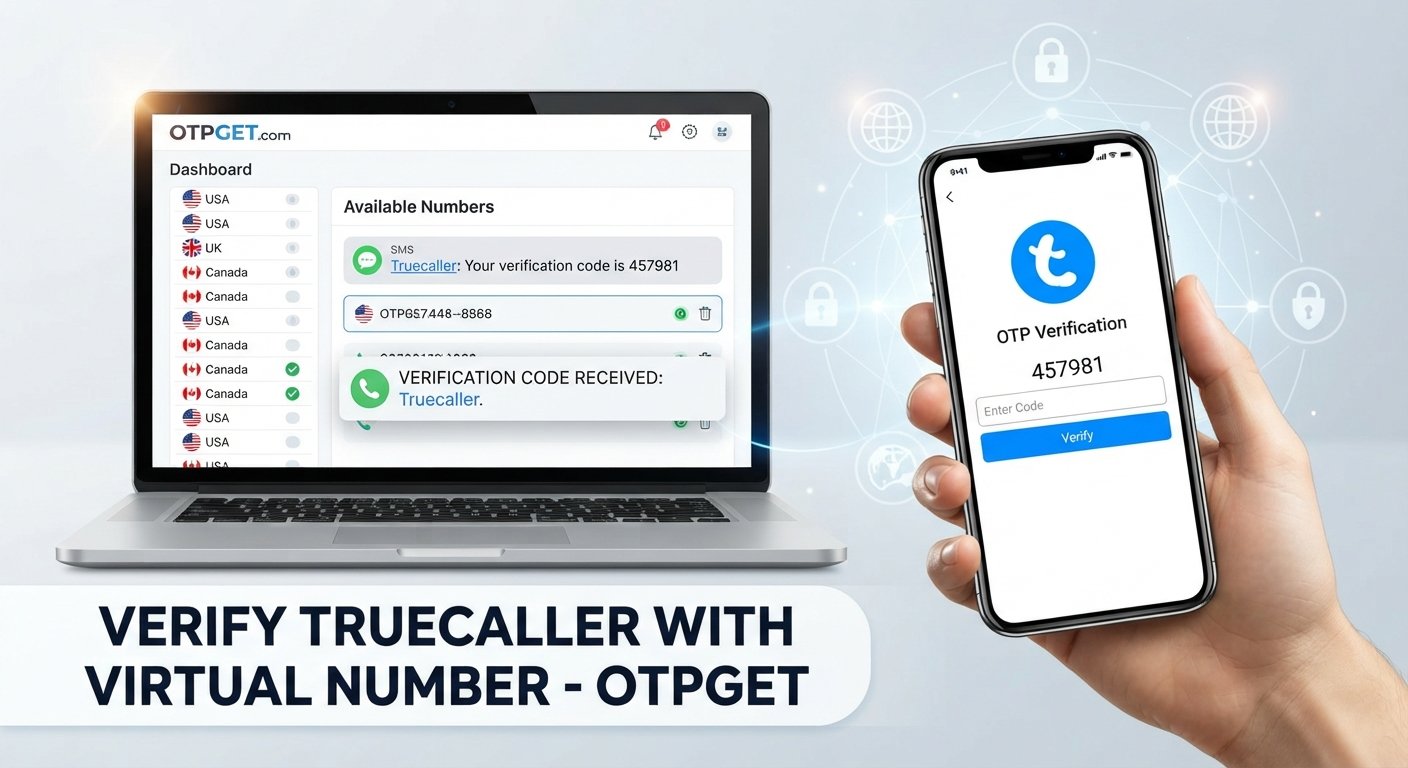
Verify Truecaller with a Virtual Number – OTPGet
Verifying a phone number is a common step when setting up or using communication and online services. For some people, however, using their primary mobile number for every verification request is not ideal. They may want to keep personal and secondary communications separate, reduce unnecessary exposure of their main number, or use a dedicated number for a particular online activity.
That is where a virtual number for Truecaller verification can be worth considering.
A virtual phone number can provide an alternative number for receiving SMS-based verification messages, depending on the service and number available. OTPGET can be a practical option for users looking for virtual numbers that can receive verification messages, subject to availability and compatibility.
The important point is that a virtual number is not automatically accepted by every platform. Successful verification depends on factors such as the number type, country, carrier, SMS availability, and the platform's verification requirements.
What Is Truecaller Verification?
Truecaller verification is the process of confirming that a phone number belongs to or can be accessed by the person attempting to use it.
As part of a verification flow, a service may send a verification code or OTP to the phone number entered by the user. The user then enters the received code in the appropriate verification field to confirm access to that number.
The exact verification experience can vary depending on factors such as the user's country, device, account status, number type, and the verification method presented by the service.
In simple terms, the process generally involves:
- Entering a phone number.
- Requesting verification.
- Receiving a verification message or code.
- Entering the code where requested.
- Completing the verification process if the number and method are supported.
This is where an alternative number can be useful for people who prefer not to expose their primary phone number.
Why Use a Virtual Number for Truecaller Verification?
There are several legitimate reasons someone might consider a virtual number for verification.
Privacy
Using an alternative number can help reduce the number of online services directly connected to a personal mobile number. This can be useful for people who prefer a clearer separation between personal communications and online verification activities.
Separation of communications
A virtual number can provide a separate channel for certain online services. Instead of using the same personal number everywhere, users can maintain a distinction between personal and secondary communications.
Secondary-number requirements
Some users already maintain multiple numbers for work, testing, business activities, or other legitimate purposes. A virtual phone number can sometimes serve a similar role when a suitable number is available.
Convenience
For users who need an alternative number for SMS verification, an online virtual number may be more convenient than obtaining another physical SIM card.
However, convenience should not be confused with guaranteed compatibility. A virtual number may work for one platform but not another.
Can You Verify Truecaller with a Virtual Number?
You may be able to verify Truecaller with a virtual number, but acceptance is not guaranteed.
Whether verification works depends on the particular virtual number and the requirements applied during the verification process. Factors can include:
- The country associated with the number
- The number type
- The underlying carrier or provider
- Whether incoming SMS is supported
- Whether the number has previous account or verification history
- Truecaller's verification requirements
- Restrictions on virtual or temporary numbers
For this reason, choosing a number capable of receiving SMS is important when attempting Truecaller OTP verification.
OTPGET can be considered by users looking for an OTP receiving number or virtual number for SMS-based verification. The available numbers and their compatibility can vary, so users should check the options available to them and use a number appropriate for the intended service.
How to Verify Truecaller with a Virtual Number Using OTPGET
If you want to use a virtual number for a legitimate verification purpose, the general process is straightforward.
1. Visit OTPGET
Start by accessing OTPGET and reviewing the virtual-number options available for your intended verification scenario.
2. Select an available virtual number
Choose a number suitable for the required country or service, where applicable. Before proceeding, make sure the selected number supports incoming SMS for the verification process you are attempting.
3. Enter the number during Truecaller verification
Use the selected virtual number in the relevant Truecaller verification flow. Enter the number carefully and follow the instructions presented by the service.
4. Request the verification code
If the number is accepted, request the verification code. The service may send an SMS containing an OTP or verification message.
5. Check OTPGET for the incoming SMS
Return to OTPGET and check whether the verification message has been received. SMS delivery can depend on the number, carrier, platform, and current service availability.
6. Enter the verification code
If the message arrives, enter the received code into the appropriate Truecaller verification field.
7. Complete verification
If the number and verification method are supported, complete the remaining verification steps shown by Truecaller.
If the number is rejected or the SMS does not arrive, avoid repeatedly requesting codes. Instead, review the number details or consider another available number where appropriate.
Why Choose OTPGET for Virtual Number Verification?
For users who want an alternative to exposing their primary mobile number, OTPGET provides a convenient way to explore virtual-number options for verification purposes.
One practical benefit is the ability to separate verification-related SMS from personal communications. Instead of immediately using a primary number for every online verification request, users can consider whether an alternative number is appropriate.
OTPGET can also be useful for users specifically looking for an online virtual number for SMS-based verification scenarios. The workflow is centered on selecting an available number and checking for an incoming verification message.
The important qualification is compatibility. OTPGET does not control the verification policies of third-party platforms. A number being available does not necessarily mean that every external service will accept it.
Users should therefore view OTPGET as a practical option for exploring virtual numbers rather than as a guarantee that a particular service will approve a number.
Things to Know Before Using a Virtual Number for Truecaller
Before starting an online verification process, keep the following considerations in mind:
- Not every virtual number is accepted. Some services restrict virtual, temporary, or certain carrier-associated numbers.
- SMS delivery can vary. Network routing, carrier behavior, service availability, and other factors can affect delivery.
- Number history matters. A number may have previously been associated with accounts or verification activity.
- Availability can change. Virtual numbers may not always be available for every country or service.
- Country and number format matter. Enter the number using the format requested by the verification service.
- Verification policies can change. External platforms may update their requirements or restrict certain number categories.
- Use numbers responsibly. Virtual numbers should not be used for impersonation, fraud, spam, abuse, or attempts to circumvent legitimate security controls.
Using an alternative number for privacy is different from using one to misrepresent identity or bypass platform safeguards. Always follow the applicable service terms and verification requirements.
Virtual Number vs. Personal Number for Verification
Both options can be appropriate in different situations. The choice depends on privacy preferences, compatibility, convenience, and the purpose of the verification.
| Factor | Personal Number | Virtual Number |
|---|---|---|
| Privacy | More directly connected to personal communications | Can provide separation from a primary number |
| Convenience | Usually already available on the user's phone | Requires obtaining an available virtual number |
| Number separation | Limited if used for multiple services | Useful for keeping verification activity separate |
| SMS availability | Typically depends on the mobile carrier | Depends on the specific virtual number and service |
| Platform compatibility | Often broadly supported, depending on service | Can vary by platform and number type |
A personal number may be simpler when compatibility is the priority. A virtual number may be preferable when separating personal information from a particular verification activity is important.
Common Problems When Receiving a Truecaller OTP
Even when a verification number appears suitable, several issues can prevent successful verification.
OTP not arriving
The verification SMS may be delayed or may not be delivered. Wait briefly before requesting another code, since repeated requests can sometimes create additional complications.
Number not accepted
A service may reject a virtual or temporary number based on its verification policies. In that situation, another compatible number may be necessary.
Number already associated with an account
A number can have previous account or verification history. This may affect how a platform handles the verification request.
Unsupported number type
Some services distinguish between mobile, landline, VoIP, virtual, and other number categories. A number that works for general SMS may not necessarily work for a particular verification service.
Incorrect country or number format
Double-check the country selection and phone number before submitting the verification request.
Temporary service issues
Occasional delays can result from SMS routing, carrier conditions, platform availability, or other technical issues.
If a verification code does not arrive, check the number, wait before retrying, and consider another available number if appropriate.
Tips for a Smooth Verification Process
A few simple practices can make the process easier:
- Confirm the selected country and number format.
- Make sure the number is intended to support incoming SMS.
- Enter the number carefully.
- Wait briefly if an OTP is delayed.
- Avoid repeatedly requesting verification codes.
- Check that the verification number matches the one entered in the service.
- Use a number that is appropriate for the platform's requirements.
- If a selected number is not supported, check OTPGET for another available option.
- Follow the service's verification instructions rather than attempting to bypass them.
These steps cannot guarantee successful verification, but they can help avoid common input and compatibility problems.
Frequently Asked Questions
1. Can I verify Truecaller with a virtual number?
It may be possible, but it depends on the specific virtual number and Truecaller's verification requirements. Not every virtual number is necessarily accepted.
2. What is a virtual number for Truecaller verification?
A virtual number is an alternative phone number that can be used for certain communication or SMS purposes without necessarily being tied to a traditional physical SIM in the same way as a personal mobile number.
3. Can I receive a Truecaller OTP online?
If the selected virtual number supports incoming SMS and the service accepts that number, a verification message may be received through the provider's online interface. Availability and compatibility vary.
4. Does every virtual number work with Truecaller?
No. Acceptance can depend on the number type, country, carrier, previous number history, SMS capability, and Truecaller's verification requirements.
5. How does OTPGET help with OTP verification?
OTPGET can provide users with access to available virtual-number options that may be used for SMS-based verification scenarios. Whether a particular number works depends on the external platform and the number's compatibility.
6. Why is my Truecaller verification code not arriving?
Possible causes include SMS delays, an unsupported number type, incorrect number details, temporary service issues, or restrictions on the selected number. Checking the number and waiting before requesting another code can help.
7. Is using a virtual number suitable for protecting my personal number?
A virtual number can be useful when the goal is to keep a primary phone number separate from a particular online verification activity. However, users should consider the number's privacy characteristics, availability, and the policies of the service they are using.
Final Thoughts
If you want to verify Truecaller with a virtual number while keeping your primary phone number separate, a suitable virtual number can be an option for legitimate verification purposes.
The key is to understand that virtual-number compatibility varies. SMS availability, country, number type, carrier, number history, and the platform's own verification policies can all affect the outcome.
OTPGET can be a practical solution for users looking for virtual numbers that can receive verification SMS, subject to availability and compatibility. It gives users an alternative to immediately exposing their personal number when an online verification scenario calls for another number.
If using a virtual number fits your needs, explore the available options through OTPGET, choose a number appropriate for your intended purpose, and follow the verification requirements of the service you are using.


